Batch adding to a Tag

I am teacher and creating a library within my library by adding a tag to books that I keep in my classroom library for students to borrow. How do I quickly add tags to hundreds of books that have already been entered into the library?

Also is there a way to sort the books by the date they were added to that I can quickly select those books and then batch add them all?
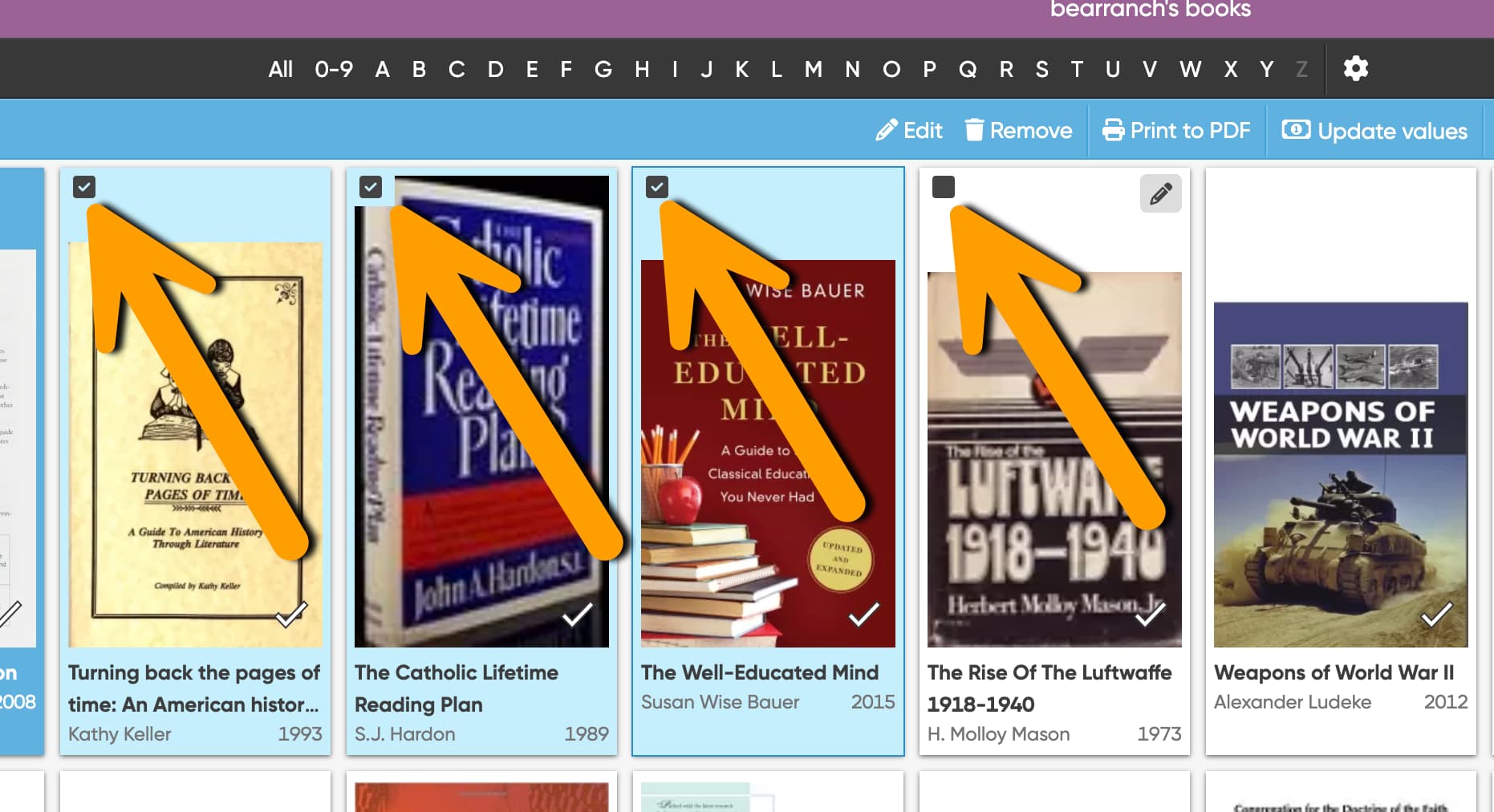
To batch add tags, do this:

  1. Select the books you wish to add tags to in batch, you do this by hovering your mouse over a book and then check the box

  1. Now click on “Edit” in the action bar at the top
  2. In the next popup, you have to select which fields you wish to edit. Important: Now make sure you only add the Tags field. Remove any other field
  3. In the next screen, top right of the Tags box, make sure to select “ADD” (as you only want to ADD tags, right?)
  4. Type in the tags you wish to add to this selection of books and save it.

Sorting:
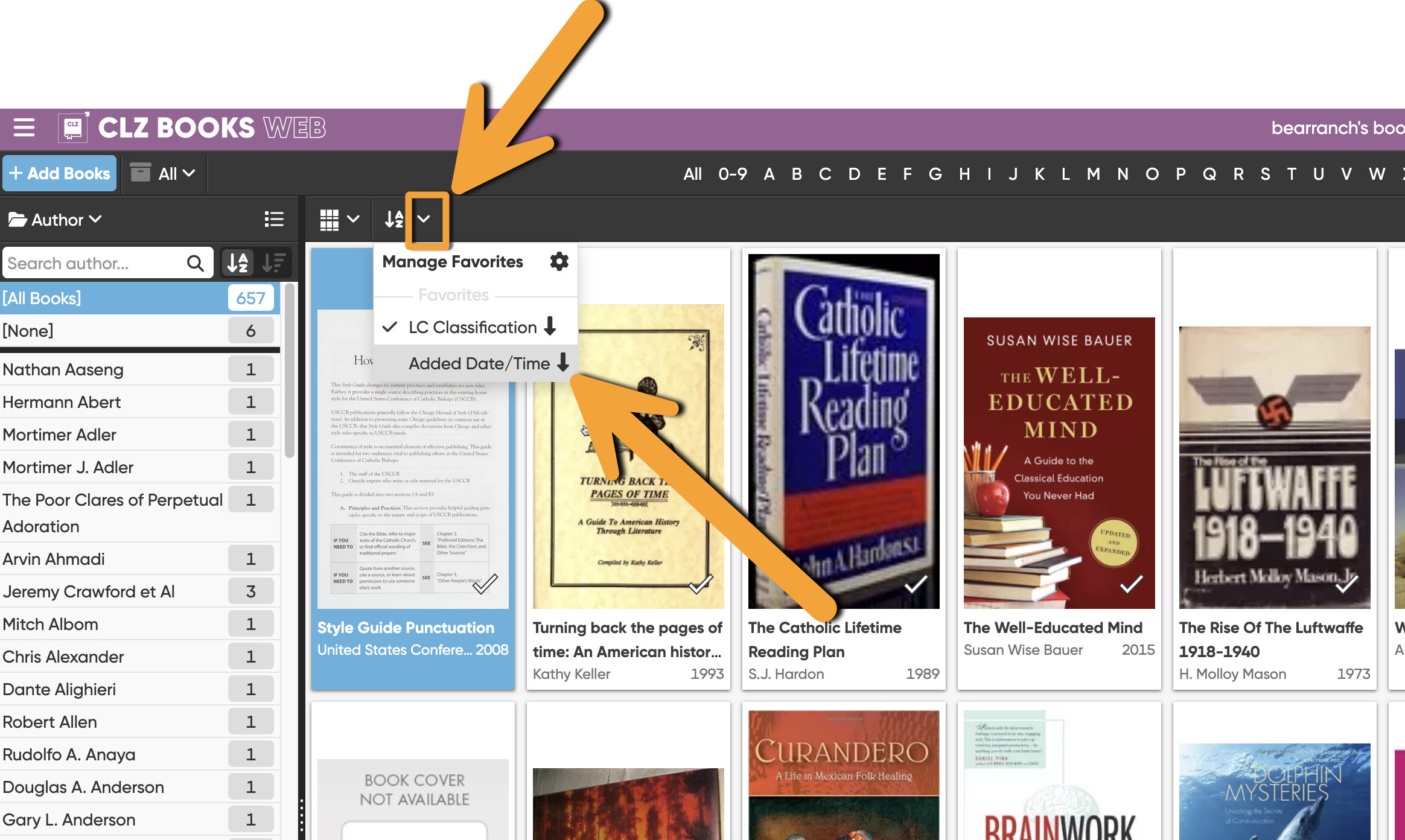
As for the sorting, I’ve created a new sort order for you that you can click in your collection: