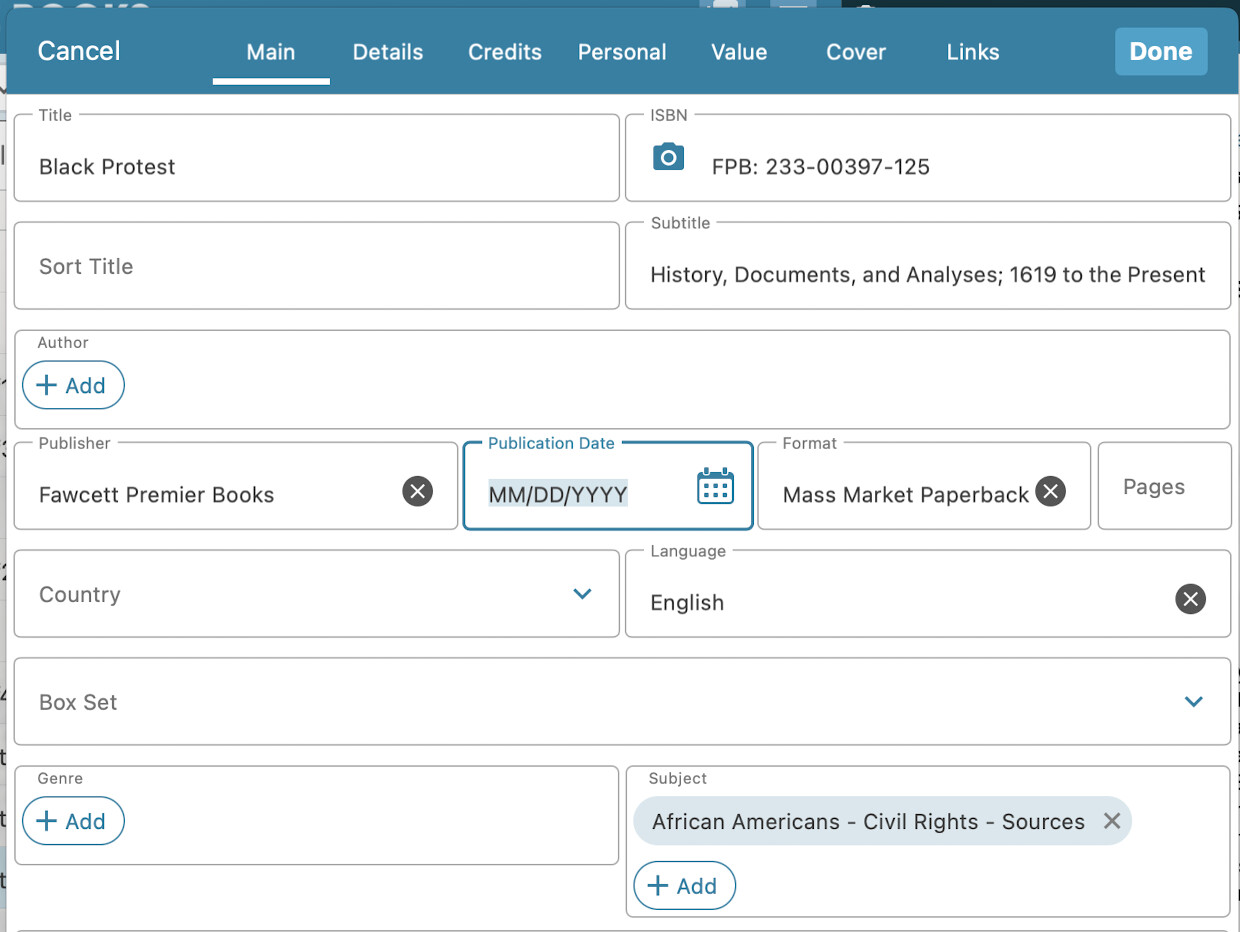
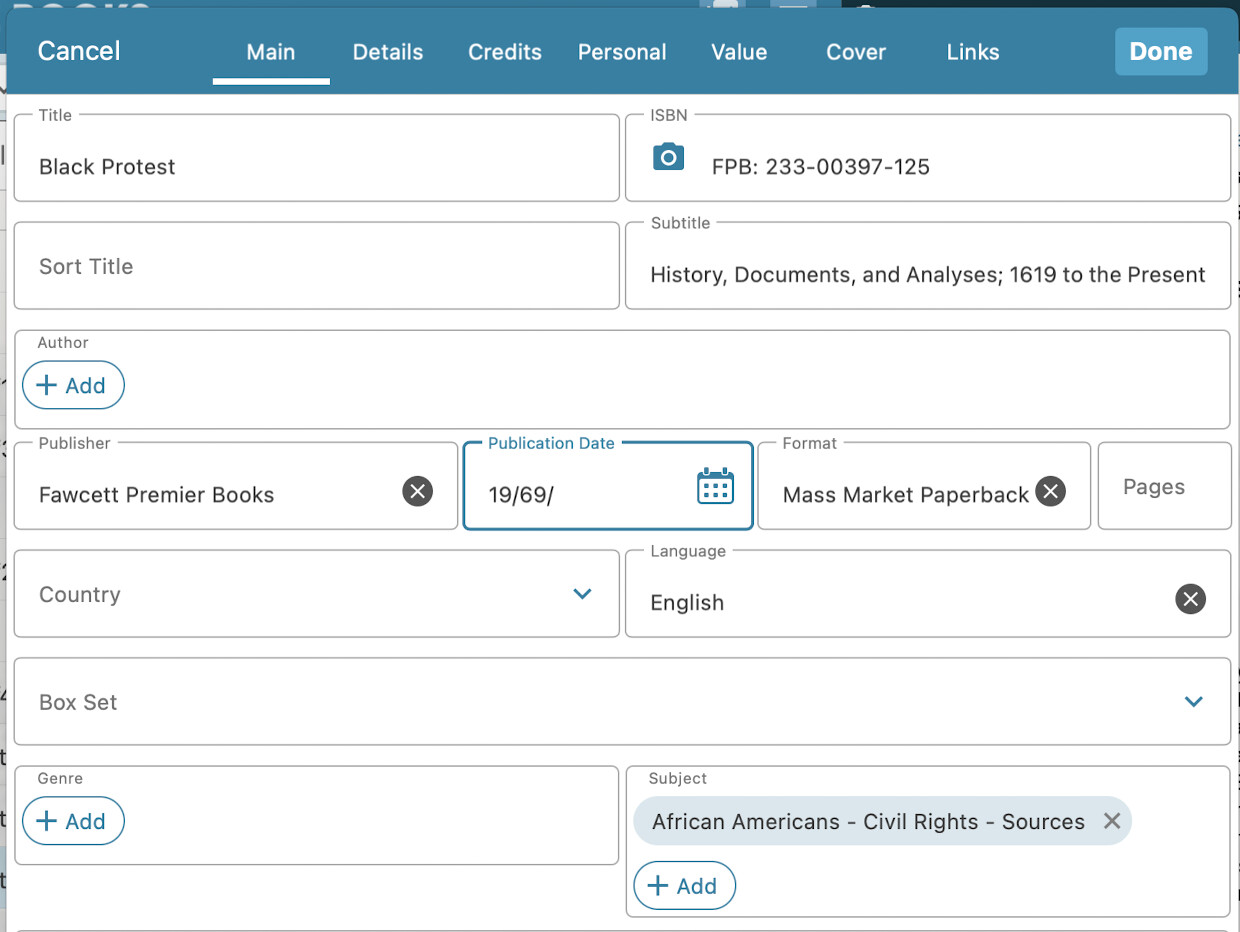
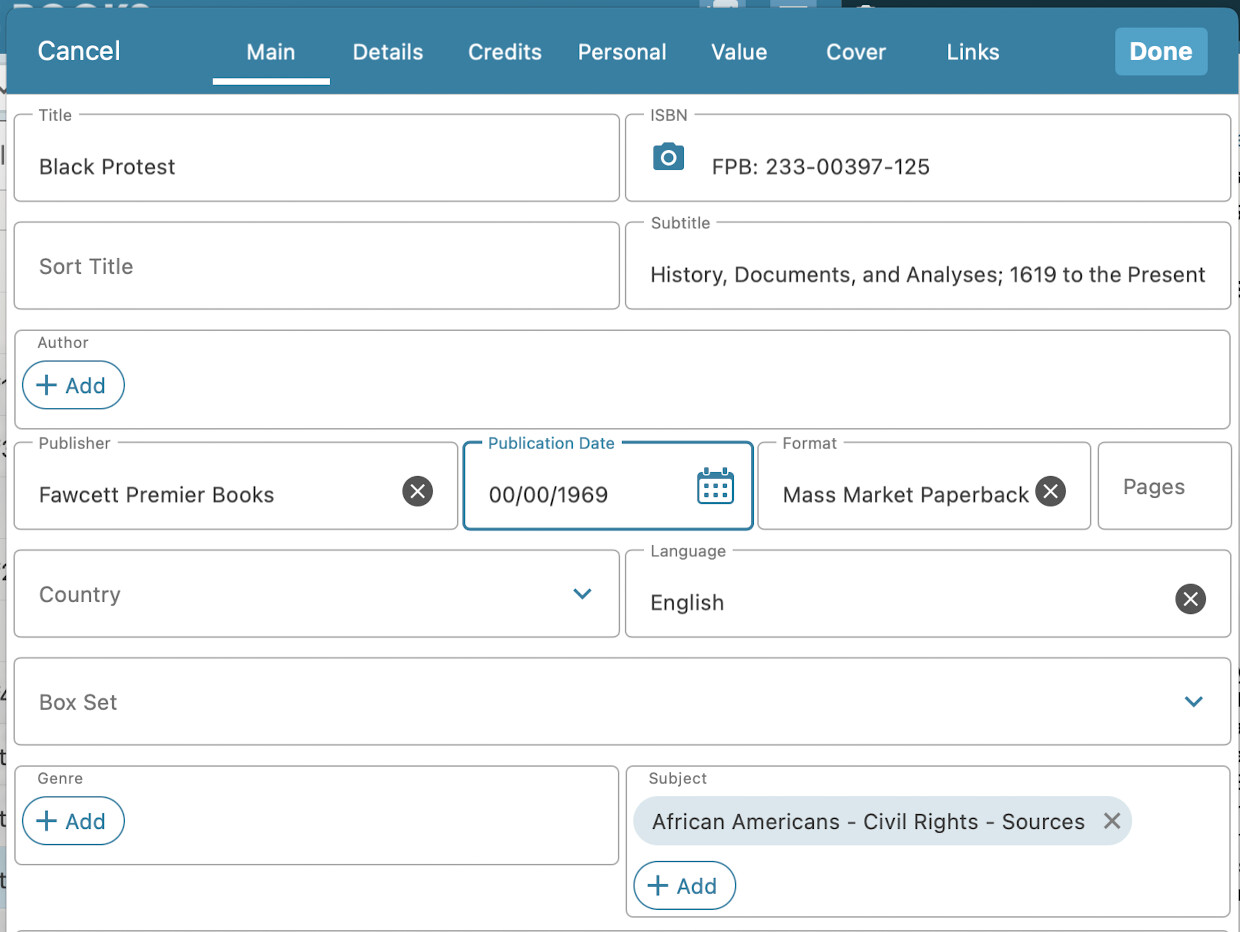
I try to update my original publication dates and thanks to my philosophy studies there are some years like 200 bc or -200 in the desktop version. But mobile can’t handle dates under 0. And even dates like 00/00/0058 for Seneca get lost while saving. If you could at least make it possible that the mobile app can handle years between 0-99.
It is indeed possible in the desktop version to fill in whatever you want in the year field. The year field is weird (it is a “pick list” on desktop, causing all kinds of problems for users who accidentally make a typo in a year and not knowing how to fix it for instance).
If you add the original publication date as a column on desktop, -200 will display as “invalid” (it will show correctly in the details panel).
We have it on our request list to make something work for the date field on CLZ Web and Mobile that allows you to go further back, but right now it is not possible. We’ve seen some users fill in a date like 1111-11-11, and then use a tag to put in “200 B.C.” - not optimal, but that is something you could consider to have it work “now”.
I would like to chime in & suggest a teak to the Pub Date entry tool.
I like the ablity to turn off the Day & Month, but the 4 digit year is problematic for older books with not day/month info. Scrolling back to 1934 is a pill. Can code be added that would also a number prompt? For example, I have used forms that dropdown menu options for states using a First Letter. If I could partially type/trigger 193 that would fast track me to that decade it would save me a lot of time, OR allow me to manually type just a 4-digit year (which is not currently an option.
You cannot do this directly by just typing the YEAR, you must enter 00 for day & 00 for month and only then will it accept a 4 digit entry for the year. These separate steps are indeed faster than scrolling.