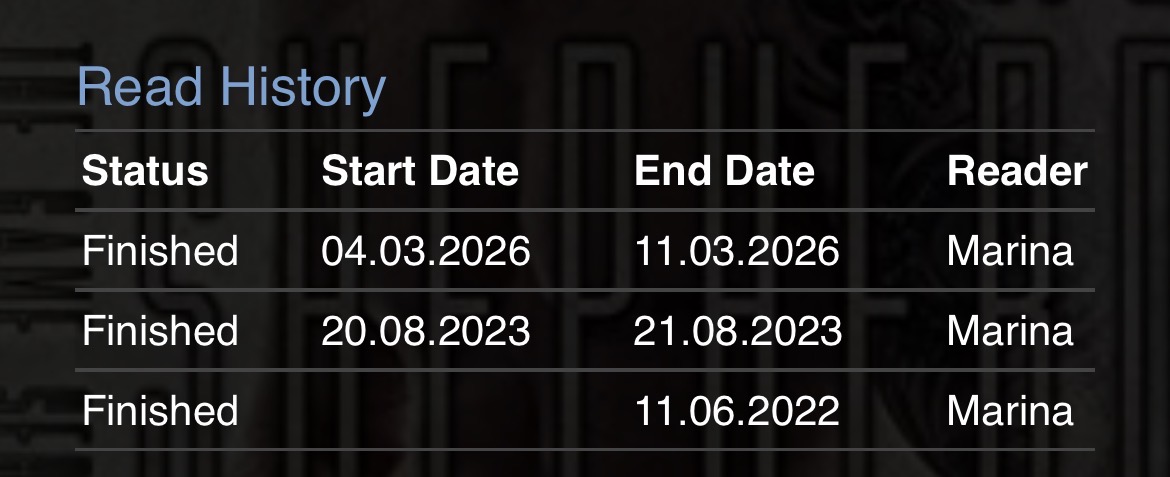
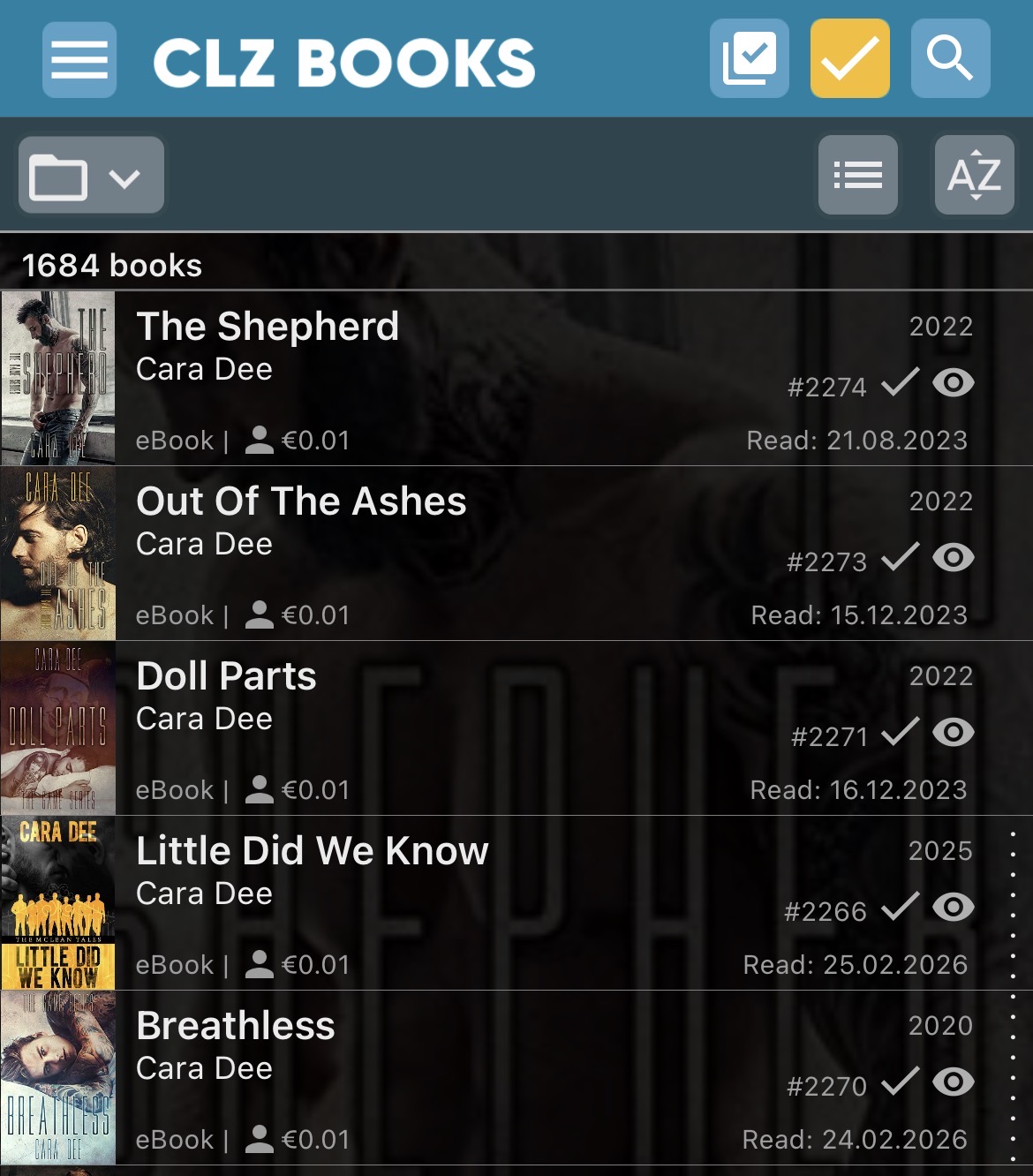
When I update books in the mobile app with a new reading date, they get sortet correctly but it shows the older reading date in the list view.
I think it only happens when I update the reading history in the mobile app, but I’m not 100% sure.
Best regards
Marina
CLZ_AJ
2
Seems like a bug on iOS.
We’ll work on a fix, my apologies for the inconvenience caused.
CLZ_AJ
3
@ritreffem this should now be fixed in CLZ Books v10.6.3 for iOS.
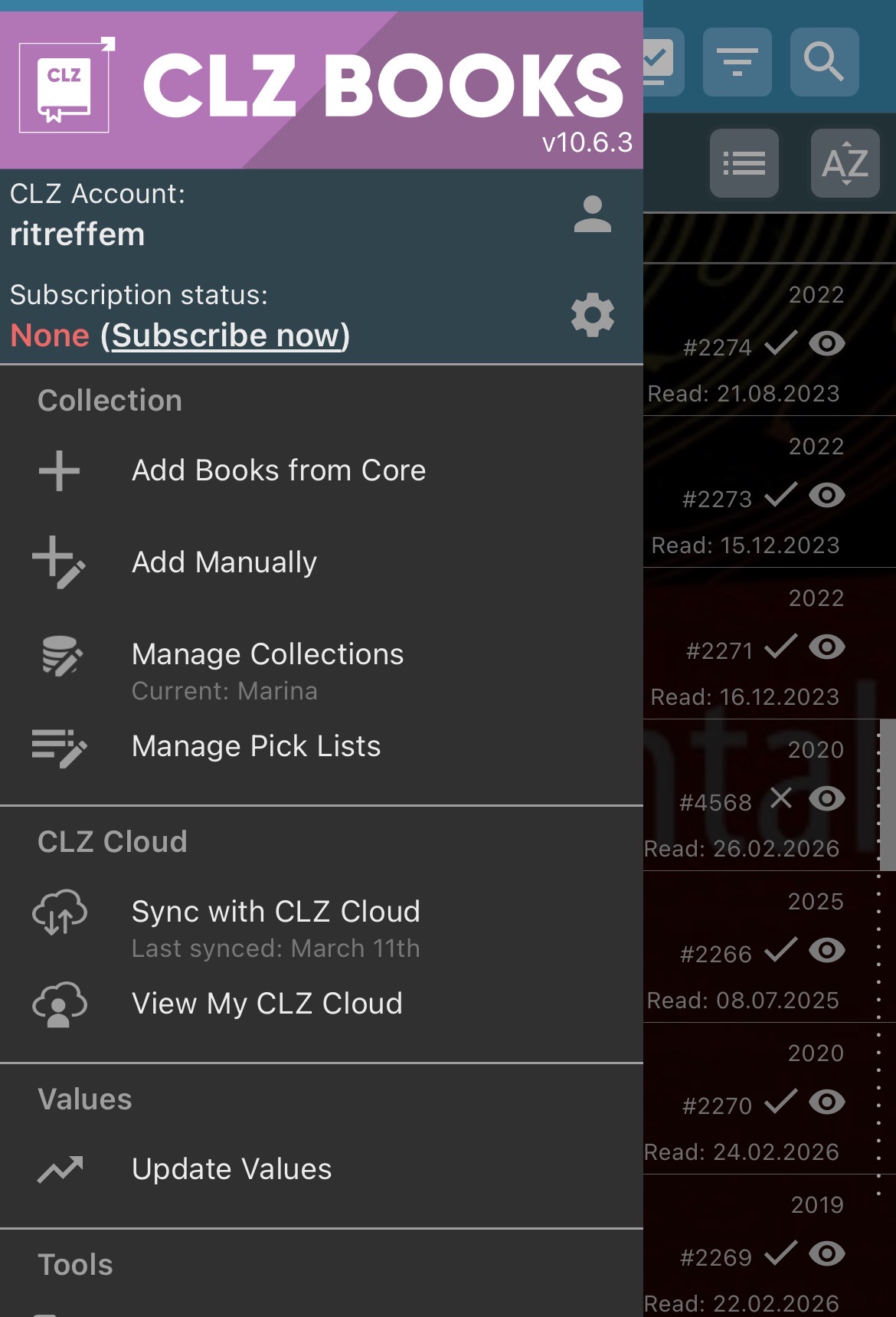
Your app may have updated itself already (check the menu top left, the version number is at the top).
If it hasn’t updated itself yet, here’s how to force the update:
on iOS:
- On your device, open the App Store app.
- Search “CLZ” and select your CLZ app.
- Tap “Update” to update the app.
Can you please let me know if that worked or not?
I updated the app but the problem is still there
CLZ_AJ
5
Missed a line of code.. we’re uploading a new build today, sorry about that.
1 Like
CLZ_AJ
6
@ritreffem how about now in version 10.6.4…? 
This solved it. Thank you.
CLZ_AJ
8
Awesome, thanks for letting me know!