I’m new to this software. I’ve been using google docs spreadsheets to manage my discs lists, and I would like to start using this app instead. I’ve thrown away all of the cases for my DVDs. Is there any way for me to import my list (CSV, titles only) and have the other fields auto-populate by doing a lookup? My list is about 500 discs long. I could also add fields for the media type (blu ray, UHD, etc), if that would help.
Click the menu top left and click on IMPORT/EXPORT > then > Import a Text or CSV file
Follow the instructions on screen to import your existing list of items.
On that page make sure you check out that Preview area and match your fields to our fields so your data comes in the right fields.
After importing, you need to “Link Movies” - which is basically an automatic search that our app does for you, so you can “link to movies in Core” - and that is how you then get all the other fields to auto-populate
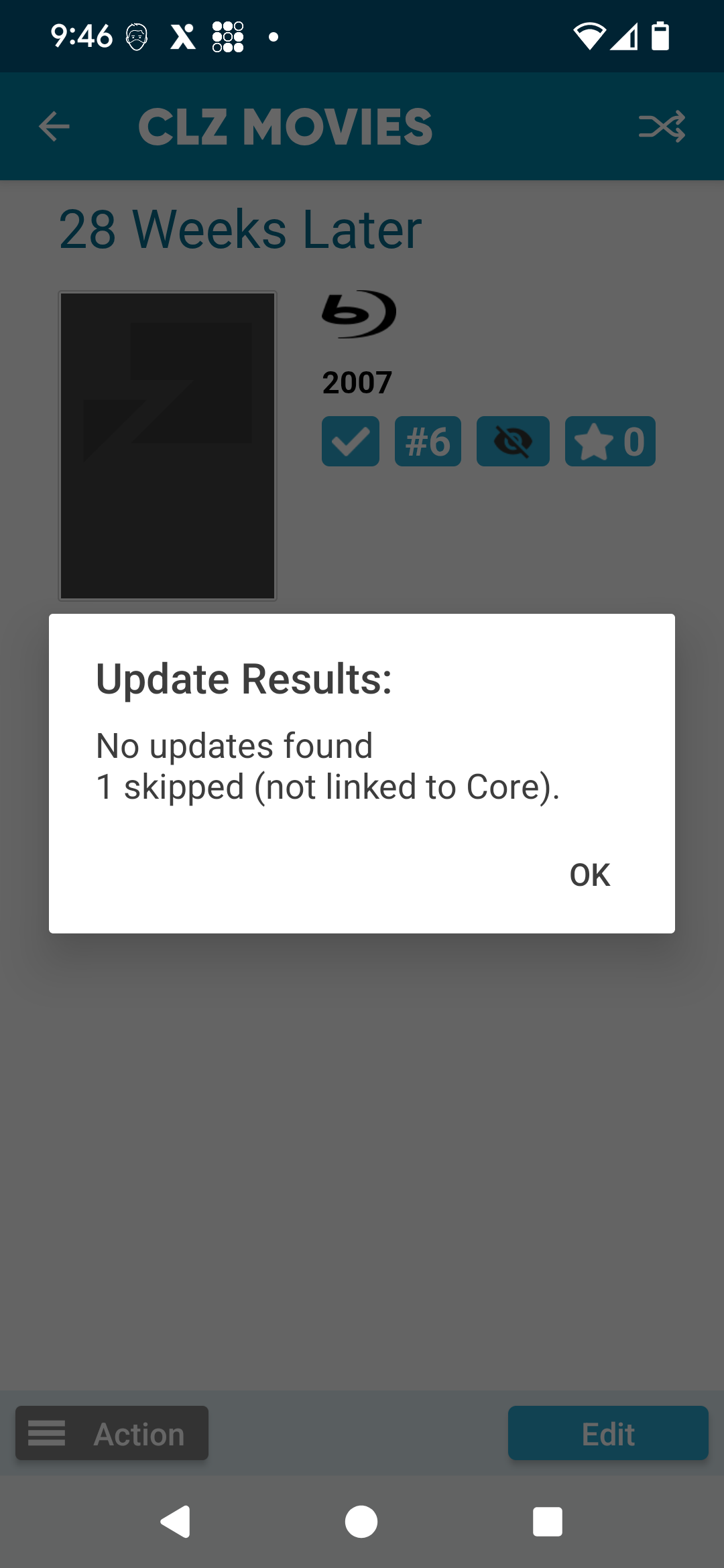
Thanks. I’ve imported the list with just titles. I don’t see “a link to movies in core” action, but I’ve tried the “Update from Core” function, but it tells me “no update found” . I tried adding the release year and format and then trying again, but it still doesn’t find anything.
Yeah the “link movies” is found in the Web/Cloud version - not on mobile.
But good to hear you found it!
Just if anyone else is reading this: “Update from Core” will only work if a movie is linked with Core, cause that is where the updated data then comes from.
The “link to movies in core” is a very nicely implanted feature. I really like how it grades the matches into three tiers of confidence and how I can edit the title to search without exiting. That came in very useful for the few titles I had misspelled in my spreadsheet.