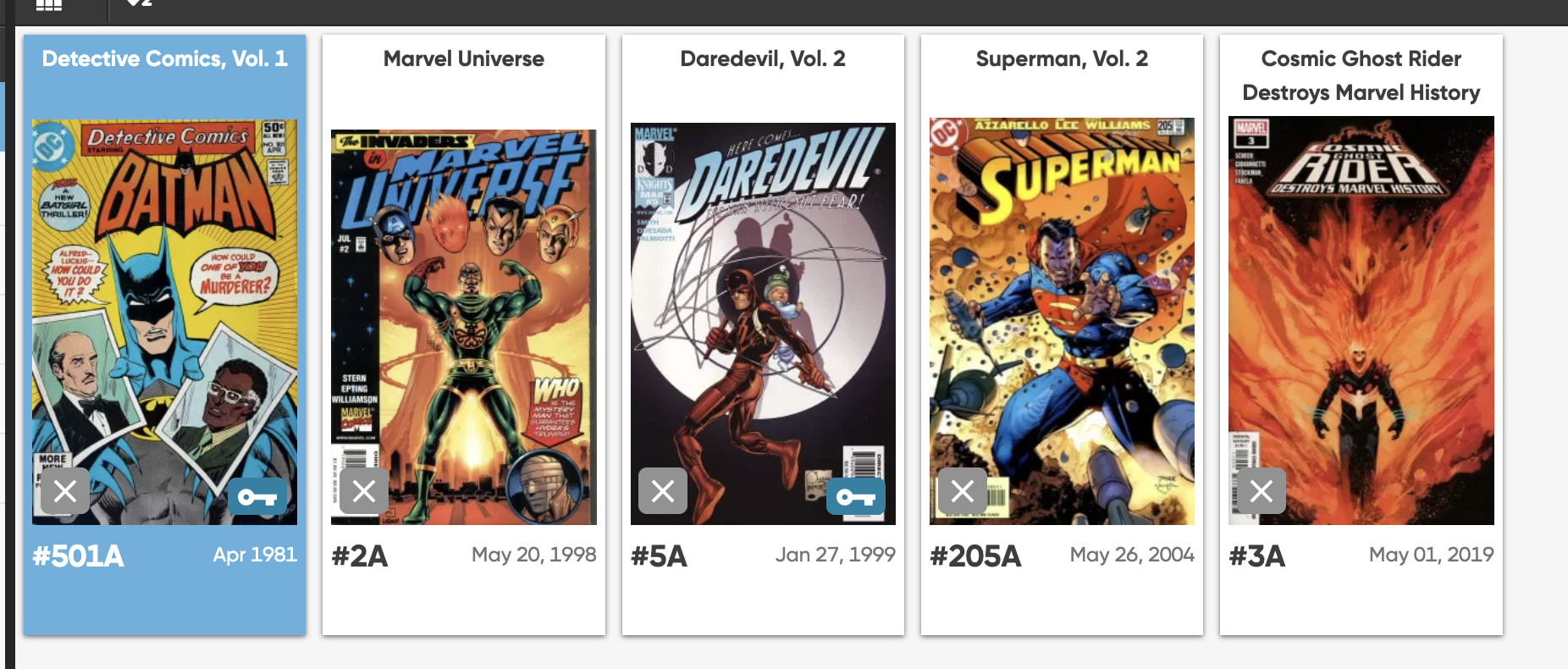
There is an issue of Daredevil vol 2 number 5A that I removed from my collection using the app. While it is no longer on the app, I still see it on the desktop interface, although it has an “x” on the lower left corner of the thumbnail. I nee to remove it altogether. How do I do that?
Daredevil Vol. 2 number 5A is still in your database, marked as Collection Status: “Not in Collection”
That must mean it is also still in your mobile app, with the Collection Status changed to “Not in Collection”.
In your mobile app you can tap the icon top right and filter on Collection Status. You could set it to “All”, to see all comics.
Removing a comic is done via:
- tap comic
- tap Action
- remove it.
Could it be you’re only changing the Collection Status?
You have 5 comics with Collection Status: Not in Collection:
Very helpful. Thank you!