I’m close to converting to the Web from the old desktop. One feature that I use extensively on the Desktop application is Filters. I have filters to quickly sort and find comics in my collection. However, I can’t seem to find on the Web app where to create these items.
The web-app does not have a “create filters” screen. Is there a specific sorting, or foldergrouping or subset of data you’re looking for? A lot can be achieved with foldergrouping (grouping comics together in folders, max 3 levels of folders) and sorting (the order in which comic display in a list from top to bottom).
Hi! I use the filters to quickly sort and find books based on the column data I’m looking for.
Example:
Each week I use the “Release date” greater than Nov 1, 2025, “My Value” equals 0, and “Cover Price” equal to $3.99. This allows me to add a value in the “My Value” field. I have a different filter that I use the “Release date” greater than Nov 1, 2025, “My Value” equals 0, and “Cover Price” greater than $3.99. This allows me to add a value in the “My Value” field.
I can’t do this when I add my weekly books by “Add by Barcode” since books may have different cover prices.
Another is each week I use the “Release date” greater than Nov 1, 2025 and “Storage Box” equal blank or null. This allows me to add the weekly books haul into the proper “Storage box”.
I can’t do this when I add my weekly books by “Add by Barcode” since books will go into different boxes.
I have 12 or so filters that allow me to quickly search for whatever I’m looking for.
Yes, I see that “foldergrouping” does something similar but when creating a new grouping in the “Manage Folders” menu “Cover Price” is not an option.
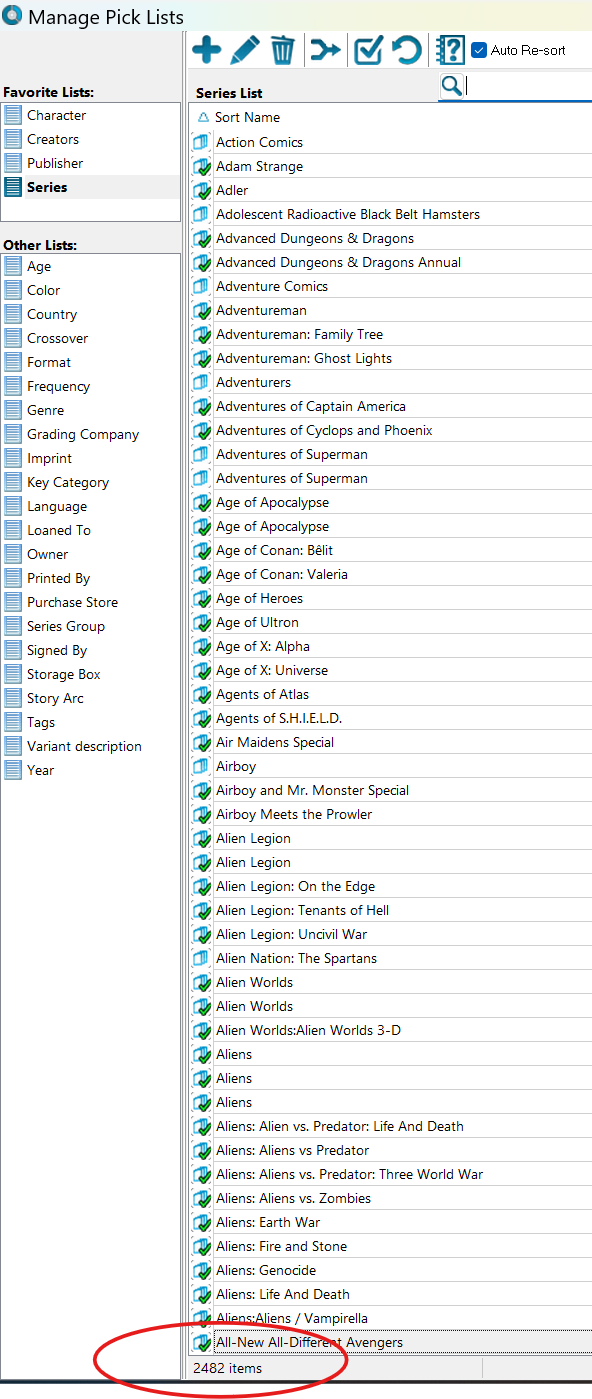
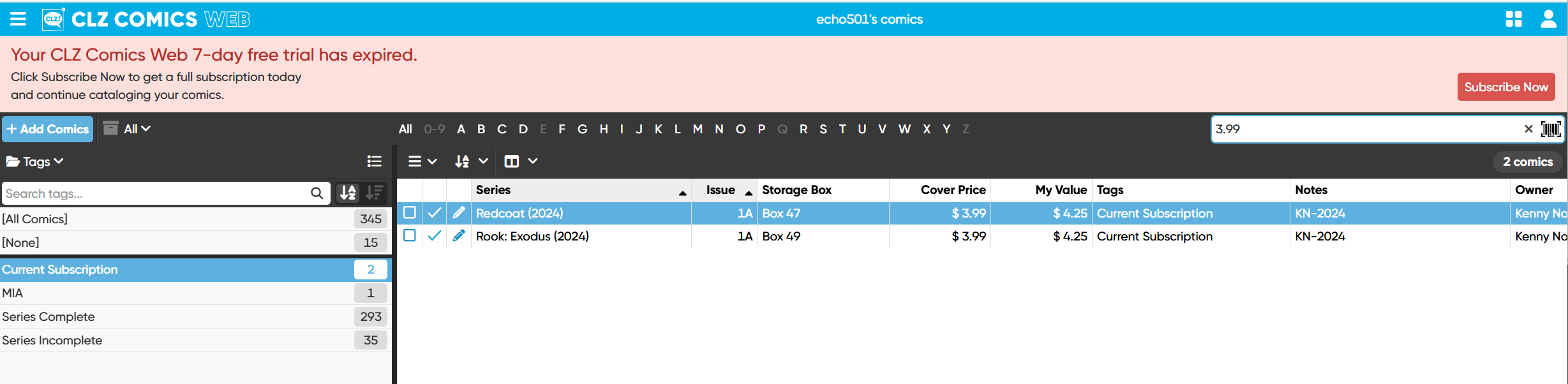
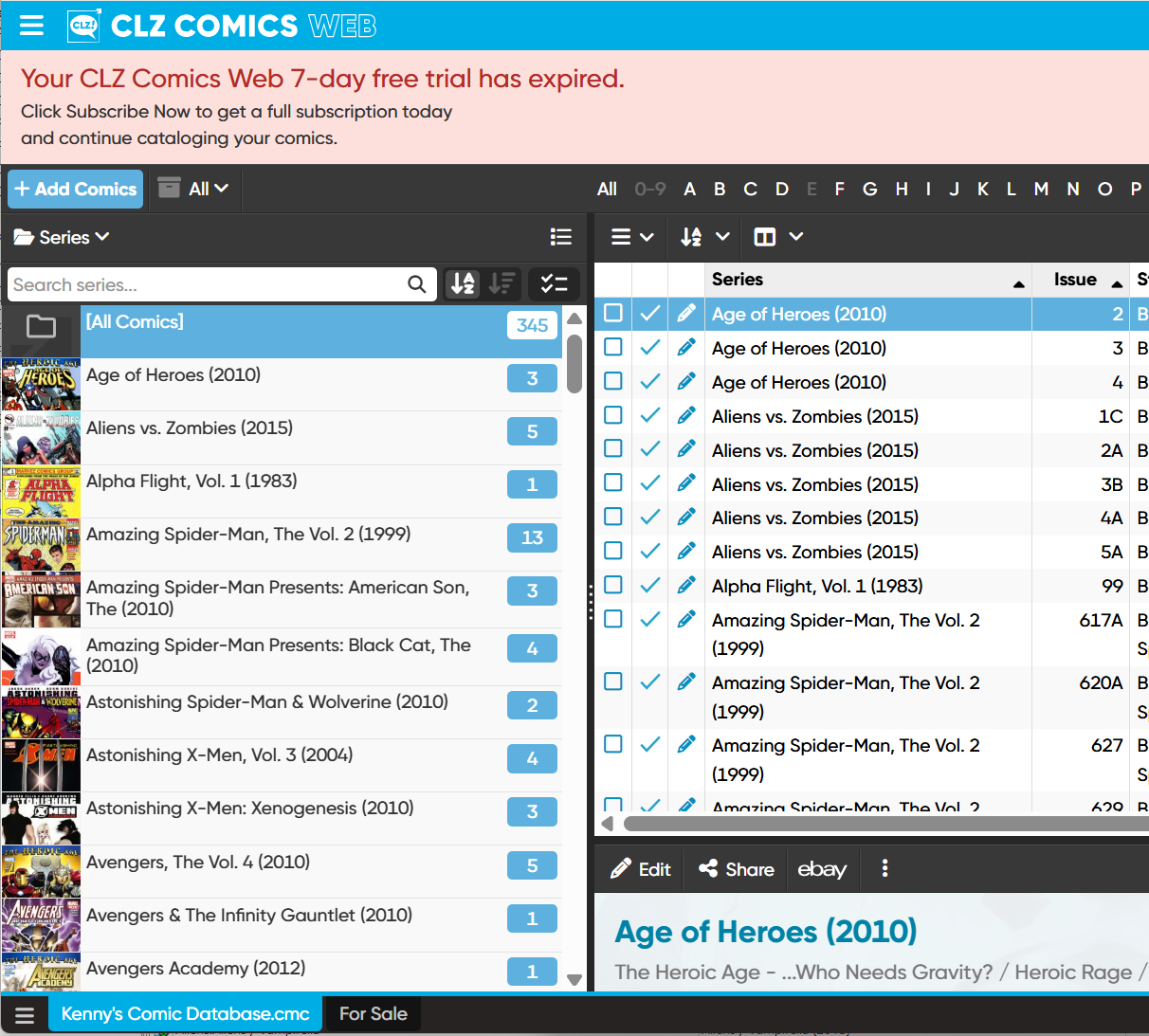
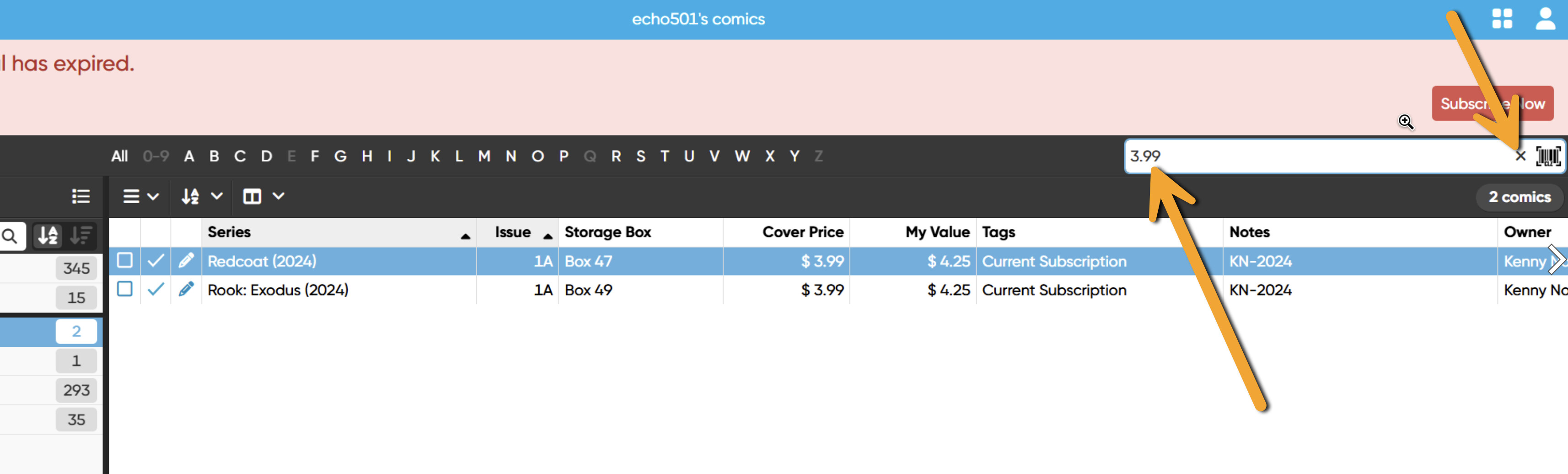
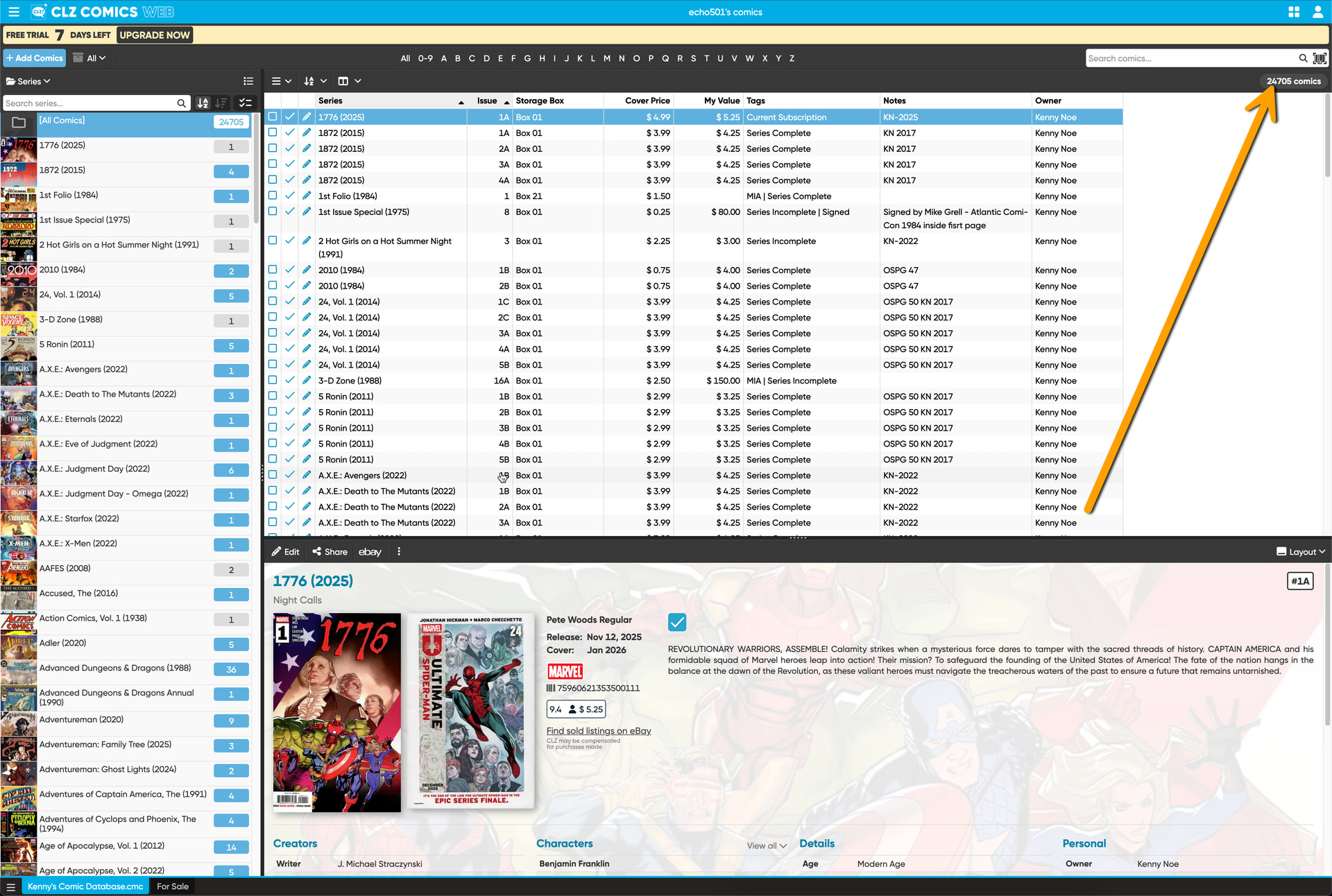
Another filter I use searches the “Comic.Tags” field for tags that equal “Current Subscription”. When I search the desktop application I find 20+ series and their associated series. When I create a “Managed Folder Favorites” and choose the “Tags” field, there are multiple folders including one that says “Current Subscription”. But that folder only has 4 series in it. I know there should be 20+. Why the difference?
yes, these are indeed useful, and this is not a feature on Web. It might become a feature in the future, but I can’t promise this. Thanks for explaining.
Cover Price would be a strange one to have as an option (it would create folders on each different cover price one might have. Ranges that we provide might work here. This is on our ideas list but never made the cut so far.
I’ve just created a folder group setting for:
TAGS first, and SERIES second
in your CLZ Comics Web account.
You have many series in the “Current Subscription” tag folder, way more than 4. Can you show me where it shows “4” for you in a screenshot?
I believe if the foldergroup filter could incorporate ranges (>, <, =) or boolean operators (AND, OR, and NOT), this would be very beneficial to searching larger collections.
Will poke a bit more but I think all my questions have been answered.
Yeah I heard you, I think an advanced filter screen would help - but that’s a big project. Not sure about ranges/booleans in the folder panel search - but it would likely be easier to create (and definitely not discoverable unfortunately) perhaps. I’ve taken note of your idea.
FYI, Think I’ve found a work around to sort new issues that have been added so I can update the Storage Box and My Value fields.
I’m using FolderGroup “Series”. Then in the issue panel I found that I can manage Sorting Favorites. I created a new one and chose “Date Added/Time” Descending. Bang I’ve got the most recent issues I’ve added and I can find the correct Storage Box by putting the series name in the Series search box.
Thought you’d (and others) would like to know there’s a workaround.
Yeah I was actually thinking of suggesting that, but the filters you created on Windows seemed to specific for that to work the way you’d like it - so I held of.. that said, good on you that you found this yourself and made it work for you!
 good to hear you got your comics there now.