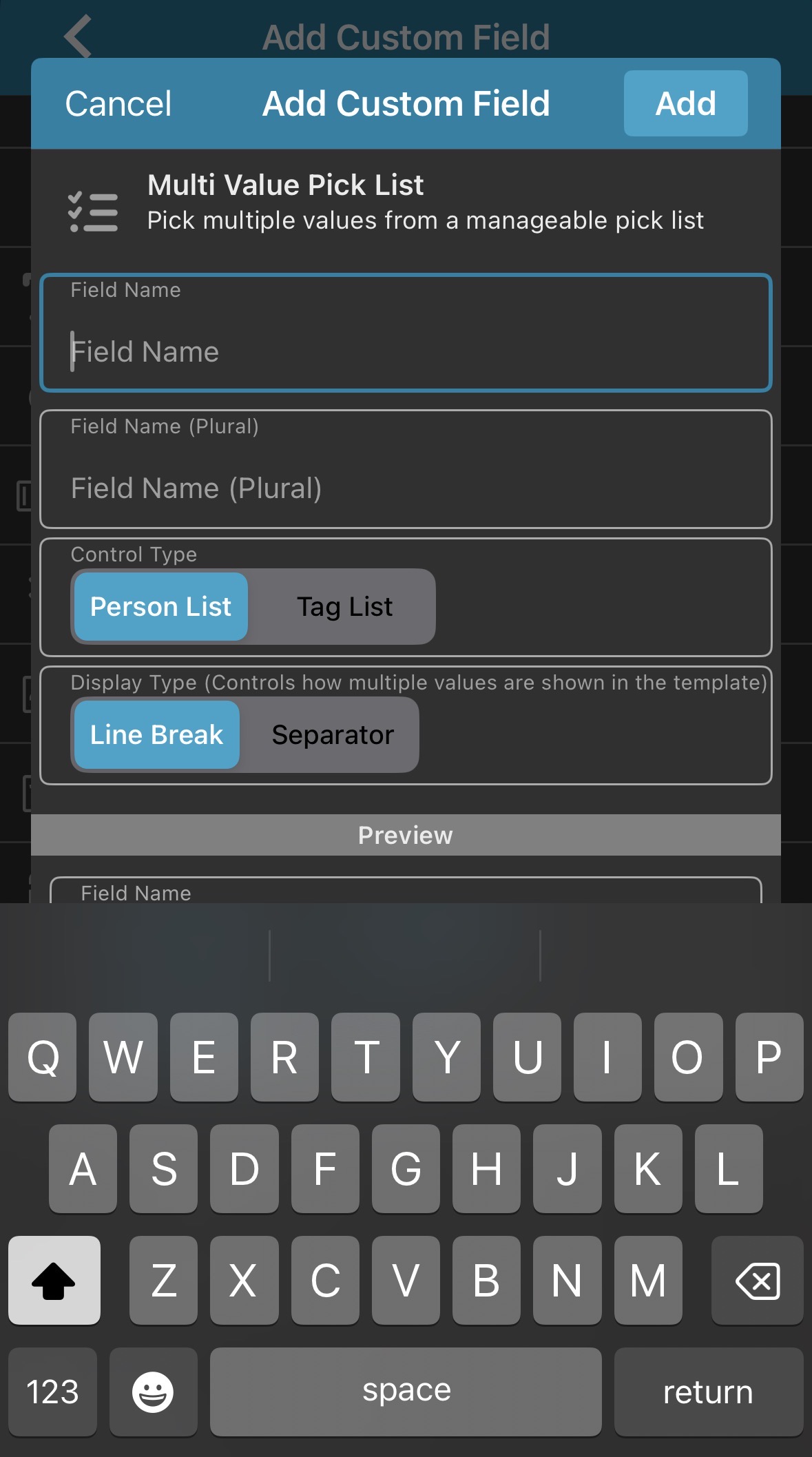
The keyboard on the Multi value pick list blocks the preview area and there doesn’t appear to be a way to dismiss the keyboard. Using iOS version
I see, that is annoying indeed.
Will ask our iOS developers to check this out.
This will be fixed in the next update. Then it will let you tap anywhere outside the input box to dismiss the keyboard.
This has now been fixed in version 11.0.3 for iOS.
Your app may have updated itself already (check the menu top left, the version number is at the top).
If it hasn’t updated itself yet, here’s how to force the update:
on iOS:
- On your device, open the App Store app.
- Search “CLZ” and select your CLZ app.
- Tap “Update” to update the app.
Can you please let me know if that worked or not?
What’s New:
yes, it is fixed. Thank you!
1 Like