I currently use the old desktop Movies software and the mobile app. My apologies if this has been covered before, I didn’t find anything on the subject.
When I add a director in desktop, I can control how the name is typed out and what their sort name is. When I then view the same movie or director in the mobile app, it can be different - sort name is created differently, umlauts and accent marks are missing above letters etc. If I update the movie in mobile and then sync to desktop, the name gets messed up in desktop as well.
Some examples of wrong sort names popping up:
Palma, Brian De (interestingly e.g. “De Niro, Robert” is correct)
Chan-wook, Park (should be the other way around, of course)
A.Z. Dippe, Mark (should be Dippe, Mark A.Z.)
Jr., Richard Bates (should be Bates Jr., Richard)
MURNAU, F. W. (all caps, for some reason)
Sanchez, Eduardo (should be Sánchez, Eduardo)
There are tons of others as well in the same vein. How can I get the correct sort name to stick? I suspect it has something to with Core/Cloud sync, and if so and if possible, I’d like to disable that completely.
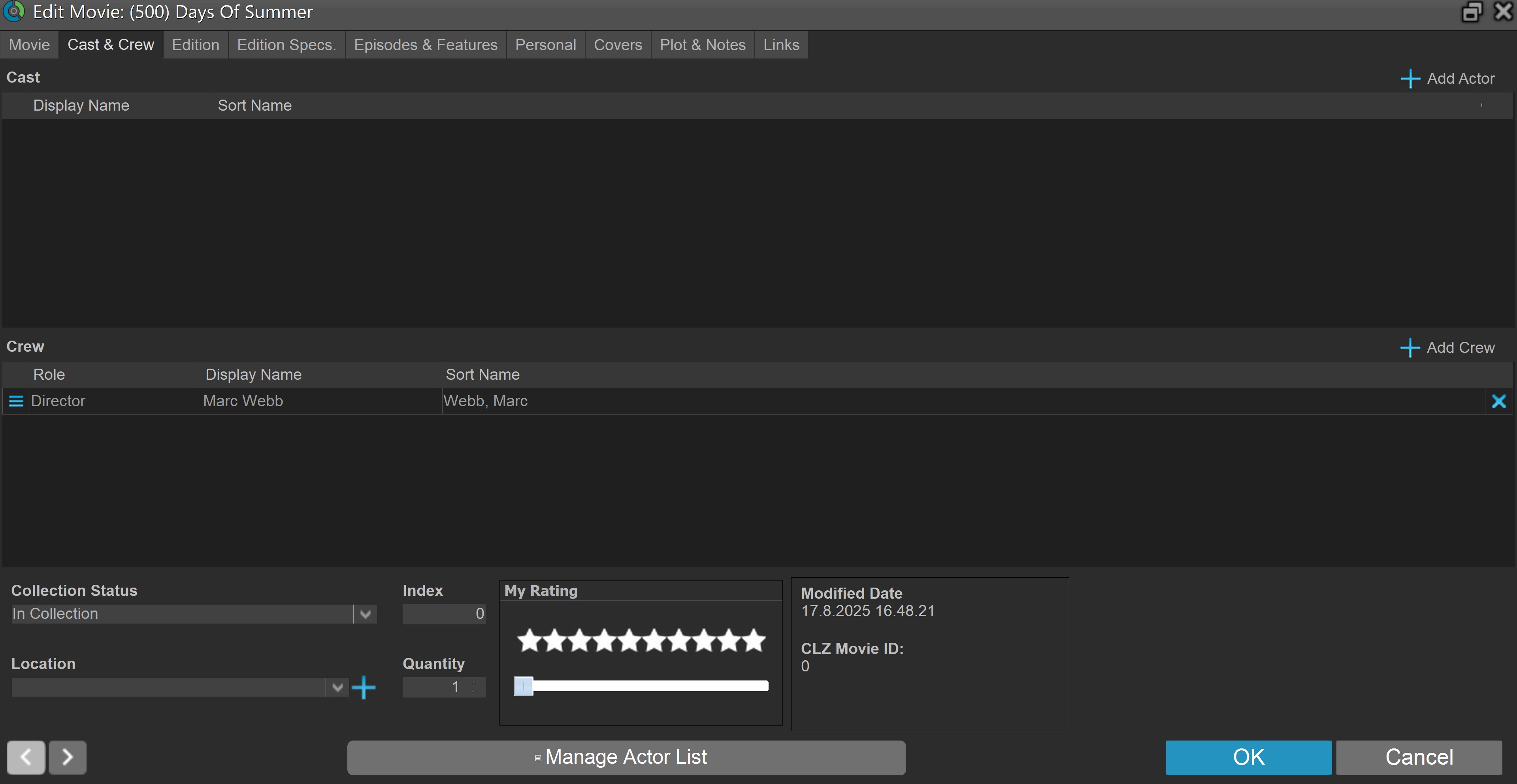
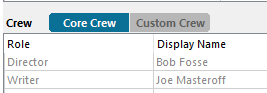
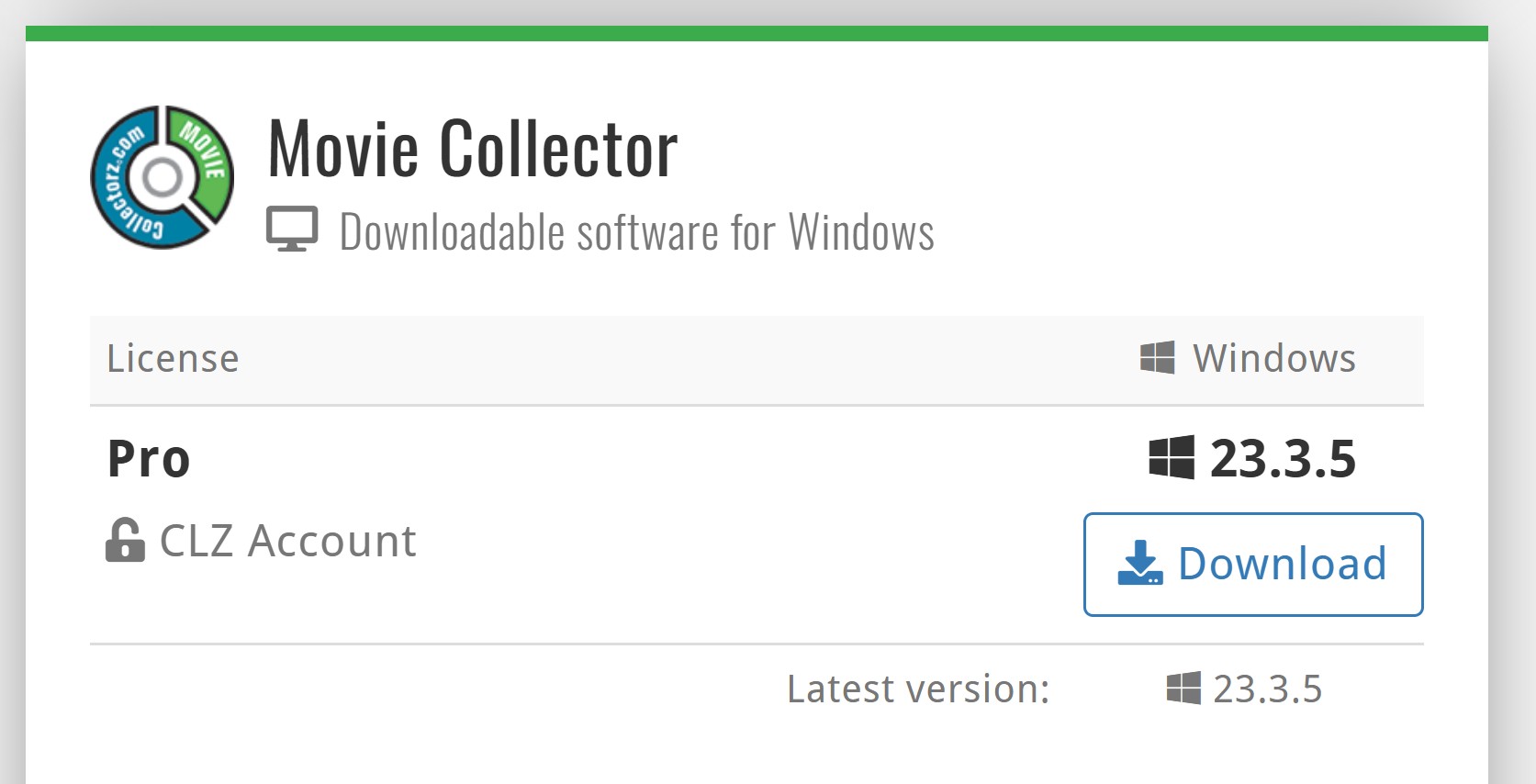
The screen in the windows software has two tabs. It looks like you do not have the current version of the software (23.5.5)
Since the Windows software is only receiving minimal support, you are strongly advised to switch to the Web Software. This is a good deal, as you will be rewarded with some extra months free.
I suggest you try the free one week trial to see if it suits you, and if it does then upgrade.
In answer to you last question, Yes, Custom Crew is supported in the Web Vesion.
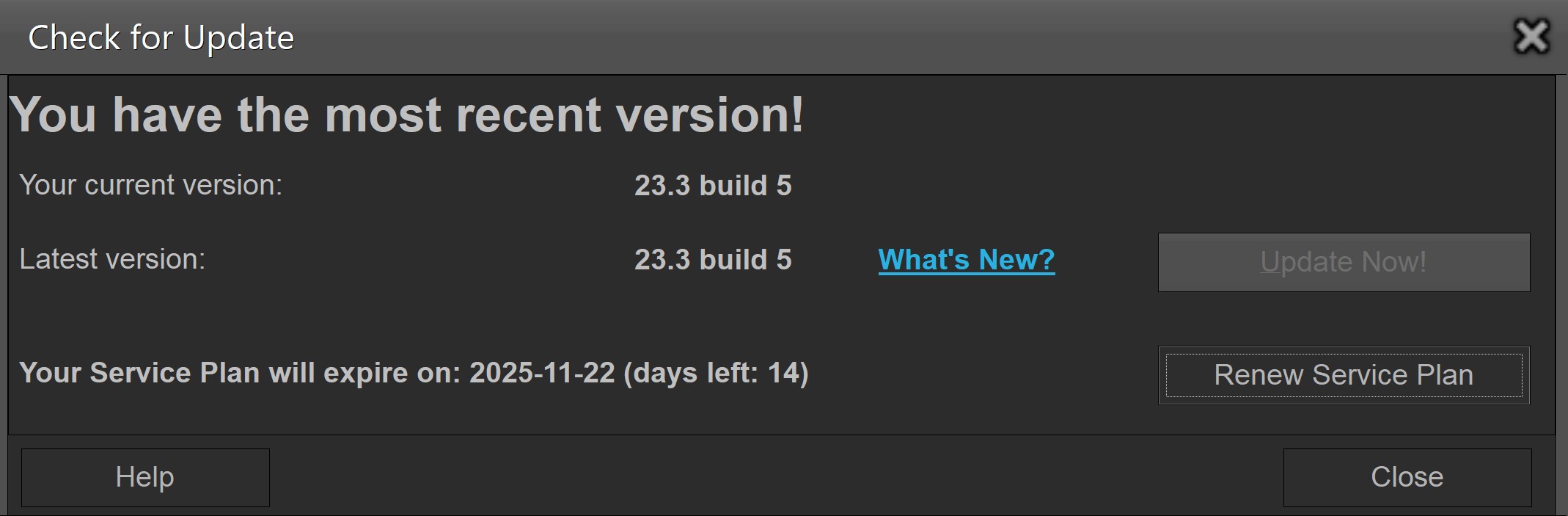
I’ll check the version when I’m at my laptop. I have done so already by using the software’s Check for Update function, and it said I have the most recent one.
I understand that the desktop versions are receiving minimal support and I’m not clamoring for anything special here, I don’t think, as this appears to be just a question of having the right version - so do need to push the web alternative so hard.
I’m already using the web app for Music along with the desktop software and mobile app, and it’s come along leaps and bounds in an impressively short time.
Three things that are important to me that the web version cannot (at least yet) compete with the desktop version in:
Complete customization of the detail view via XSL and CSS editing
Full-sized artwork
Ability to do away with pretty much all colors in the UI
I like my catalog software to be very simple (and preferrably as close to monochrome as possible) and customizable, so your desktop software has really been the platonic ideal for me. In fact, it may be my single favorite piece of software I’ve ever used - I have really been able to make the virtual versions of my collections feel as much my own as my physical ones.
I also have version 23.3.5. If you go in to edit a movie, the 2nd tab is “cast & crew”. Inside there you will find the “custom cast” and “custom crew” tabs. (You will need to have names in the cast & crew in order to see the custom tabs.) Not sure, but I believe you would have to select it for each movie.
The custom cast/crew buttons only appear when the movie was actually added from Core. If you manually added a movie, or it is unlinked, the cast/crew are by default “custom” - and no button for it is shown. So perhaps that is what you’re seeing?
Alwin has been helping me via email, I made a ticket as Steve suggested earlier. It appears the way the director information works is that the director is always linked to Core, regardless of whether the movie is or not. This is causing the wrong information in the Core to overwrite my corrected info every time I update something over the cloud.