Hallo,
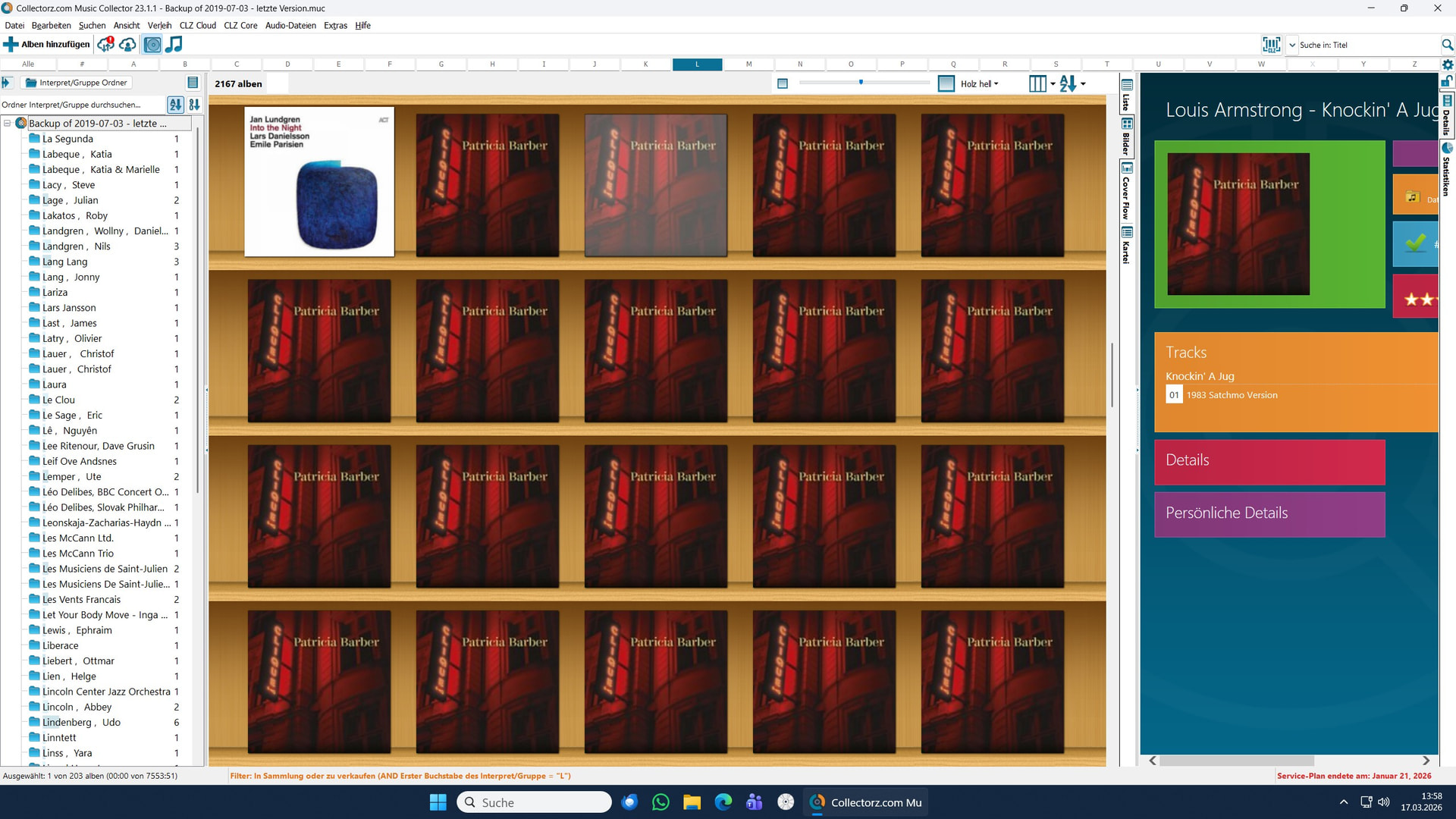
wie man unschwehr am Screenshot erkennen kann handelt es sich hier nur um den Buchstaben “L”
Dieses Erscheinungsbild ist irgendwann kürzlich entstanden - oder evtl. auch schön länger bei der Umstellung auf WIN11 durch einen Händler.
In jedem Fall liegt hinter jeder Kachel ein Song.
immer ist es L. Armstrong.
Wie kann das den Passieren und wie bekomme ich das wieder weg?
Oder Lösche ich dann, wenn ich so eine Kachel löschen würde, auch parallel dazu den Titel auf der Original CD?
Danke schon mal vorab
martin
I’m not sure how this was done. I would just remove these and re-add the album as 1 single album. Is that an option?
Das kostet mich eine fast unbeschreiblich grosse Arbeit.
Ich hatte das bereits einmal gemacht.
das Archiv mit >2000 CD’s war sauber.
Und jetzt noch einmal?
es sind wirklich sehr viele single tracks.
Original CD mit gelöschtem Track abgleichen?
Oh Mann !
martin
I really don’t know how 1 album can be split into multiple on the years old macOS version… is not just time to move to CLZ Music Web where this will definitely never happen?
Can you switch to LIST view? Is it the same there?
Is there ANY action you can think of that may have caused this?
How many of your albums have this?
Since what day are they all duplicated? Were they all good last week?
Hello,
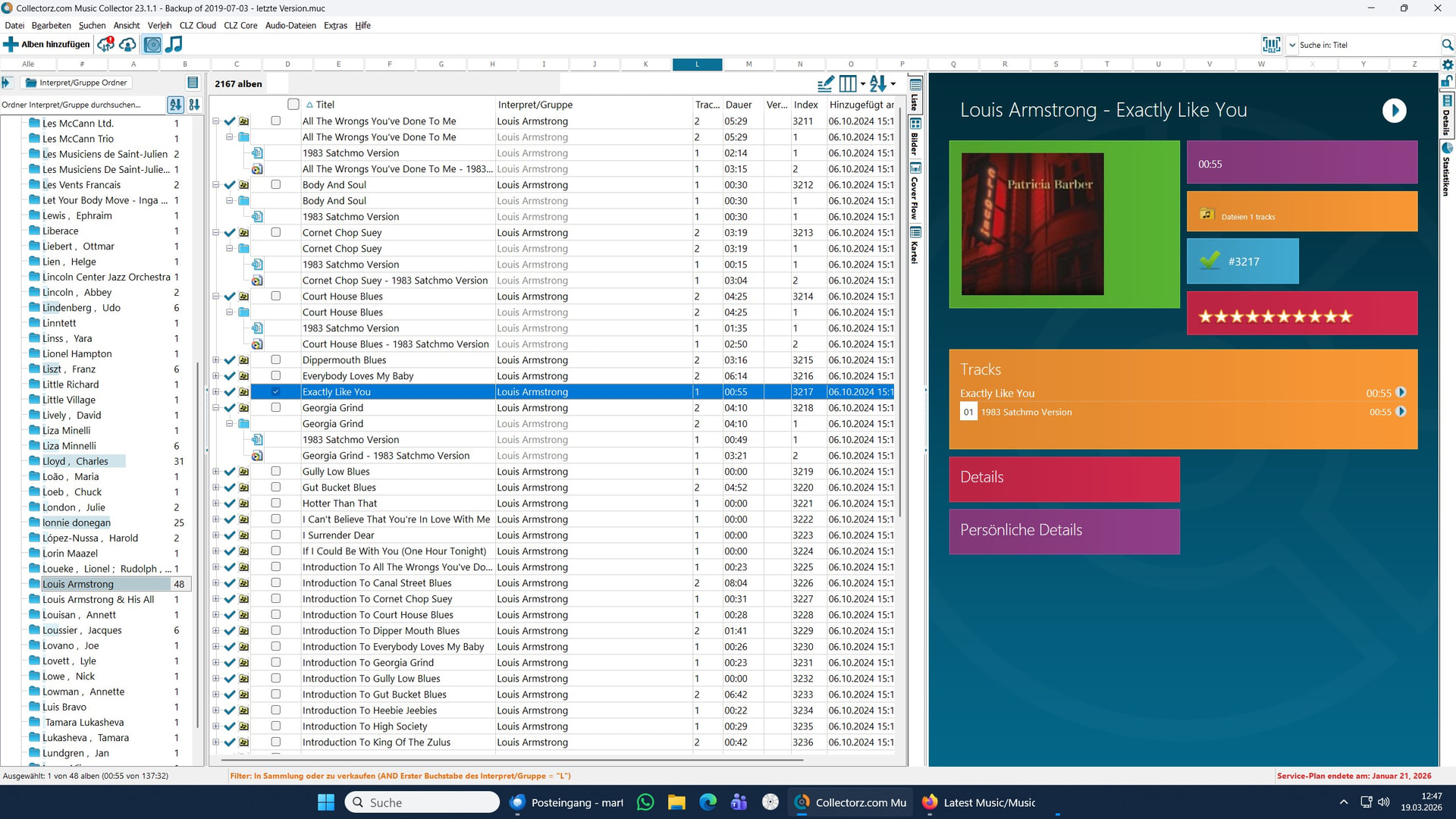
are this 2 Screens answering your Questiones?
How many CD’s are shoing the same Mistakes ? I don’t Know.
I store my CD’s allways under the Familyname - never under the Surname.
Martin
Thank you, I’m still not sure what happened.
- Were they correct at some point? Like, “as one album”? Or were they always as 1 track per album?
- Since what day are they all duplicated? Were they all good last week?
@martin1 I think I know what has gone wrong. You’ve added these by scanning your harddrive it seems, as music files, yes?
I see you added them in October of 2024.
They have been wrong in your database since.
The “Add Files” screen sometimes doesn’t see music files as “one album”, and when you just make it search and add, it can happen it will add all songs as 1 separate album. So that is what happened.
I suggest you remove those, scan your harddrive for them again, and this time take close look at what you are about to add, so it doesn’t happen again.
That’s all I can say, there is no “in app fix” for this if you’ve accidentally added single music files as separate albums. Sorry about that!
Hello CLZ_AJ,
you are right !
Thank You.
Martin