I’ve got a folder tree set up on CLZ Books Web for Reader/Reading Status/Read Year, which works fine.
But if I set up the sames folders on the mobile app it is not working correctly (for both Android and iOS).
For example, A Flock of Lawn Flamingos by Pat Murphy has this reading history:

On the Web version, it shows under Penny/Finished/2007 and Chris/Finished/2011, as you would expect. It also shows that correctly
However, on the mobile version it shows under all of:
- Penny/Finished/2007
- Penny/Finished/2011
- Chris/Finished/2007
- Chris/Finished/2011
So it looks like it’s not differentiating between the readers correctly.
In fact, if you look at the totals for Chris/Finished/2011 and Penny/Finished/2011 they both say 142 on Android. It’s even weirder on iOS; here it shows Chris/Finished/2011 as 144 and Penny/Finished/2011 as 157! According to the web version it should be 121 for Chris and 131 for Penny.
Dropped is also a bit weird in that under Chris/Dropped it shows just the ones with dropped by Chris, but Penny/Dropped shows both the ones dropped by Penny and the ones dropped by Chris.
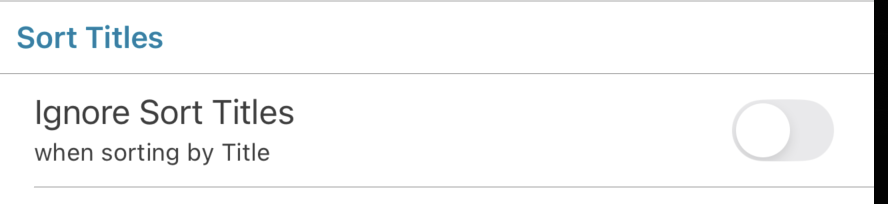
Also, one other thing I’ve just noticed: on the mobile app for iOS, sorting by title sorts literally by Title, not by Sort Title. The mobile app on Android sorts correctly by Sort Title.
Could someone take a look at this?