I’m not sure on which forum I should post this, but here goes!
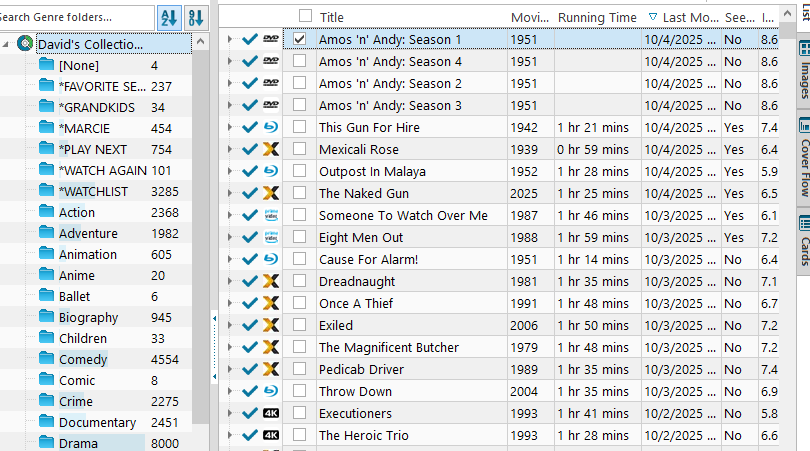
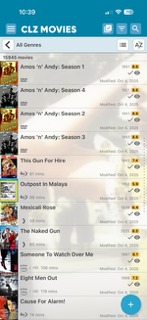
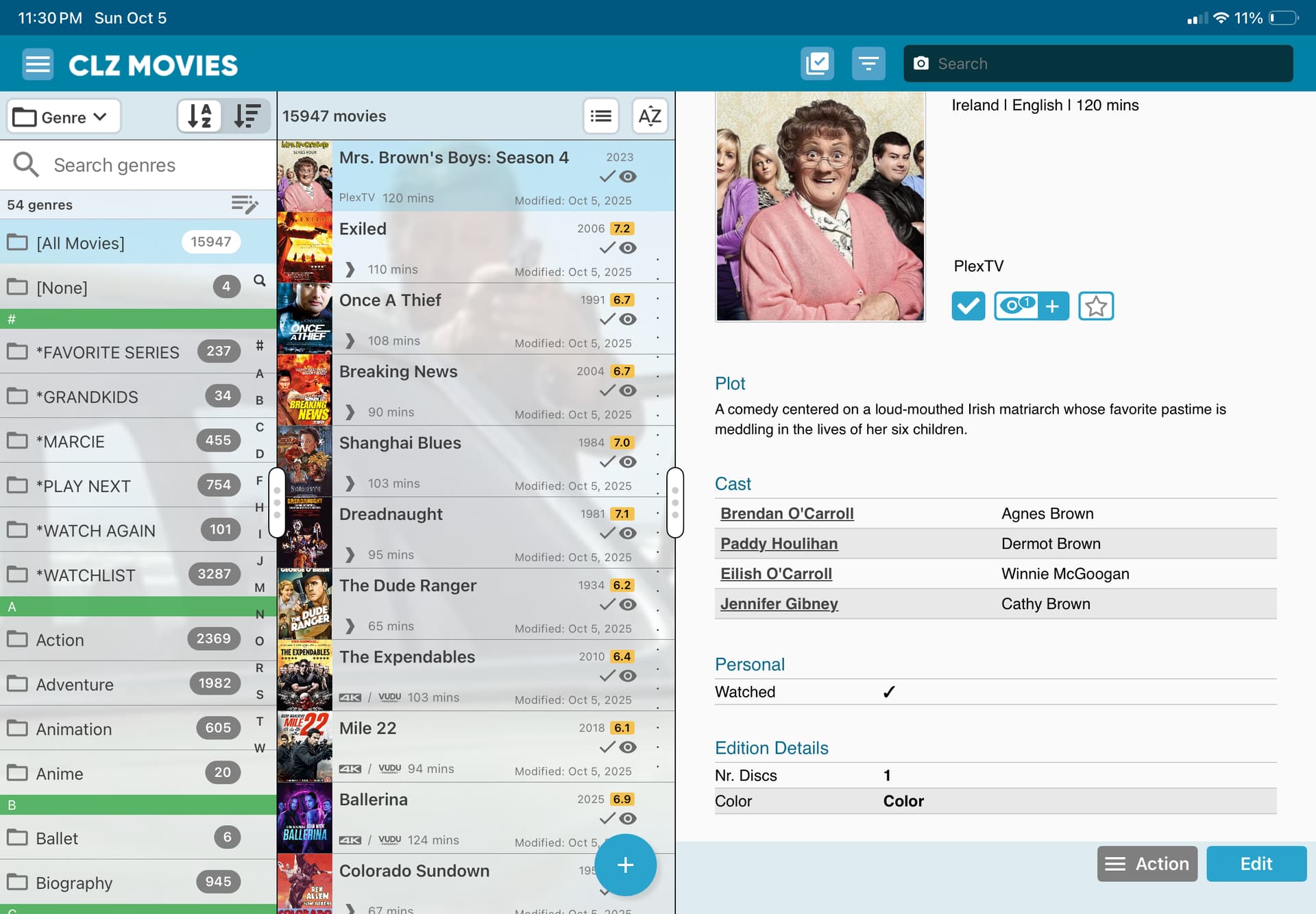
I’m having a problem with syncing now between Movie Collector and all other versions of CLZ Movies (Web, Mobile) where movies I am adding now on Movie Collector all show they have been seen when, in fact, they haven’t. If you compare the two photos I’ve sent, you can see that the “Seen” columns between the two versions are different regarding new films. I’m not sure I understand what’s going on here, and hope you can help me.
A second issue is that I was really waiting for the new versions of CLZ Movies to sync all the episode additions and changes I made in Movie Collector. My plan was to then switch over to CLZ Movies Web permanently. This hasn’t happened. I’ve seen you mention a one-time possibility to sync all those episode changes. Is that for real?
I’m sorry to tell you this, but after doing everything you said, CLZ Web now shows every movie in my collection (all 15,000 of them) as Watched, and the iOS versions on my iPhone/iPad show all my new releases as Watched, even though they’re not.
I can confirm this. Everything I synced from desktop to web to mobile now has the watched status (without watch date). So it looks like a bug from desktop to web. I didn’t notice it, because I was focussed on the other parts in the sync.
Desktop still shows correct status. So I can fix the status when the issue is resolved. In my case I only synced box sets (not all).
Regarding my second issue – that my episode additions/changes from Movie Collector still do not sync with the CLZ Web and iOS mobile apps – here are two examples:
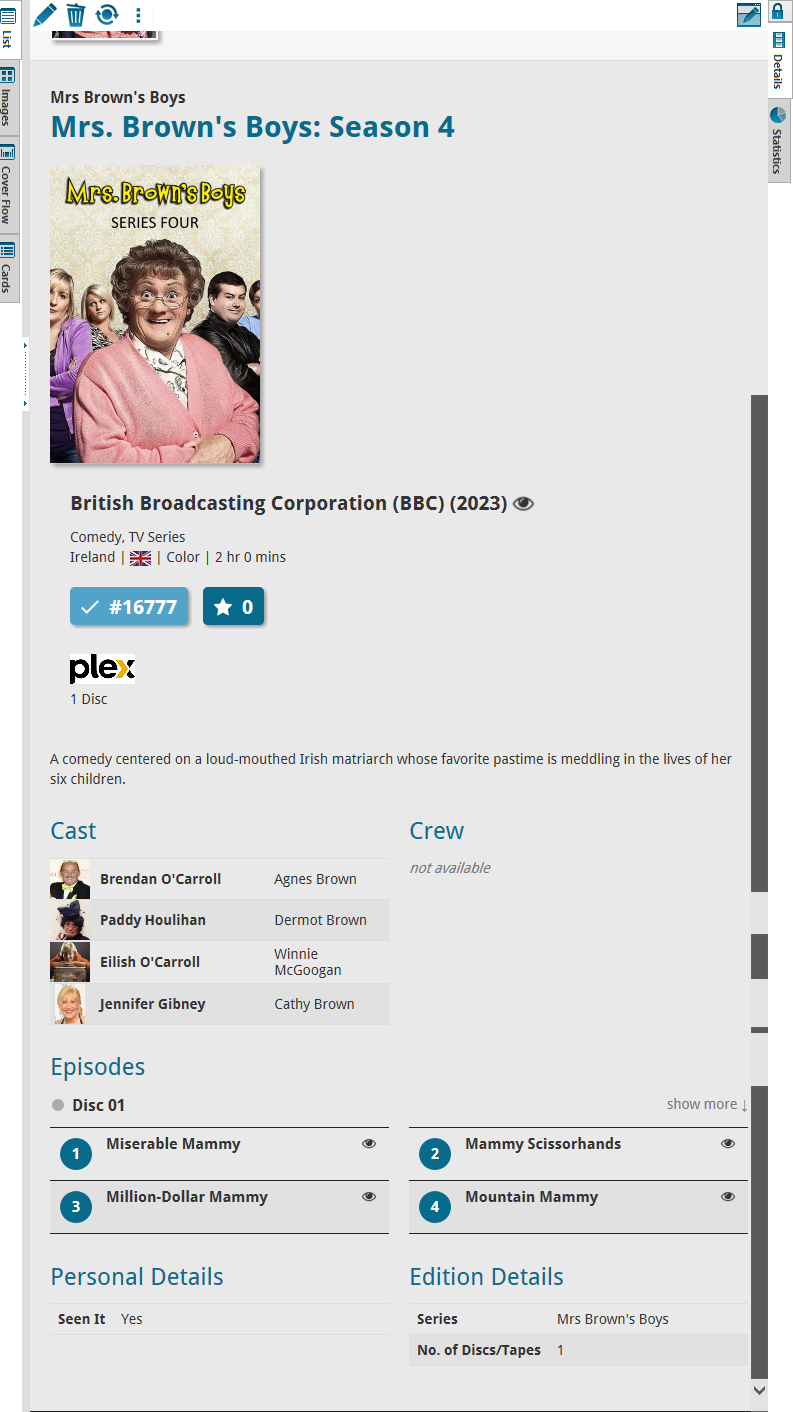
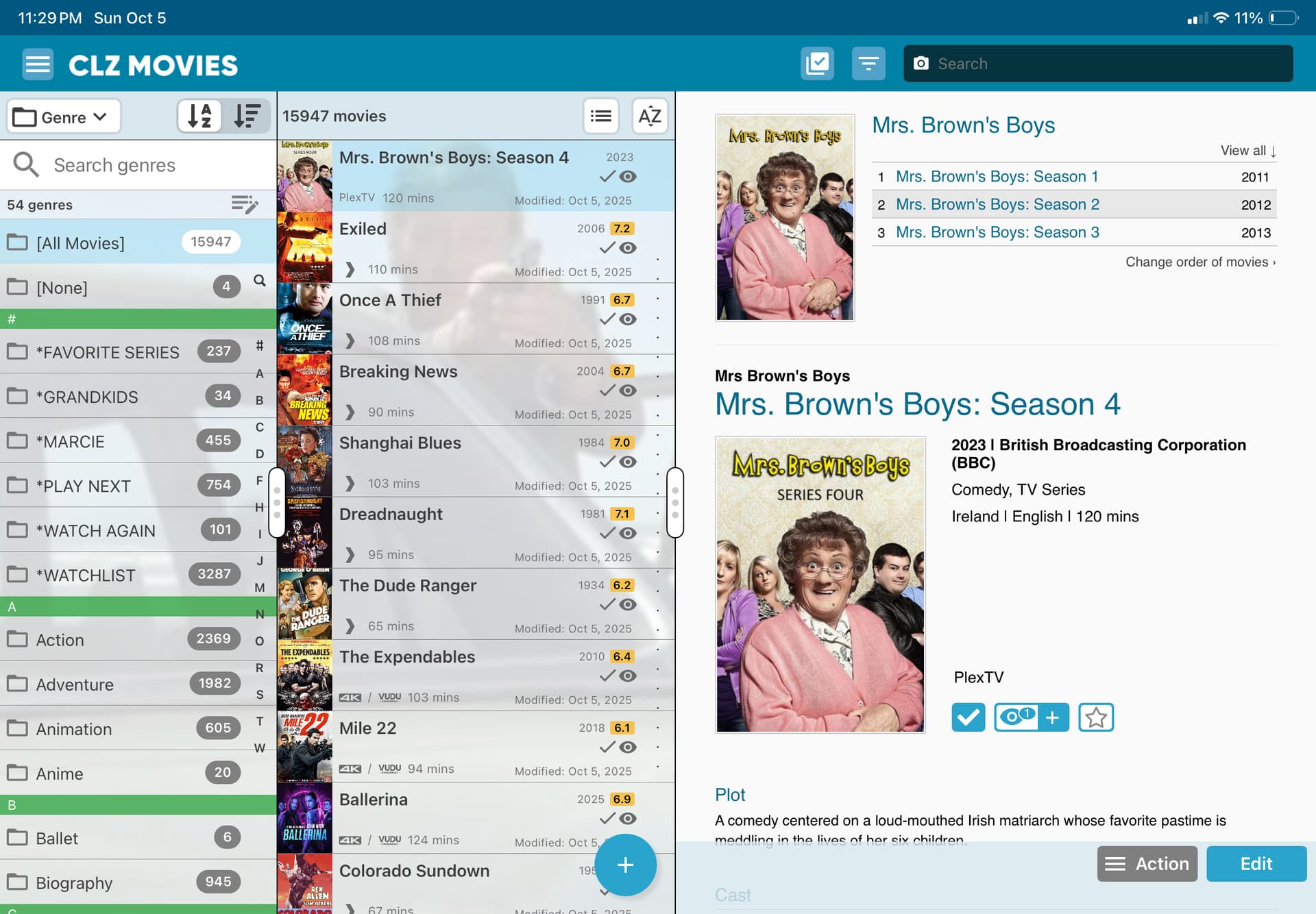
The first is from a series called “Mrs. Brown’s Boys.” When I installed Season 4, it did not enter the four episodes. I did this manually on Movie Collector. Those episodes have never synced, and still haven’t. The two screenshots show how this season looks on Movie Collector and on iOS Mobile app:
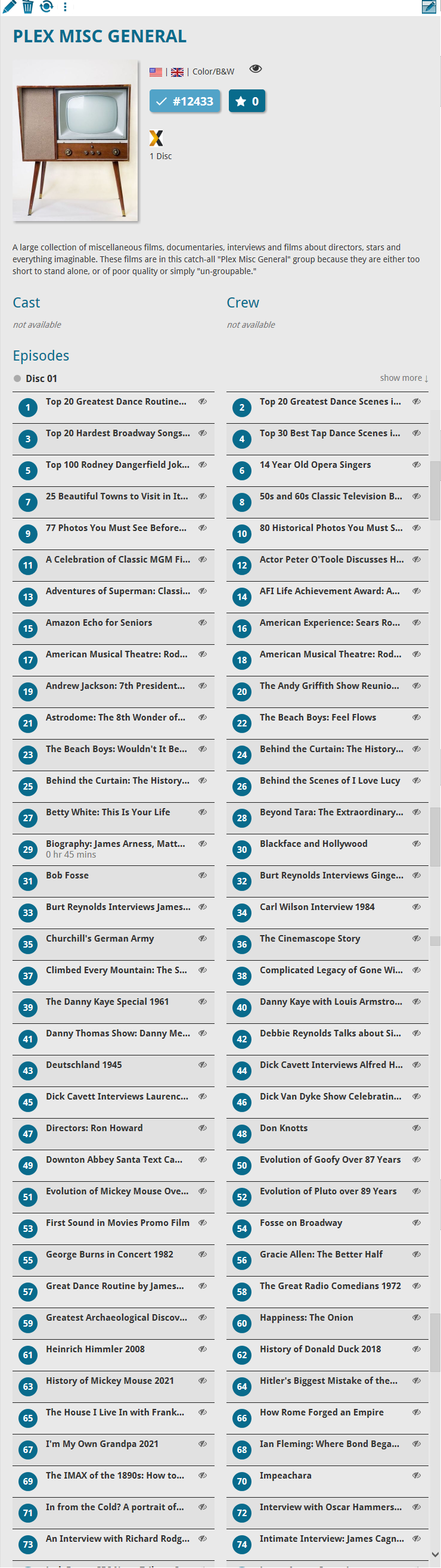
Finally, here is an entry I made manually, in which I added a couple dozen personal videos. They all list perfectly on Movie Collector, but none of the films synced to my iPad even after installing the newest version of CLZ:
There is a bug with syncing “Seen it” to web, again. My apologies we are working on a fix. @twazerty that goes for your problem too.
Custom Episodes do not sync from Windows.
Custom episodes is a CLZ Movies Web/Mobile feature only. So, your custom 4 episodes on Windows not showing on mobile: that is to be expected - this new feature was not about adding custom episode syncing to the old legacy Windows version. Sorry about that.
This also goes for your “personal videos” as episodes in that example you gave I’m afraid.
We might plan a future update where you will be allowed to do a one time export from Windows to get them to Cloud and Web/Mobile for users who would like to trade in their desktop version for the web version. Would you be interested in that?
Before I execute long processes I first tested it with 1 movie.
I change a movie to Watched: Yes in Desktop. Then sync that to Web. Then set it to Watched: No in Desktop and sync again to Web. In both cases it still ends up in Watched in Web.
The other way around works: Setting it to unwatched (remove all watched entries) in Web syncs properly to Desktop.
I found out when I sync changes from Desktop to Web:
When I have an movie with Watched: No, it stays Unwatched in Web (OK)
When I change an unwatched movie to Yes, it is updated to Watched in Web (OK)
When I change an watched movie to unwatched, it is NOT updated in Web, it stays listed as Watched. (NOK) Watch entry and date is not removed.
The other way around seems to work fine. Desktop is always updated with the correct status from Web.
I’m very happy to report that it seems to me the issue I addressed with you has been fixed! When I now select an episode in a series, it shows the episode has been Watched, but it does NOT change the entire series to be Watched. That seems to be fixed on all versions of CLZ, and I’m grateful for the change.
As to my second concern – that none of the literally hundreds of additions and emendations I made in the Episodes fields of Movie Collector – remains unfixed, and, yes, I would deeply welcome a one-time sweep to bring them into CLZ Movies and other CLZ apps!!! This would enable me to switch over to CLZ Movies Web, which has dramatically improved except for this genuinely important data (to me, at least, and I suspect to other long-term Movie Collector users).
We are working on a custom episodes import from Movie Collector > to CLZ Movies Web right now.
It would import your custom episodes, their title, runtime, airdate that you have filled in on Windows etc.
Would you be interested in trying this out? If so, can you contact us through help.clz.com and mention my forum name?
Note this would be a one time export from Windows, and a one time import to the Web version (so basically meant for users who are looking to trade in their subscription to move to the web version)
If someone else is reading this and is interested in testing this out with us, feel free to contact us!