I’m on an older Android, note 9 fully updated and
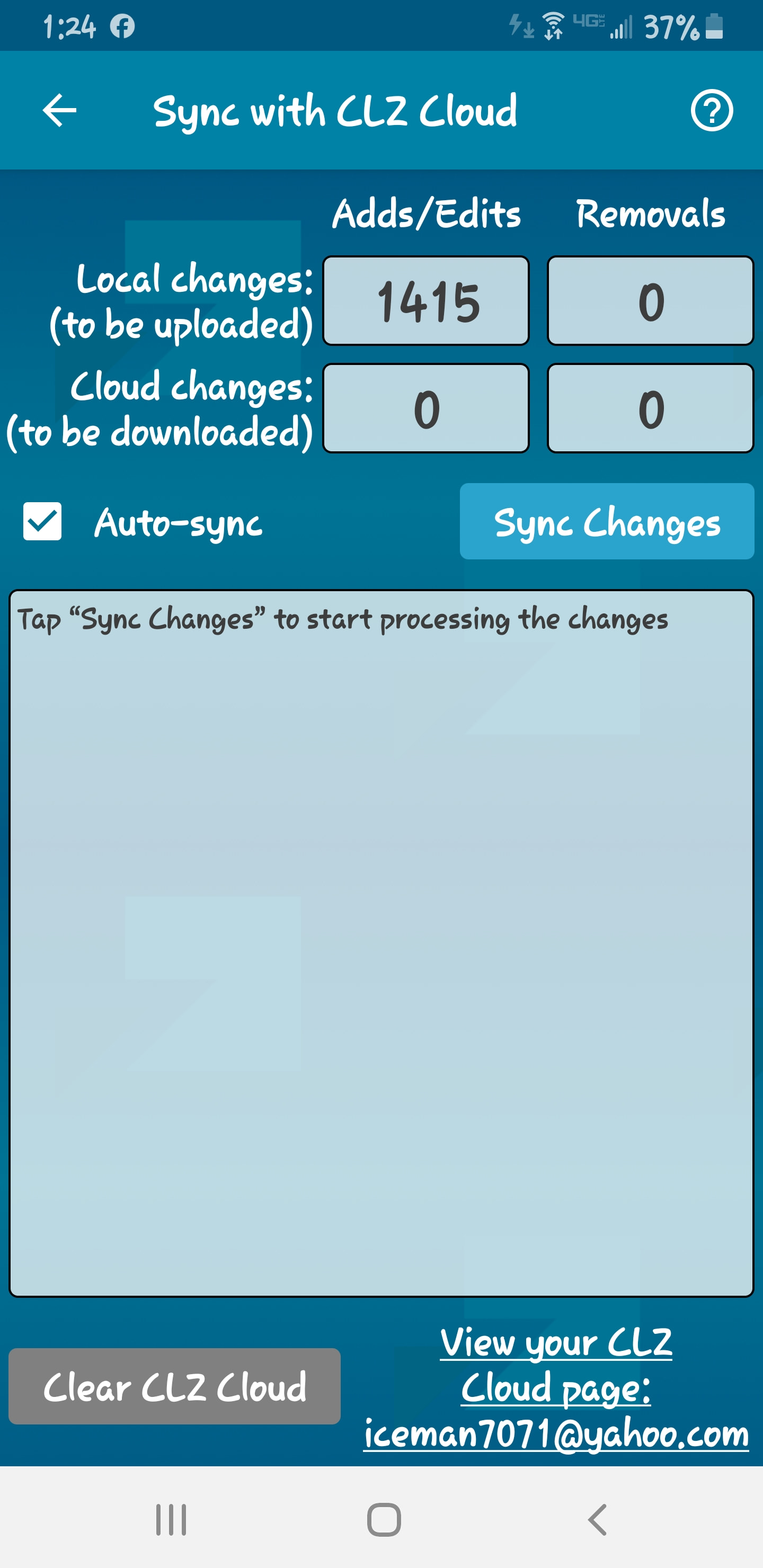
the CLZ app is fully updated and it still won’t auto sync.
I’m on an older Android, note 9 fully updated and
the CLZ app is fully updated and it still won’t auto sync.
Please note that:
So basically, if you make changes and immedately close the app after, it will never sync.
If you always want your CLZ Cloud to be up-to-date, it is best to NOT rely on auto-sync. Just sync manually when you’re done making changes.