When displaying my collection in Horizontal Cards view, I noticed “strange” numbers next to the thumbnails. For example the number 95 next to the film Congo. As it turns out, these numbers reference the Studio (eg 95 stands for Paramount Pictures). That information in numeric form seems irrelevant to me.
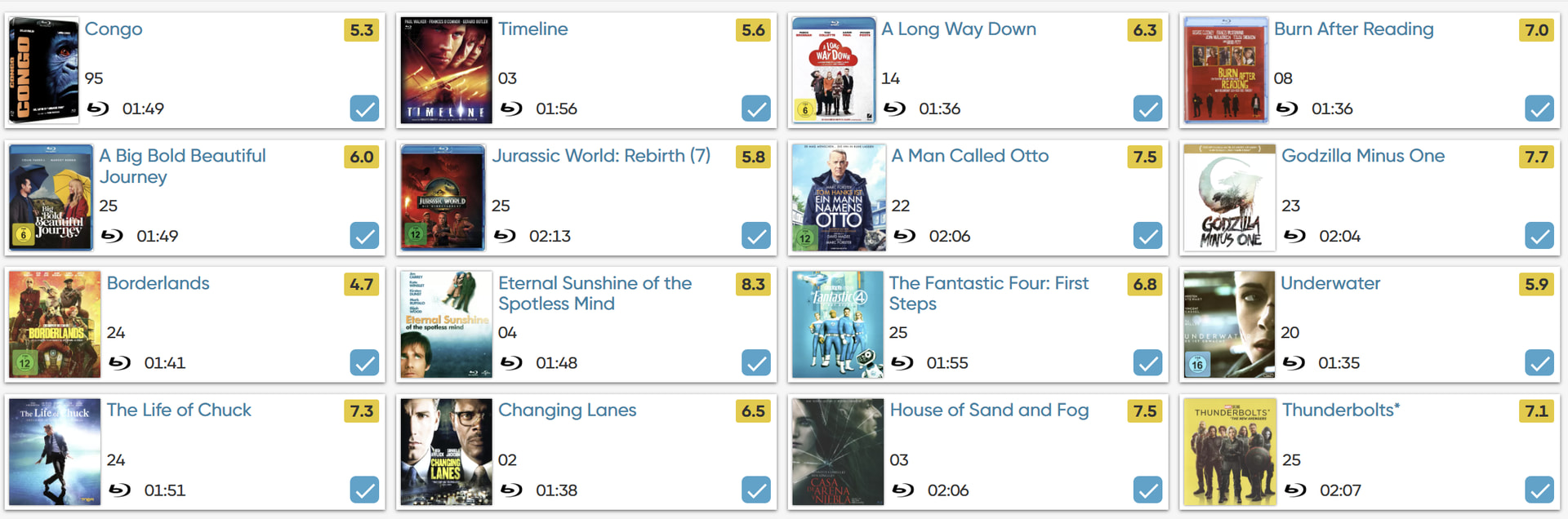
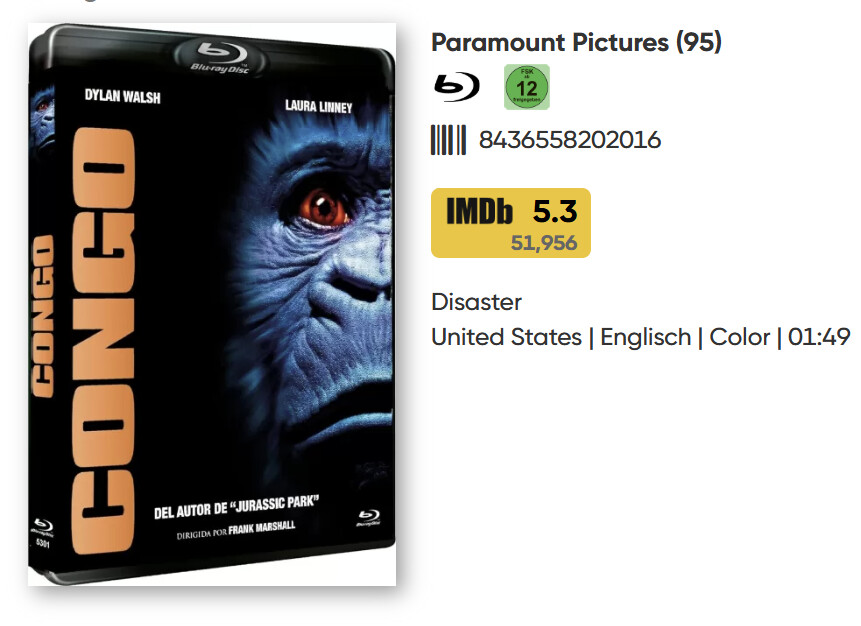
@Allardl these are years of release, i.e. 95=1995. For some reason, the years are displaying with just 2 digits in your collection.
That makes more sens. Thank you.
I just checked: In vertical card view, the year numbers are displayed correctly in 4 digits.
I have found the reason for the 2 digit display: In my settings my “Date format for displaying” was set to (dd/mm/yy). After switching to (dd/mm/yyyy) the year is now also shown with 4 digit in the horizontal cards and in the details. What is strange is that the year shown in vertical cards and on my mobile were never affected by this and were always showing 4 digits.
1 Like
@Allardl I’m glad it’s working for you now.
@Allardl that is a bug in the horizontal card view - the card view should ignore whatever date display setting you’re using and just show the full year, always. I’ve marked it up as a bug on our side for fixing.
@Allardl this bug has now been fixed, so if you change back to your preferred display method for dates it should now show the year, instead of just 2 digits in the horizontal cards!