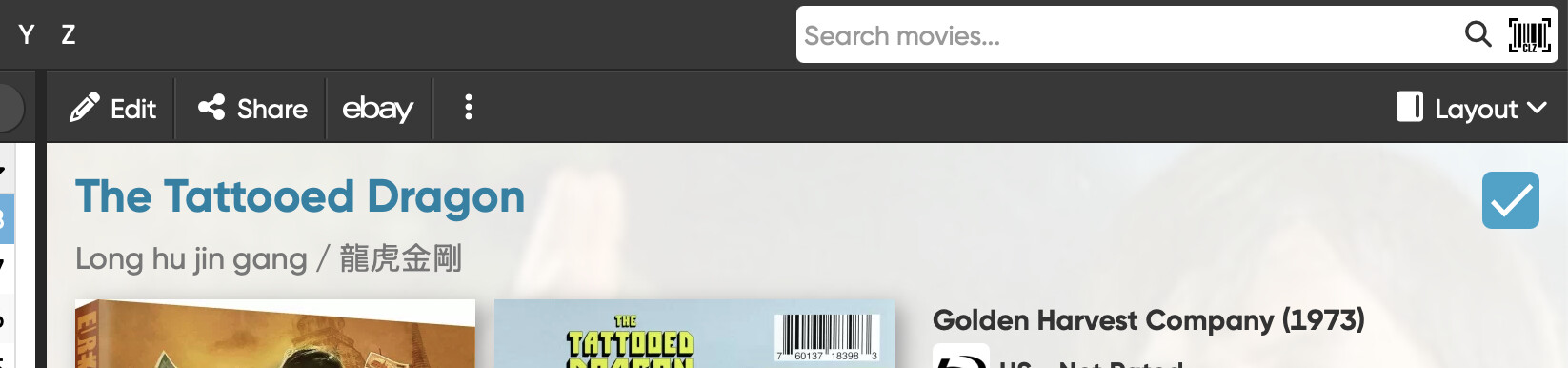
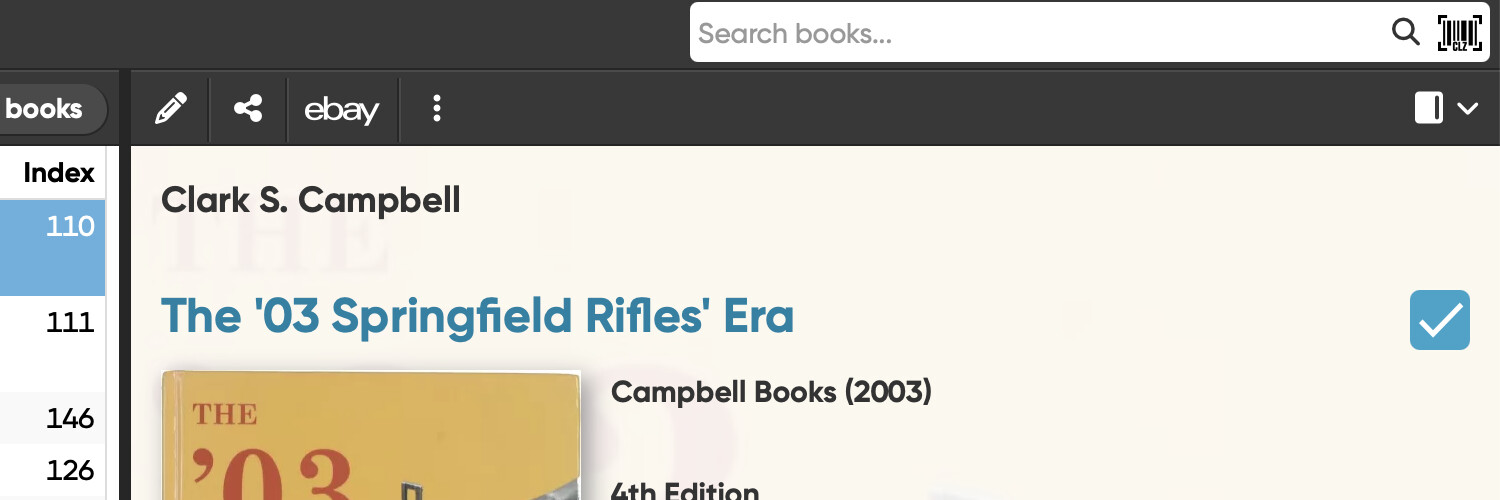
In the Details panel’s menu, only the icons are displayed for Edit, Share, and Layout. In CLZ Movies Web, both icons and their names are displayed. How do I display the names also in CLZ Books Web?
Here are two screenshots to show what I mean.
Rick
In the Details panel’s menu, only the icons are displayed for Edit, Share, and Layout. In CLZ Movies Web, both icons and their names are displayed. How do I display the names also in CLZ Books Web?
Here are two screenshots to show what I mean.
Rick
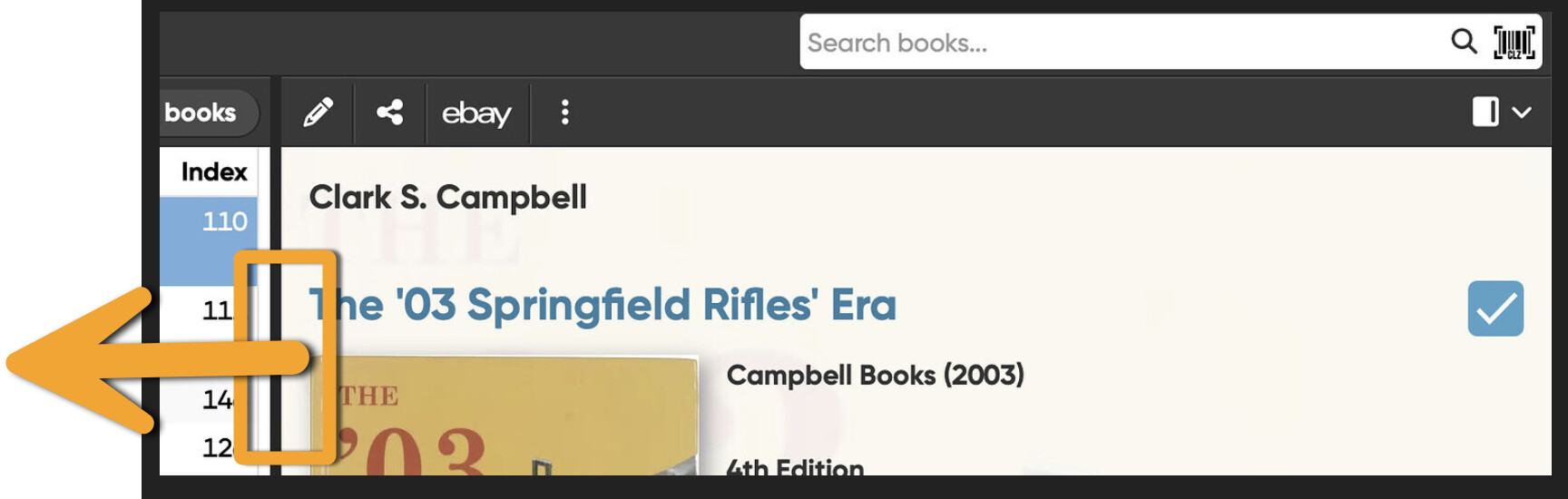
You can get it to display if you drag the divider a bit to the left in CLZ Books Web:
The cut off for showing with or without words is indeed a bit overkill, there’s plenty of space to show the words, I would agree. Will take note to get this better (so it shows the words if there’s plenty of space)
Thanks, that fixed it! Glad to hear you’re going to improve this in the future. You people do great work.
Rick