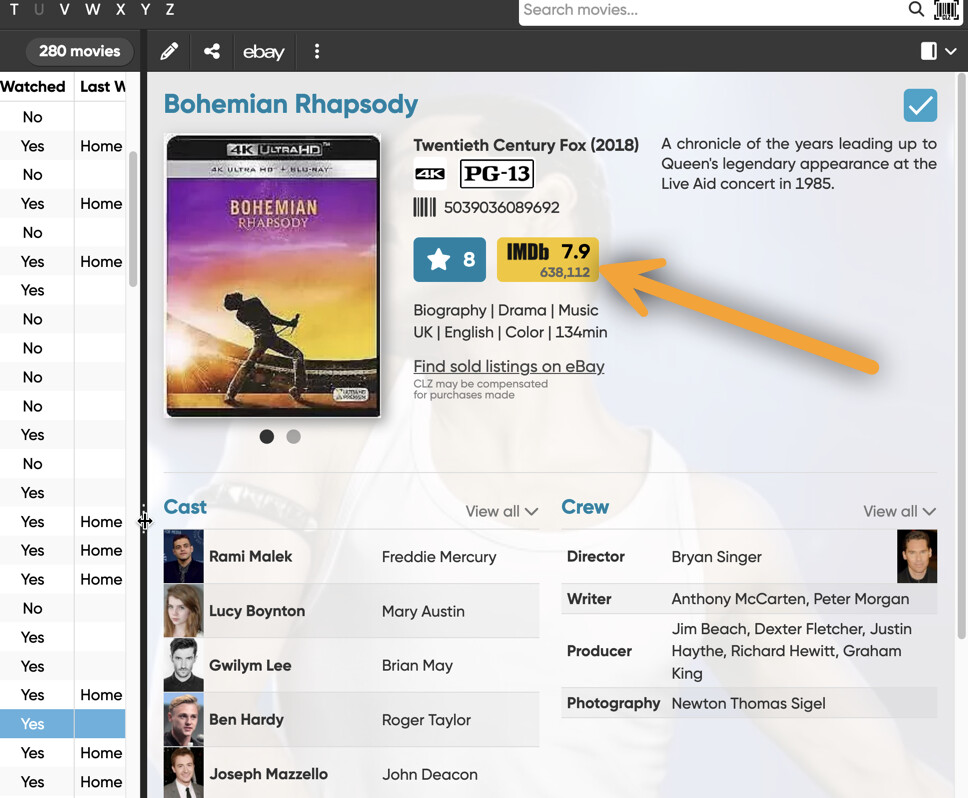
IMDb links don’t display a description anymore when I add new links. When I enter the IMDb URL in the Links section, no description automatically fills in. After editing the movie’s entry, the displayed description is just the actual URL.
Rick
IMDb links don’t display a description anymore when I add new links. When I enter the IMDb URL in the Links section, no description automatically fills in. After editing the movie’s entry, the displayed description is just the actual URL.
Rick
IMDb seems to have blocked automatic grabbing of the title on the page. So nothing appears.
If you type in google.com then the title is actually grabbed and it works. So our system works, IMDb is just blocking this - they recently started doing this. Not much I can do about this though.
I recommend to just type in “IMDb” in the description.
Or: just don’t add the IMDb link. Did you know you can just click on the big IMDb logo at the top next to the cover? That also opens IMDb 
Thanks for the explanation, AJ. Just to be clearer, the links I’m adding are links to the disc’s special features that have IMDb entries, not for the actual film itself.  I already use the big IMDb logo for the movie.
I noticed IMDb doing that a few weeks ago for a brief period, but then it started working again. Since they’ve blocked it again, I’ll use the links to go to the webpages, copy the title’s name at the top, and paste it into the description myself. That way I’ll know what the link leads to, rather than having several links that anonymously say “IMDb”.
Thanks again for the explanation and your efforts.
Rick
Ah right, I understand
Yeah so we had a stint of this going some time ago, then it worked again. Then it stopped working again a couple of weeks ago indeed, and the next day, worked again. Not sure what is going on there - but unfortunately not much we can do about it it seems.