Is there a way to remove the “In Collection” column from view in CLZ Books Web? It’s taking up valuable real estate and is a column I don’t use. At the very least, I’d like to move it to the far right so I can push it off the screen.
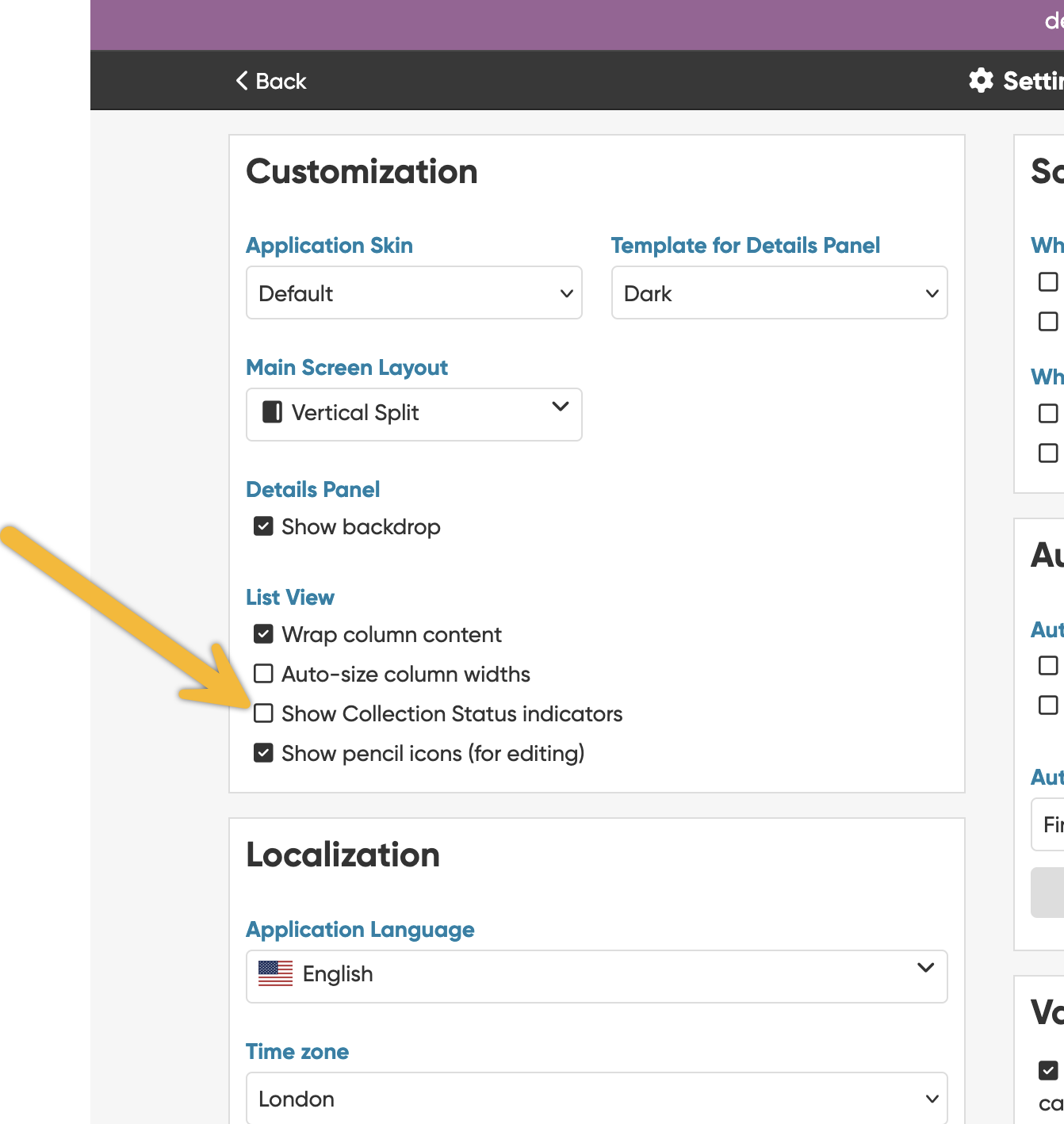
Is there a way to remove the “In Collection” column from view in CLZ Books Web? It’s taking up valuable real estate and is a column I don’t use. At the very least, I’d like to move it to the far right so I can push it off the screen.
You can remove it via Settings:
That worked a treat! Thank you very much.