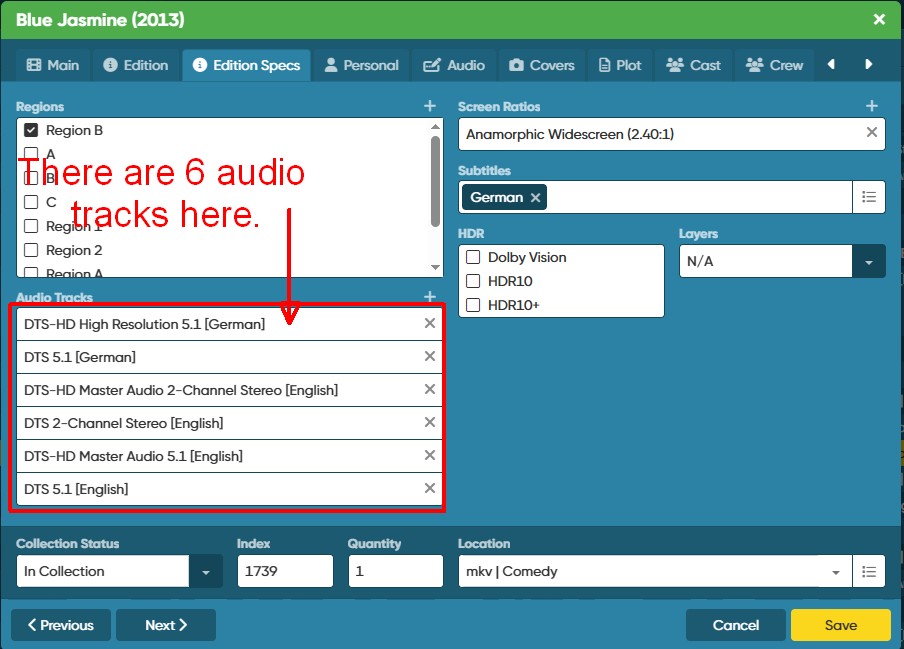
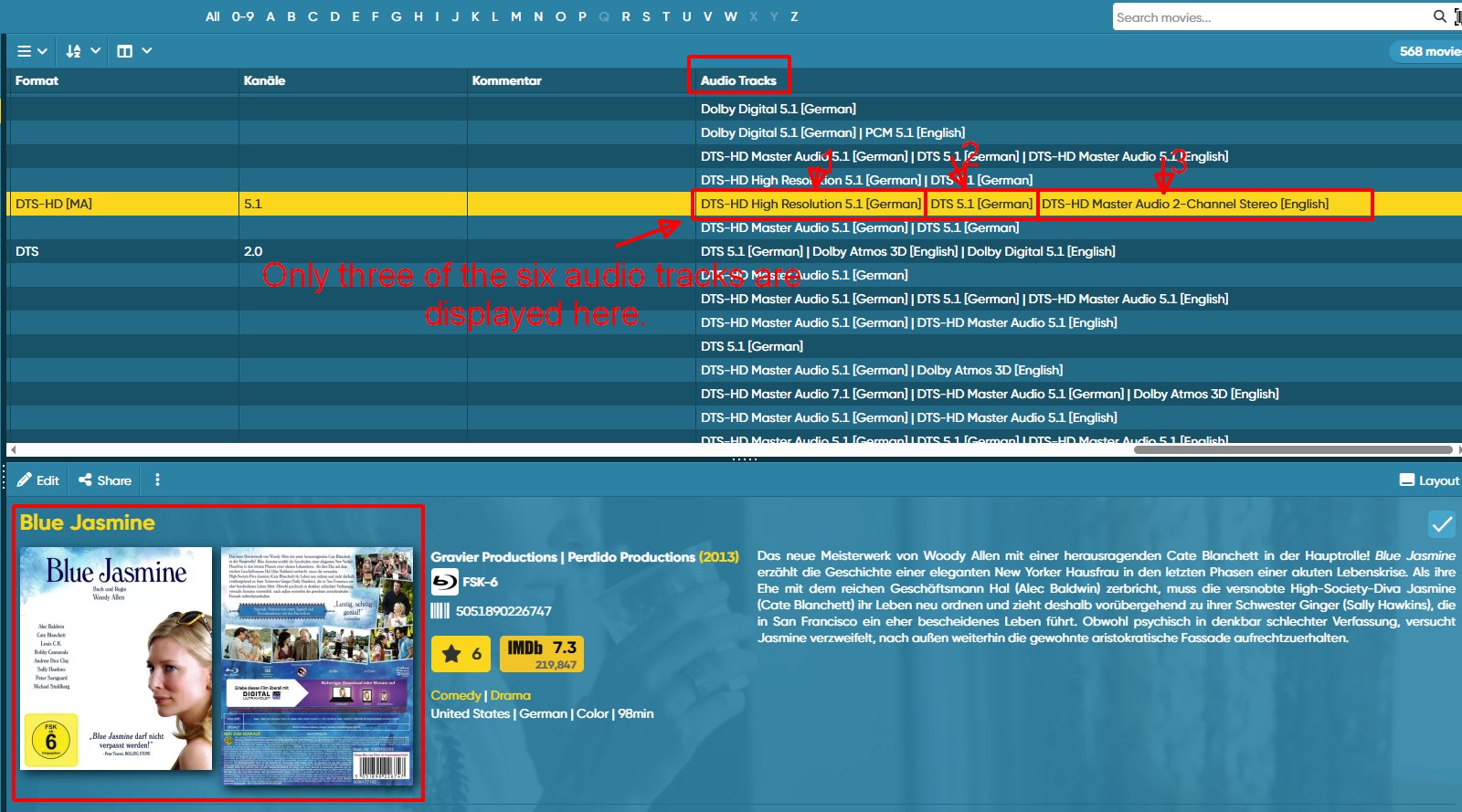
In the list view (Audio Tracks), only a maximum of three audio tracks are displayed. Please fix this error so that all audio tracks are shown.
Thank you
In the list view (Audio Tracks), only a maximum of three audio tracks are displayed. Please fix this error so that all audio tracks are shown.
Thank you
The limit for the audio track column is indeed set at 3, as it can get quite a lot for the column.
For now we’re hesitant to up the amount shown there, it feels like it might be better to use Foldergrouping on Audio Tracks whenever the audio track is important (have you tried that, using the folder top left, to group by audio track?)
And for the long lists, to view the details in the details panel (not in the column).
I’ve taken note of your wish though.
Could you explain the use case for me, why you need to see them in the column, all of them? What if you have 10 audio tracks? 40? Or would you not mind that clutter in the column?
Yes, I understand that not all audio tracks can be displayed in the list view.
With a total of 92 different audio tracks currently available, the search becomes quite difficult.
The current display of audio tracks is quite problematic for me in general. There are hundreds of different combinations of audio tracks, so the list is unwieldy for just my 568 movies.
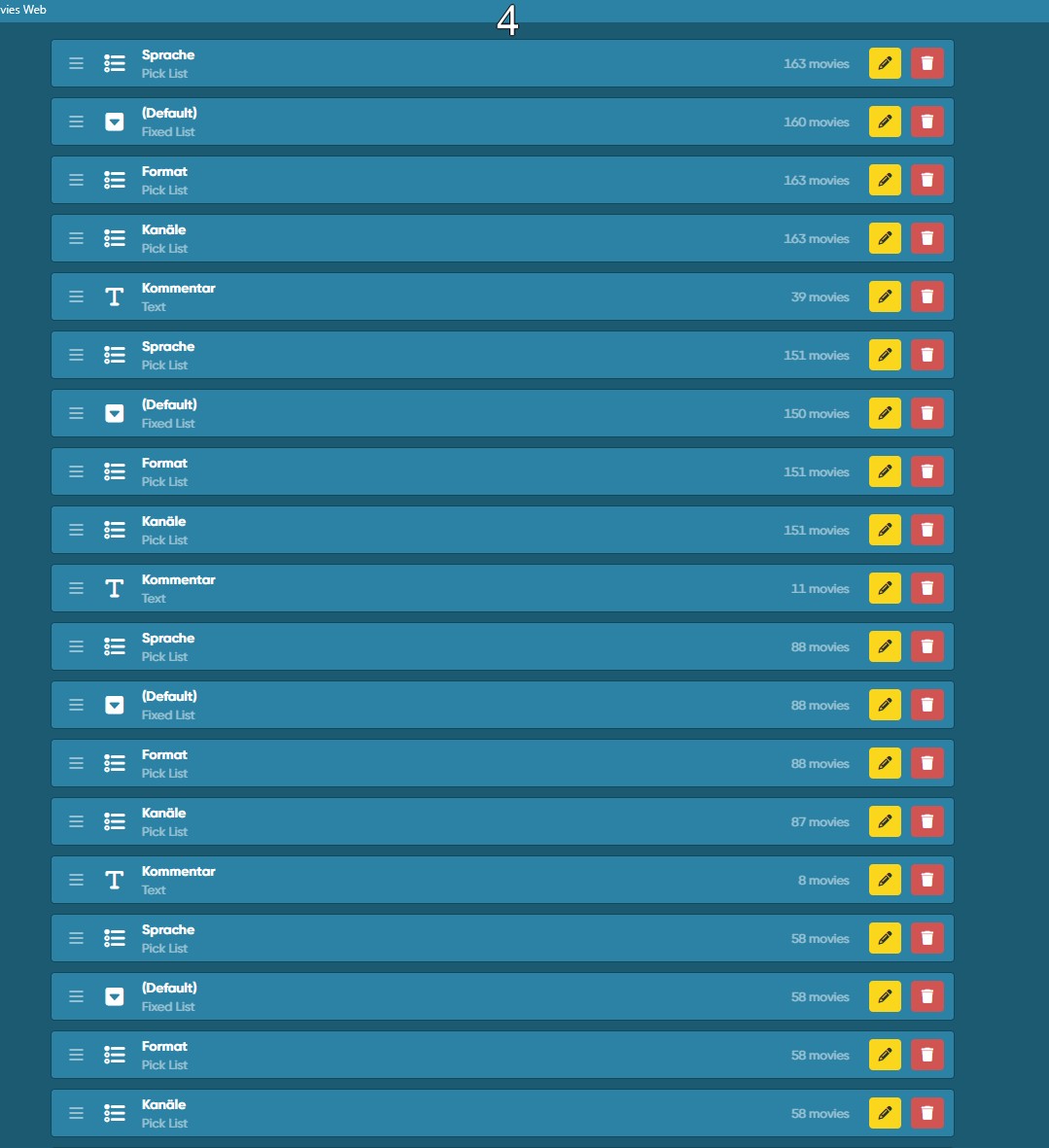
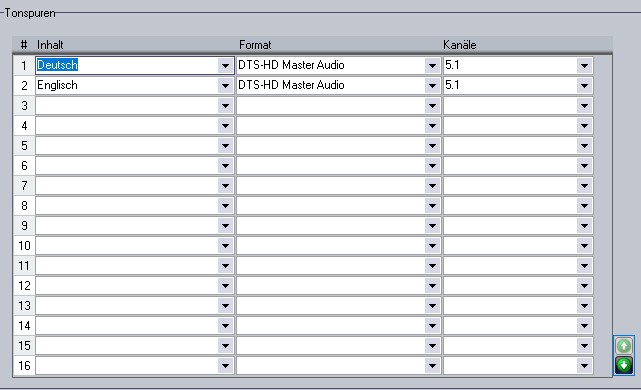
I don’t even want to think about how many different audio tracks will grow once I’ve imported everything from DVD Profiler. Therefore, using the “Custom Fields” feature, and similar to DVD Profiler, I created a matrix that displays many, though by no means all, of the different possibilities.
Perhaps someone could look into how the audio track display is displayed.
Thank you.
DVD Profiler
Yes, it’s been like that forever.. and I understand your wish to have “one audiotrack” line, where you can then select 3 “subfields” for each audiotrack. However that means a major overhaul of the 2 mobile apps, the web app, and syncing. And yes, we agree it would make it better, but the amount of users actively using this to be very specific is low (not saying it’s not important, please do not get me wrong).
And I already know someone on this forum who wants to jump in on this as soon as they see this topic 
It’s just that we can’t justify the development time to make this major overhaul of the Audio Track field on short notice. So, this is on our ideas list, but I can’t make promises.
I hope that with your Custom Fields solution you can at least get further in what you need out of CLZ Movies Web for now, and thank you for your suggestion.
I’m aware that this would involve a major overhaul of the audio system.
This post wasn’t intended to be anything more than that.
Thank you.