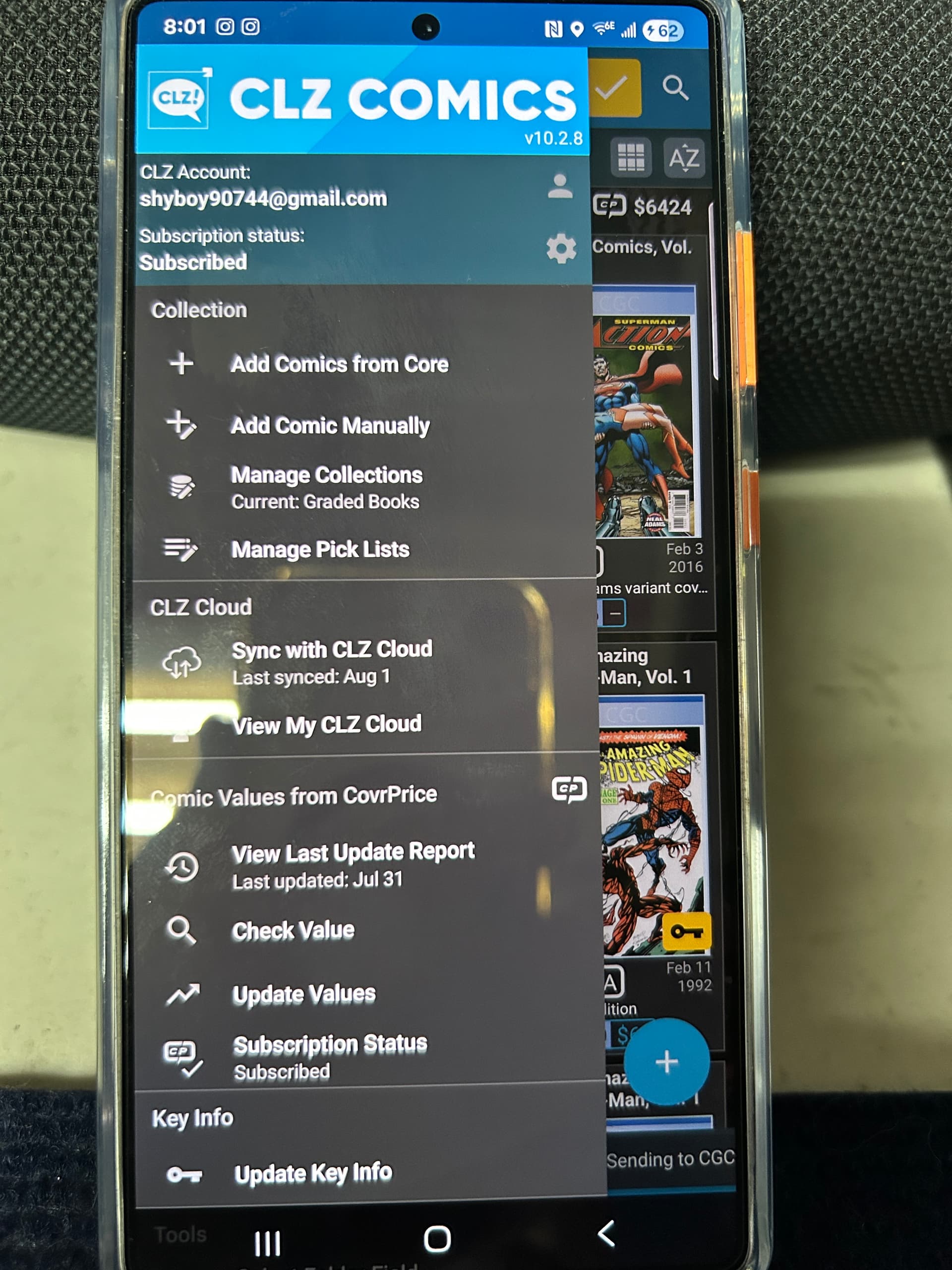
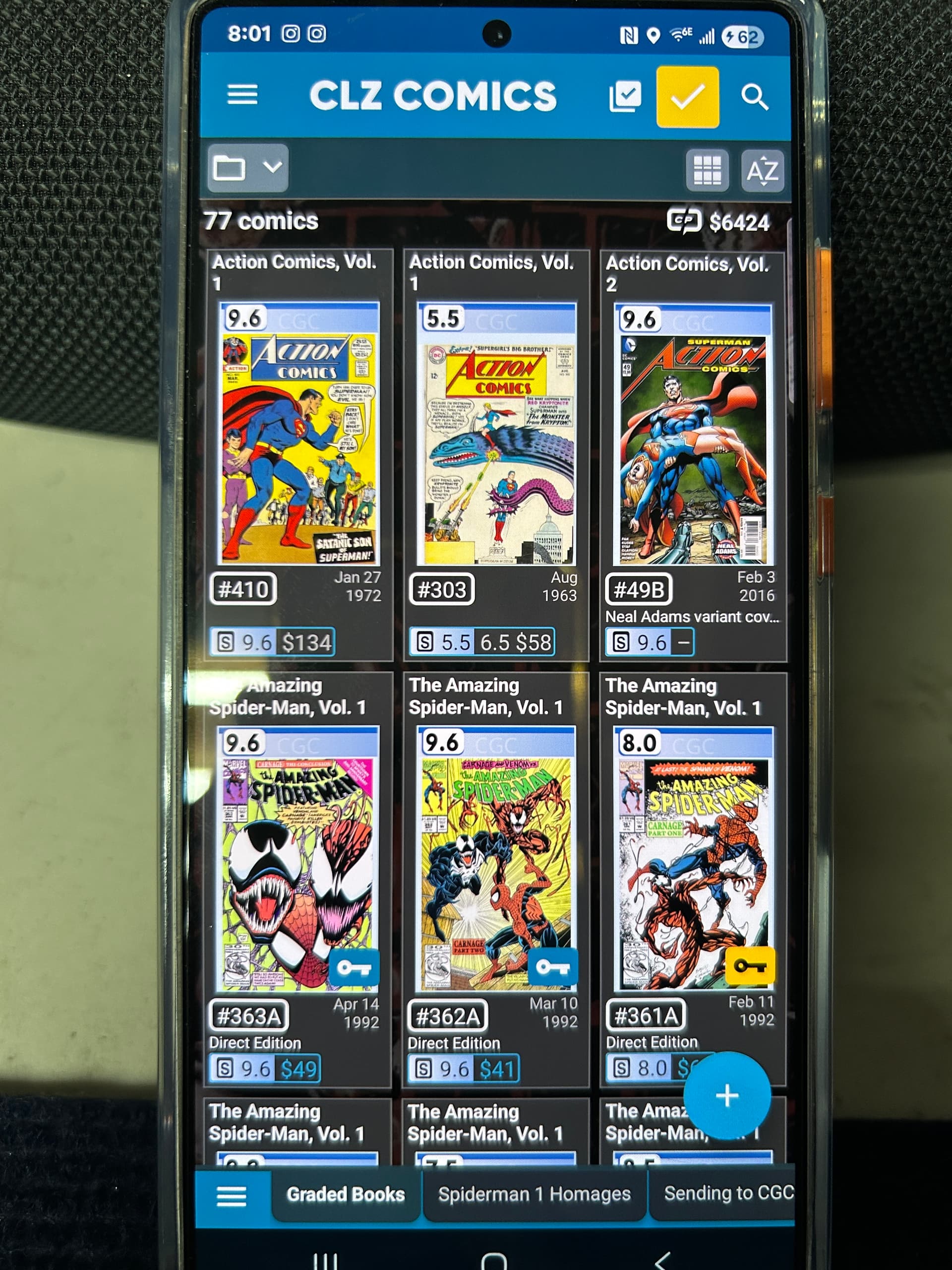
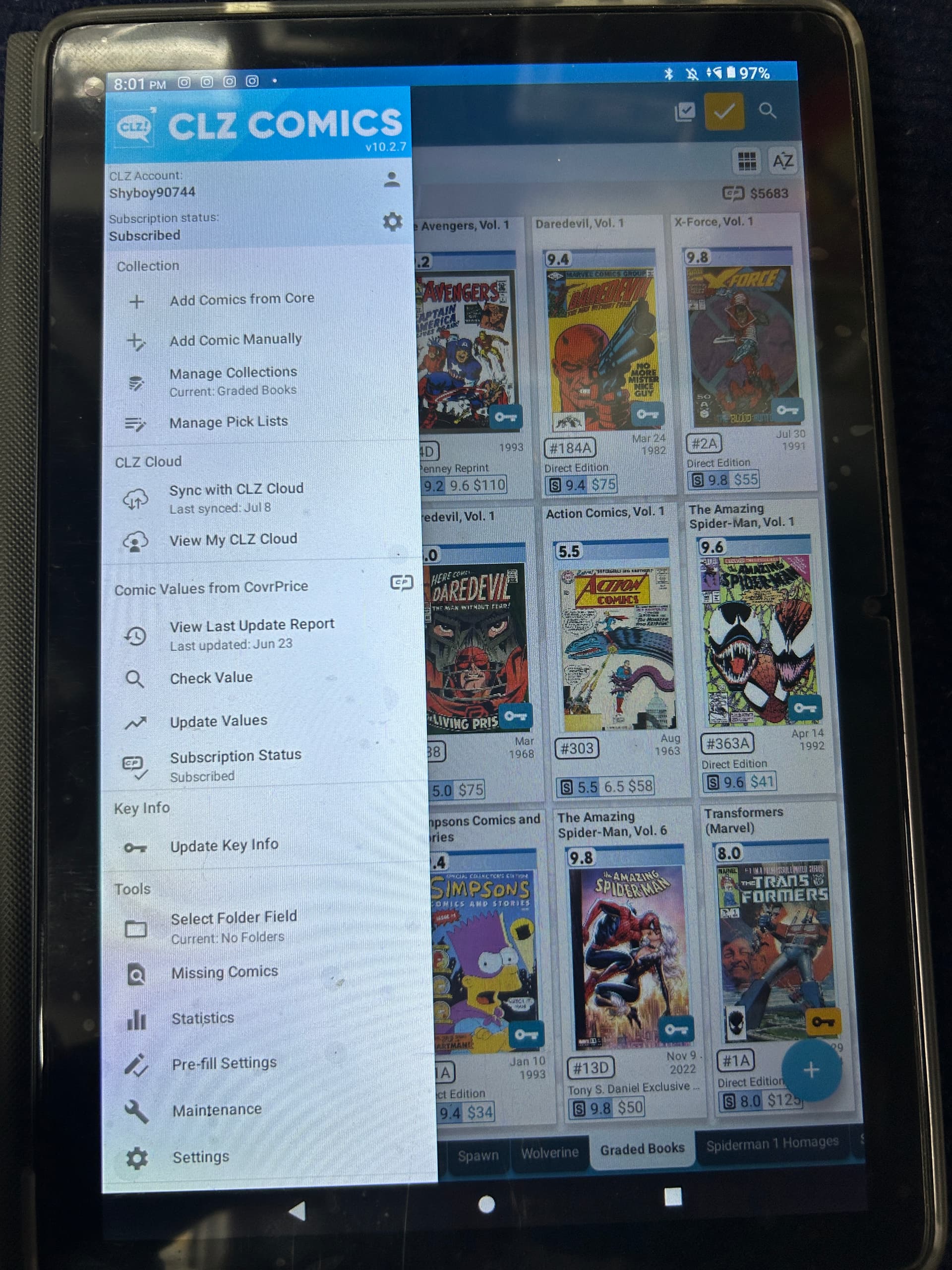
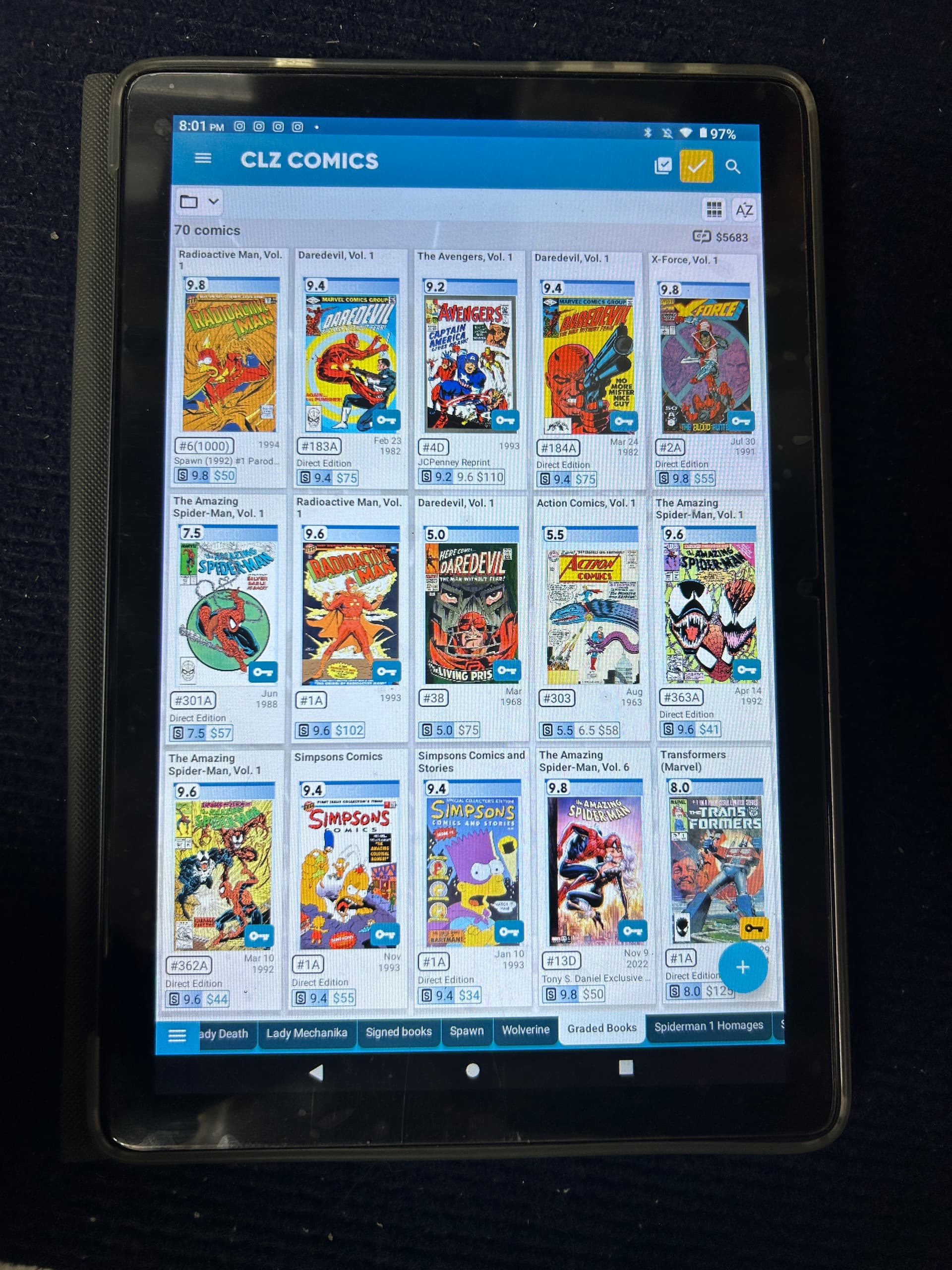
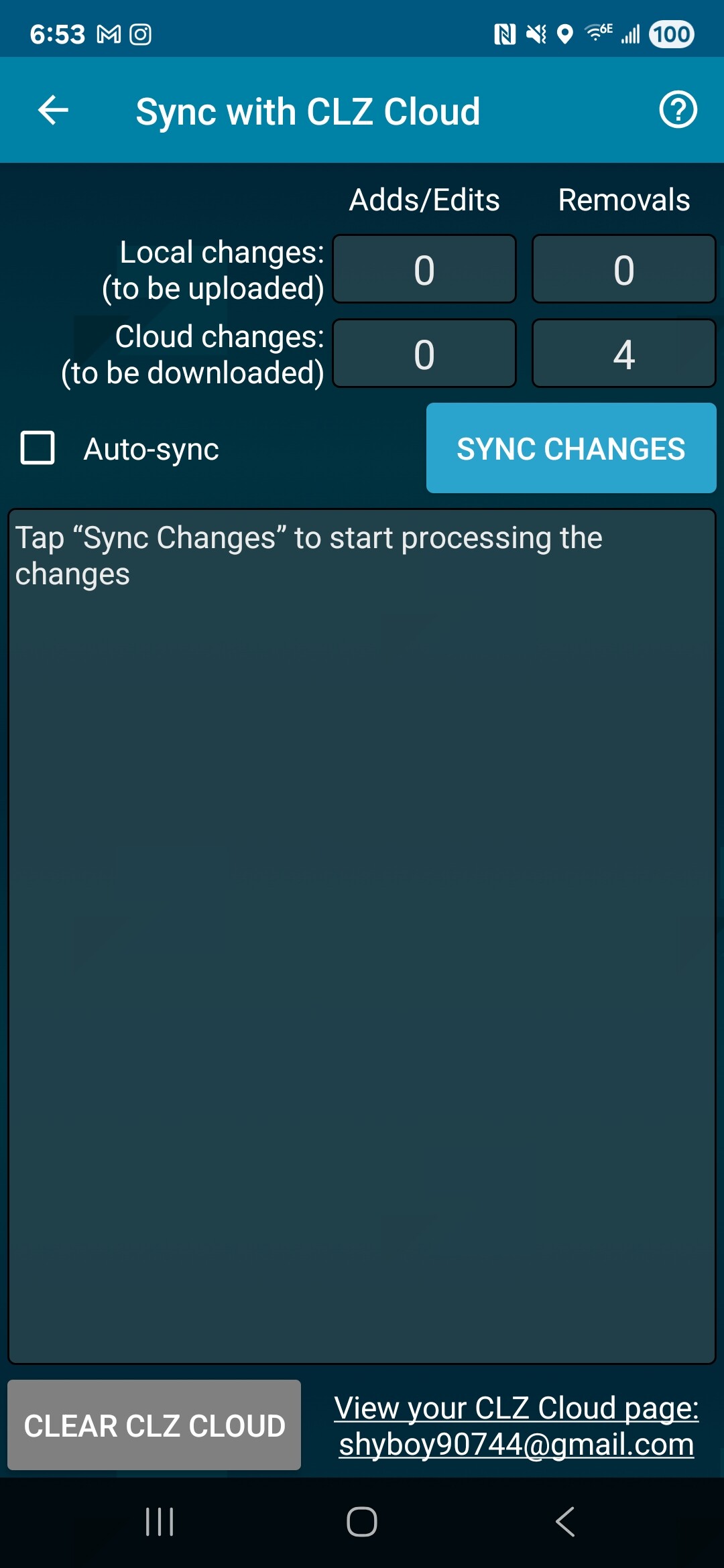
Can you disable auto-sync on both devices, and then just perform, and finish the sync by tapping Sync with CLZ Cloud to see if that pulls them straight?
Good to hear the sync problem is now at least solved.
As for the “added date” issue:
X-men 1 was added on Aug 18th 2023, and then modified on July 29th 2025
Captain America was added on Oct 2nd 2023, and then modified on July 29th 2025
Blade was added on March 11th, 2023 and modified on July 29th 2025
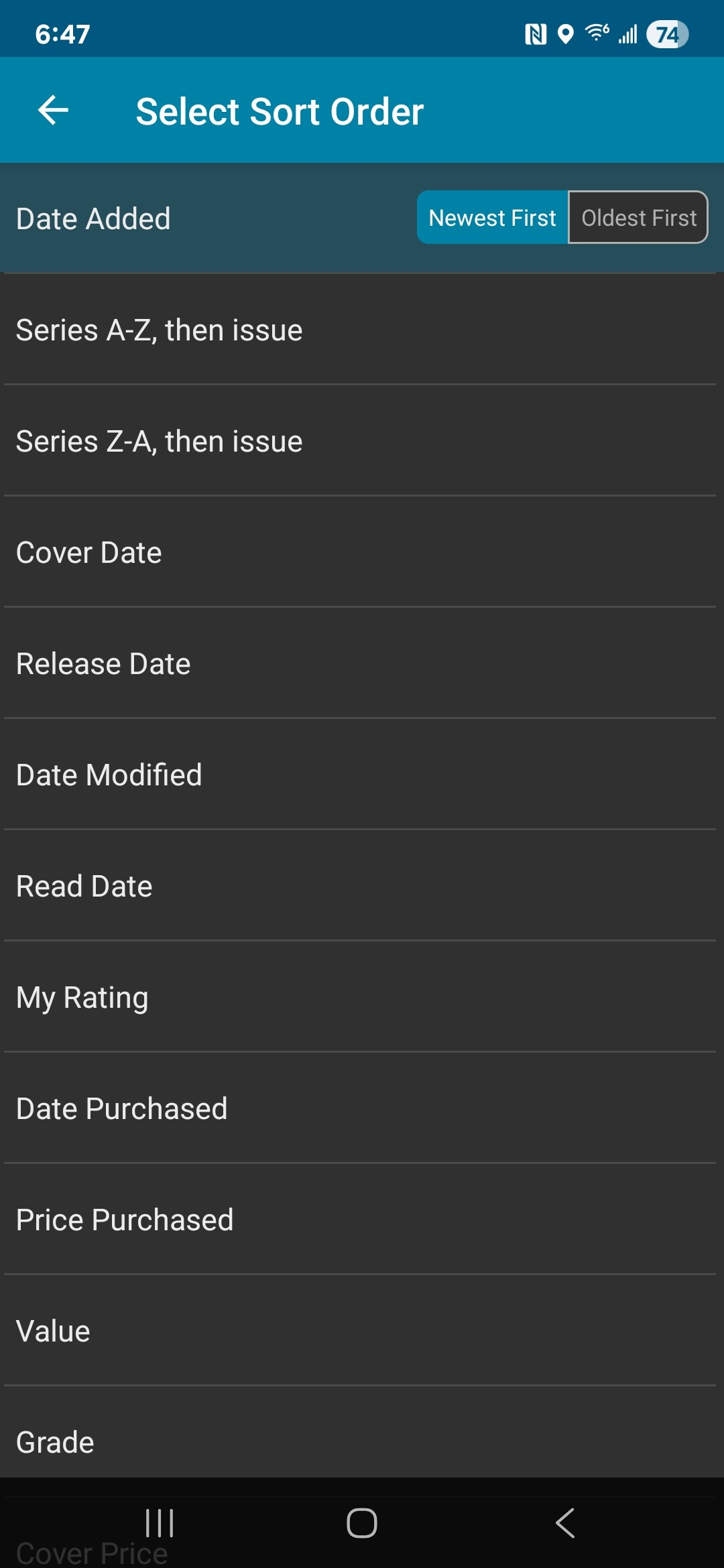
Please note that sorting on Added date really means the date it was added into the app - regardless of collection status.
I’m assuming you may have added it to your wish list in 2023, and then “changed collection status” on July 29th 2025?
(I’m afraid it is not our plan right now to have the “Added Date” modified based on changing collection status from wish list to in collection, but I get how that might be useful in this case - but also confusing if you actually want to know when it was added into the app).
You could always start using the Purchase Date field and fill that in when you actually purchase it.
Alternatively you can sort by Date Modified (which will bring them closer to the top, but if you make 1 edit then the Date Modified will of course reset).
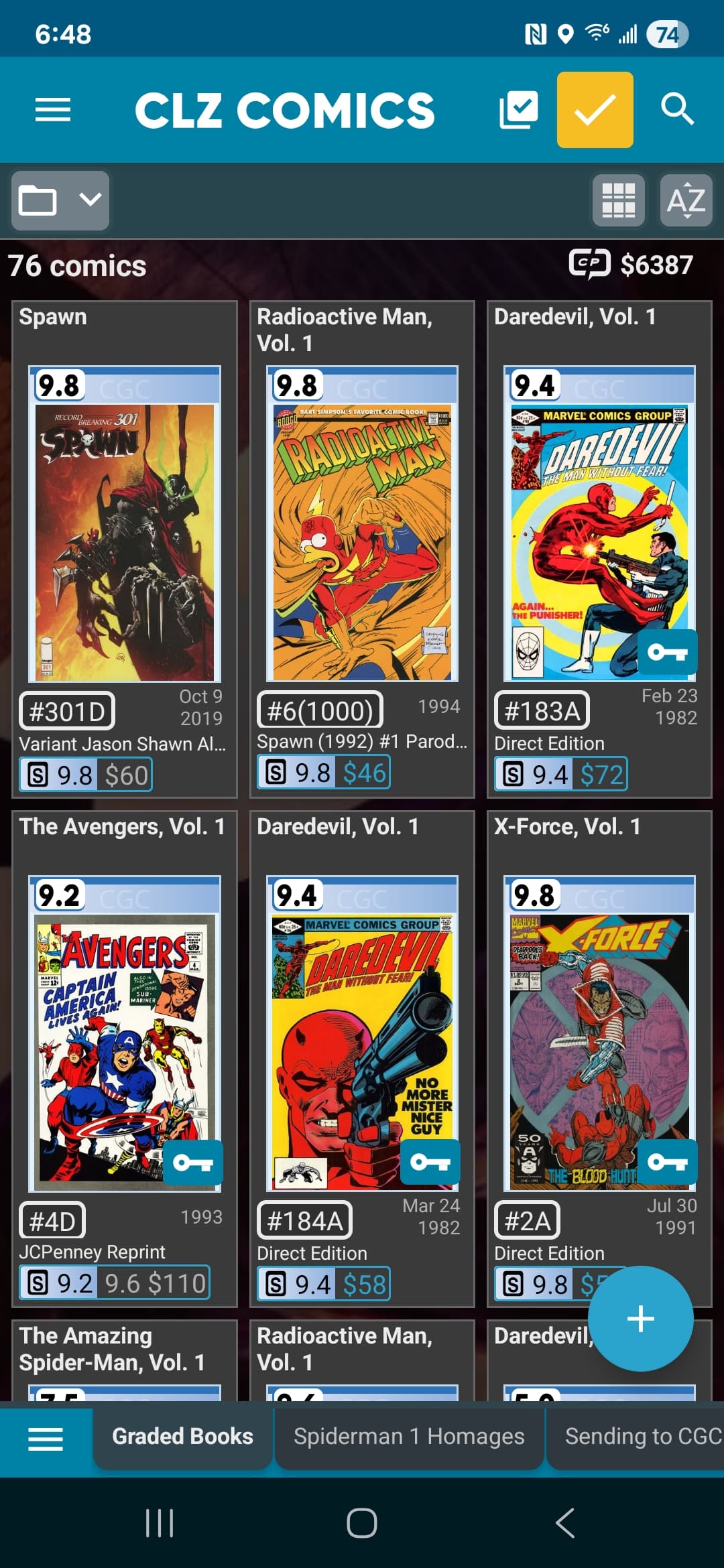
Yes those books were added in the past to my collection in another category but were sent to cgc and added to the graded category on the 29th should it not be filtered as to when it was entered into that category when Newest is selected?
I’m afraid not. Added date is just a hardcoded date of when the “database entry” was added into the app. It has nothing to do with collections, collection status, anything.