With the new update, the Links section is missing in the details template, I hope this is a bug and not a design choice 
No if that’s the case, that is definitely an error. However, I can’t seem to reproduce this.
Can you post a screenshot of the edit screen, on the links tab,
and also of your details template?
It’s still showing for me in dark and light here.
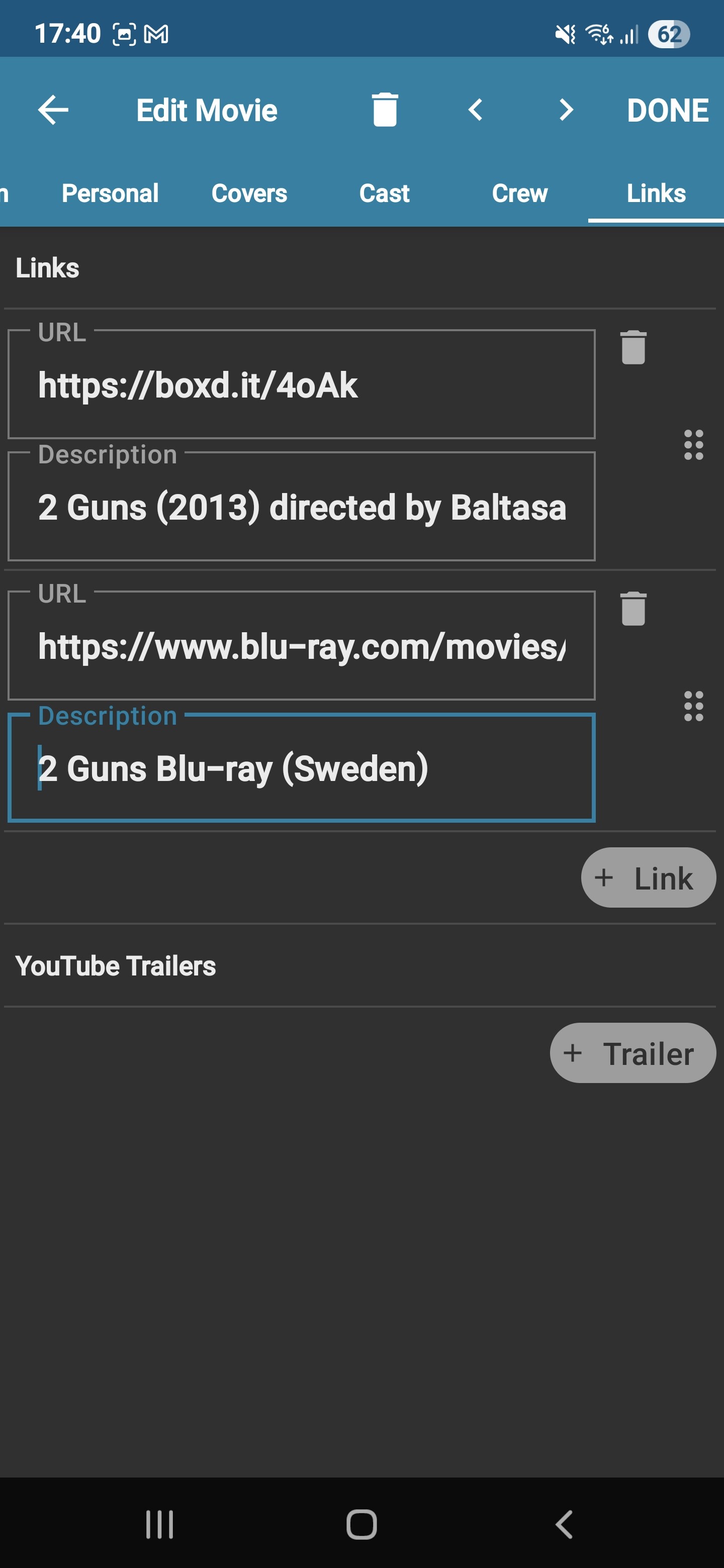
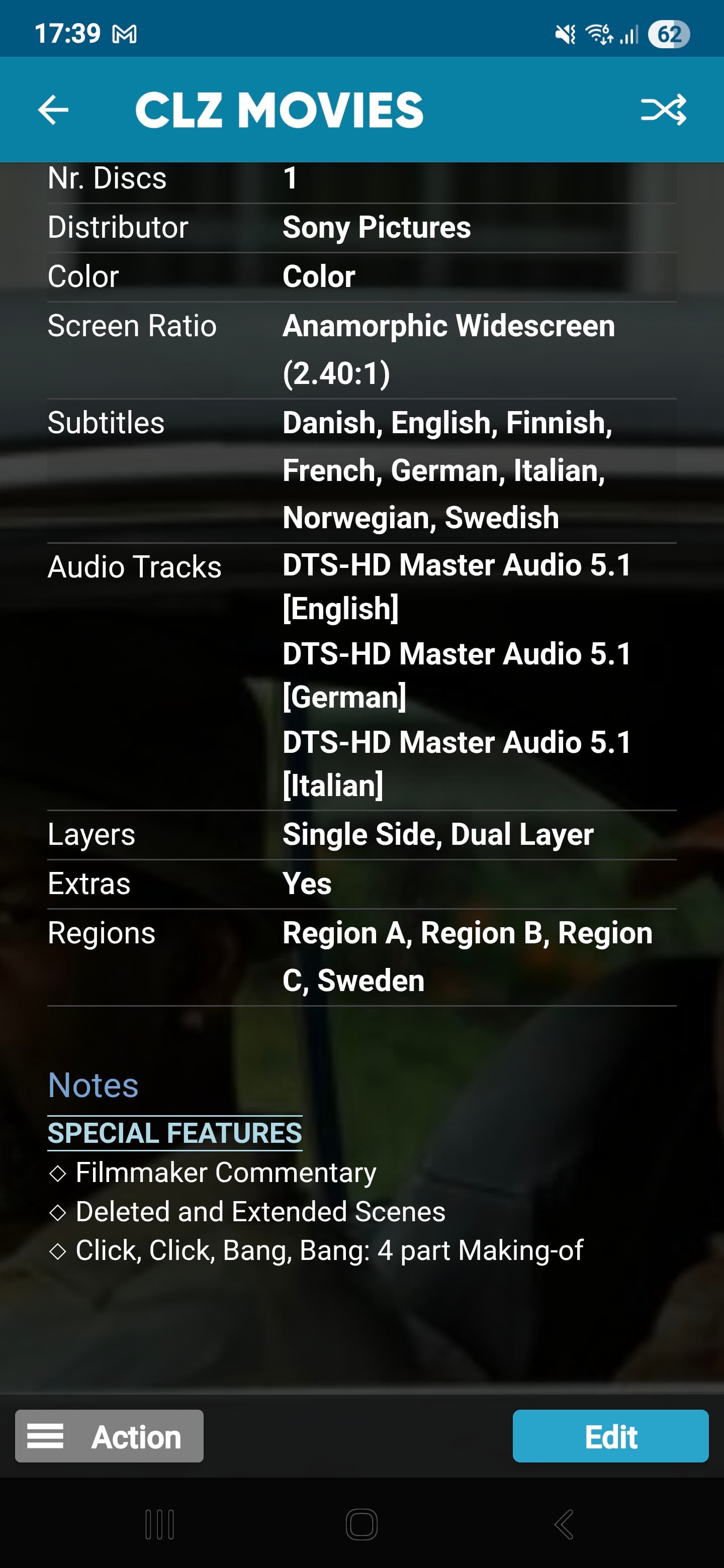
Hm might be related to the Notes. I will investigate further and let you know.
FYI when there is no Notes the Links is still missing. I have also tried to add new links to new entries with no success. On the Web the Links is visible.
My mobile phone is a Samsung Galaxy S25 Ultra, Android-version 15, One UI-version 7.0.
We found the issue, it has to do with Settings: Show YouTube trailers. When that setting is disabled, it goes on the fritz 
We fixed it and the fix will be submitted to the Play Store within the hour!
It will also include other fixes (the format icons for instance).
I’ll post here when it is live!
1 Like
We’ve just fixed the problem you reported in version 10.0.2.
Your app may have updated itself already (check the menu top left, the version number is at the top).
If it hasn’t updated itself yet, here’s how to force the update:
on Android:
On your device, open the Play Store app.Search “CLZ” and select your CLZ app.Tap “Update” to update the app.
Can you please let me know if that worked or not?
It works 
Hurray! Thanks for letting me know, and thanks for reporting this!
I was wondering, would you be willing to post a nice star rating for the CLZ Movies app in the iOS App Store or the Google Play Store?
It only takes a few seconds and would help us tremendously!
(in the App/Play Store, apps with more ratings get listed better in the search results)
Here’s how to post your rating for CLZ Movies:
On iOS:
- Tap this link to open the CLZ Movies entry in the App Store:
CLZ Movies collection database on the App Store - Scroll down to Ratings & Reviews, then next to “Tap to Rate”, select a star rating.
On Android:
- Tap this link to open the CLZ Movies entry in the Play Store:
https://play.google.com/store/apps/details?id=com.collectorz.javamobile.android.movies - Under “Rate this app” select a star rating.
- Finally, tap “Post” at the top right.
Thanks in advance!
Note:
I’m sure you probably already left us a rating at some point (but updating always helps us )