Hi,
I use android app and book collectors for windows
It’s possible in the android app to move form some field , ex: notes to the new custom fields?
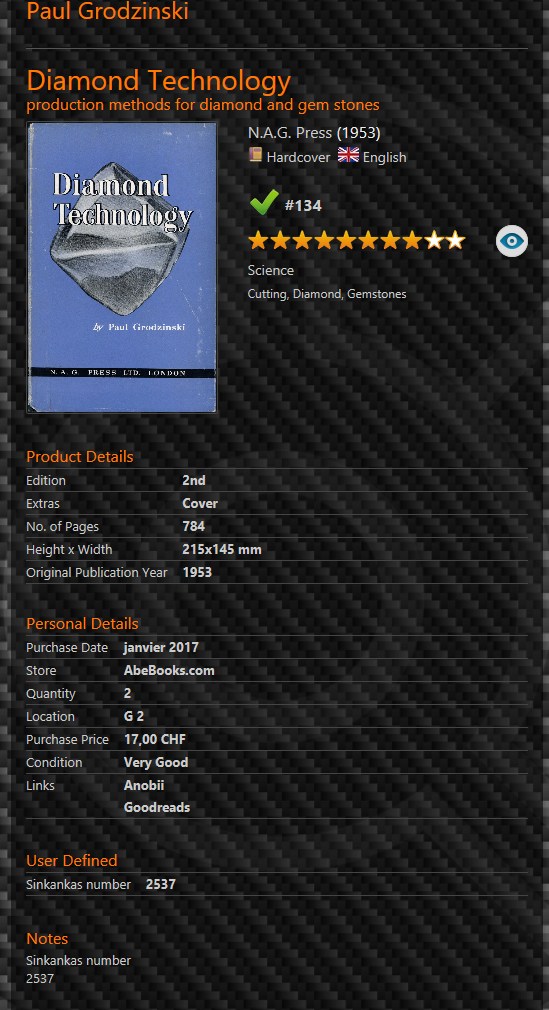
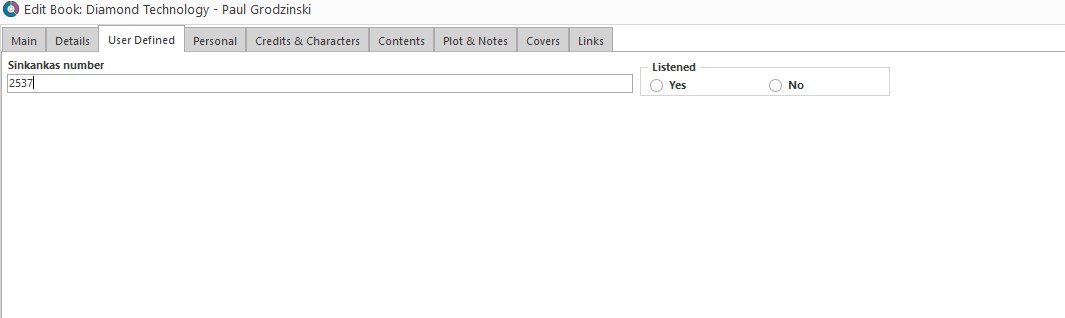
For example, actually, i used in windows version under user defined a sinkankas number (for gemstones books), so, with maintenance menu i moved also in notes, then is perfect.
So, now, any tips for move that in the new custom fields with the android app? Or i must to type by hands one by one ?
Of curse it’s not possible with the book collectors for windows…
Thank you
Nicolas
“User Defined Fields” from the old Windows version will not sync to the new “Custom Fields” feature on mobile. They will only sync between the CLZ Books Web app and CLZ Books Mobile app.
We do offer a one-time import to get your User Defined Fields to the web-app, and from then on you can sync them with the mobile app. This does mean you have to switch your subscription over to the Web-app and stop using the old Windows version.
So to get your User Defined Fields to your mobile app, you need to perform 3 steps:
- Start a trial of the CLZ Books Web app
- Import your user defined fields to the web-app with our special tool
- Completely switch your old Book Collector Windows license and subscription over to the CLZ Books Web app
------- ------- -------
1: Start a trial of the CLZ Books Web app:
- First, make sure your CLZ Cloud is up-to-date. In Book Collector, just Sync with CLZ Cloud.
- Now go here and log in with your existing CLZ Account: Login to Book Connect This will automatically start your 7-day free trial.
------- ------- -------
2: Import your user defined fields to the web-app with our special tool:
- Follow the steps on this page to import your user defined fields to the web-app:
------- ------- -------
3: Completely switch your license over to the web-app:
This means letting go of the old Book Collector Windows software. You will completely move to our web-app and eventually uninstall the Book Collector Windows software from your computer.
You can do this through our generous Trade-in Offer: we will trade-in your remaining Book Collector subscription days and will transfer them to CLZ Books Web, plus we will add 4 extra months for free.
Full details about the advantages of CLZ Books Web, and our Trade-In Offer can be found here:
Ready to switch to the Web version? Here’s what to do:
- Log in to your account at my.clz.com.
- In the Book Collector box, under “Trade-in offer”, click the button that says “Switch me over!” and follow instructions.
Hi Alwin,
Thanks for your answer.
I prefer to stay with the pc version, i tried sometime the web version but i still like more the first one.
Already talked in the past about that, i used a lot the export to html and i like also to add everything about author, when the web app will have exactly the same options that the pc app maybe i will migrate 
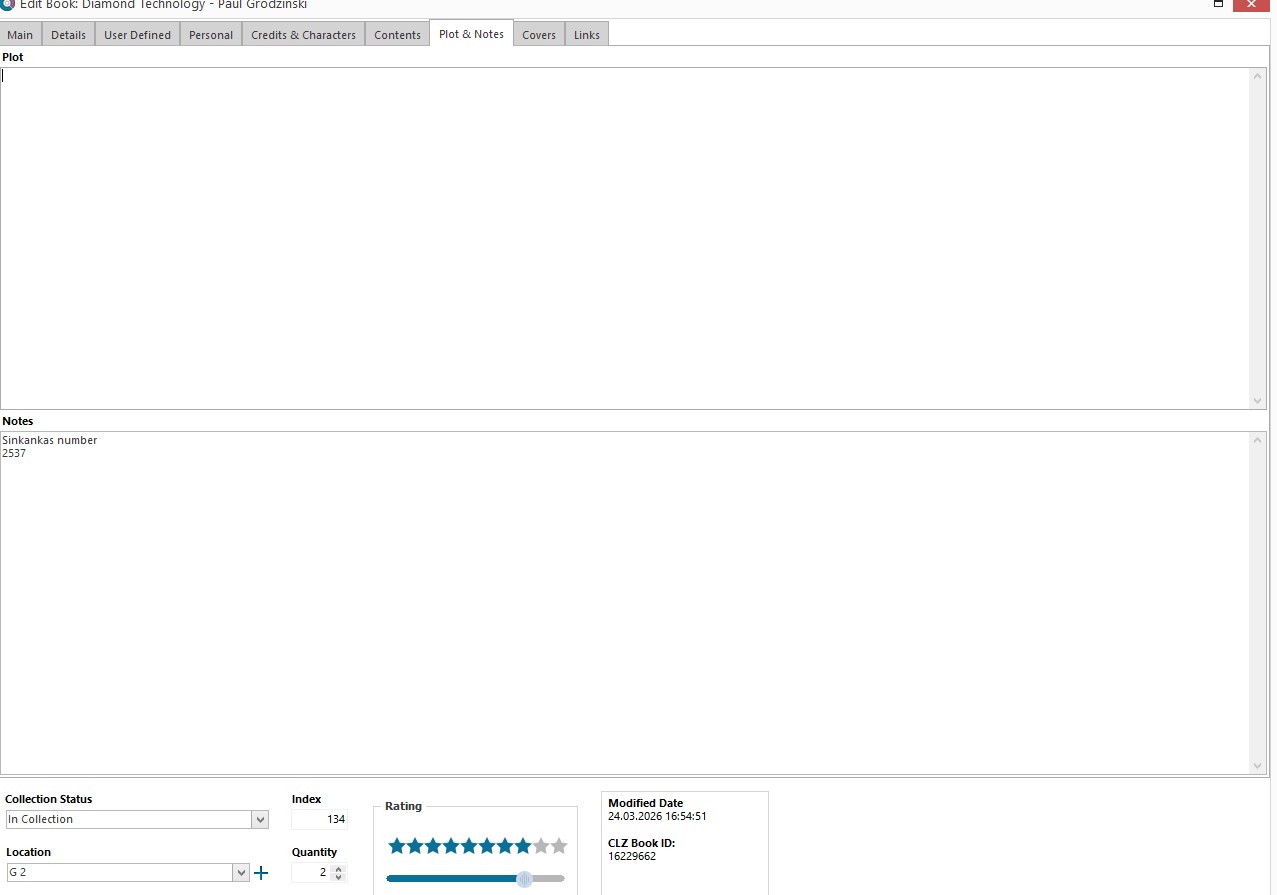
Btw, as you see, i move the custom field to notes in the pc version, so, like that i can see also in the mobile app under notes.
Will be possible in the future move from notes to new custom fields in the mobile app or will be possible only in the web app? If not i will do by hands, will take few hours…
Thanks, have a nice week end
Nicolas
Sorry that will never be possible.
I recommend to reconsider migrating to Web, that is the way to go. Especially for books, there is very little reason to hang on to the desktop software.