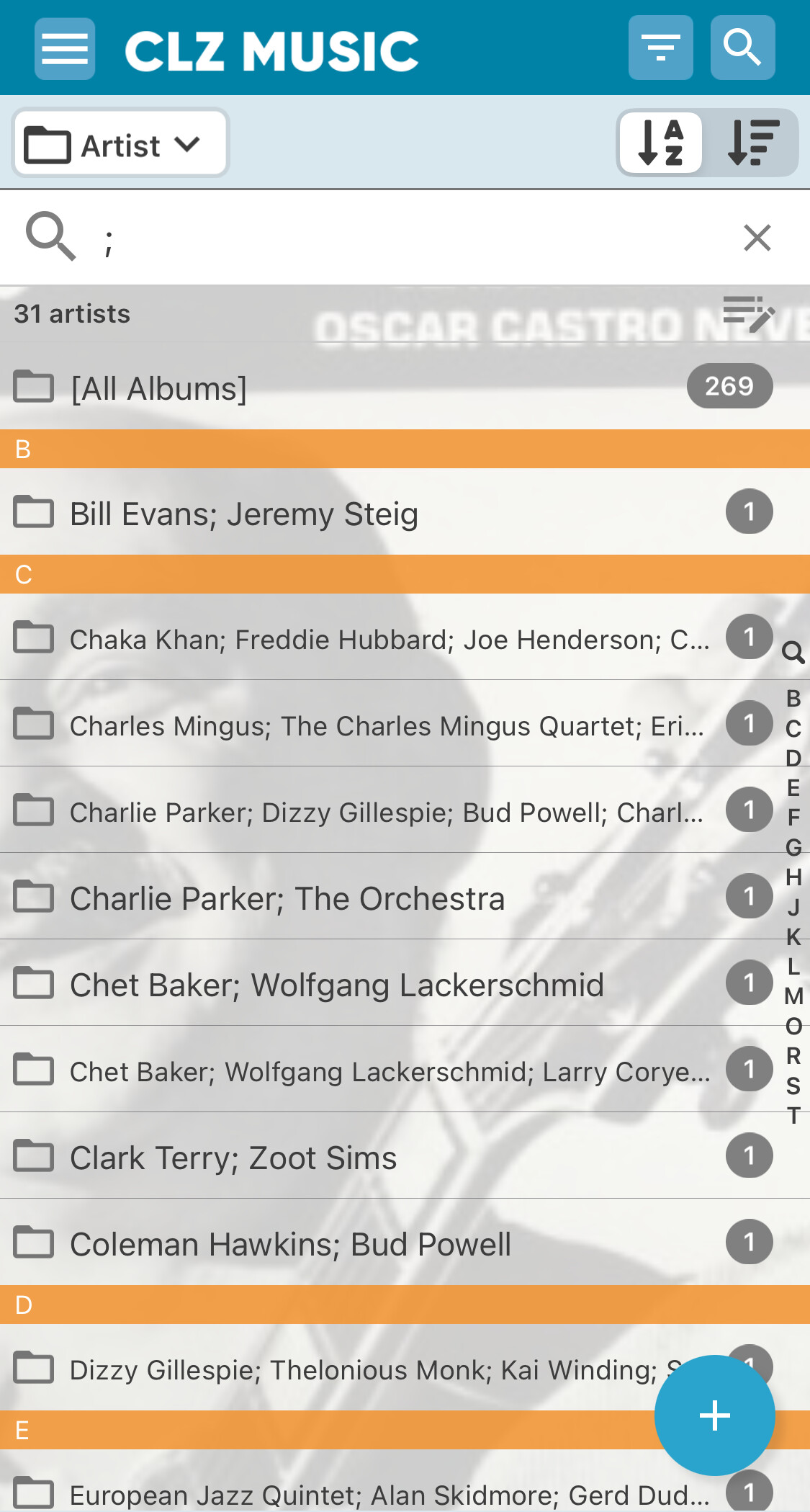
I just imported over 250 old Jazz records today and it created all kinds of “composite artists” named e.g. “John Coltrane; Eric Dolphy”, whose albums don’t show up when browsing Johm Coltrane or Eric Dolphy.
Is there a way to split these after the fact? If not, that would be a feature request
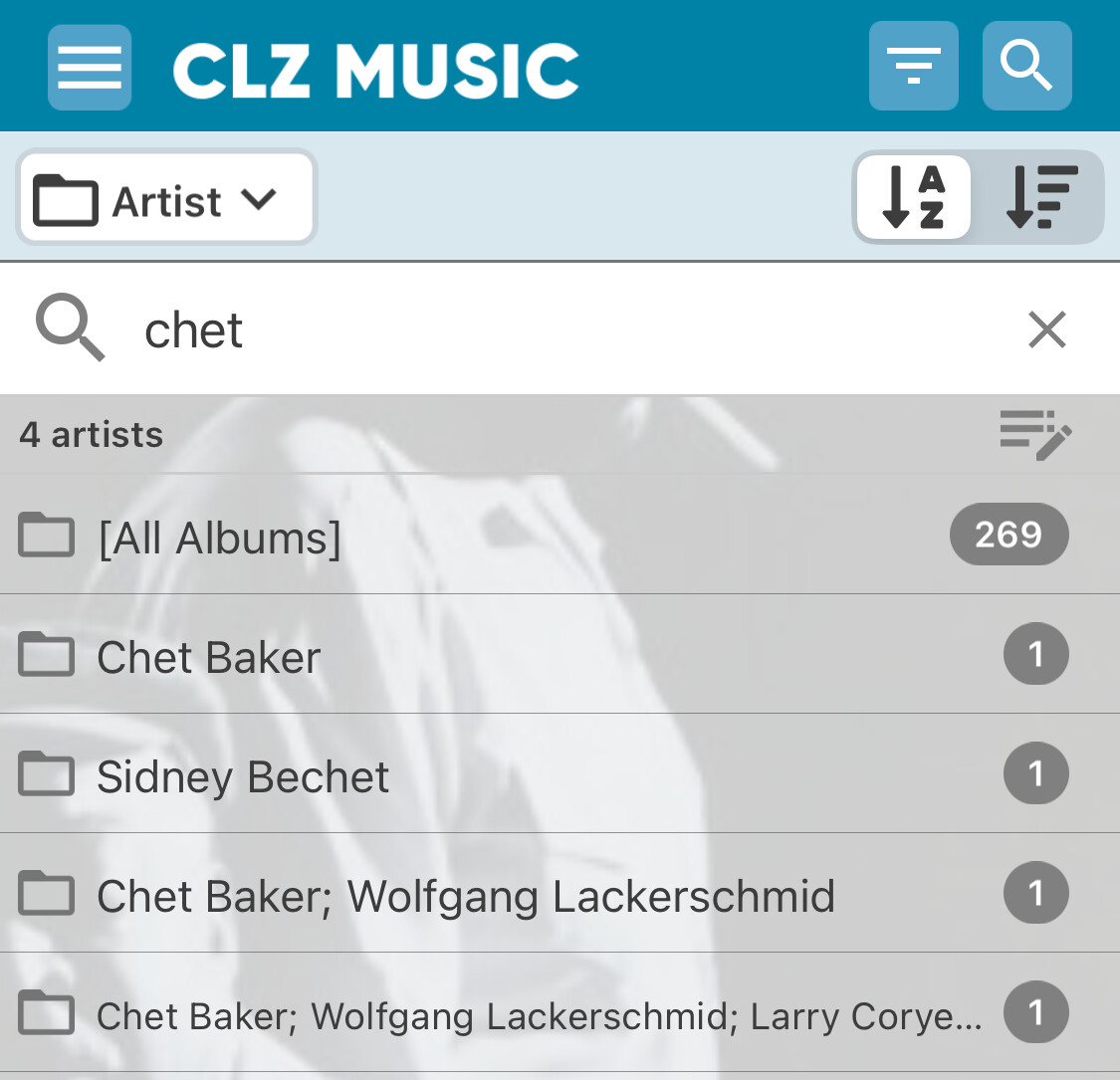
then, if I want to browse albums by Chet Baker, I get them spread over all these “composite artists”… since there are sometimes many artist names on Jazz records, this list can get so long it doesn’t fit the screen
this is indeed not possible. You could group by artist, then open Chet Baker folder, then search for Lackerschmid. That will give you all Chat Baker albums, since you’re in “his folder” that include “Lackerschmid” somewhere in the album.
Workaround for a good feature request.
How did you import them? If you used the Cloud and imported a CSV, you might want to start over. The CSV import has a tool where you can tell it what the field delimiter is which basically tells the import that “if I see a ; I should create another entry inside that field when importing”
I think that’s where it’s gone wrong if you did an import from CSV on Cloud? Let me know!
Thanks — I imported manually, mostly by searching by catalog number. This worked exceptionally well and I was surprised how quickly I was able to add the records, which were mostly 60s-70s-80s originals. Super cool
I’ve now started to manually split the composite artists into individual ones… quite a bit of manual work, but doable (around 30 instances).
As for a future feature - maybe a function analogous to the “Merge Mode” but for splitting would work well (with optional choice of delimiter character).