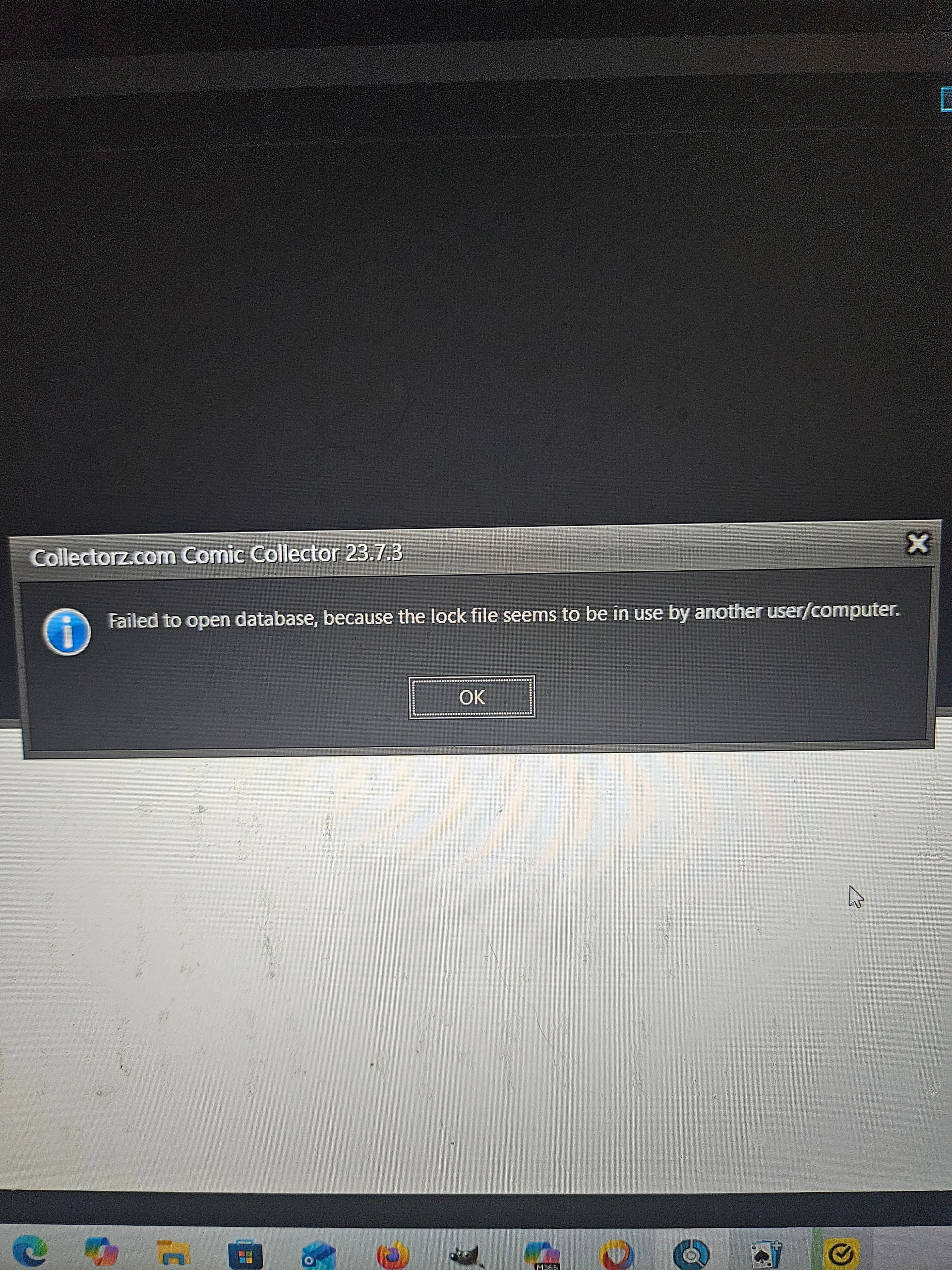
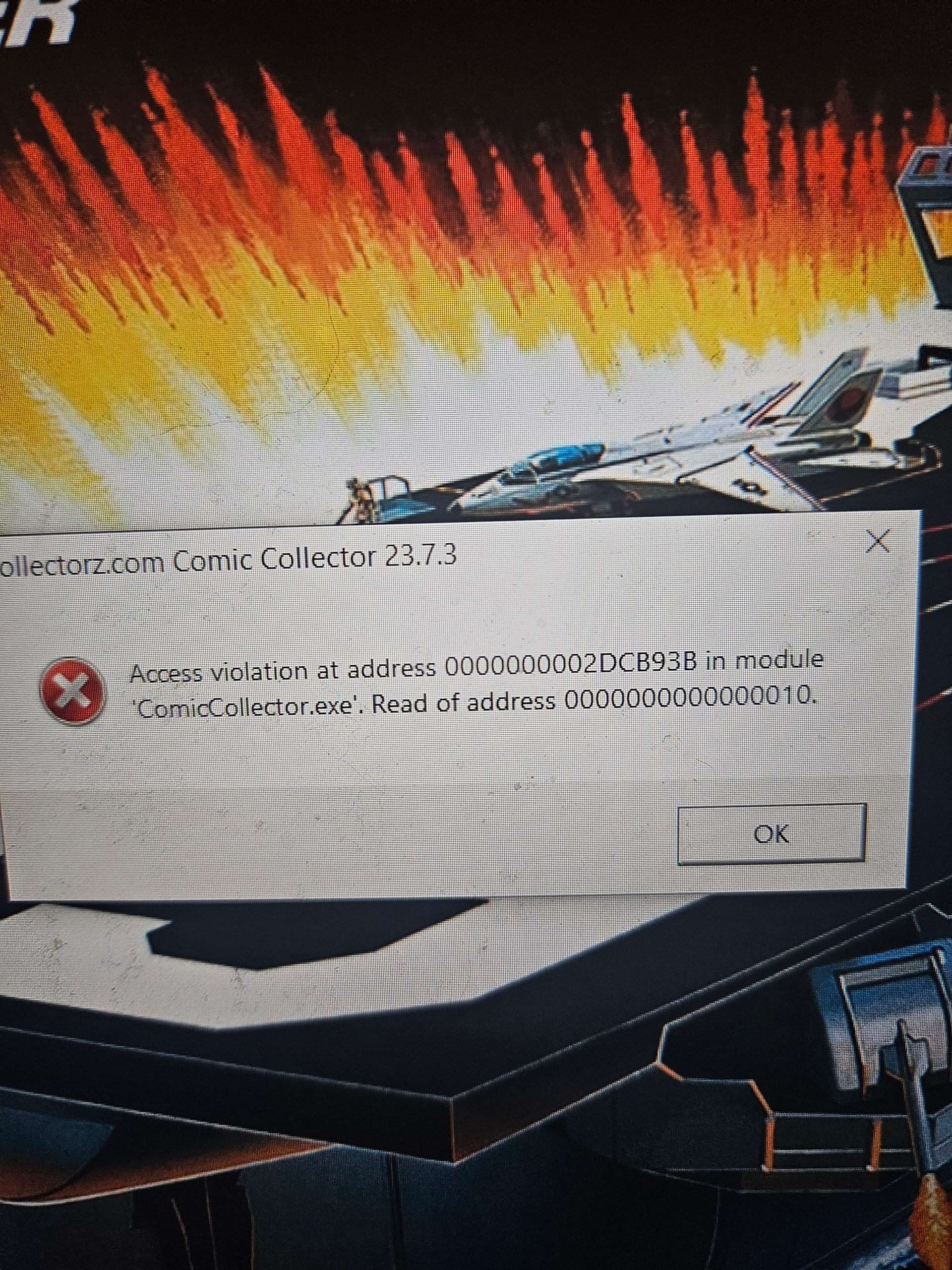
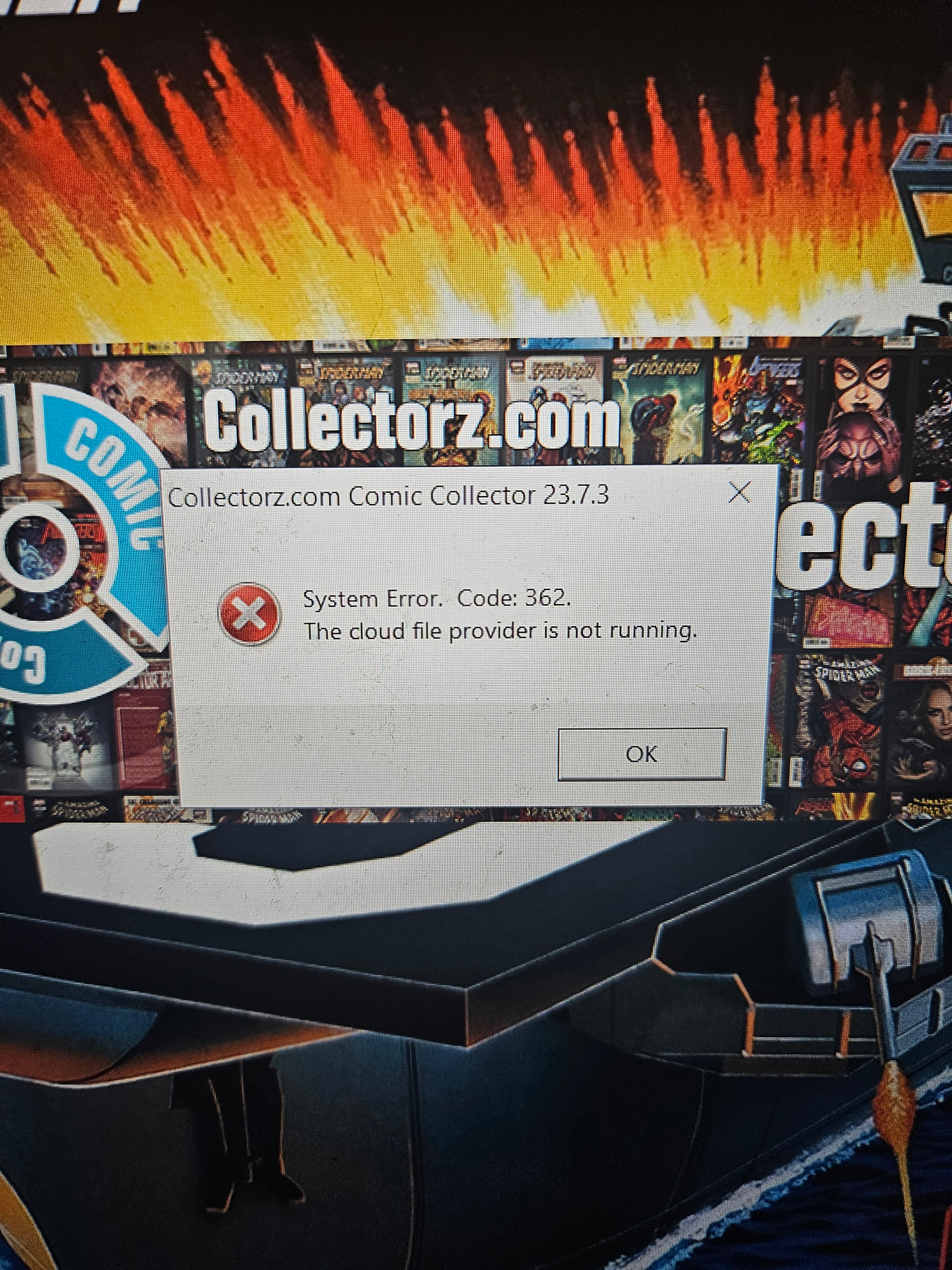
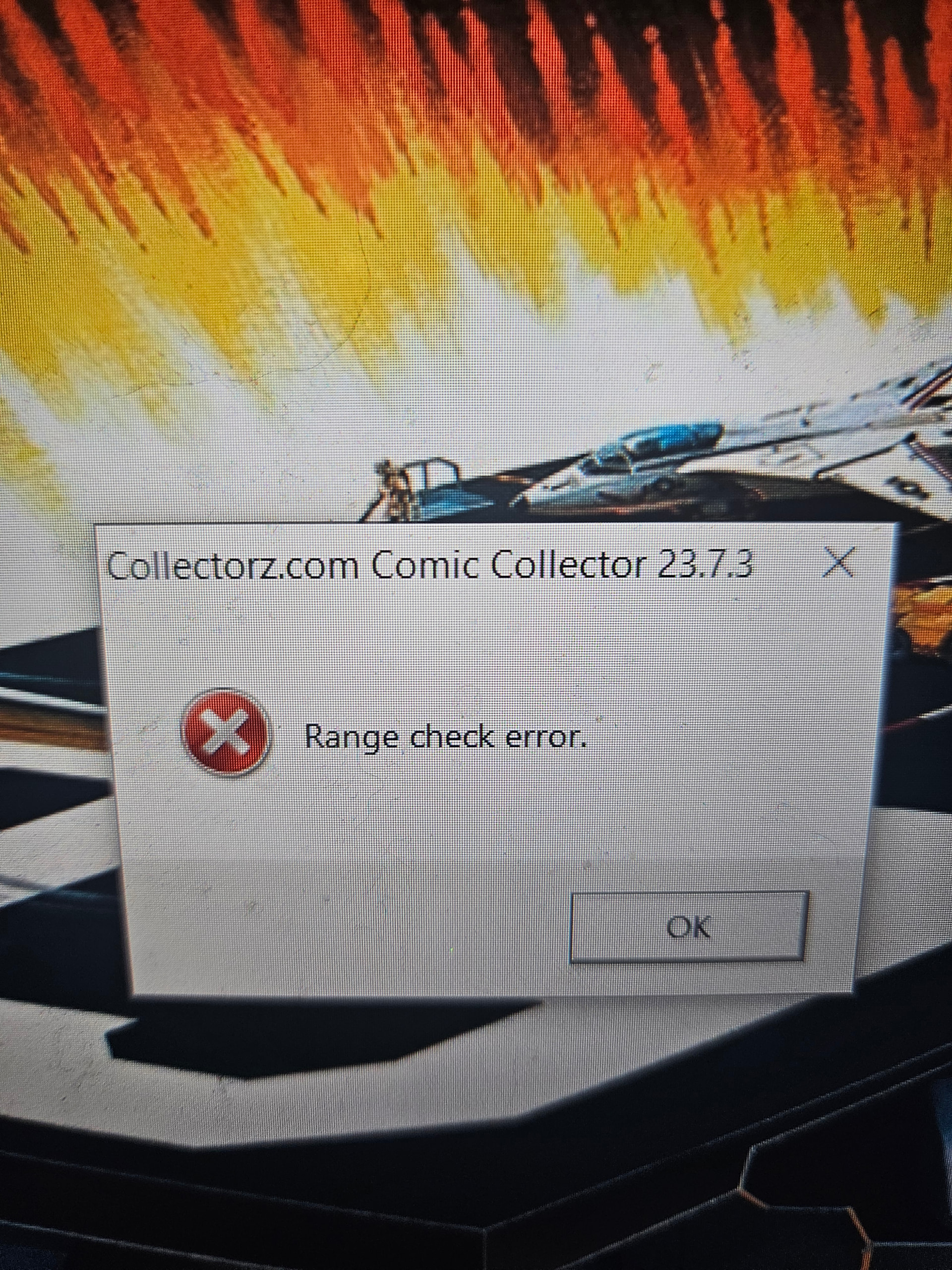
Before I begin, I also use the app and everything is saved in the cloud, so I can still access my collection. But, I also still use the desktop software(old habbits die hard). I went on my laptop and I have to redownload my collection and I get several error messages. Here they all are. The first one is wierd. I have my collection on my phone, laptop, tablet(which I don’t use anymore since I have a better phone now) and on my brothers phone. I never had a problem like this before. Can you help?
I’m sorry to hear you are having trouble with the desktop software.
The most common reason this message can appear is if you have copied your data from one computer to another recently. It can also happen if the program wasn’t closed correctly.
Here’s what to do:
- Close down the program.
- Open the location of your database file (usually Documents > X Collector )
- Find the file that has the same name as the database, but with an extension ending in “lck”
The extension will be either:
.cmclck (Comic Collector)
-
Remove that LCK file!
-
Now start up the program again, the warning message should no longer come up.
If you then still get other warnings:
Can you let me know which ones?
I started up the program and was able to get in, but, I had to download everything again and it looks like my collection and wish list are now viewed as one(meaning I can seeing everything at once) and I had the screen looking loke all my books are on a shelf, bit that is also gone. Hope this all makes sence.
Good to hear you got your data back.
Shelf view:
To view your comics as if they’re on a shelf, just click menu View > List View > Images
You can pick a shelf type at the top after clicking that.
Collection Status filter:
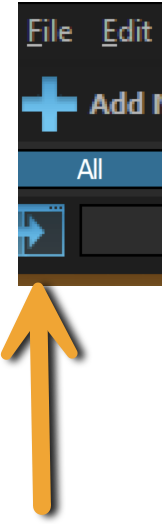
As for your collection/wish list, I don’t know how you had that set up, but there are many ways to get them separated. One of them is clicking this button to open the quick filter panel, and choose it there
Alternative you can click menu View > Collection Status > In Collection (or Wish List) to filter between them.
Would that help?
I tried all that and nothing is working. Here’s a screen shot of what I get. Now, I do use the app more, but sometimes I like to use the desktop version and this is just annoying.
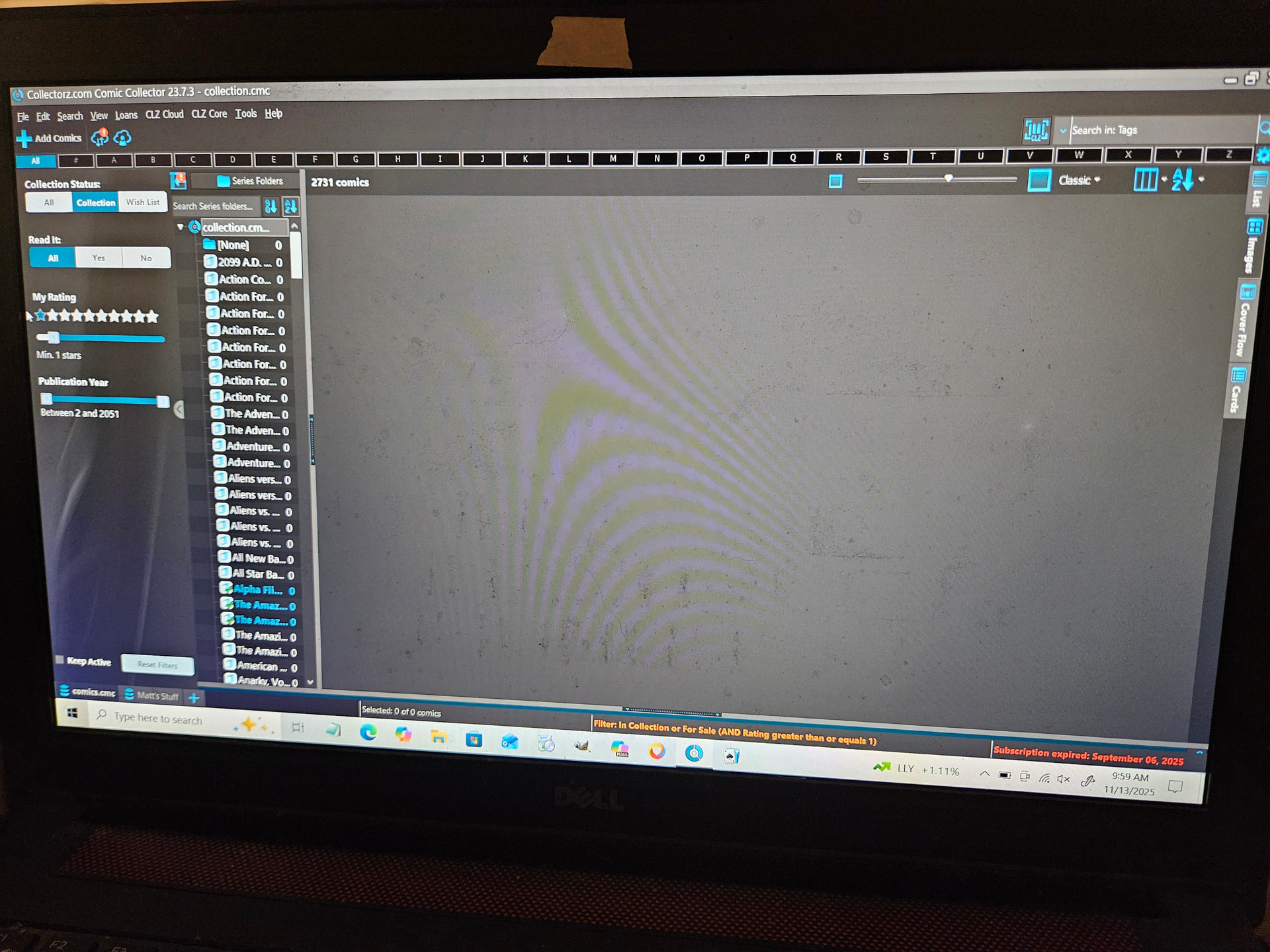
But you have all kinds of other filters on now.
Look at the left side, look, it says you only want to show:
- Comics that are in collection
- That have a rating set by you of 1
- Published between year 2 and 2051
That will likely not give you any results..
I recommend hitting reset button at the bottom of the left hand panel.
Then ONLY use the Collection Status filter.. do NOT use any others if you don’t want to filter down more…
All this information is on screen, the orange at the bottom shows you what it is filtering on, the left hand side gives you the sliders and tool to adjust those filters. Just look, read, adjust, and it should show what you want.
Let me know if you can get it to work that way!
I will have to try that. Not sure how all this happened. It was working fine 2 weeks ago then BOOM, it went bonkers. Probably an error on my part somewhere.
Busy today, so I won’t be able to get to it till tomorrow. I will let you know what happens. Thanks for all the help. You are all great.
1 Like
I hit the reset button and everything is fixed. Now I know how to fix this problem if it ever happens again, and knowing is half the battle!
But, I can’t get the shelf view back. I hit view, then list view, then images, then I get nothing. This isn’t that big a deal, I just liked the look of it.
Again, thank you for all the help. You have the best Customer Service around. You are all awesome and I am gonna be a loyal customer for a very long time because of it.
One more quick question. I am grandfathered in, so I can still get the desktop program. Since you are no longer supporting it, I no longer sub to it, but, if I get a new laptop, can I download it without the sub? If no, no biggie, I will just move to the web part. When I first found this app, I used the desktop versio all the time, since my phone, at the time, didn’t support the app(I currently use the app all the time now. It’s a godsend at cons), so, I’m just used to the desktop part and old habbits die hard for me.
Anyways, thanks again!
Yes, that will work. You can download it from my.clz.com
This should really work, can you send me a screenshot of your images view? Full screen please.
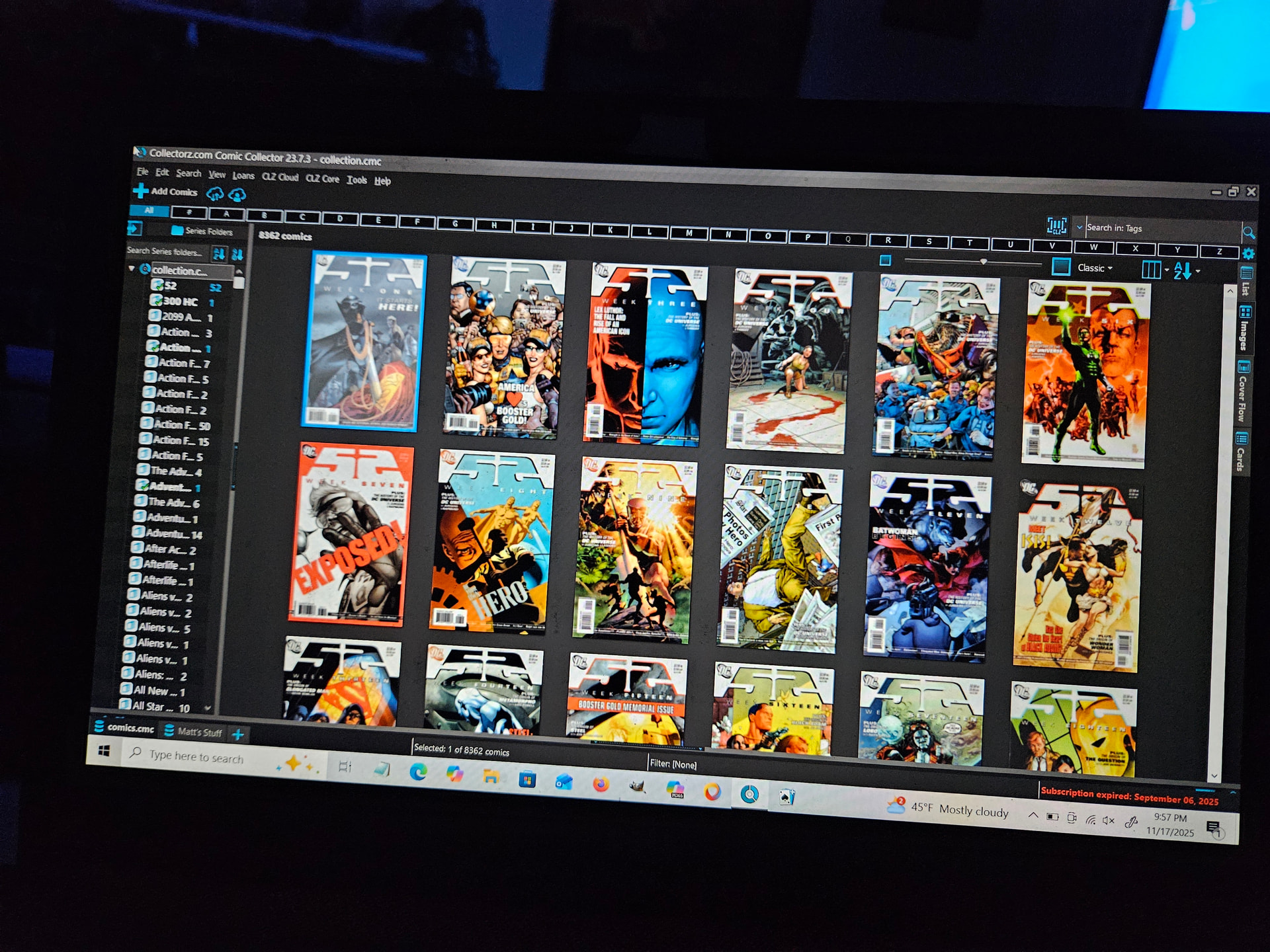
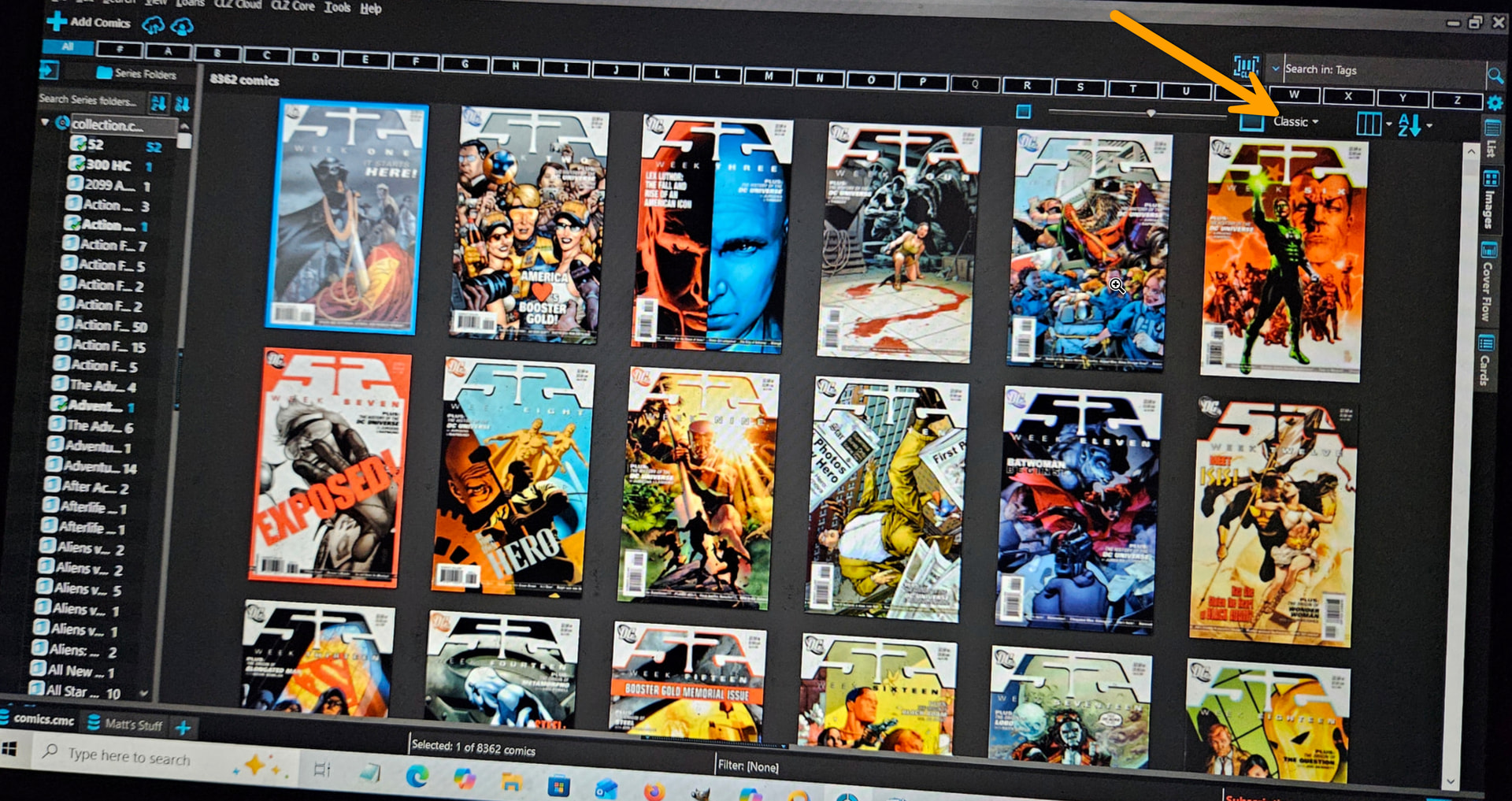
Everything is fixed. Sorry, I missed the drop down in the upper right. Again, thank you for everything.
1 Like