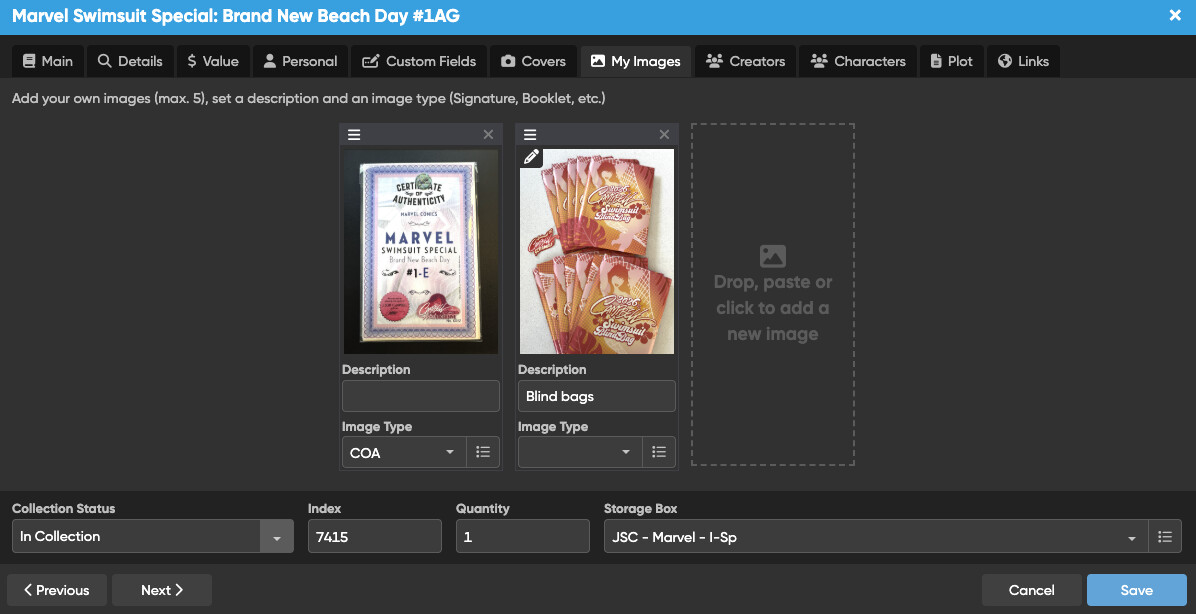
Hi Team,
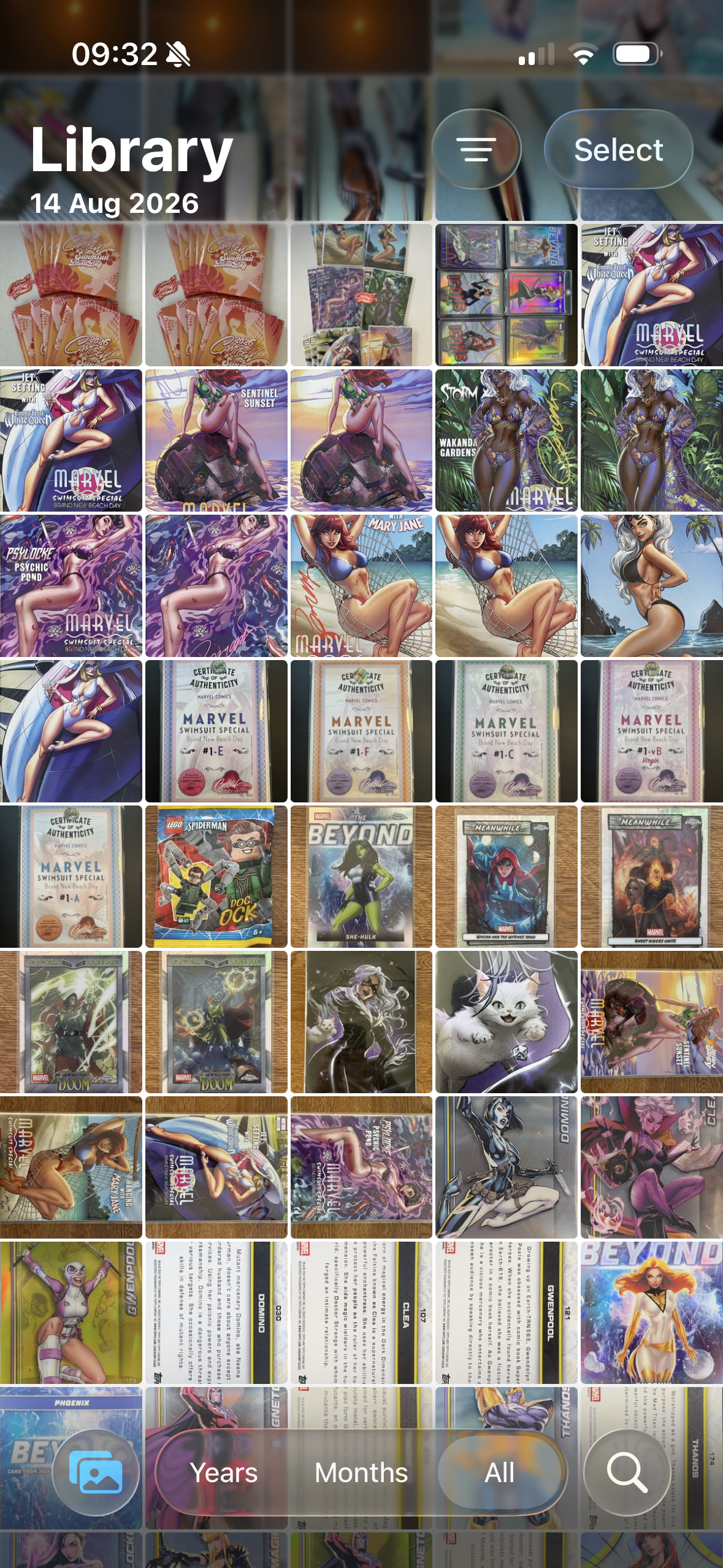
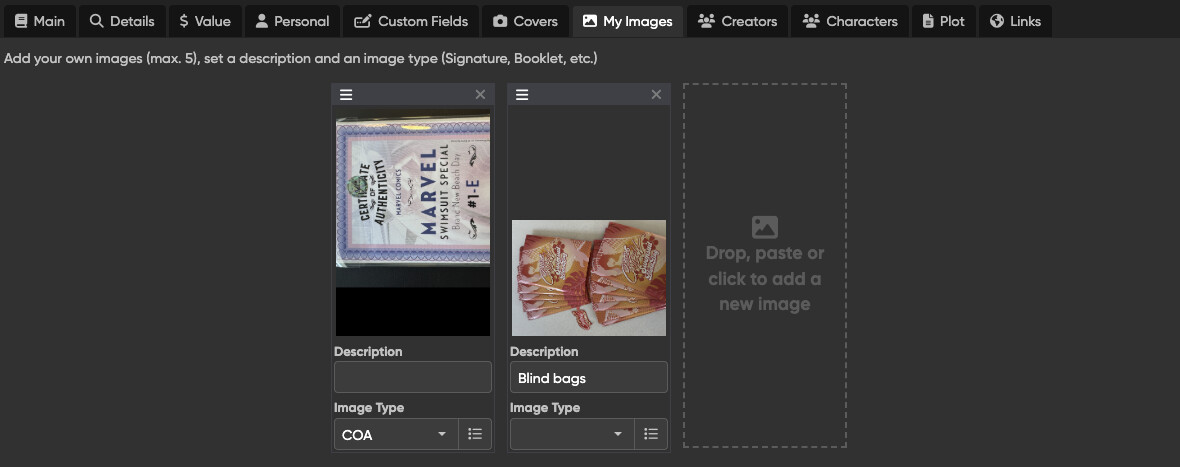
When I upload images into the ‘My Images’ tab, they appear fine, as uploaded. But when I go back in they are suddenly rotated. If I rotate them back, and save, when I come back they are on their side again!
Kind regards,
Fran
Hi Team,
When I upload images into the ‘My Images’ tab, they appear fine, as uploaded. But when I go back in they are suddenly rotated. If I rotate them back, and save, when I come back they are on their side again!
Kind regards,
Fran
Hi Fran, I expect this could perhaps happen if there is some meta data in the image files that overrides whatever the edit screen rotation saves like.
In short, could you send me two of those original files in a ZIP file? You can use this page to send the zip file:
(make sure to ZIP the original images, not send them as loose files, as I’m not sure if wetransfer might modify something in them)
(note that I’m about to go have weekend, and might not be able to reply until Monday)
All set! No rush - go enjoy your weekend! 
Hi Fran, thanks for sending that in. What I suspected was indeed true. These images contain meta exif data on orientation, and our web-app sometimes can’t really handle that correctly. Something we should of course fix, but it’s not a 2-second fix (which are the ones I like best!).
So for now what you can do is open those images in a photo/image editing tool, then turn them there, then save them, then upload them, that should likely work.
One question: when this was previously reported the user send the pictures to CLZ Web via Safari on their iOS device.
How did you originally upload them? From which type of computer/browser?
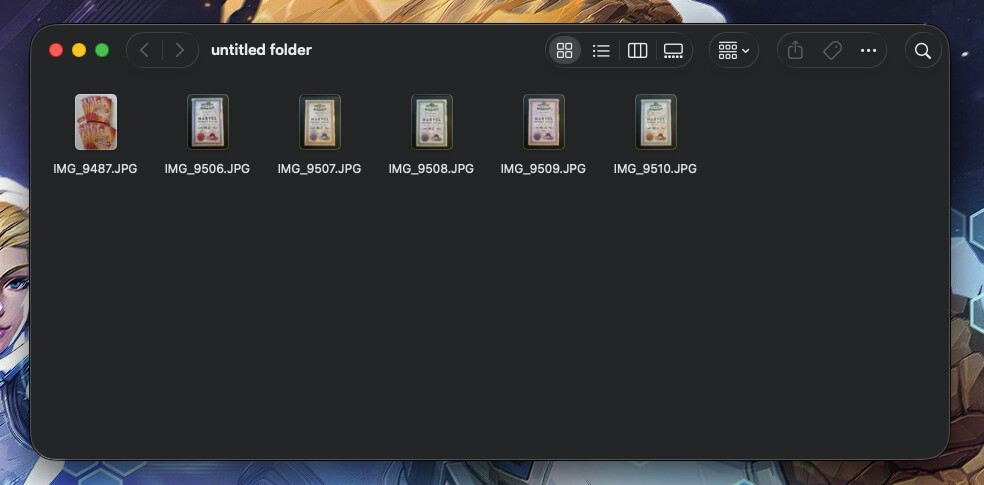
@CLZ_AJ sorry for the delay in getting back to you - it’s been a week! So I took the photos on my iPhone and air dropped them to my Mac. The strange thing is that on the machine and when I initially upload them, they are vertical images. I don’t change the original orientation of the photo from the phone.
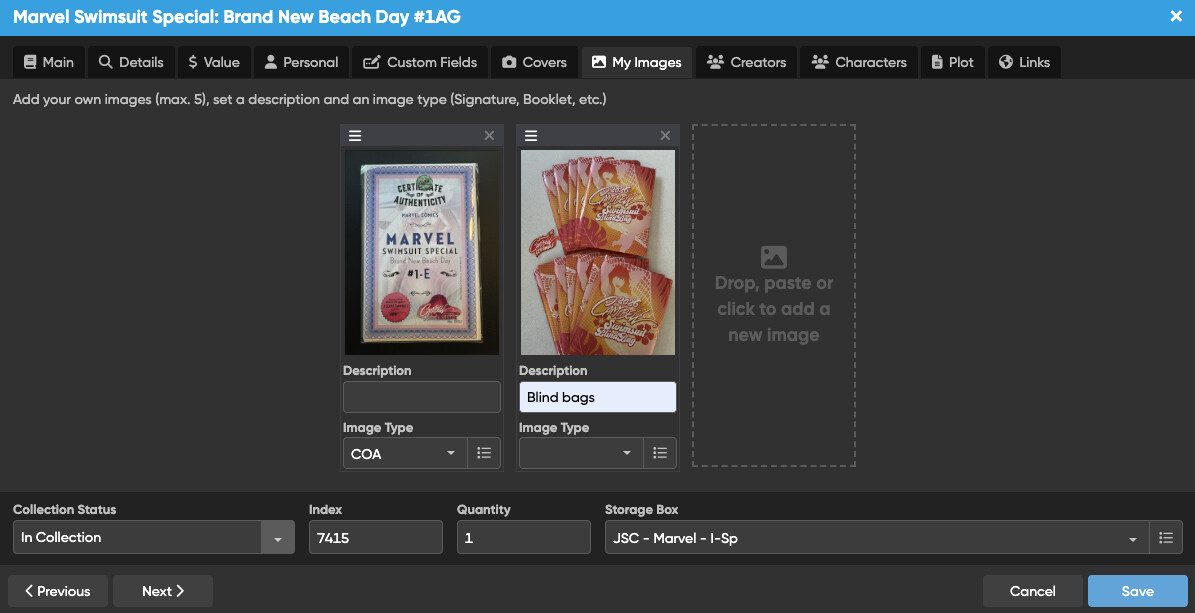
Initial CLZ upload (Chrome):
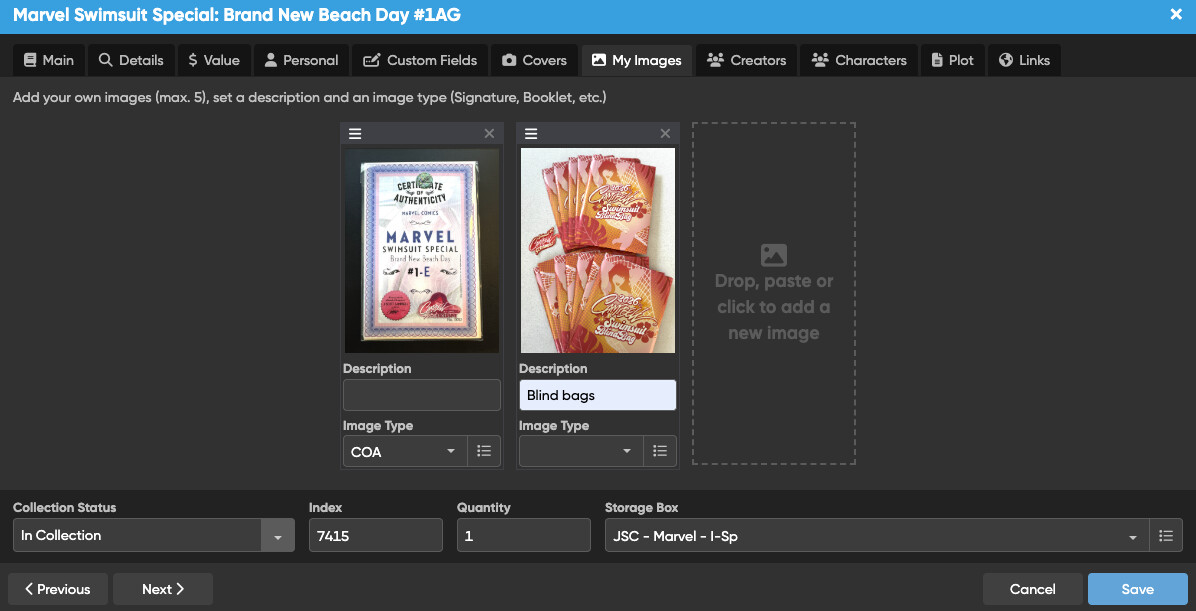
But then when I save and go back in…
If I edit them in a basic photo editor, save, and re-upload:
They stay that way!
Thanks for your reply. What you’re showing strikes close to what we’re seeing as well and is likely the same root cause as the other report. We have it in our bug system for fixing, but it might be a bit of time.
For now I advise to indeed use the workaround to pull them through a photo editor, and go from there, until we can work more on this.
My apologies again for this inconvenience though!
@CLZ_AJ no need to apologise - it’s a silly bug, and I appreciate that you and team have bigger fish to fry! Thanks!