Hi,
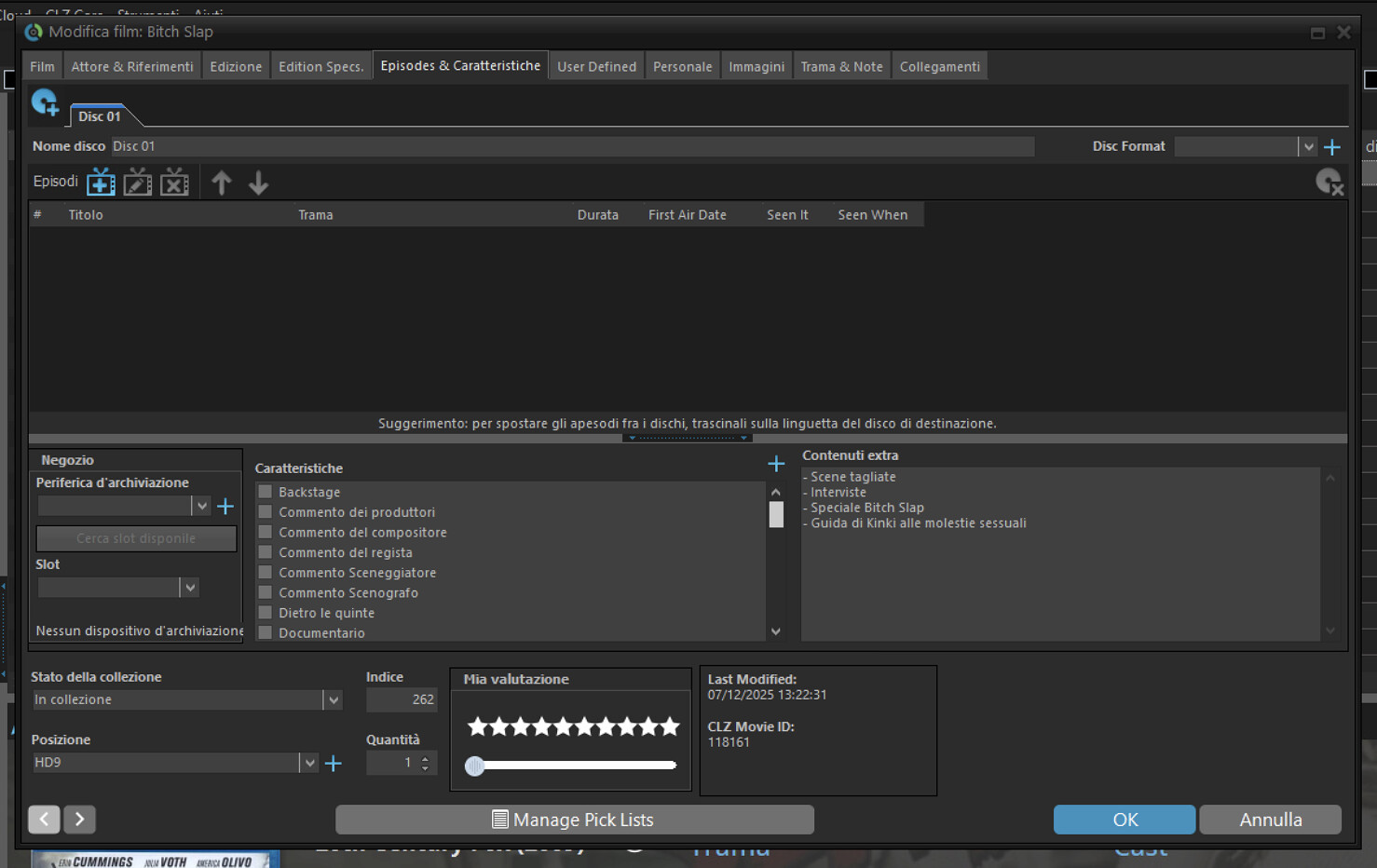
i saw that the new fields that were on the desktop app (TV Episodes, Featured) have finally been added. I have all these data loaded on the desktop. Is there a way to make them appear in the web app? Thanks
Hi,
i saw that the new fields that were on the desktop app (TV Episodes, Featured) have finally been added. I have all these data loaded on the desktop. Is there a way to make them appear in the web app? Thanks
I’m afraid not, custom episodes were added to the web and mobile version and will not sync from Windows to Cloud (and thusly Web/Mobile).
We are looking into creating an import on Cloud where you would be able to upload an XML file from Windows so it would give you the custom episodes on Web. Like a "one time import of your custom episodes to the Cloud (and Web/Mobile), for if you’re deciding to switch.
Features is a different story as on Windows that field can be put “per disc” and on Cloud, features is just “one single field” We could likely import it with XML as well, same trick, and just combine all the features for all discs in the one single featured field.
It will not be added to sync custom episodes/features up and down I’m afraid though.
Thanks for reply
@borant we are working on a custom episodes import from Movie Collector > to CLZ Movies Web right now.
Would you be interested in trying this out? If so, can you contact us through help.clz.com and mention my forum name?
Note this would be a one time export from Windows, and a one time import to the Web version (so basically meant for users who are looking to trade in their subscription to move to the web version)
If someone else is reading this and is interested in testing this out with us, feel free to contact us!
Hi AJ,
Yes, I’d be interested in trying it, but I don’t have a subscription. Besides this field, I’d like to know if other fields I use are available on the web version. Can I ask you?
Yes, you can ask of course.
I would also give you like a 2 week trial of course for CLZ Web to try it
I read that “programmable” fields will soon be available, and that’s a feature I’ve used on PC.
In addition to the ability to insert episodes, which I hope will be like the PC app, there will be the ability to insert the extra add extra content:
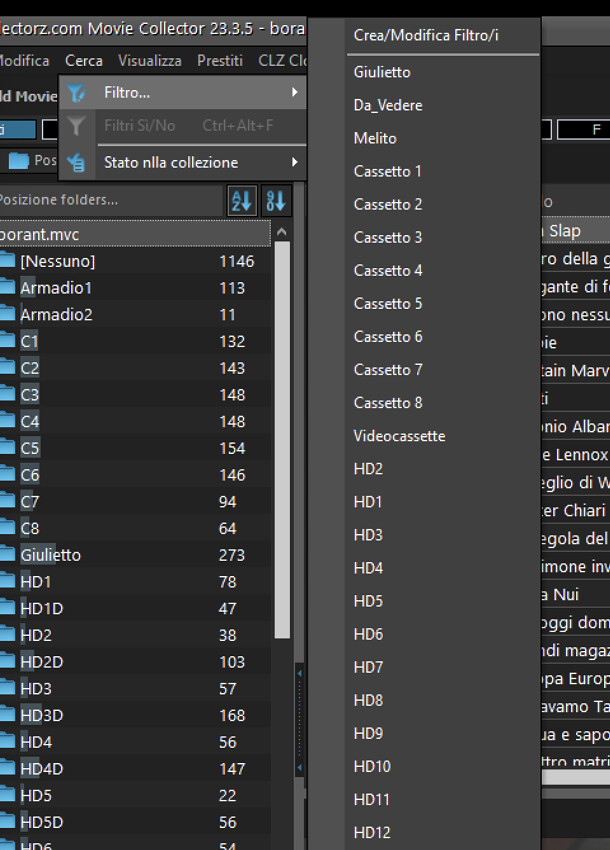
and I also use filters a lot
Thaks
If you use custom fields, then this import might not be for you. We will be introducing Custom Fields to the web-app, and later we will introduce a way of importing them from the Windows version - so for now the import of custom episodes is not one that will work for you (as you’d have to re-do it when we introduce custom fields import).
So for now it’s likely better to just keep using Windows (and not test the custom episodes import with us).
As fore extensive filters: we might introduce that at some point to the web-app, but it’s likely not going to be able to let you import that. So again, if that keeps you on Windows, then you are better off staying in Windows. For now.
I checked your filters, but it seems you are mainly filtering on Locations etc? (you can do most of those, I think, with folders - but perhaps I’m missing something).
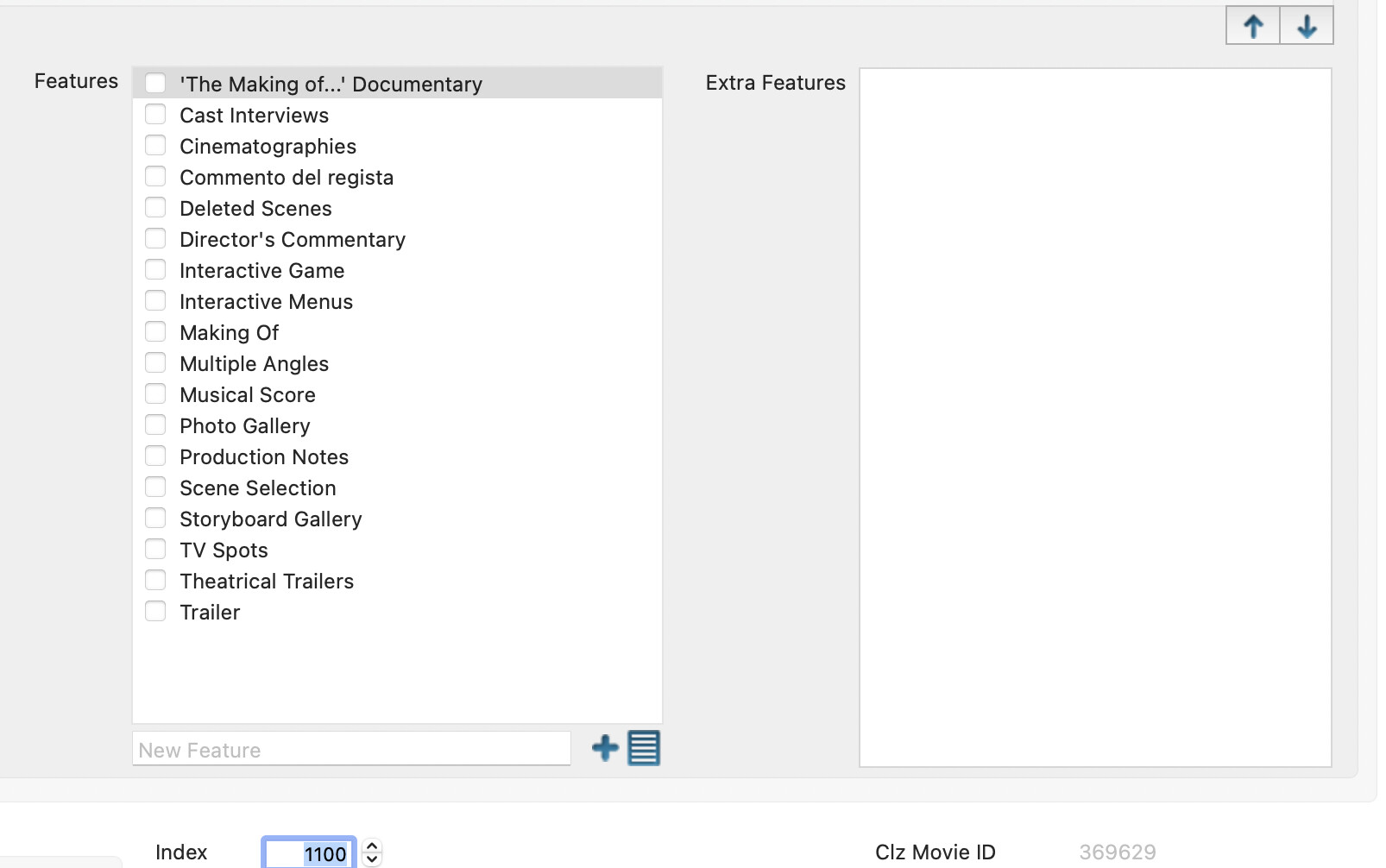
In addition to the custom fields, will the field I sent you in the screenshot be added? That is, the fields you see below (Trailer, backstage, deleted scenes, etc.)?
Regarding the filters, as you can see, most are based on the Location, but I have a very important one that extracts whether I’ve been seen or not, and if it has a custom field where I can enter some data.
Do you have an estimated timeframe for these changes?
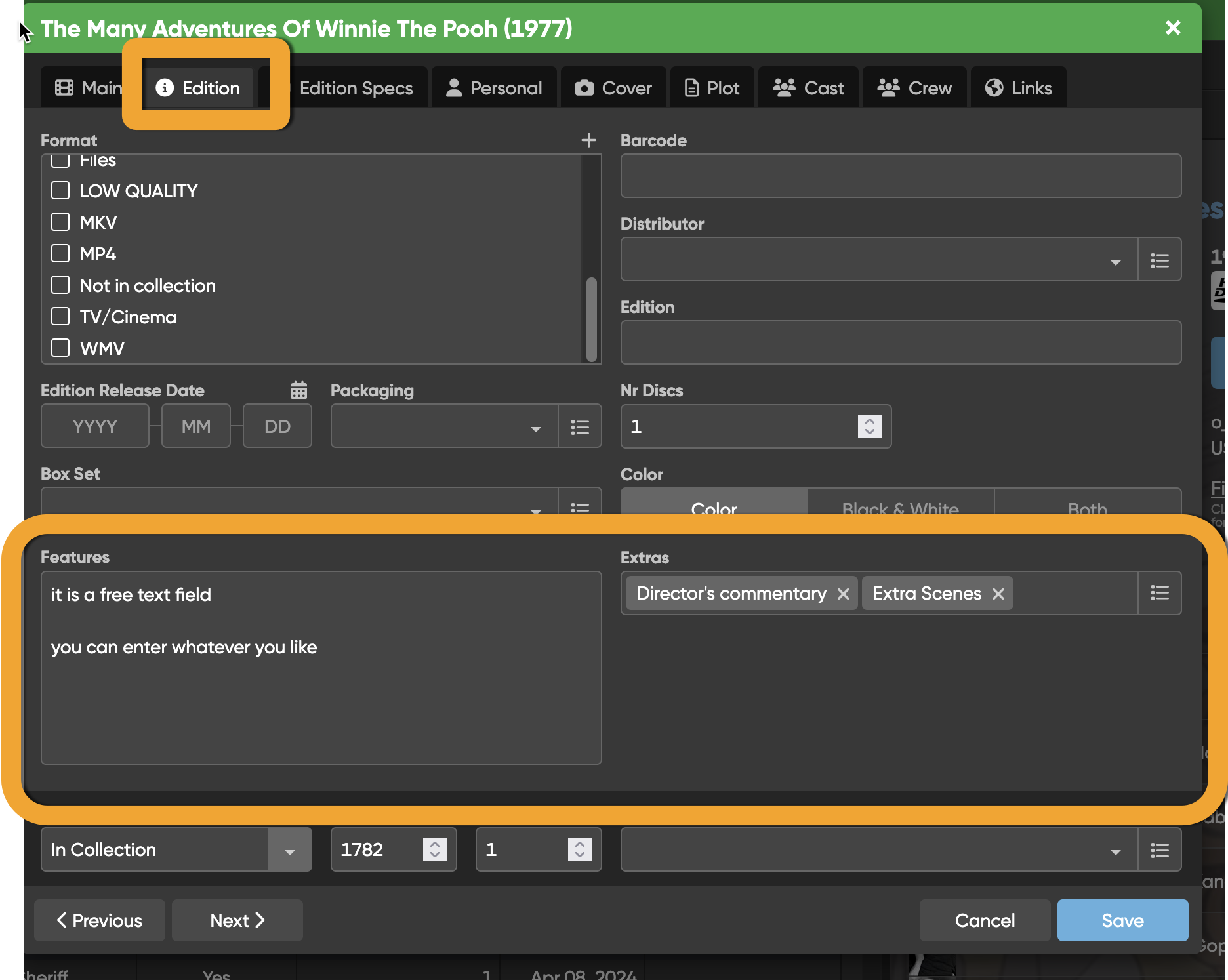
Features is already a field in CLZ Movies Web which you can freely add text in.
But we’re not planning on syncing this with Windows. We might be able to do a one time import of it, but, it will be one field and not per disc, so that might be a problem.
We expect custom fields to go live early 2026. The import will follow, but that could be within a 2 month timeframe after we go live with custom fields.
Could I see how it works somehow?
If the new features rolls out AND we finish the “import of custom fields” you could always just try it out at that point, is that what you meant?
I wanted to have 1 day of testing to see the ready-made one you were telling me about, the import is a later thing.
I have given you a 7 day trial right now!
Go to app.clz.com/movies to check it out.
Hi, thanks. Can I ask you what the difference is between the Features and Extras fields?
Originally
Features was a pick list, so you could just checkbox “Director’s commentary” and quickly add “standard features” you would get on DVD.
Extras would be a free text field where you could be more free in what you’d type.
I’m seeing that today you are posting a macOS screenshot? You use Windows and macOS together?
Anyway here’s what it looks like:
You can just check this yourself, you have an active trial of CLZ Movies Web right now!