I just started using movies web until just recently I’ve been using the movies desktop program since version 5.
While the web is almost the same there are things different.
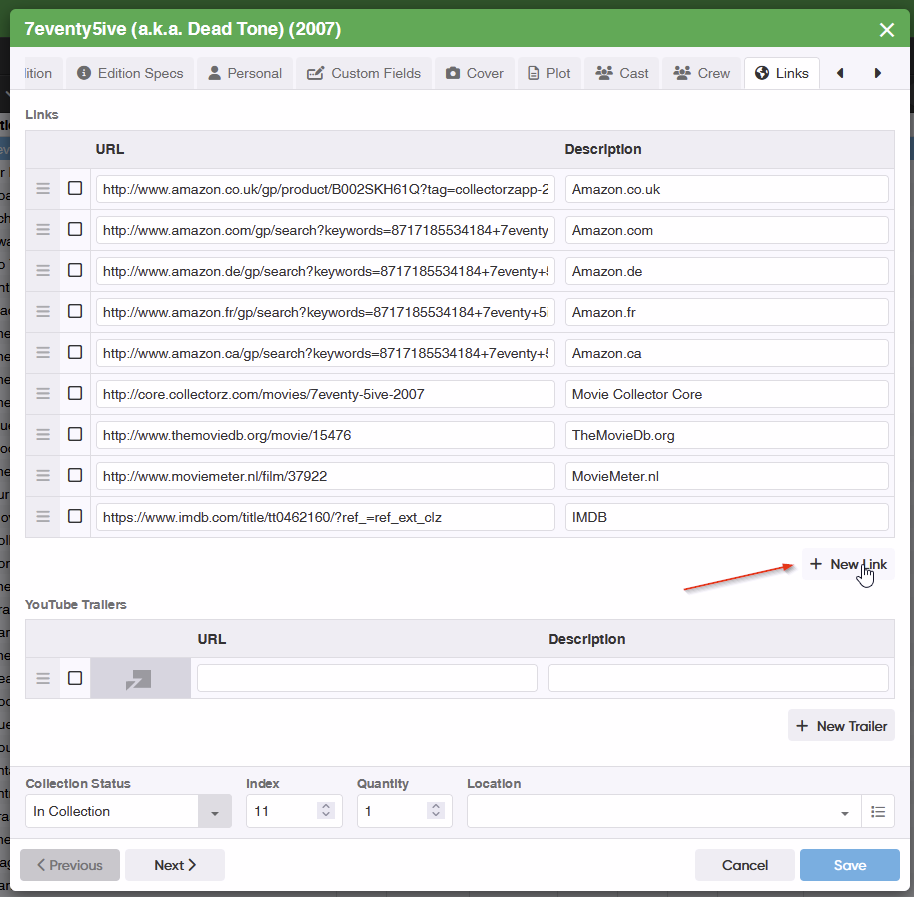
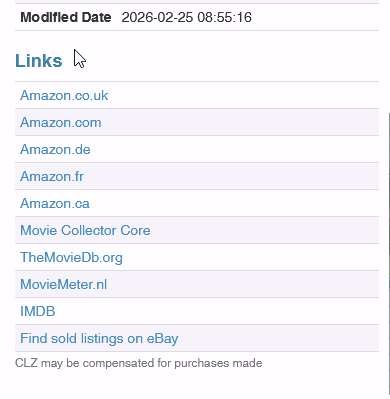
First I can not find any option when adding movies to include links for the movie/show automatically like the desktop. It must have the option some were as ones I already did with links have links on the web that show up.
also I can’t find out how to include automatically and display posters, images.
not sure but can you use tvdb.com as links to find something like the option for the IMDB?
There are no links added automatically to movies you add in CLZ Movies Web. The links you already see are just synced from your old desktop version where you did have them. Probably even some broken ones to “Connect” (which doesn’t exist anymore).
In any case: you do have the big yellow IMDb rating box for your movies, and clicking that goes to the IMDb page of that movie.
Posters is not something we have on Web. This is on the to-do list as we can provide them for users of course.
So that’s posters. But you mention “images” as well. What do you mean with “how to include automatically images” ?
I do not understand this question, can you explain a bit more what you want CLZ Movies Web to do here?
This is not really what I meant as the desktop software only showed the imdb.com symbol at the top but that would be nice to have other options such as thetvdb.com and such.
As for manually adding links that would take so much time. I know that’s an option but with over 19k entries most which have the links already. I mean I do have a work around I can still use the desktop to input the info automatically I am just trying to figure out why the web version does not have that option as its there for the desktop version so it must be in the database they have already.
Is there a reason the web version does not do links automatically anymore? You put stuff into the desktop (new stuff) and it still finds links without having to manually add them so somewhere in your database you still gather links.
It’s glad to hear that posters is on the to do list. Images: on the desktop at the very bottom it says images and that’s where the poster and backdrop is location.
Ok it made perfect sense when I typed it, but even I had to sit and think what I was trying to say. Stupid brain fog. Ok here’s what I was trying to ask. When you add a movie or tv show and the core does not have it or have all the seasons listed, you can use a imdb.com link to search and it pull’s it up and then you can add it (by the way does that automatically update the core as well?). What I am wondering is if its possible to include other ones such as thetvdb.com why did I pick that one it’s because that’s how most self streaming program’s seem to use to get stuff. Some times Imdb don’t have something listed and the other does, sometimes it don’t contain all the season’s, etc. Of course sometimes neighter has listings for something so can’t really do much there except manually enter in as much as you can.
We just never opted to add the “add links from x and y” on CLZ Movies Web. The desktop had this feature, it still works there indeed, we just don’t have it on Web. Doesn’t say it will never make the cut.
Alrighty.
When you use the IMDb link in the Add Movies screen to find a movie or series, it doesn’t “search IMDb” - it just strips that code and finds it in our Core - and of course it does provide official IMDb data, as we do have an official license with IMDb.
We’re not planning on making our Core searchable by pasting a thetvdb link - it would just grab the id and search our Core based on thetvdb link, meaning we have to add the thetvdb link to all entries (we don’t have it for all entries).
Or just post in our Core Missing Movies forum and Martin will add it for you.
I can probably do that for you, behind the scenes. There is no button or maintenance option for this, and edit multiple doesn’t work on weblinks (plus they’d all be different links anyway). Just shoot me a message through help.clz.com that you want this and when we find a moment we can clear all of the Connect links for you.