Buenos días, tengo las dos aplicaciones para música, CLZ Web y CLZ Music..He añadido varias contraportadas desde la app CLZ Music, le doy a sincronizar y parace estar todo bien..Sin embargo, consulto CLZ Web y dichas contraportadas no aparecen por ningún sitio..¿Por que no sincroniza correcmente desde el móvil a la página web? Gracias…
Translated with Google translate:
“Good morning, I have both music apps, CLZ Web and CLZ Music. I’ve added several album covers from the CLZ Music app, and when I sync them, everything seems fine. However, when I check CLZ Web, those album covers aren’t there at all. Why isn’t it syncing correctly from my phone to the website? Thanks…”
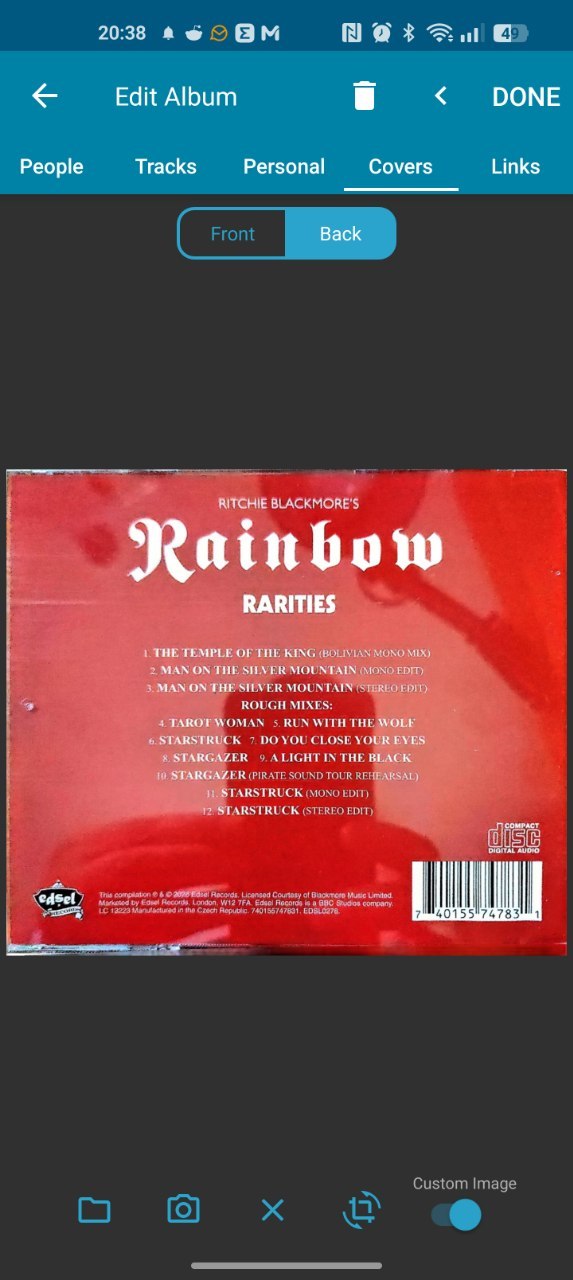
Can you edit one of the albums your own cover, then go to cover/images tab.
Is the “Custom image” toggle switched ON?
Please make a screenshot of this and share it here, and then also include a screenshot of what you see on CLZ Music Web for this album so we can investigate.
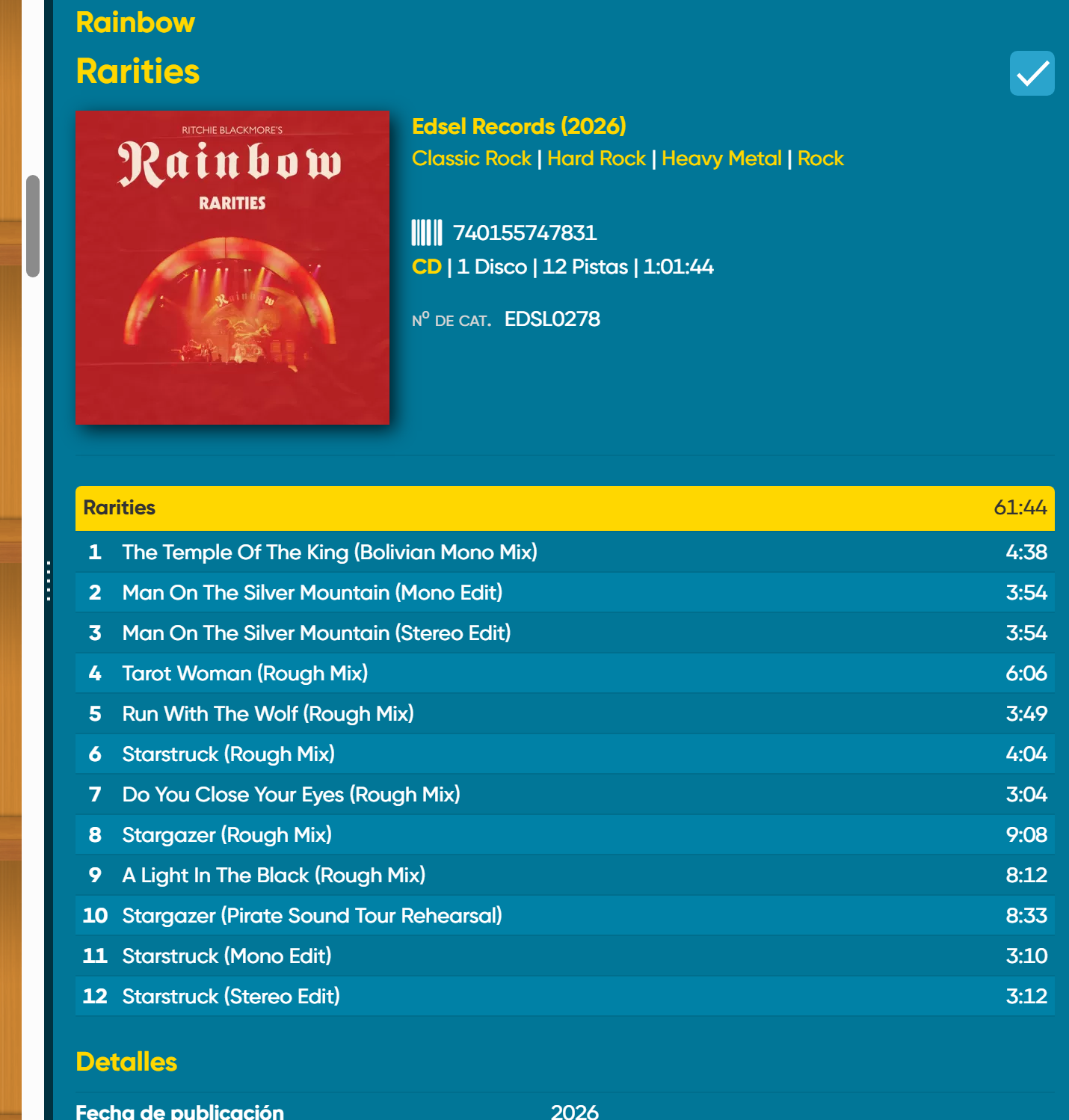
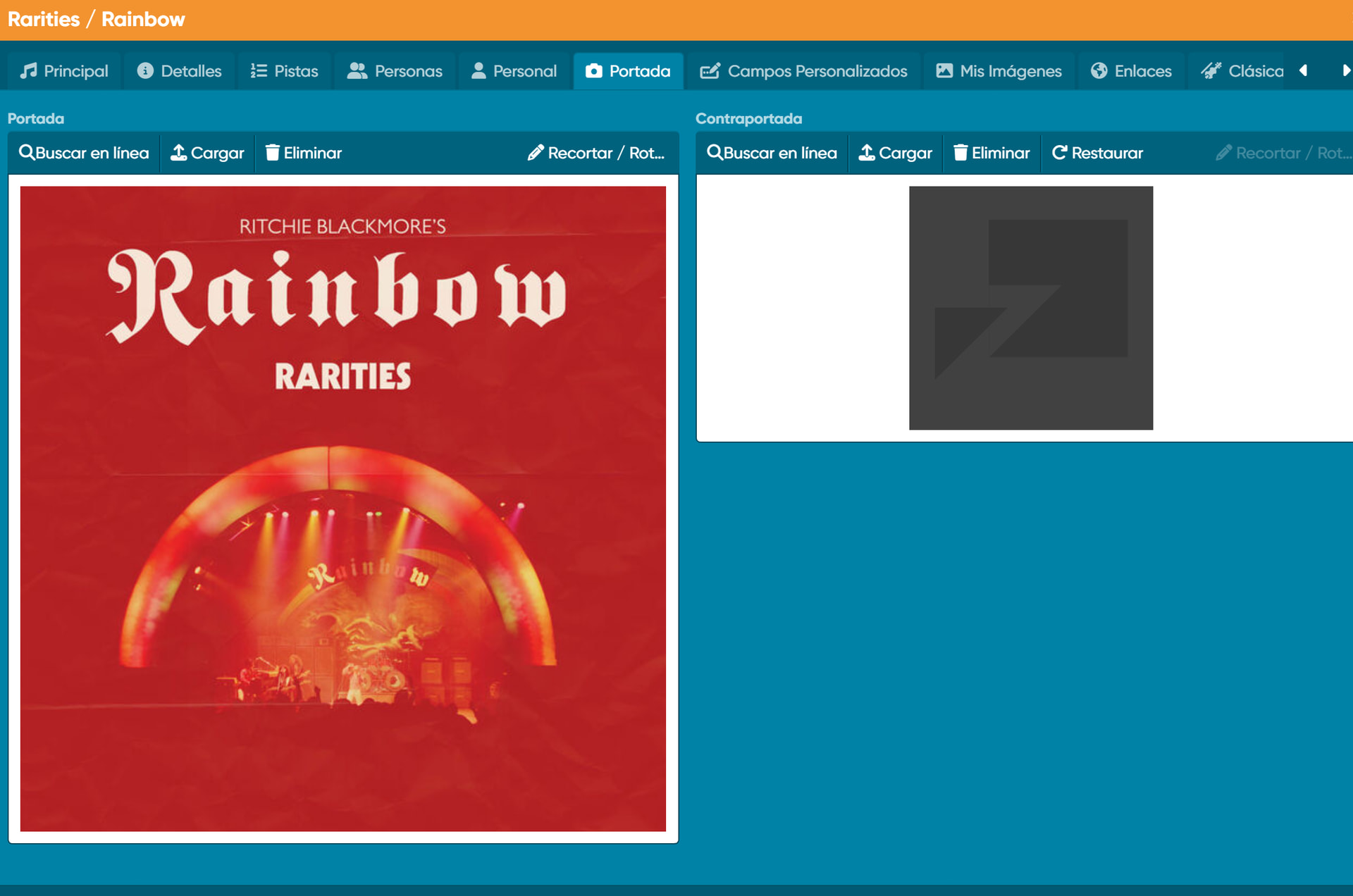
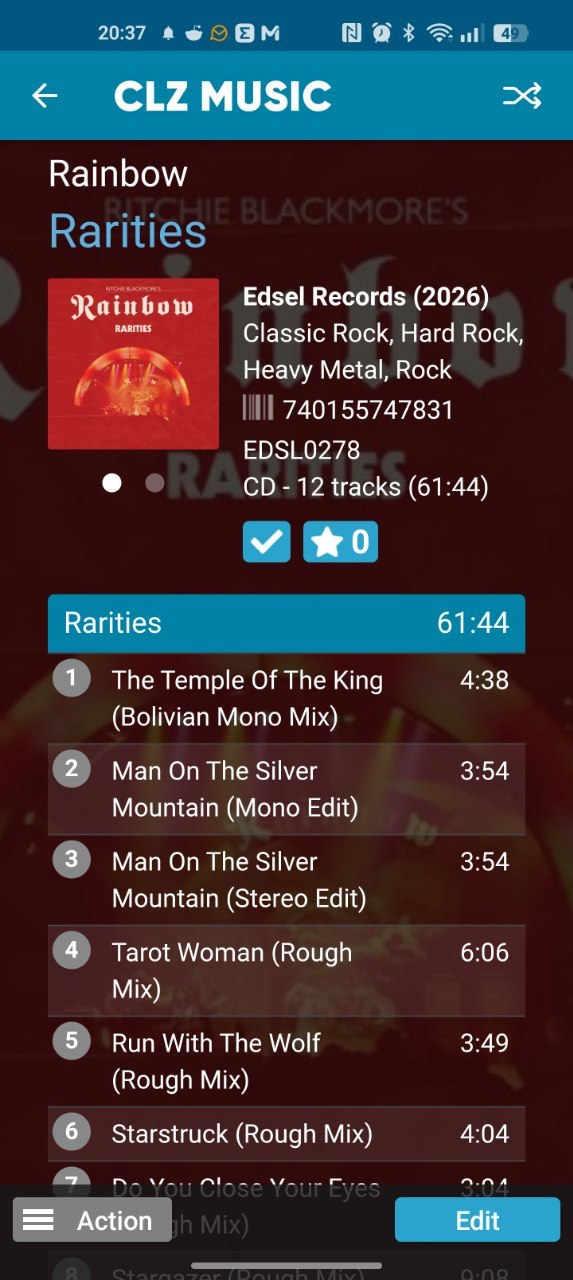
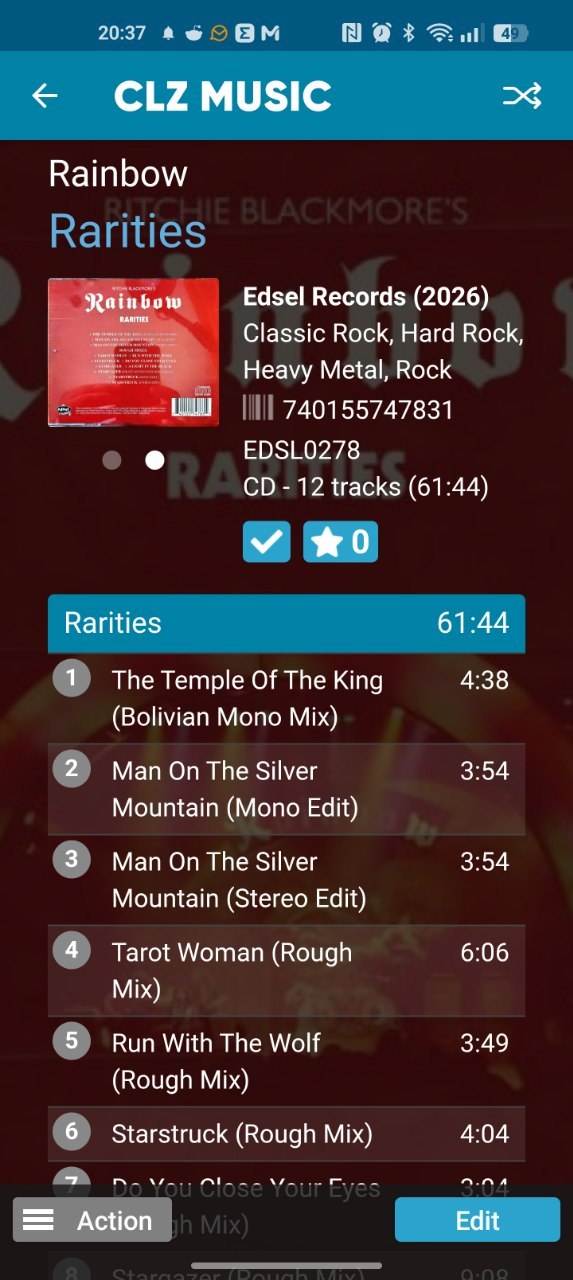
Thank you!
Can you remove the image, then add it again, and then sync on mobile:
- tap menu, tap Sync with CLZ Cloud
- Sync
- Make a screenshot of the log that you see, and post it here?
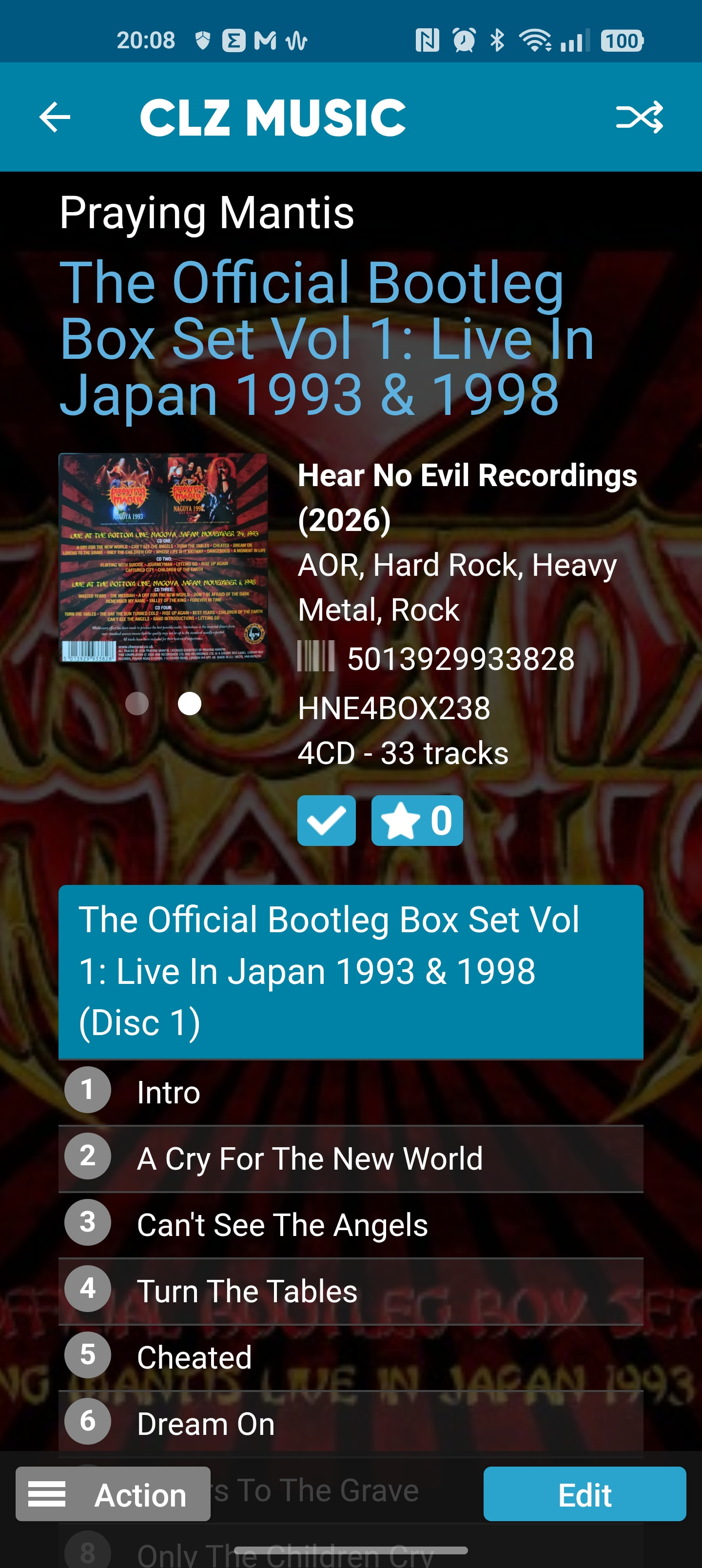
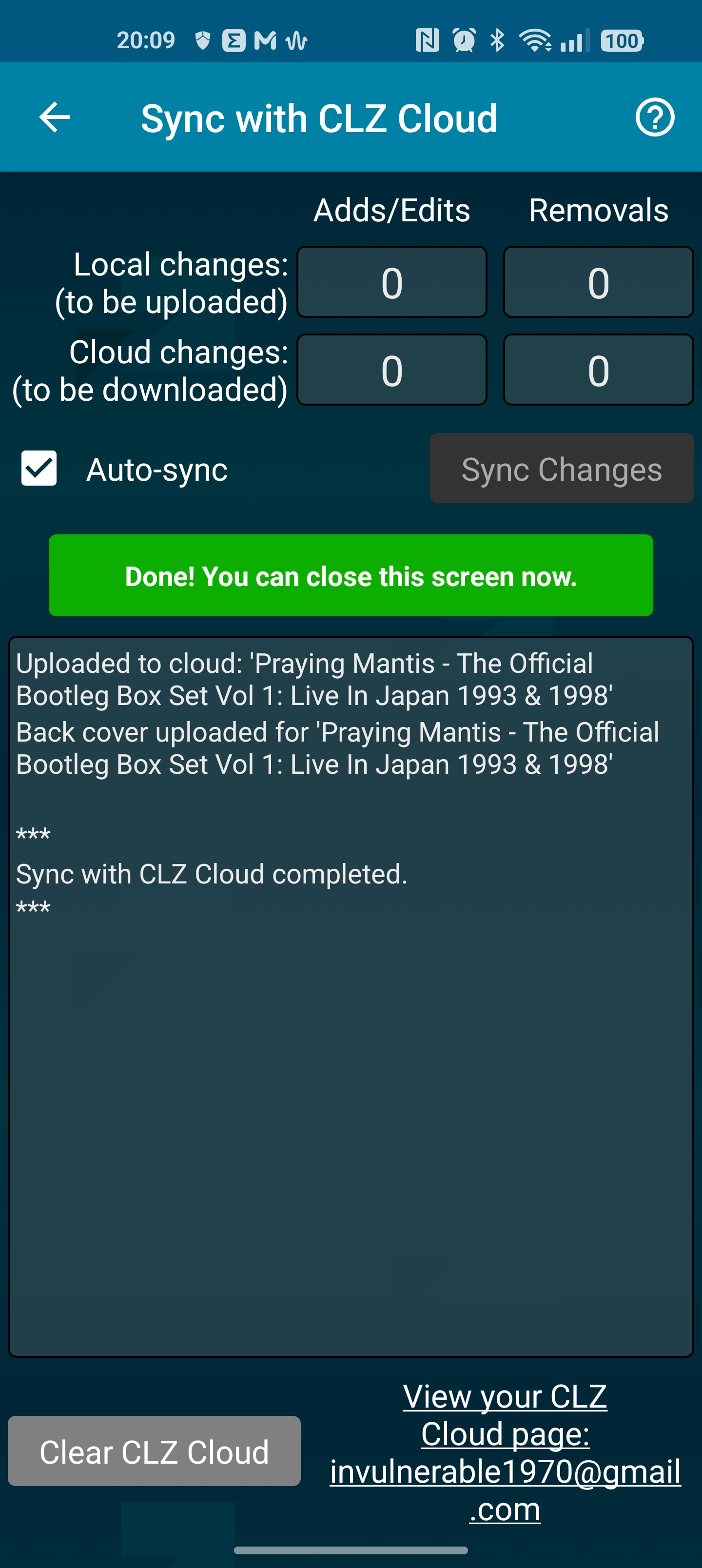
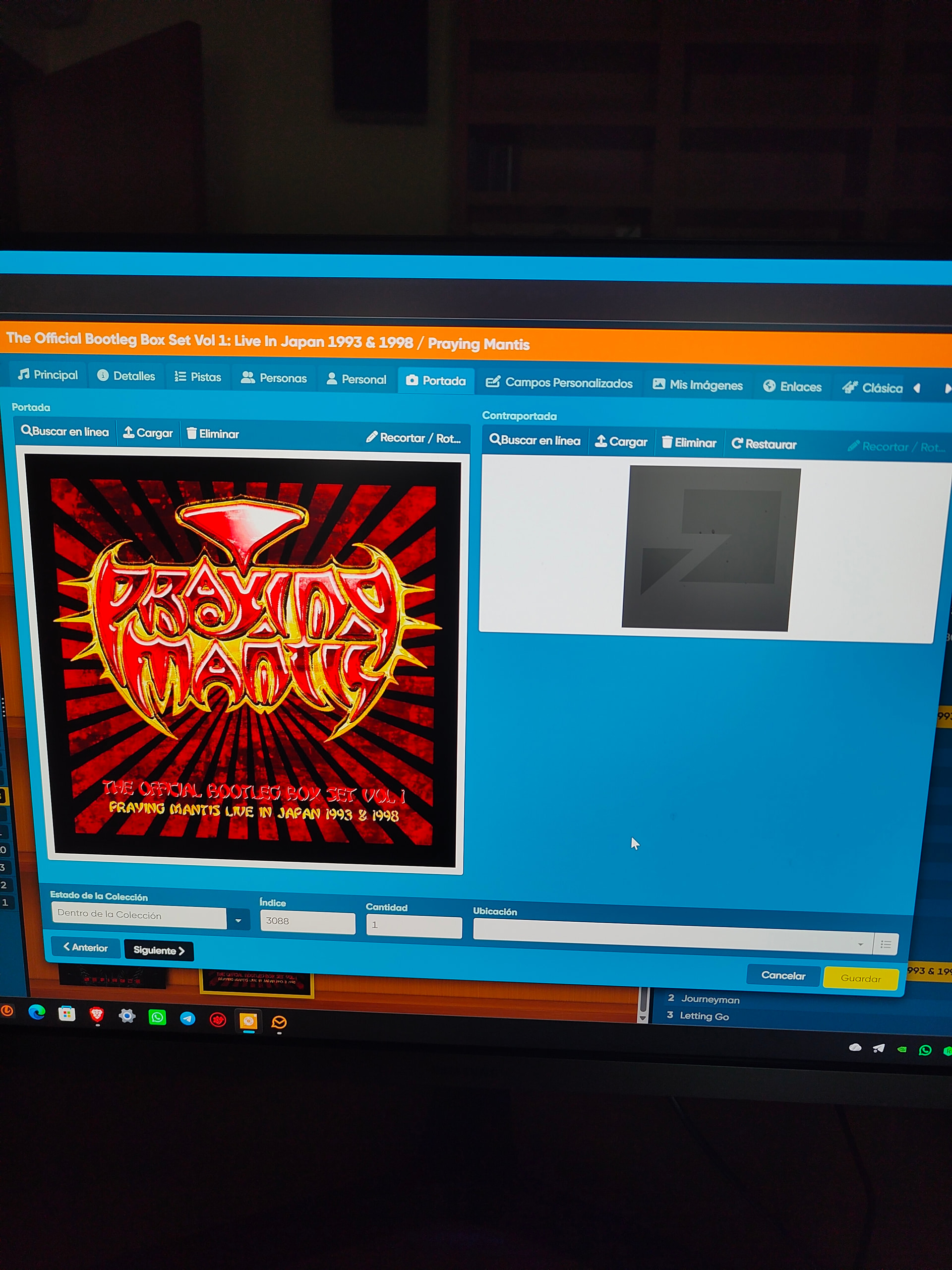
Thank you. We still cannot reproduce this problem. Can you try any other random image from your camera roll on your Android phone, and then sync that, see if that goes through? Like a smaller image perhaps or something?
As a test of course!
Buenos días. He subido una contraportada de Rainbow “Rarities”, con un tamaño reducido, la mitad de la portada que había subido con anterioridad (700 KB) y sigue sin sincronizar.
What Image type did you use? Png? Jpg? Anything other? Maybe you can upload the cover here so the CLZ team can try it with the same image.
Es jpg. También he probado png. Adjunto imagen a ver di el equipo de CLZ, puede investigar. Gracias…
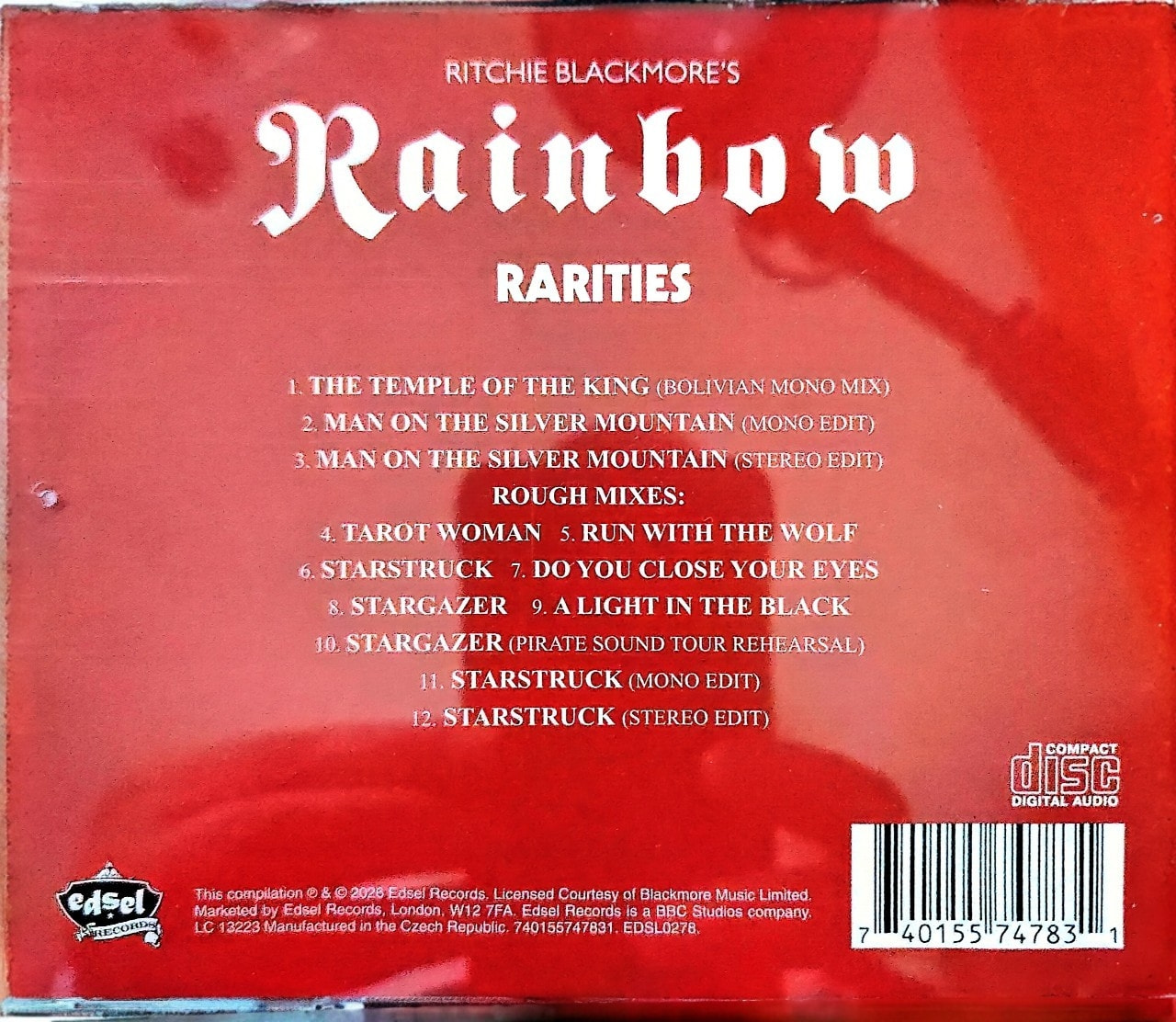
Thank you.
We have found a bug in our code, and we’re working on a fix which we expect to go live tomorrow.
For now as a workaround, on your computer, you can find that album, edit it, and click this:

Then sync on your mobile app.
THEN add your own back cover on the mobile app and sync again.
That should work.
(that is a workaround until we can fix the problem tomorrow)
This should now be fixed @Banquero , you may have to re-add the cover on your mobile app before you can sync it correctly - or use the solution I mentioned above. Thanks for bringing this to our attention!
1 Like
Buenos días, ahora todo funciona perfectamente..Muchas gracias..Estoy muy contento con esta app..Saludos…
Good morning, everything is working perfectly now. Thank you so much. I’m very happy with this app. Best regards.
Good to hear that, thanks for letting us know!