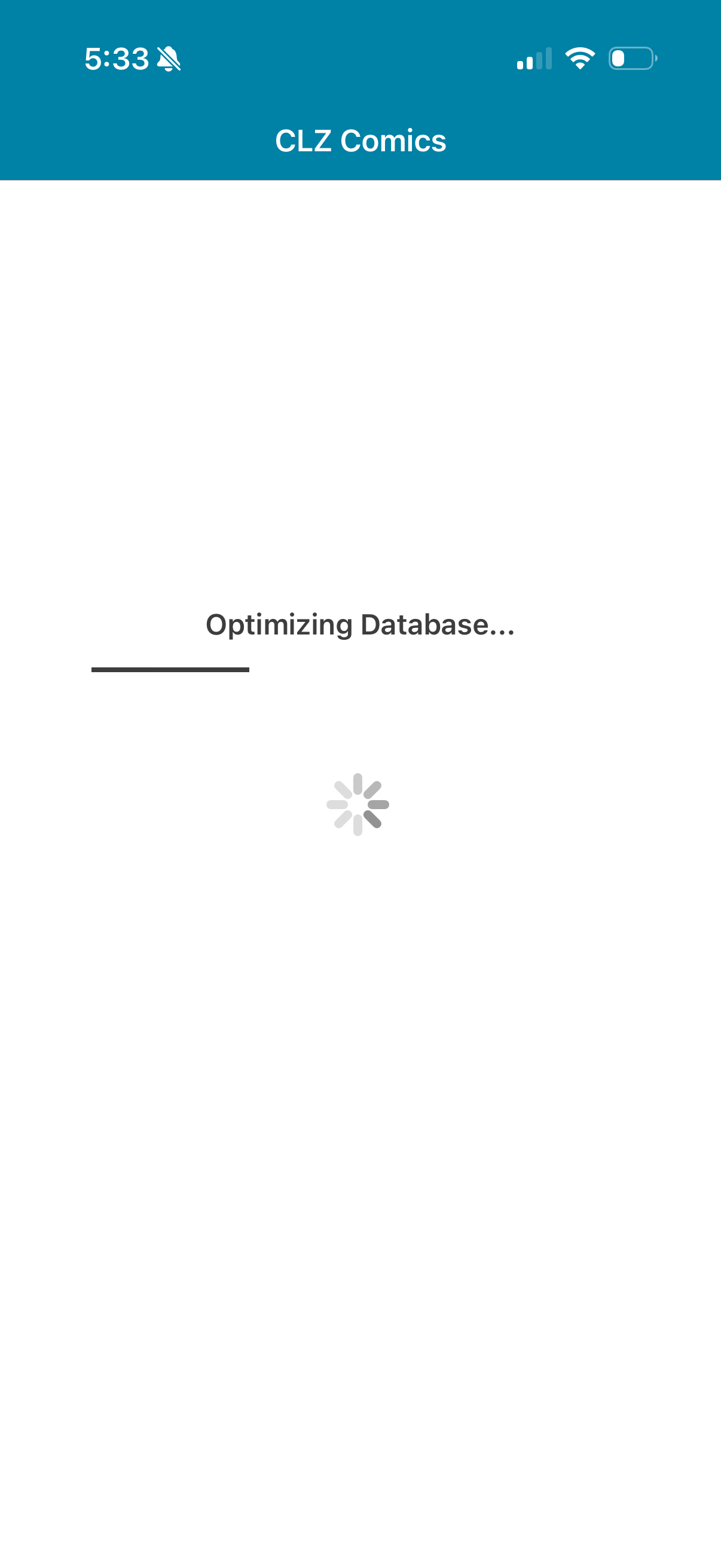
Optimizing Database

The mobile app will not load. Please help!
1 Like

Ditto. Just updated it, must be a glitch.

It looks to have been a widespread issue relating to the newest version. An update is supposed to be released today.

Yeah I’m still not seeing the App update / fix. This is super annoying. I tried leaving it open for hours but it’s impossible to leave open for 4 hours straight.

The fix update @Kennyg mentions was released 6 hours ago from when I’m posting this now.

CLZ Comics v10.8.2 was approved and released. It contains a fix for the problem where the “Optimization database” process wasn’t finishing/takes a long time. The new version that was just released has a much faster conversion process and should get you through it.

Your app may have updated itself already, but, to make sure, try this:

  1. On your device, open the App Store app.
  2. Search “CLZ” and select your CLZ app.
  3. Tap “Update” to update the app.

Then after updating, run the app, and it will start converting your database again. This time it should not take longer than 5-10 minutes. Keep the screen on and open on it while it does that.

Can you please let me know if that worked or not?

@Kennyg @Rinsewah @tmadoc

I was able to run the update and it went much quicker. I’m now back in and everything seems to be working. Thanks for getting it resolved!

1 Like

Took 15 mins but it’s finally popped up! Thank you

Good to hear it popped up finally!

15 mins still feels long.. although I’m happy you’re through, I would like to know a bit more if that is okay!

  • How many comics?
  • And what kind of device are you on @Rinsewah ?

Worked great for me! Thanks for the quick fix.

1 Like

Still not working on iOS. App Store shows current installed version is 10.8.4 updated 4weeks ago, with no update outstanding.

There are 61k comics as part of the database to be converted. I have 17k updates to apply.

What exactly is not working for you? This problem (Optimizing database that keeps users from opening the app) is from a while back - you haven’t been able to use the app since April?

What does this mean exactly? Where do you see that?

I primarily use the Windows desktop app. I have been doing a lot of updates recently (which is why I haven’t used the iOS app since April), and uploaded 17k changes to the cloud. I am trying to get those changes into the iOS app, but ran into the problem of the database conversion failing in the iOS app.

I understand. Sorry to hear our conversion fix didn’t work for you - I think the best course of action for you would be to remove the app from your phone now,

Then reinstall it and sync all comics down to your app again.

This will take a while, but with the recent sync improvements it should be a lot quicker than the old days.

So:

  • remove app on mobile device
  • reinstall app on mobile device
  • sync with CLZ Cloud to download all comics again, including your 17k updates.

Can you try that please?

This has worked. The downloads are in progress - definitely a lot faster than it used to be (about 10% done in the 5 minutes since I started the download).

Great. Images will take a bit longer after the data is done, but it can be stopped/go whenever, so it will eventually all complete (and it prioritizes downloading any covers it hasn’t yet, to whatever you’re looking at on screen when you use the app).

Thanks for letting us know that’s working out so far!