We currently don’t have this book in Core. So it can not be linked.
@clz_taco At one point I did select it from CLZ when adding it to my collection, see pic below. How does it happen that something disappears from core, and how do I detect that over an 80k+ comic collection in CLZ?
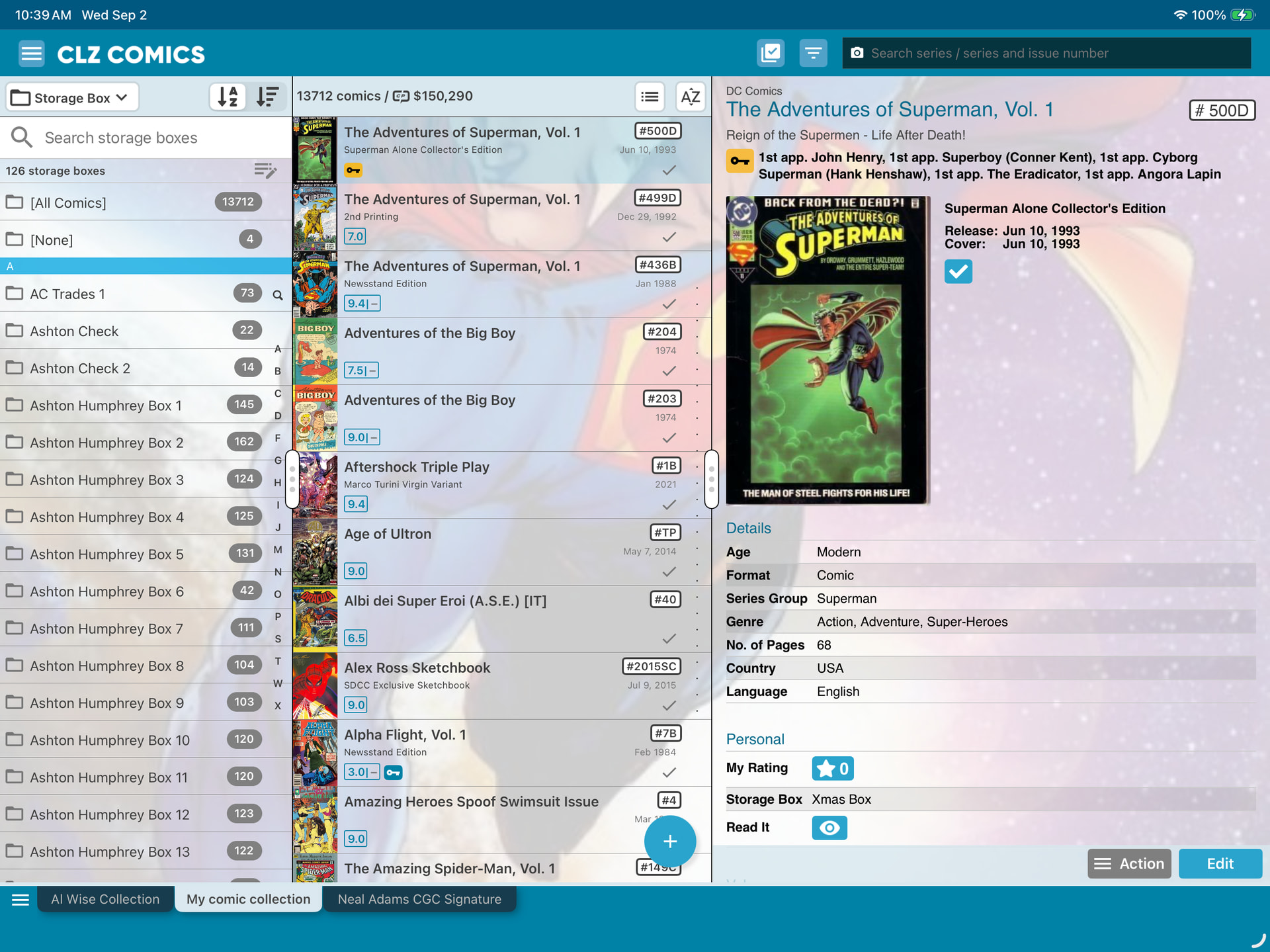
@clz_taco Is it Core Comic ID = 0?
If so, I can filter on that in the CSV export and seek to re-add it as a core comic.
Do you have another indicator that I can filter on to show whether a comic is linked to Covrprice? Right now I can’t distinguish what requires linking unless I manually inspect each comic in CLZ and see whether there’s a url link for inspecting Covrprice values in the UI. A zero valuation is indistinguishable from a null value.
It was removed from Core because a separate entry isn’t needed. The film can be removed without leaving a trace that it was removed. Meaning people can alter the book to make it look like an error or defect.
I am afraid it is not possible to find your unlinked comics in the app itself, but this IS possible through your CLZ Cloud site.
Here’s how:
- in the app, open the menu and choose “View My CLZ Cloud”
- now LOGIN to the CLZ Cloud site (very important)
- then from the menu, choose Link Comics
- in the Link Comics screen, it will show you your unlinked comics AND it will let you link them to Core
- when done, open the app and Sync with CLZ Cloud to download the changes.
@CLZ_Justin I get the unlinked to core, but I also wanted a filter for unlinked to Covrprice - that’s the real dilemma I have. I probably have <100 unlinked to core, but several hundred to thousands that have no link to Covrprice. Was hoping to find a way to isolate that list to rectify - right now only way to tell is visual inspection to see if a link exists for the comic to Covrprice on an issue by issue basis.