Pre-fill Settings in wrong order

Hi everyone,

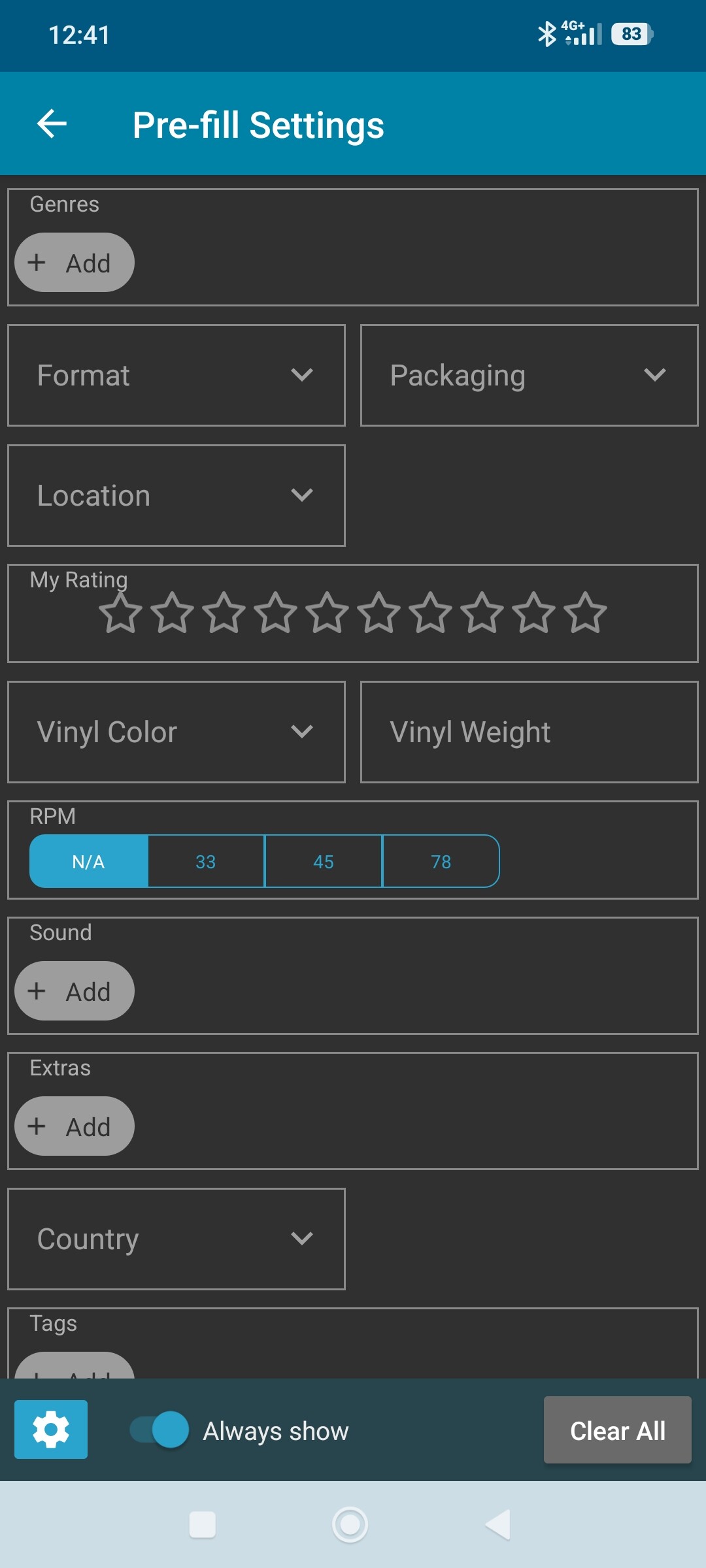
For days, my pre-fill settings are placed in an specific order and i can’t change it.

For example here, “Genres” is at the top and i can’t move it anywhere else. Even if i move it…

Still at the top…

Did someone has the same problem ?

Cheers guys :victory_hand:t2::wink:

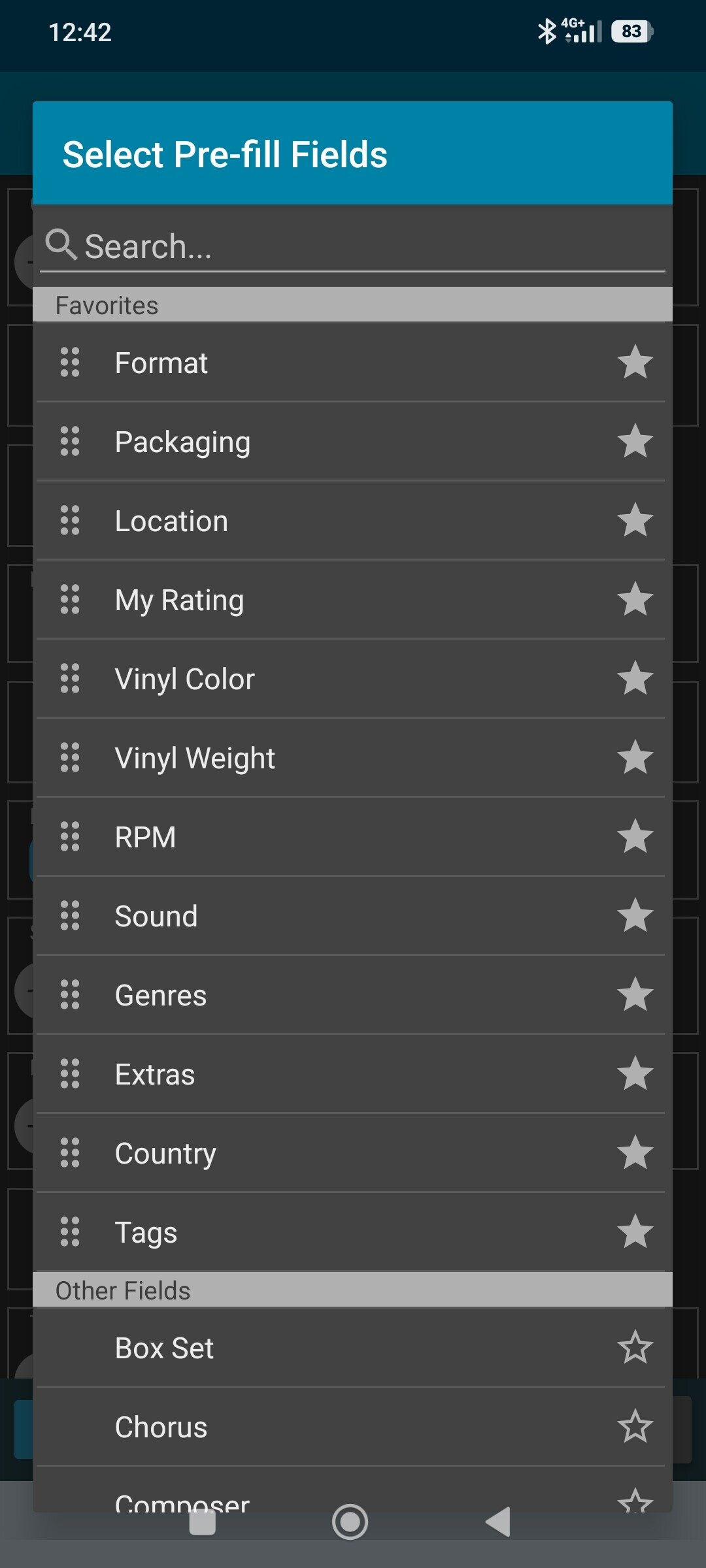
You should be able to drag them in this screen.

Just tap and drag on the drag icon on the left.

Does that help?

Hi Alwin,

That’s the problem, even if i drag it, it’s still in the same order (“Genres” at the top).

It seems to be New because i used Pre-fill settings for a long Time and i didn’t have this problem at all.

Hi,

Thanks Alwin it seems to be operationnal again !

Is it possible to add “Release Date” et “Original Release Date” To The Pre-fill settings ?

Thank you,

Thanks for letting us know. We’ll put your request on the ideas list here for pre-fill. I’m not sure about it though. Pre-fill is often used when adding in bulk, for fields that you’d fill in for like 10 albums you add in one go. That said, there’s more fields where that isn’t really the case, so perhaps we can add them.