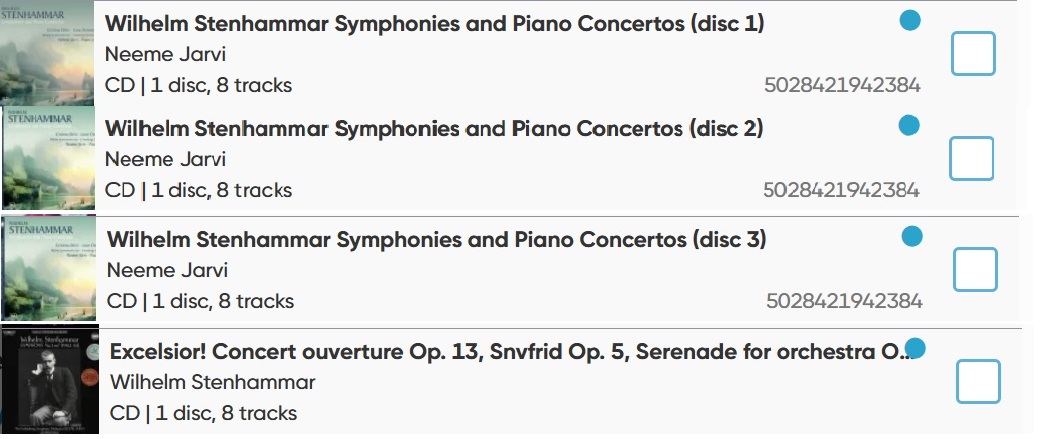
Hi there, I’m having an issue with an album on CLZ Music Web. When I select this album, the record won’t open – I just get a “loading” message with the revolving circle. I haven’t noticed this with any other albums so far. I can access the album ok on the Desktop version and on the mobile app, the problem only seems to be on the Web, and only for this album. It is a multi-disc album containing 4 discs, each disc is linked on CORE to a single disc and years ago when I originally added the album on the Desktop version, I would have scanned each disc then combined the discs into one record to create a multi-disc album. I tried making a small edit on the Desktop record, then syncing to Cloud, but the record still won’t open. I’m wondering whether I need to delete this album and re-add it (a lot of work as a lot of the details will need changing), or can you guys fix it more simply at your end? Attached are screenshots of the main screen with the problem album circled, and the four albums on CORE it is linked to (if that helps). Thank you.
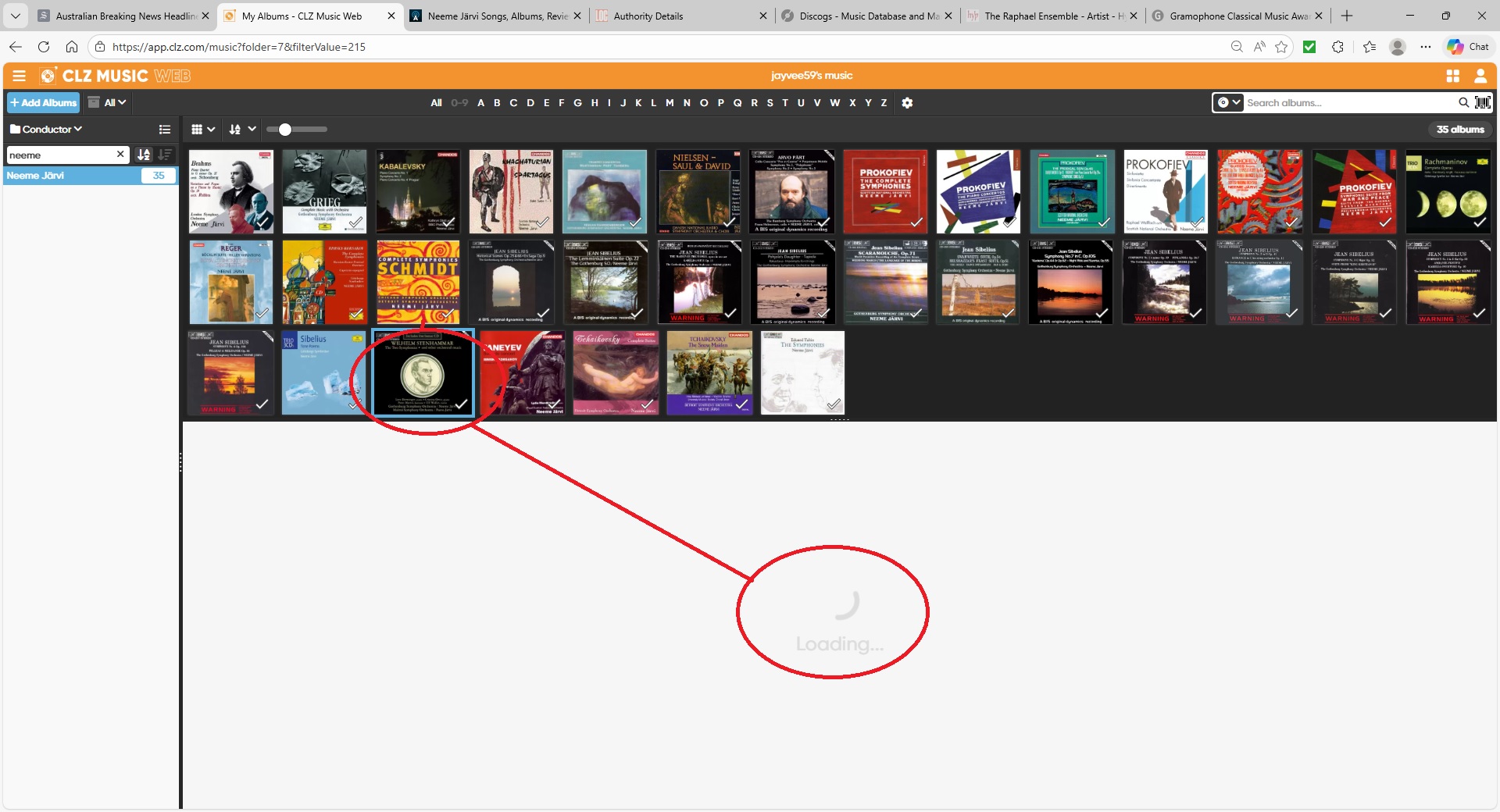
The same is happening for me on that album in your account.
I will check with the team and get back to you, my apologies for this temporary inconvenience!
Thanks @CLZ_AJ . Glad you’re able to reproduce the problem at your end.
@jayvee59 this has now been fixed, can you try again? (you may need to close the tab and open a new tab before it works)
@CLZ_AJ it’s working fine now. I can open the record as normal. Thanks so much! I’m curious though - what was causing the issue?
It’s secret.
Kidding, it was a fix for multiple artists on tracks, and how those are displayed that we did last week. It broke something else in the loading of an album 
Good to hear it’s working for you now again as well!
Ah, problem solved. Good to know. Thanks again and enjoy the rest of your day!