I’ve found a bit of a weird quirk with the search box… If I double click to highlight all of the text in the search box, then move the mouse into the “list” part of the screen, the text becomes de-selected.
That sounds as clear as mud, so here’s a brief video… Notice the location of the mouse pointer, and the text in the search box.
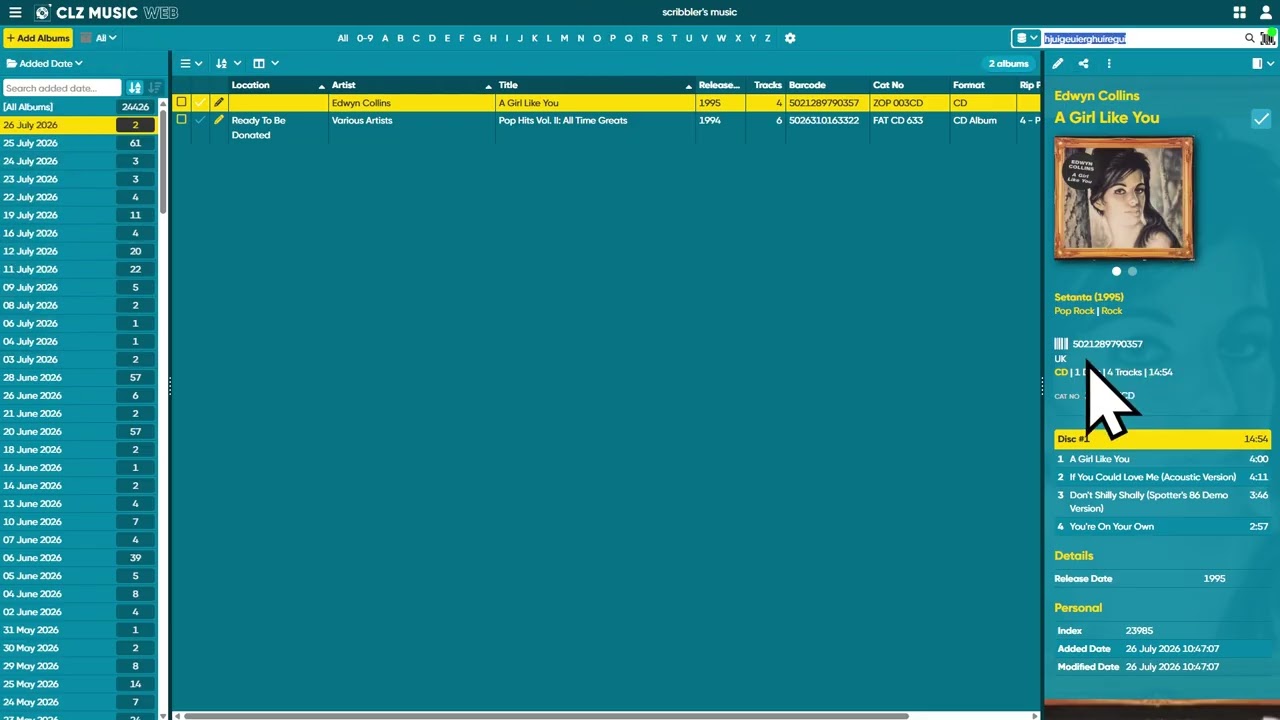
As you can see in the video, I type gibberish in the box, double-click to highlight it, move the mouse around the screen, the instant the mouse pointer strays into the list view, the text in the search bar becomes unhighlighted / deselected.
This is particularly annoying, because I use a barcode reader A LOT, I’ve lost count at the amount of times I’ve highlighted the text in the search bar to overwrite it, reached for the barcode reader, only to find that it’s not worked because the text was no longer highlighted.
I’ve had this pbroblem for ages, but I’ve only found how to recreate it this morning.
EDIT: Confirmed happening in Chrome, Edge and the web app as well.