Is there a way to scan a set of issues such that I can update them?
I am trying to organise my collection. I would like to make use of the Storage location field. At the moment this requires me to open a box, search the issue in CLZ mobile and update the storage box field. While I can use the barcode search for comics which have the bar code on the front cover, I have a lot of issues which do not. Moreover, as nearly all of my collection are bagged and boarded, I would like to avoid taking them out just to scan the barcode.
So I think it would be quiet useful if we can use the built in scanning feature that is used to add a issue to a collection to also update meta data. Maybe this is already possible and I have been unable to find it. Could some one help me out? Thanks!
I will try to explain my workflow in the hope that the use case becomes clear.
I actually use the web and the app together. Most of the time while browsing my collection, grouped by say purchase date, I like to see the entire series. Not just what I have but missing, upcoming issues etc.
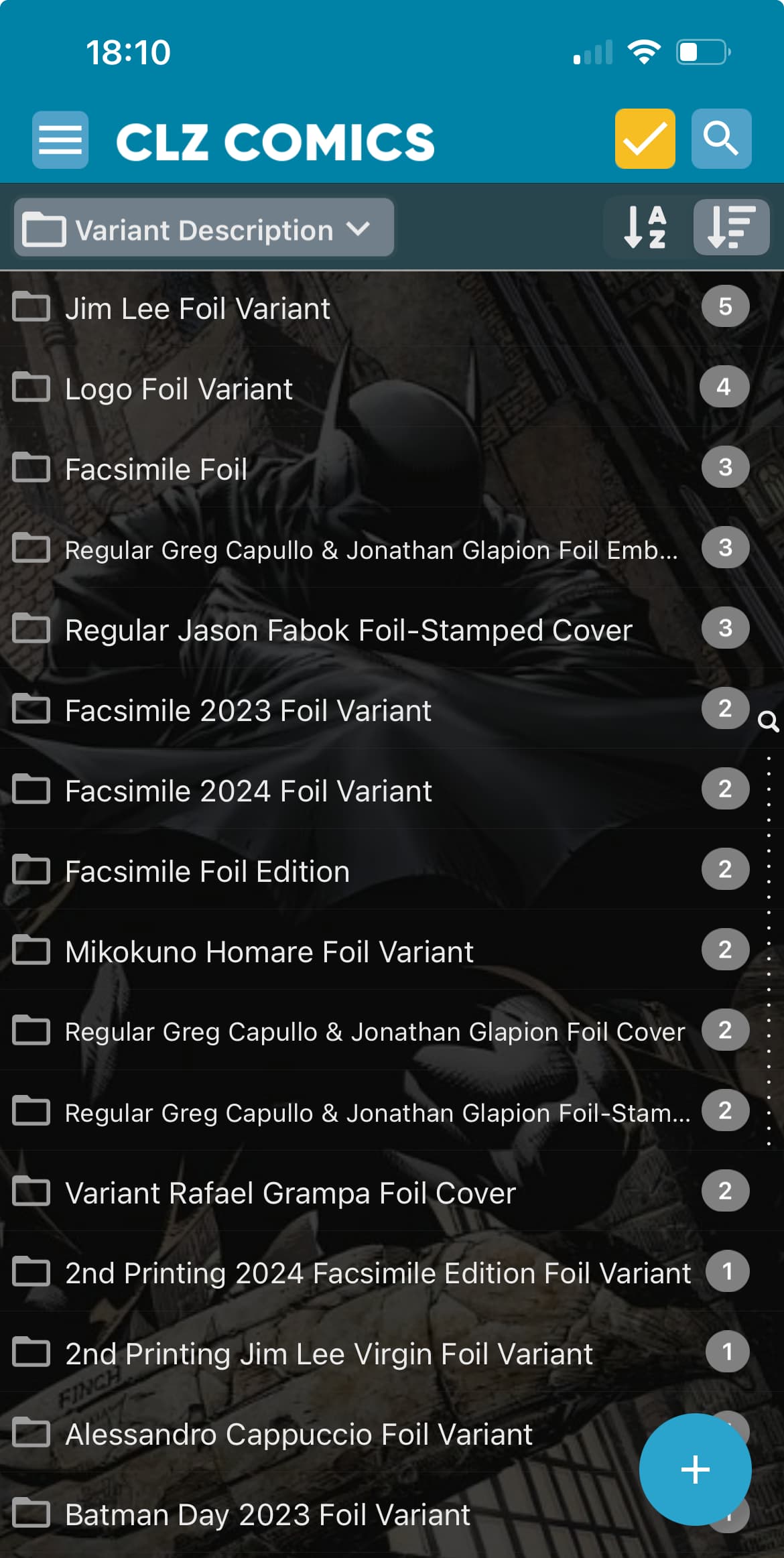
Another thing I like to view is the variants of a particular issue. For that matter, I also find that I cannot filter out all “foil” variants in my collection across all series.
I had started to write about just one feature but ended up explaining a bit more. I got a bit carried away.
Please forgive me if this seems like too many questions, but we love to be thorough and make sure we got you right
The “Show series” request:
Would you want to be able to say tap or click on a “show series” button inside the details panel of a comic you are viewing?
The “View all variants of this issue”:
What exactly would you want, like a button somewhere (where?) and what exactly would it do on screen, what would you expect there?
The “Filter out all variant types” question:
As for variants, on WEB you can actually group by “variant description” (the folder button top left), it would probably already give you a bit of what you want?
But otherwise you’d have to perhaps use Edit Multiple on your foils and add a tag “Foil”, and then foldergroup by Tag field.
But the short coming of this approach is that I stilI cannot show all comics that have been filtered. I need to go into each folder individually and update the meta data.
It would be handy in this situation to be able to tap and hold on folders, select all of them, then use “Edit Multiple Comics” to set a tag for them all.
I’ve taken note on this.
Thanks for the explanation on my other questions, I will take note. Just one more question: would you expect this to work to see other versions “everywhere” or “just what you have already in your database”? (the first would mean a Core query would have to be done (a search online) each time you view a comic in the app.
I see now why the "adding” interface and “viewing” interface are separated!
To answer your question, I expect that it would trigger a Core query. The query brings up all past and upcoming issues including variants of the chosen series. I can then browse the list, pull upcoming issues/variants (or pull the entire series if I am not already doing so) or add previous issues/variants to my wish list.
Note this is already somewhat possible in the app. From the add comics screen I can search for a series. This already shows issues with helpful colour codes. I can hide the issues which I own (this was a major feat for me). What is missing is going from “viewer” interface to the “series” view screen and grouping the variants with the regular issues, like in a stack. This is of course all opinionated Others may like the flat view. I like the “stack” view. Some might want to toggle between the views.
Another opinionated view. When I add an issue to my pull list I implicitly assume I will be placing an order at my LCS, if it is not already getting pulled. I guess others don’t hence current pull list items do not get automatically added to “on order” list.
BTW, NCBD screen shows the an issue with the A cover with variant count on top. Clicking on it shows all the covers available. This is exactly what I would expect of the “series” view mentioned above.
It would also be nice to see some stats about a series/issue. How many people are pulling an issue? Avg. rating across all users who have it in their collection. etc.
CLZ is extremely feature rich! Just have to make it a bit more cohesive. There you go! Talk is cheap!! Thank you for giving me a patient ear.
Thank you, that makes it more clear, that looks like you want a link to the Add screen with a certain filter on - and that is a good idea to find out if there’s anything else you need to get on your wish list indeed.


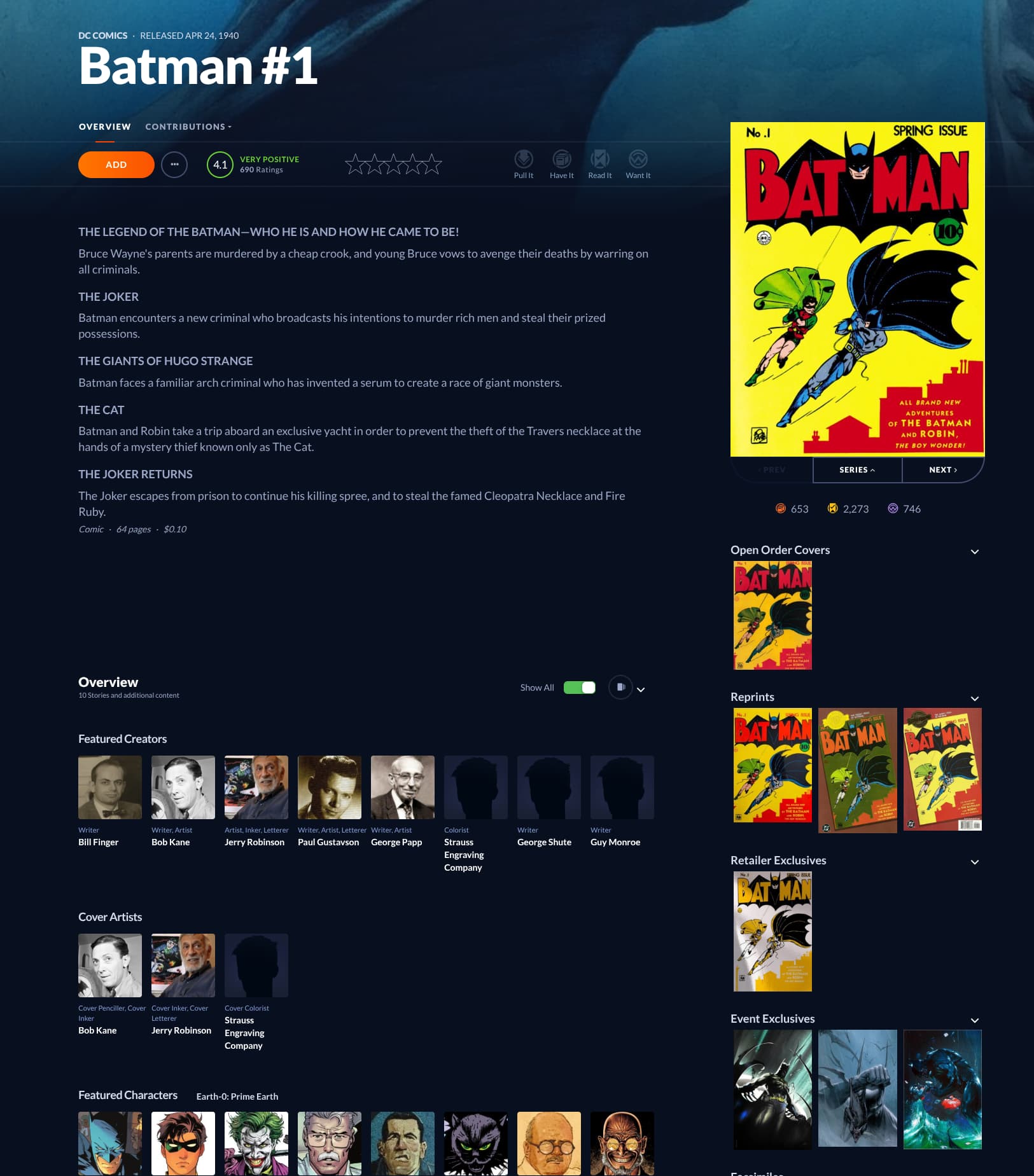

 Others may like the flat view. I like the “stack” view. Some might want to toggle between the views.
 Thank you for giving me a patient ear.