A couple things I’ve noticed and wanted to give some suggestions for improvements. For clarity, I’m using iOS app with the latest update installed.
-
Starting at the top of the page after backing out of a folder. I saw this in another thread but saw someone said it was happening on Android and wanted to let you know it’s also happening iOS too. For example; I categorize by Series only. If I’m looking at Spawn and make a few changes and then go to back out of Spawn to look at all Series, it will automatically be at the top so I’d be looking at series that starts with #’s or A’s, etc. I suggest whenever you back out of something, the view remains exactly how it was before clicking into it. For my Spawn example, when backing out of the series, I should see the Spawn series and other series that starts with S. If I want to go to the top of the page, I can easily tap once at the top center of my phone and it auto jumps. So default should be where view was not auto be at the top of the screen.
-
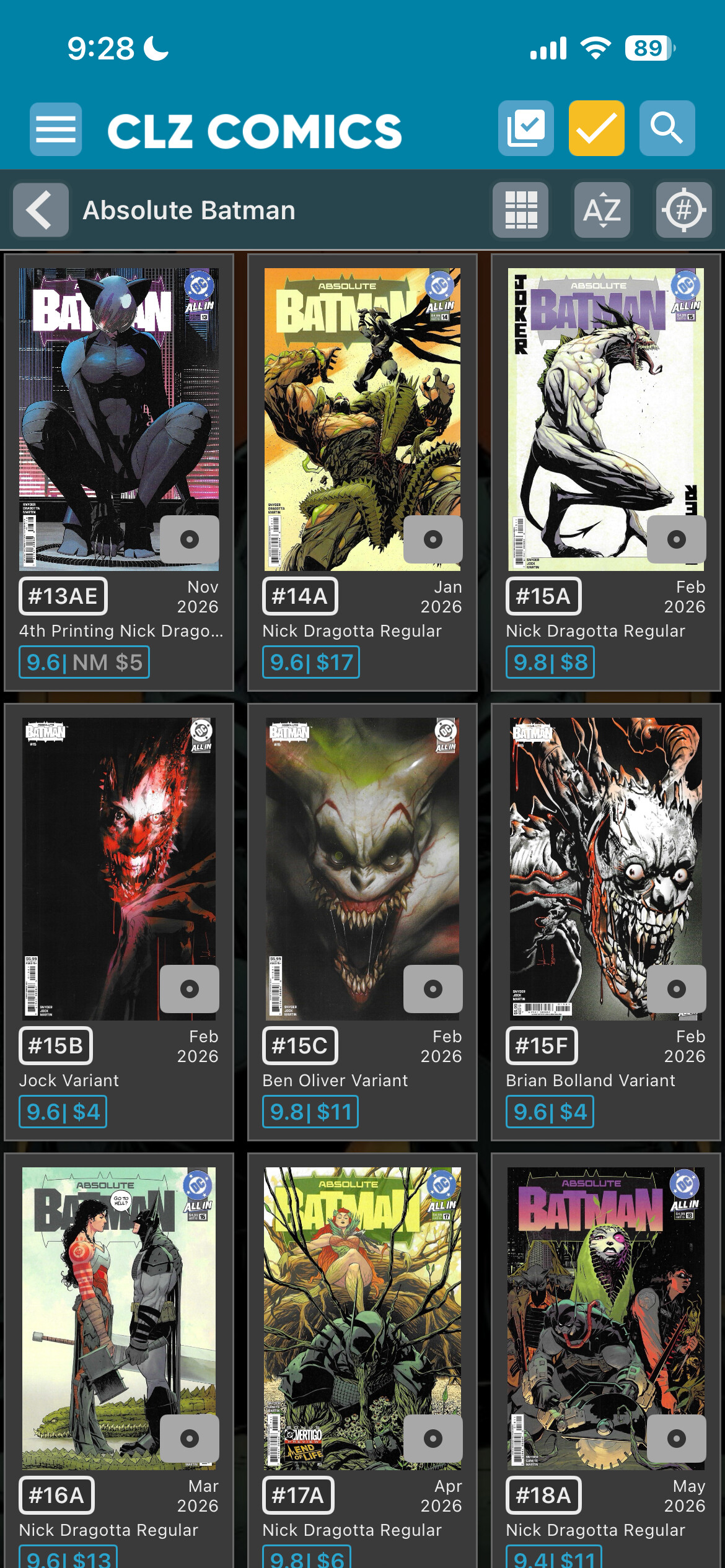
The Trivia Flag. I like the concept and think it should stay however, some adjustments are needed. First, if it’s a trivia flag there is a huge grey box that displays on the book cover browser. The grey box takes up too much real-estate and diminishes the art and quality. Can we make it smaller or can we move it off the book cover or maybe a transparent option? I mean look at this picture. The display just looks tacky to me.
That brings me to the next point. What are the parameters on whether a book is a minor key or trivia? Looking at Absolute Batman, you have issue #1 as a minor key and then everything else in the series is trivia. I would think 1st appearances of major Batman villains would meet the criteria for a minor key. Hell, Absolute Batman #1 just sold for $15K, I think that should now meet the definition of major key lol. I think we should keep the icons for major/minor keys and get rid of the trivia flag icon on the covers for the “card view”. I don’t need a huge notification flag letting me know you think there’s something about this book but you don’t think it’s really important. Once I click into a specific issue, sure have the trivia icon just not on the cover view.
-
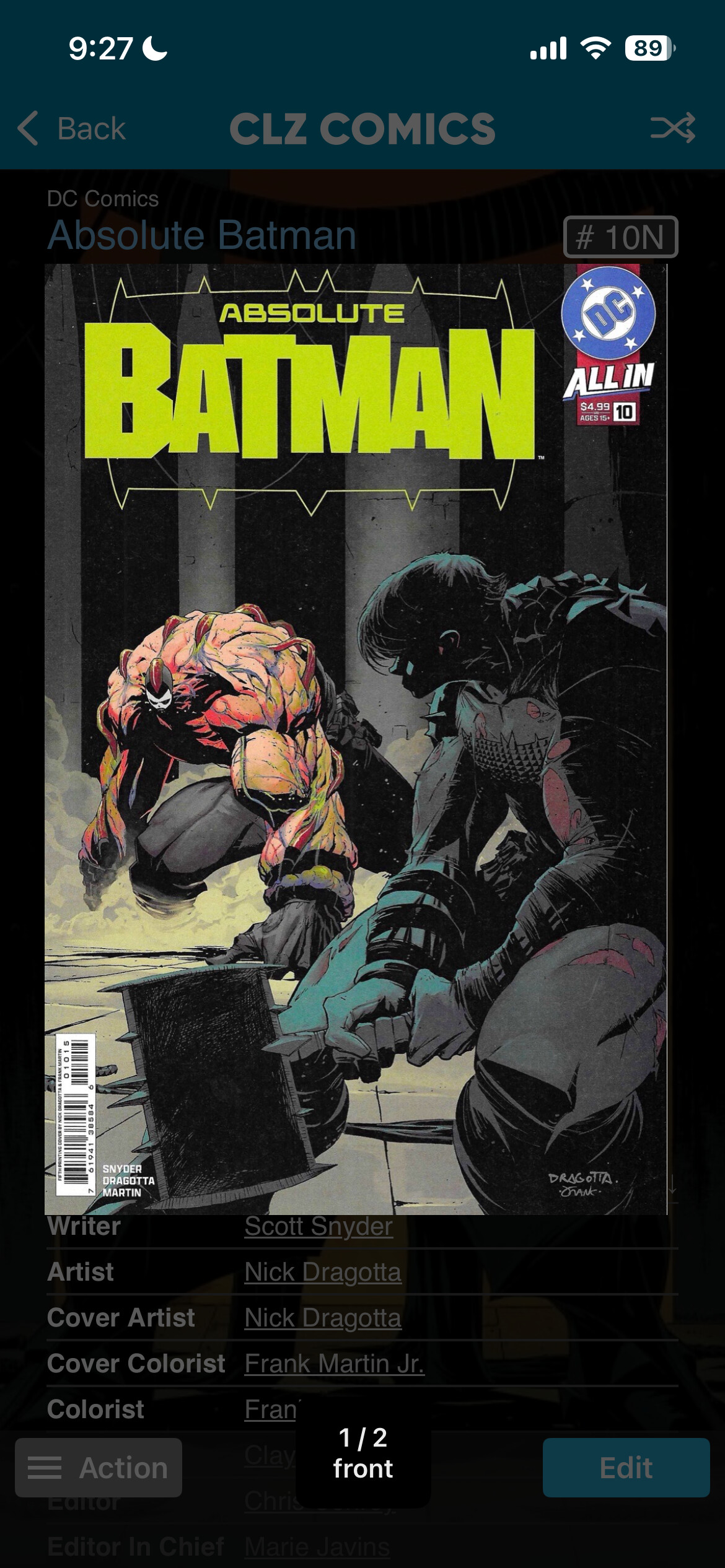
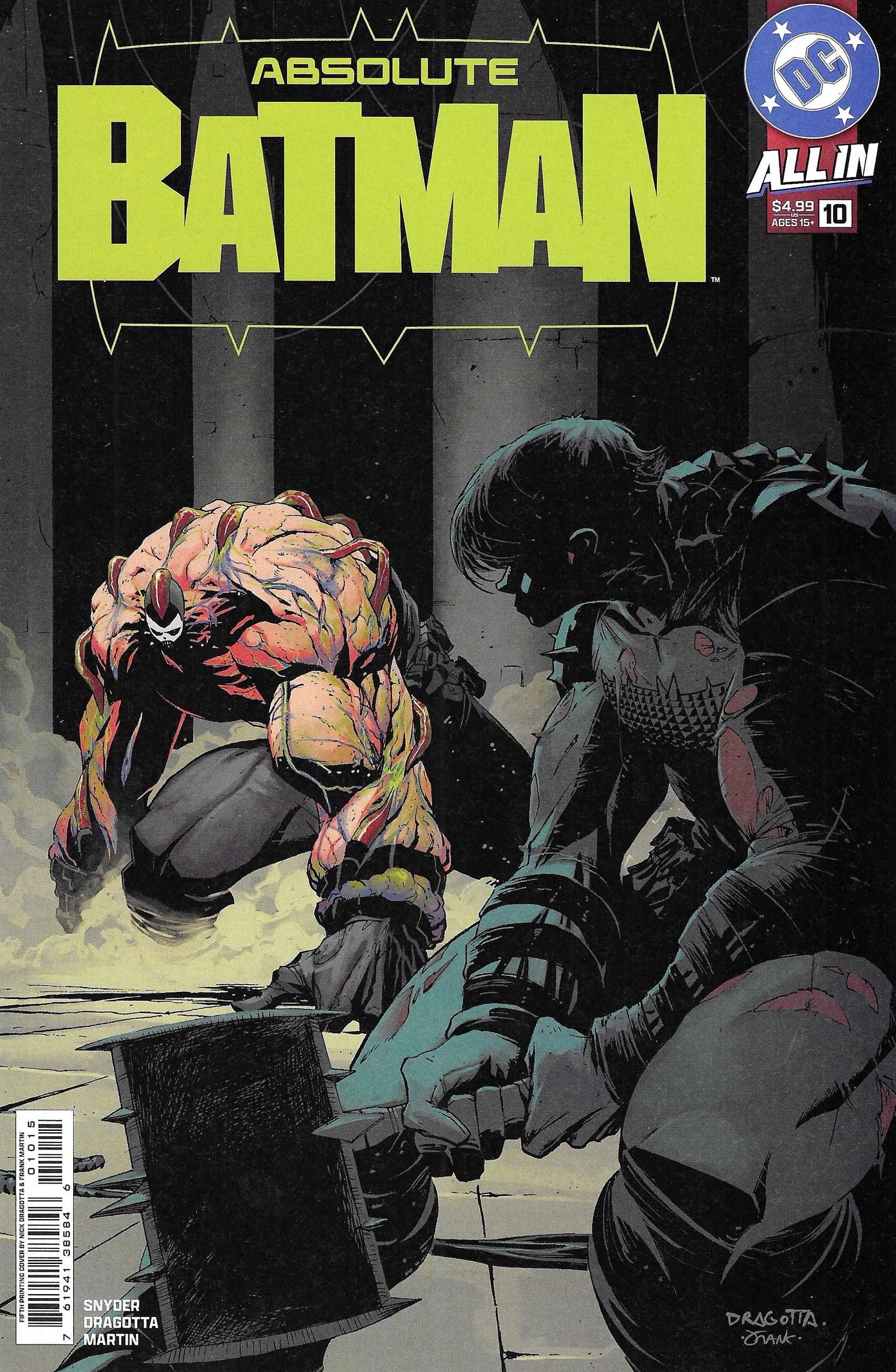
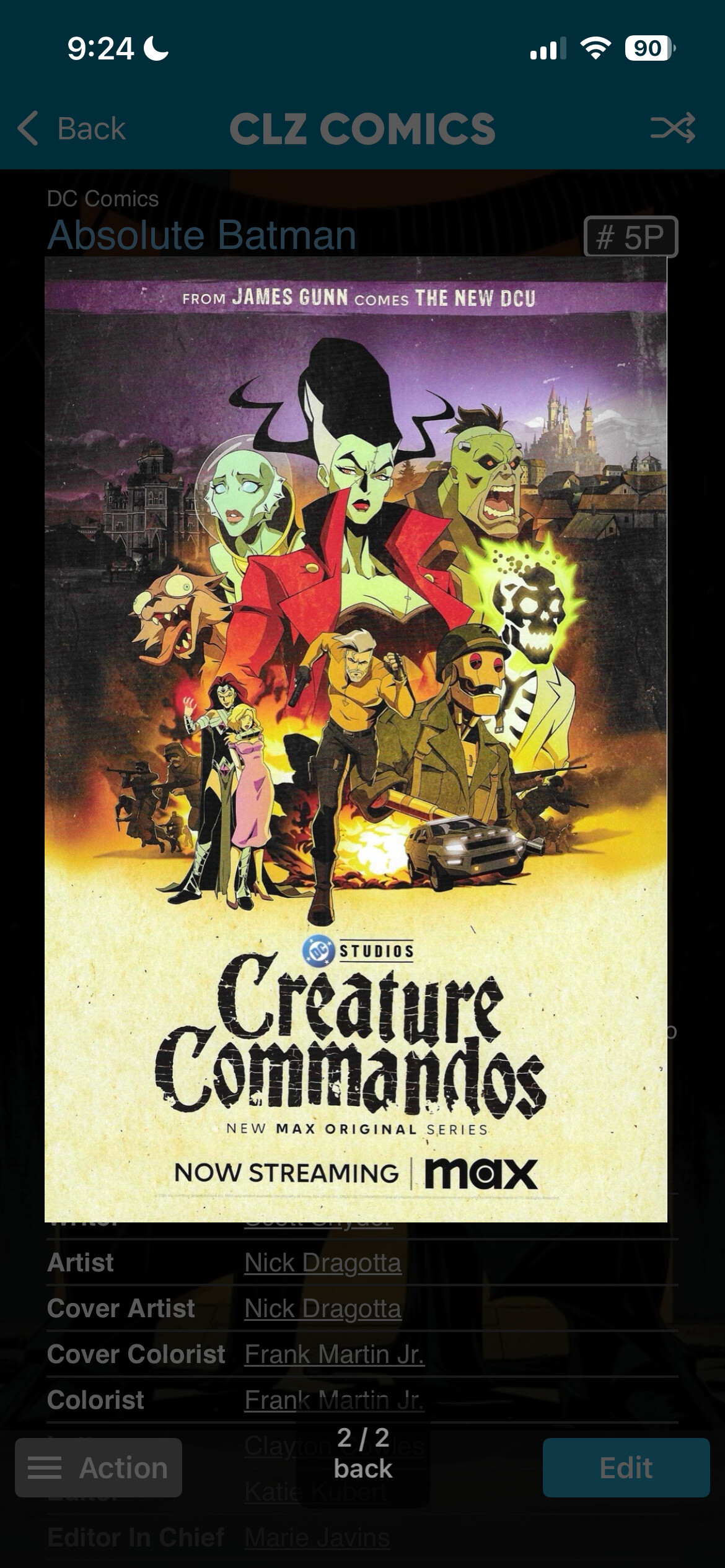
I notice now after the latest update, whenever I upload covers I scanned, there is always a white line on the right side of the picture and I have to crop it within the CLZ app for every single picture. The white line is not on the photo that gets uploaded. I’ve been canning and uploading covers for years and never seen the white line before. Here are some examples of what the covers look like in CLZ with the white line followed by the original scanned photo that I uploaded:
-
Last suggestion I have is I recently read someone suggested including a direct link to CGD site. I wanted to suggest to add a link that goes directly to the CGC census for that particular issue. I personally believe that is more beneficial than a GCD link but why not both?
Thanks for reading.
Oh I do have another quick question I don’t really want to make a separate thread for. What happens if I stop my Comic Collector for PC subscription? Assume I cancel, can I upload newly acquired comics and scan covers on my phone through the CLZ app, can I download those newly added books on Comic Collector? If I cancel, is Comic Collector data going to stay stagnant in every capacity no matter what changes I do in my phone? Another way of asking is however the CC collection info is in the day my subscription ends, that’s is what I will see if I open and browse my collection in the CC desktop app without and active subscription? Thanks for the help (yes, I know this question is about pC version and not mobile haha).