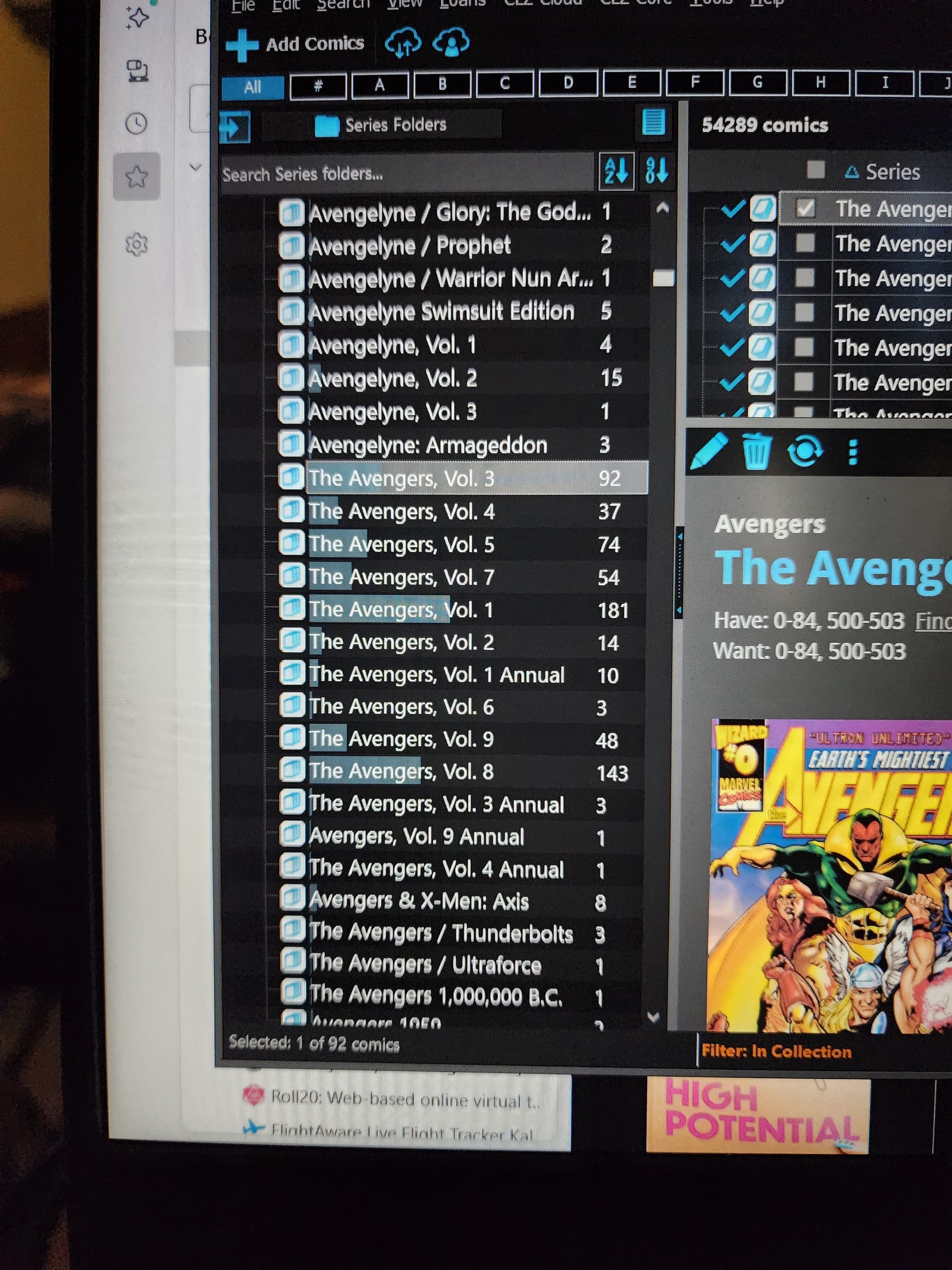
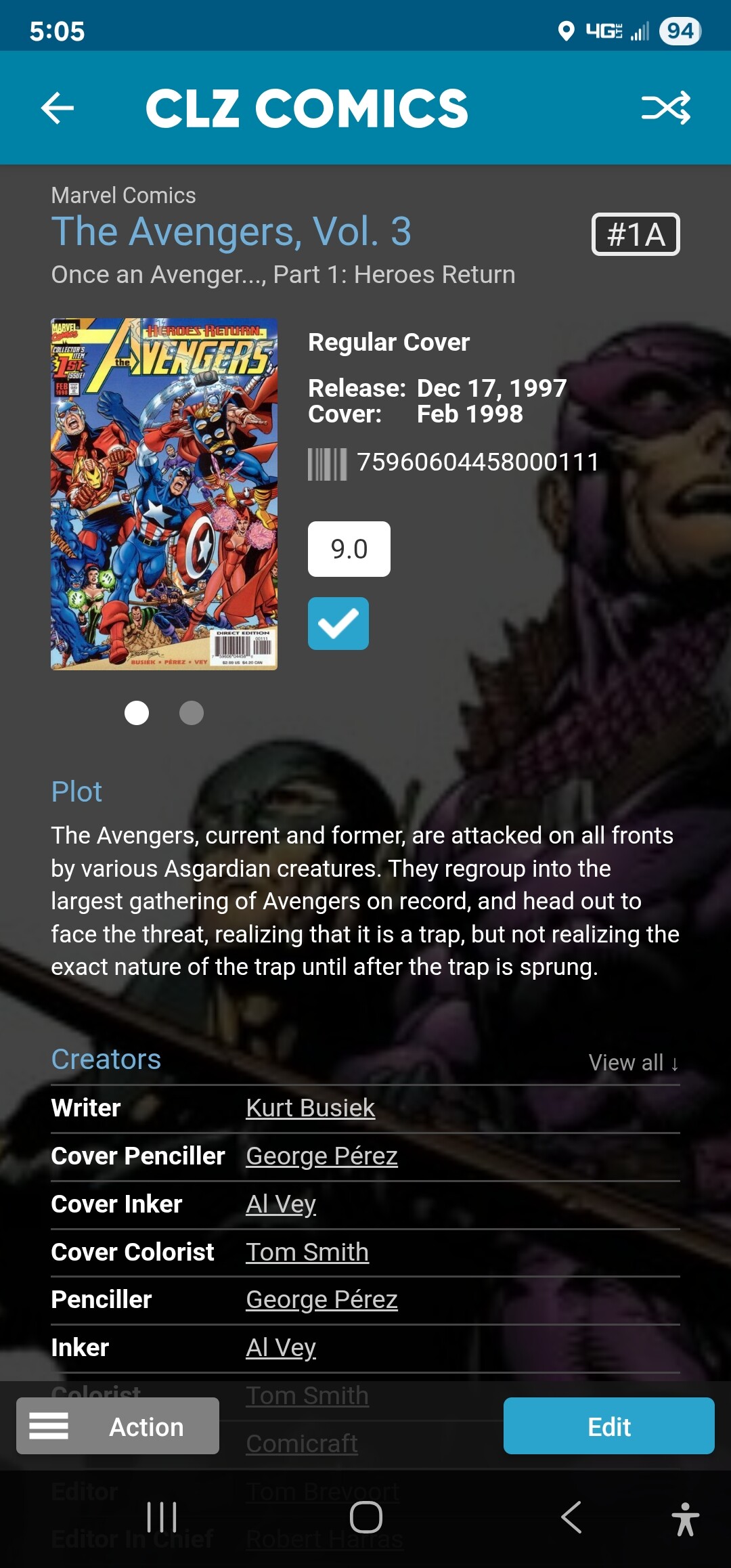
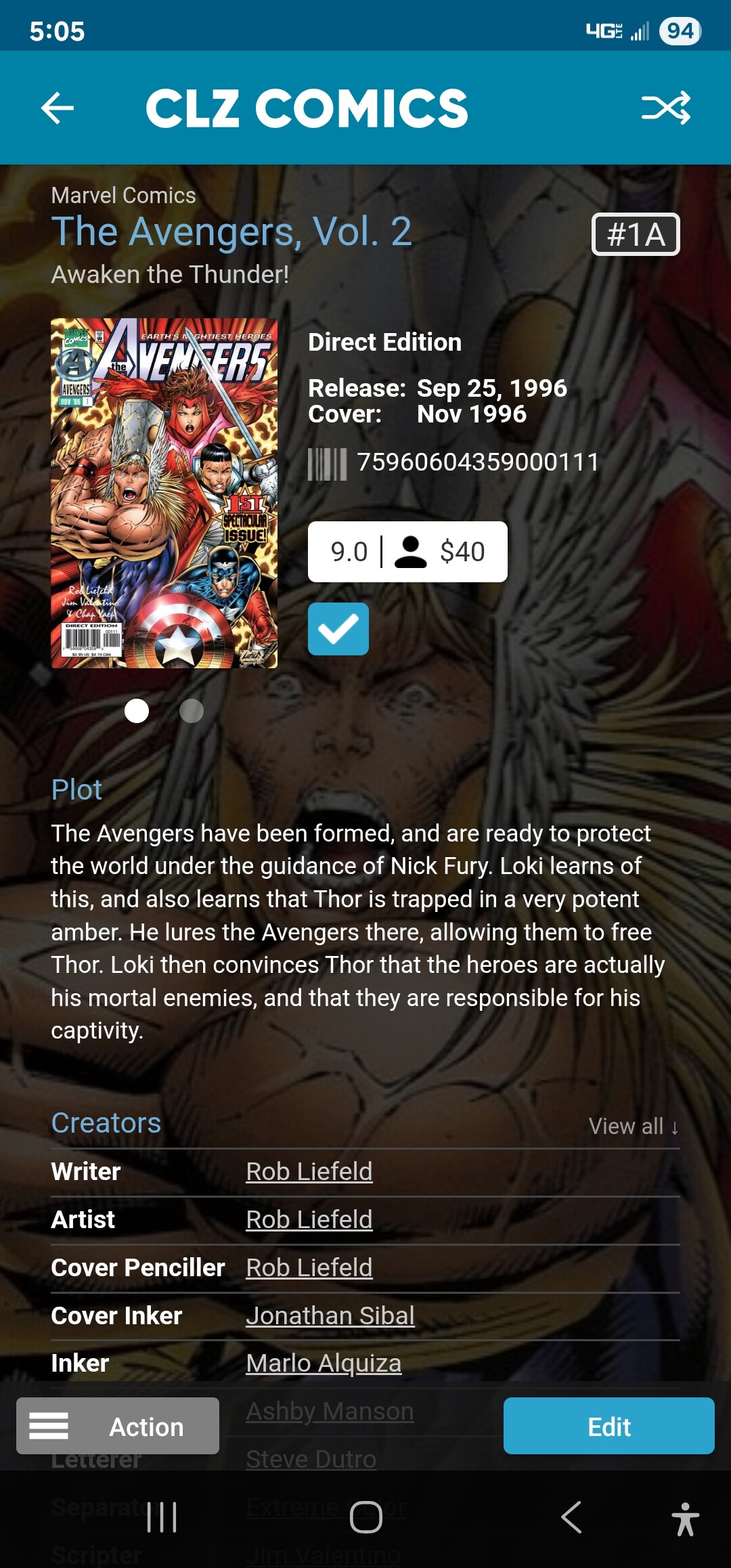
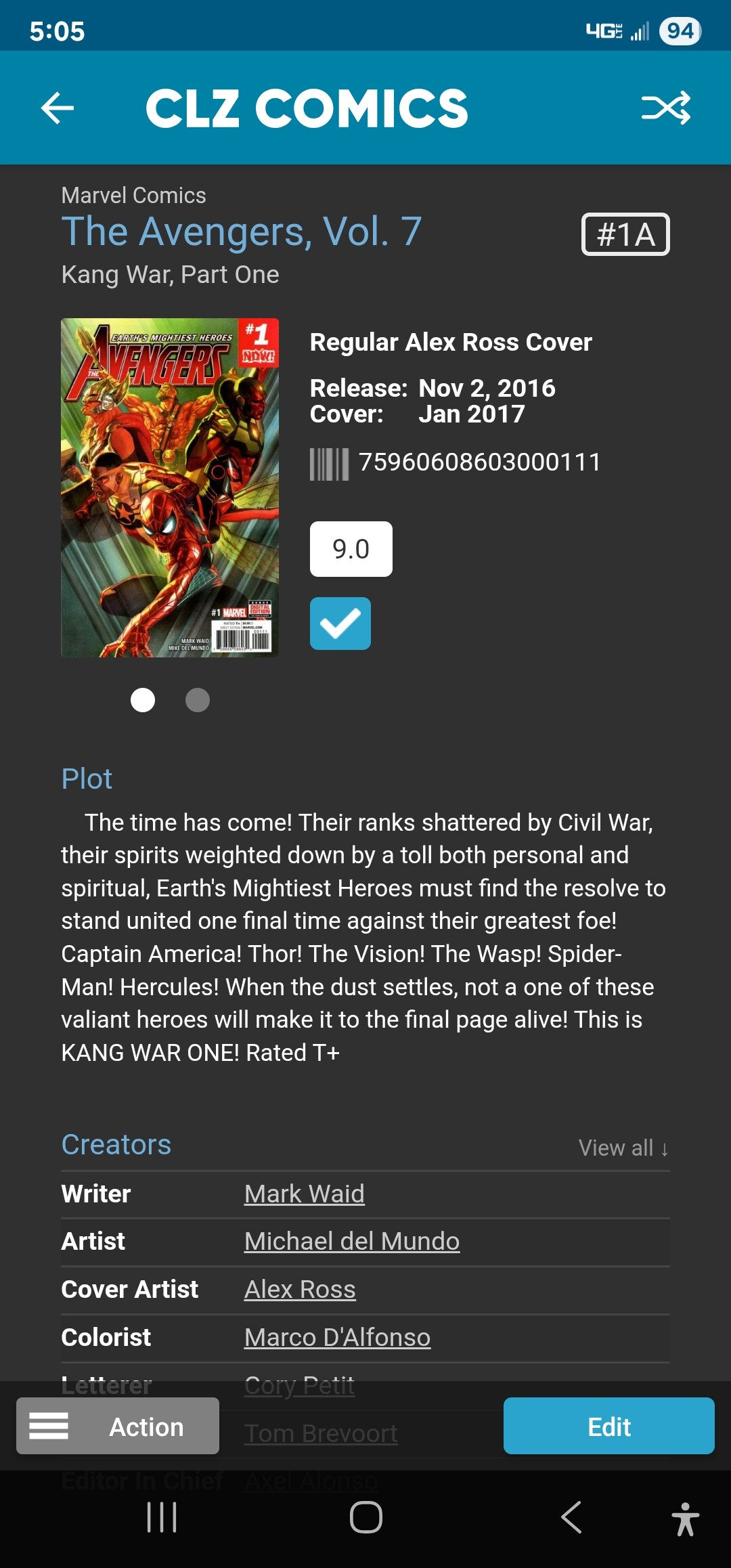
The Avengers on the desktop is landing out of numerical order, for some reason. The version on my phone is Avengers (without The) and most of Vol. 1-9 are blended in one list, in numerical order (sort of). They are described as The Avengers, Vol. XX, but not necessarily in consecutive volumes..
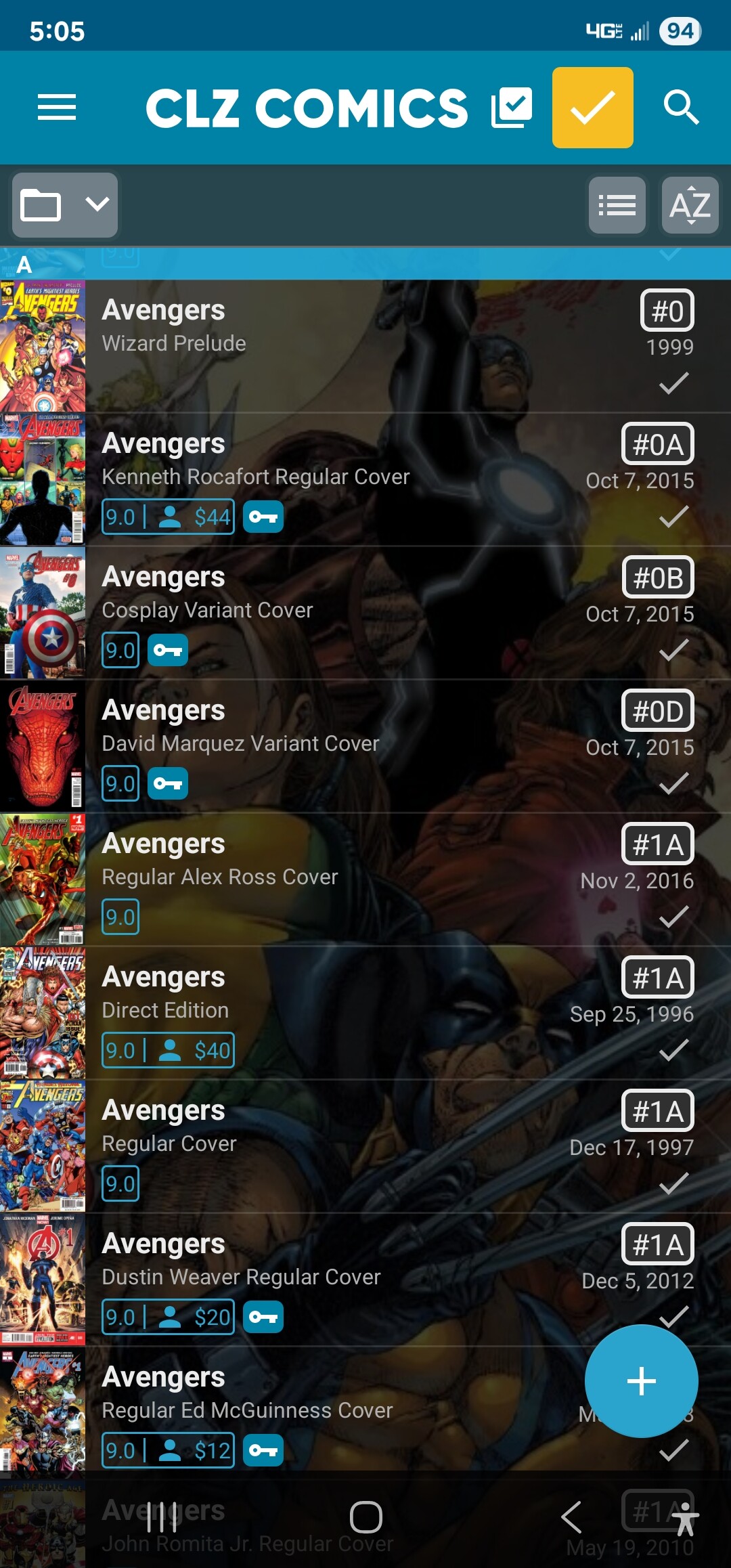
I recommend to try this, on mobile app:
- In Series folder view, Tap and hold on the series name. You can select multiple if you want.
- Tap Action bottom right
- Tap Update from Core
- In the Update from Core Settings screen, tap to Replace the Series field.
(If you don’t see the settings screen in step 4, go to it via the menu top left, then to Settings, then Update from Core Settings) - Update.
Then sync on mobile app, then sync on Windows program to see if it fixes the problem
Windows:
If it’s still wrong on Windows, you can fix it manually through menu Edit > Manage Pick Lists > Series. I believe it might go wrong on Windows still after doing the above, because Windows doesn’t remove older, unused versions of such a series (you might want to use the “Select unused” there and remove unused series)