There is a bug in the “Text” custom field. If you write a number and after it a dot then the dot won’t appear. Example: 64." > only appear 64 . You can make this work only if you write something after the dot > save it > edit it > erase the text after dot > save it. Than it work, show 64.
UPDATE: This bug appear only when transfer field data from custom fields number field type to custom fields text type
No way. A made a number custom field give them value, than I realized I was wrong because I need dot after number, so I made a text field, and transfer data from number to text. The dot error come after when you try save text field with the transfered number and you write after a dot. It is not work only with the workaround what I wrote earlier.
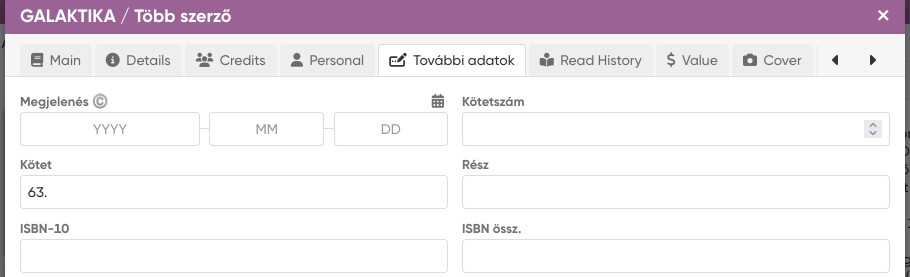
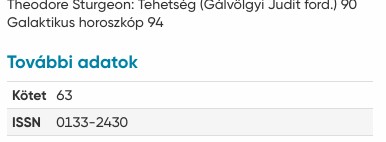
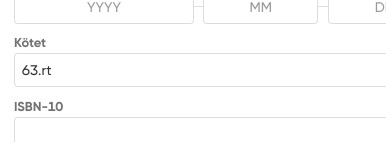
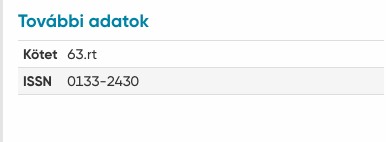
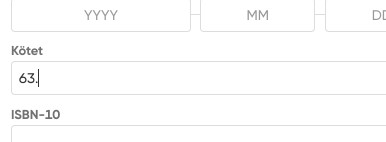
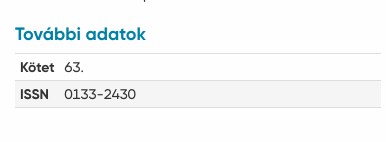
 . Thank you!