Hm, sorry, editing my post now, it looks correct on my devices, android and ios.
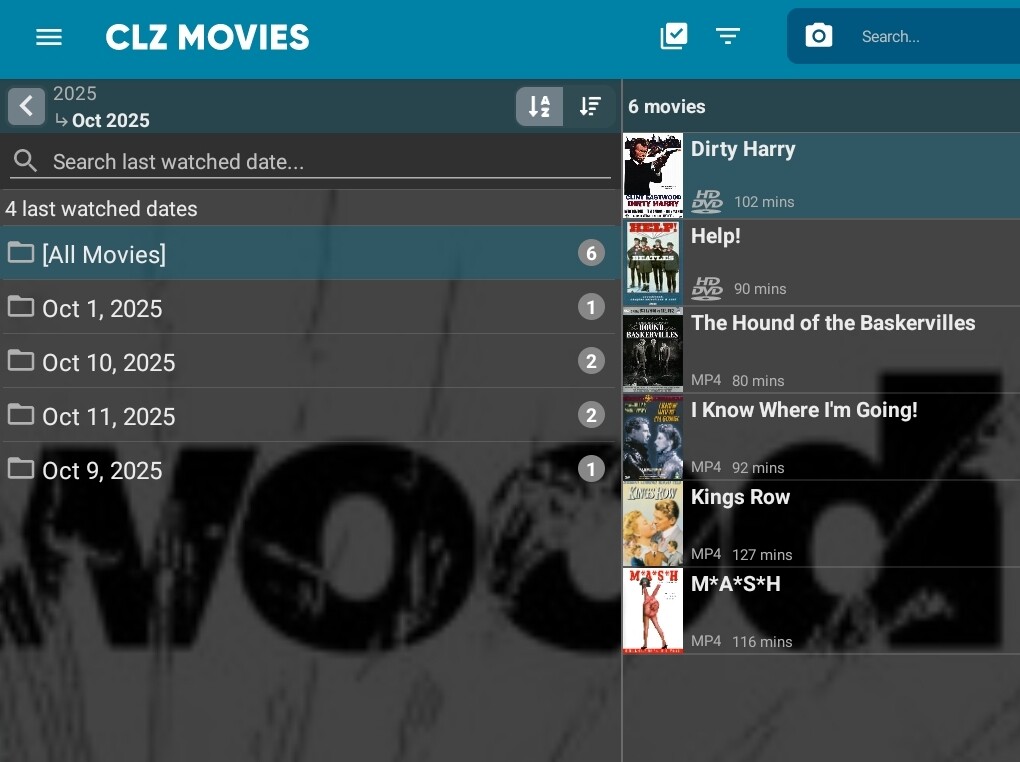
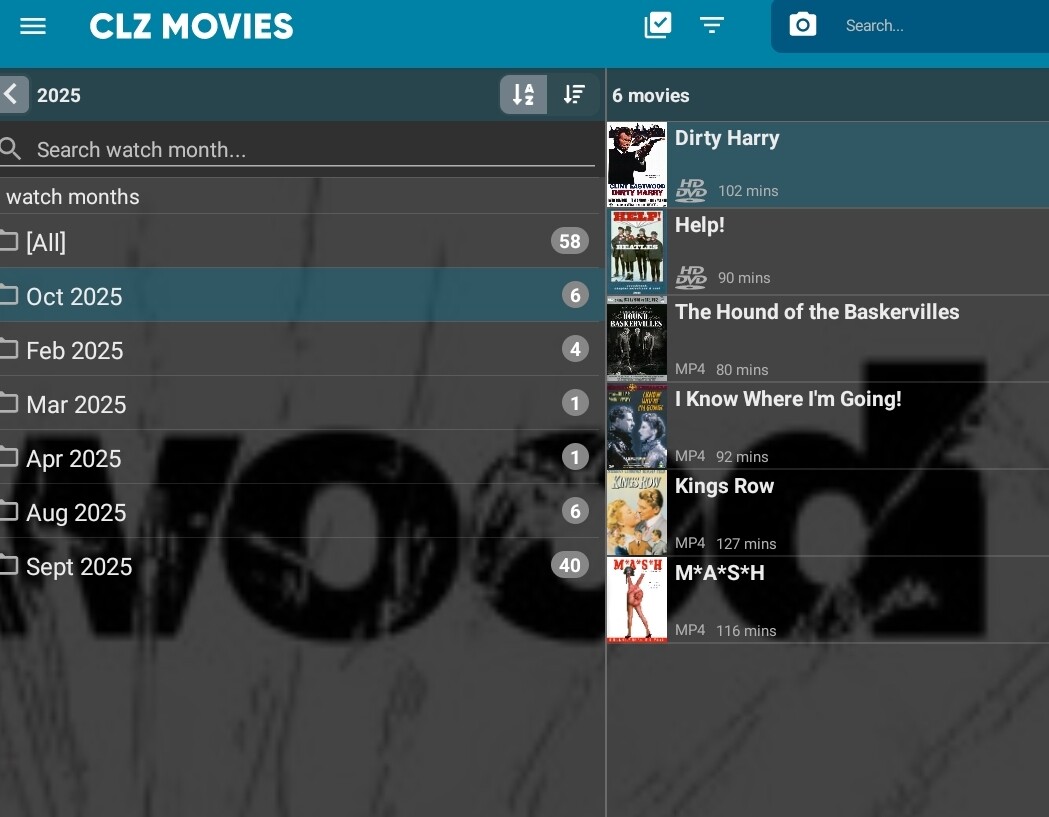
Can you post full size screenshots of what you are seeing which is wrong? (for months and dates please)
And as for these sorting by most recent, we’ve had that request on the list - right now you can only do it easy like so: in your MAIN list with all movies, tap the AZ sort button, then sort by watch date most recent first.
Thanks. That may be correct, but I am in the UK. The system is set up for dd/mm/yyyy. The International date format is yyyy/mm/dd, which is acceptable to me. The format you specify is the USA format, which I would never use.
Also, I don’t enter the date, I use the calendar picker, from within the mobile app.
I’ve also checked in the Cloud version. This works as expected. So the bug only exists in the Android version.
As voicerboy suggested, in the Android version it seems to be sorting as if the dates are Strings rather than Numbers, eg Sept 17, 18, 19, 2, 20, …, 29, 3, 30, 4,…
Yes it fixes THAT problem, but has created another.
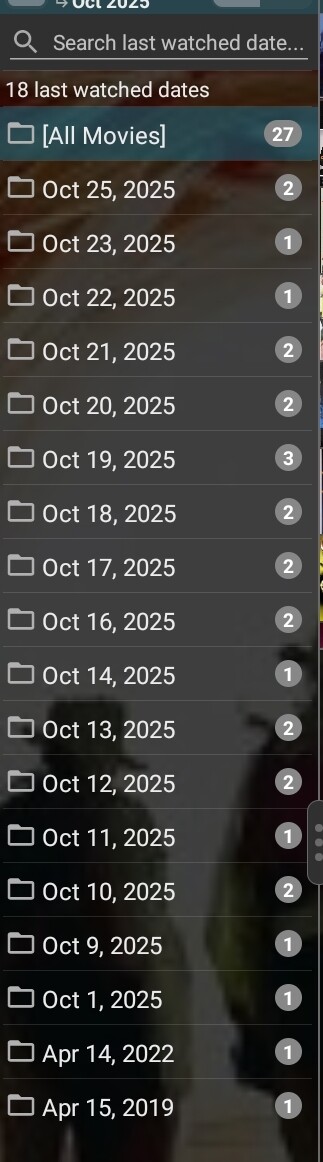
In the Web version, it works on Last Watched Date (which is what I want) but in the Android version it seems to work on Watch History, which is not what I want, and also looks rather strange Selecting Oct 2025 gives Movies from 2022 and 2019, which is when I previously watched them.
The Android version should work exactly the same as the Web version.
Because this works in the Cloud (viewer) version of the software I decided to test out the Web (subscription) version of the software again. Since this seems to meet all my requirements - though it will be even better if it supports User Defined Fields and some equivalent to the desktop version’s Tools | Maintenance | Transfer Field Data - I have decided to swap my Windows subscription to a Web subscription, so I don’t really need the Android version now, except for use offline.
Awesome, thanks for swapping your subscription. Yes indeed on Web it works right - for Mobile it will take a bit longer to get this fixed - but I won’t get to technical as to why!
User Defined Fields will come - first on Web (likely end of this year, early next), and later on Mobile (this project will take more time than Web).
 - first on Web (likely end of this year, early next), and later on Mobile (this project will take more time than Web).