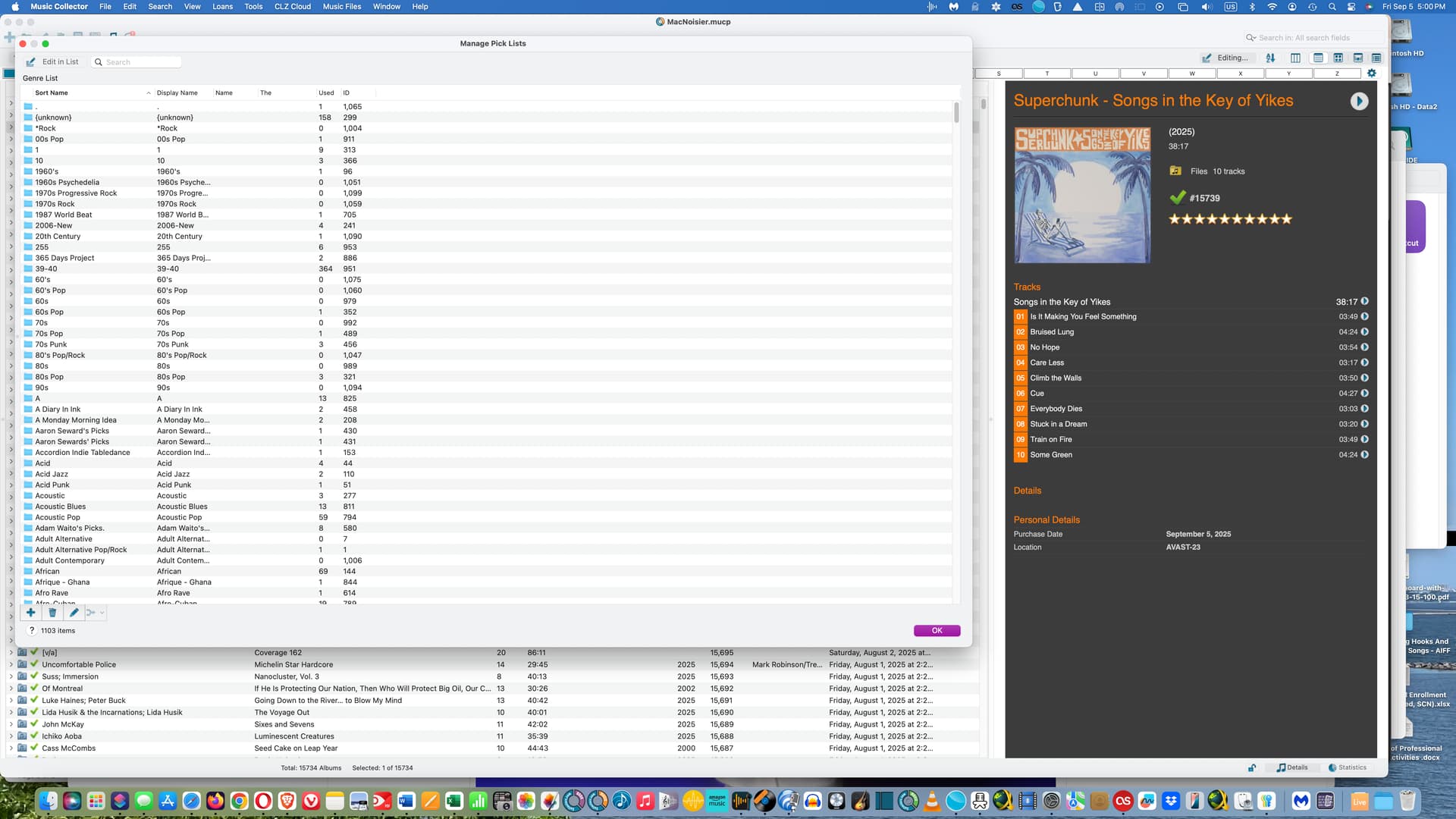
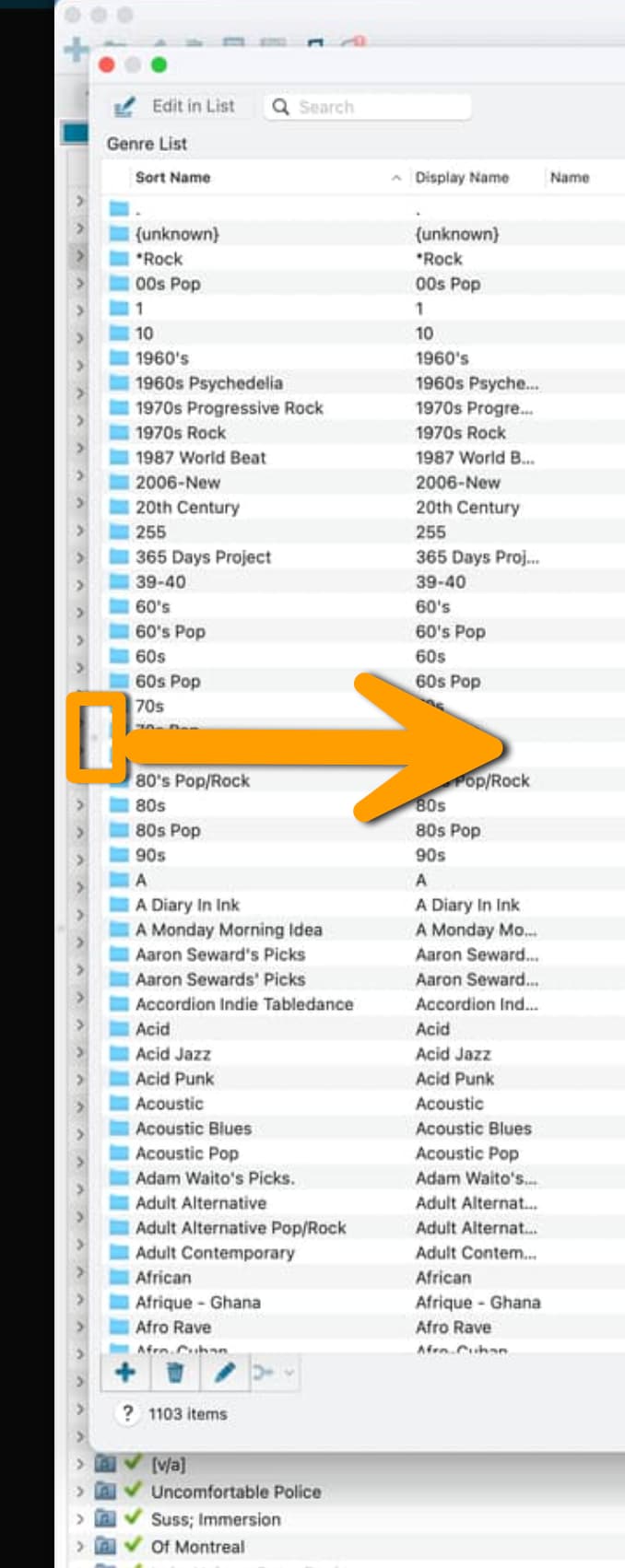
Today, while using Music Collector (last Mac desktop version v20.2.2), suddenly the category for my pick lists switched to Genre…and I cannot get it back to Artist! I don’t know how it switched–I think i accidentally clicked on something–but please advise.
Other notes: I am using Sequoia 15.6.1. I’ve enclosed a screenshot. This is what now comes up when I click the Pick List icon (or bring it up in Tools→Manage Pick Lists).
I’ve tried right-clicking things, searching the Help…no luck!
Thanks for any advice you can offer.