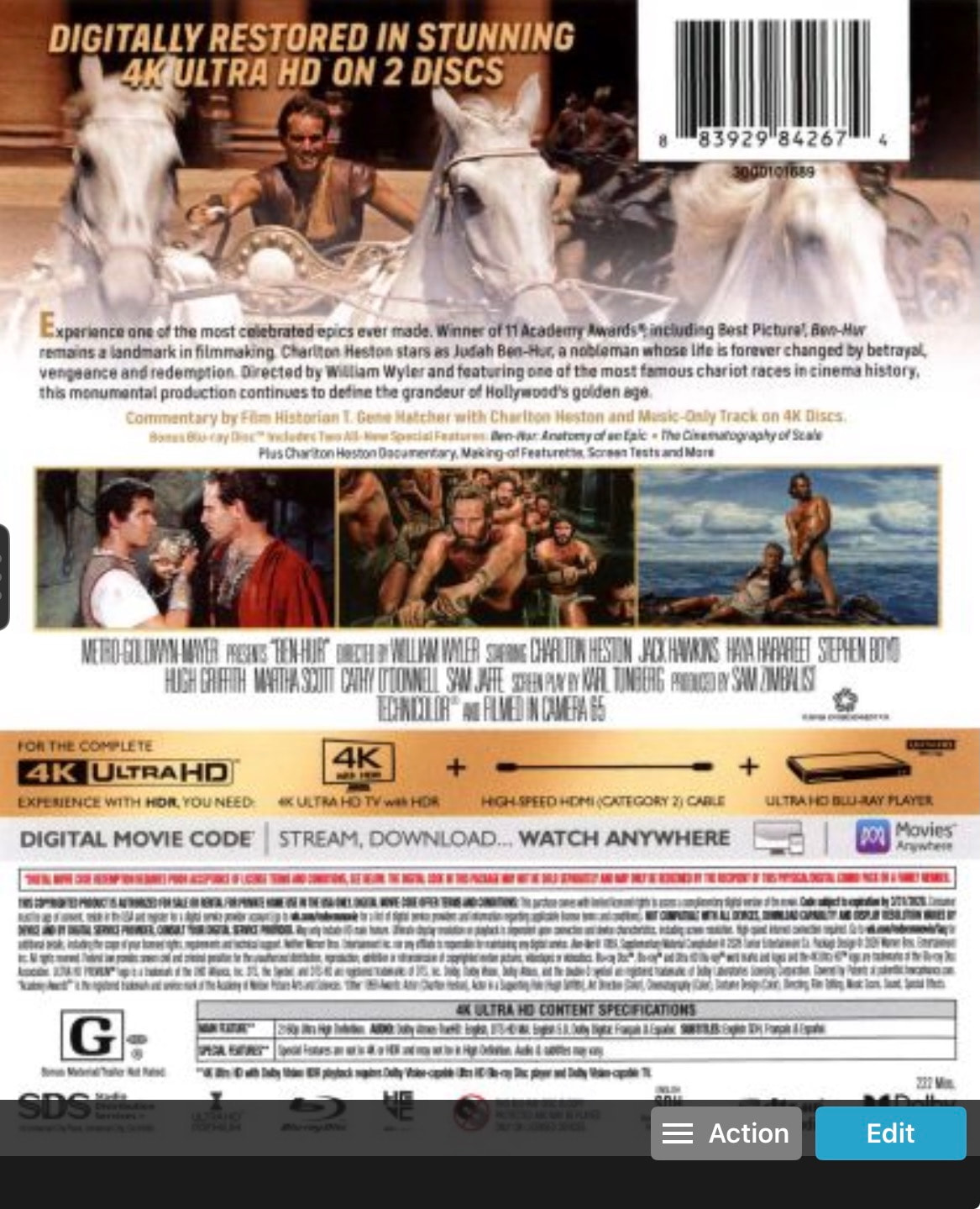
Why is the quality of the covers in the mobile apps so much lower than those in the web apps?

I use Music Connect, Movie Connect and Book Connect for my CD’s, DVD’s/Blu-rays and Books/Magazines. I always make my own high resolution cover scans and replace the ones provided by Core. My image files are usually not larger than 500 KB. In the web apps the scans look great, however in de mobile versions they are very fuzzy and of low quality. Most of the times it’s impossible to read the detailed information on the back covers, for instance. Why do you change the resolution of the images when syncing them to the mobile apps? I have plenty of space on my iPhone and/or iPad, so file space shortage is not the problem. Or at least make it a user option in the syncing process to use the full resolution or the compressed resolution from the web apps. Or is there currently a (hidden?) option to maintain the same picture resolution in the mobile apps and in the web apps when syncing between these two platforms?

What is the resolution of your images?

In general my cover scans are 1500 pixels wide and 1760 pixels high, at 300 ppi, and the file size is between 200 and 600 KB.

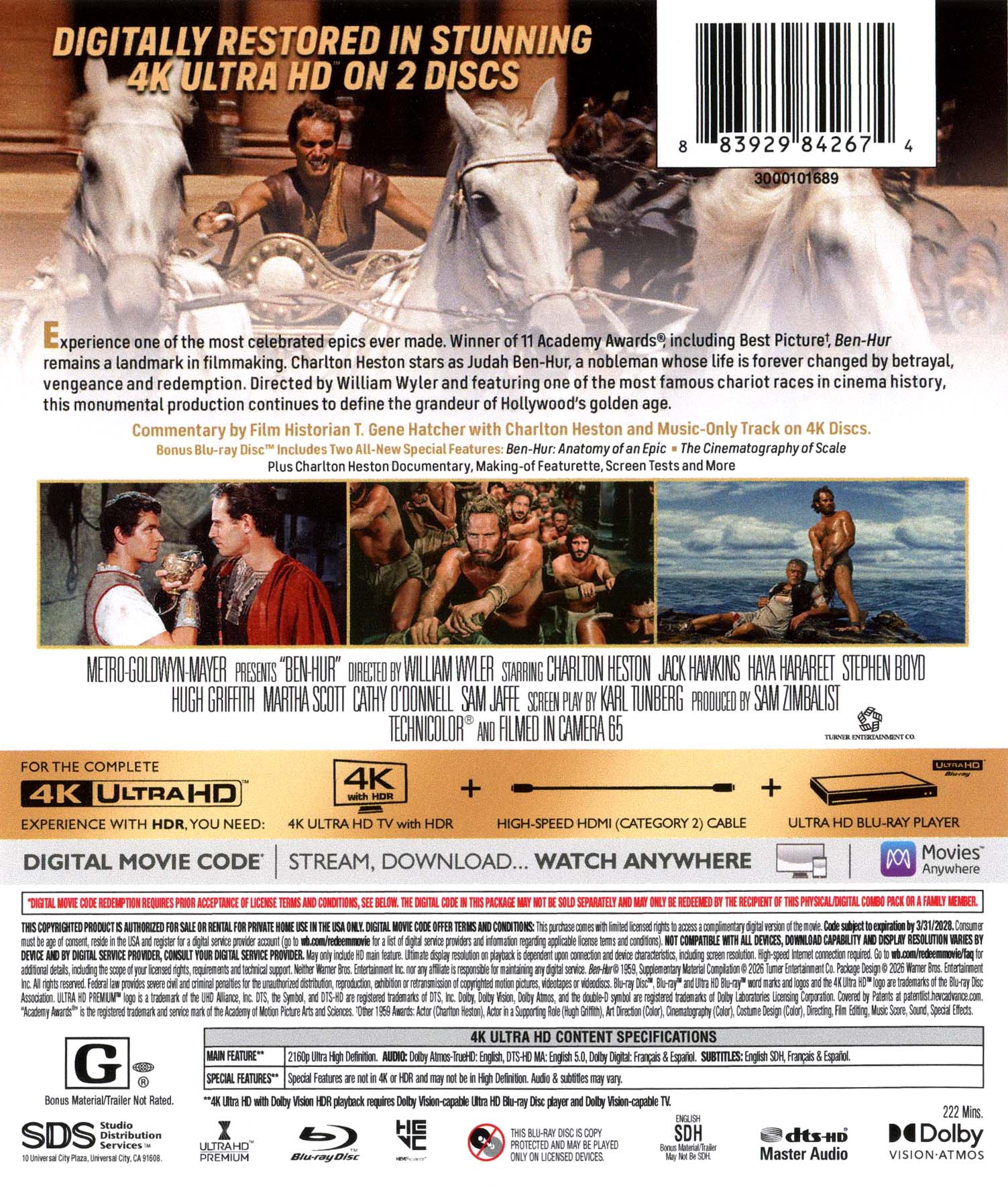
When down syncing to the mobile app, custom images are downscaled to a lower resolution, for bandwidth, performance and storage reasons.

Also, because the app does not show the image at a high resolution anyway. I mean, you cannot pinch and zoom in on images.

Can you show me a screenshot of your mobile app with the above image, that shows it is fuzzy / low quality?

Agree, covers on mobile are in low quality. I almost don’t use custom covers. Default covers are also in low resolution. For example 3701432064116
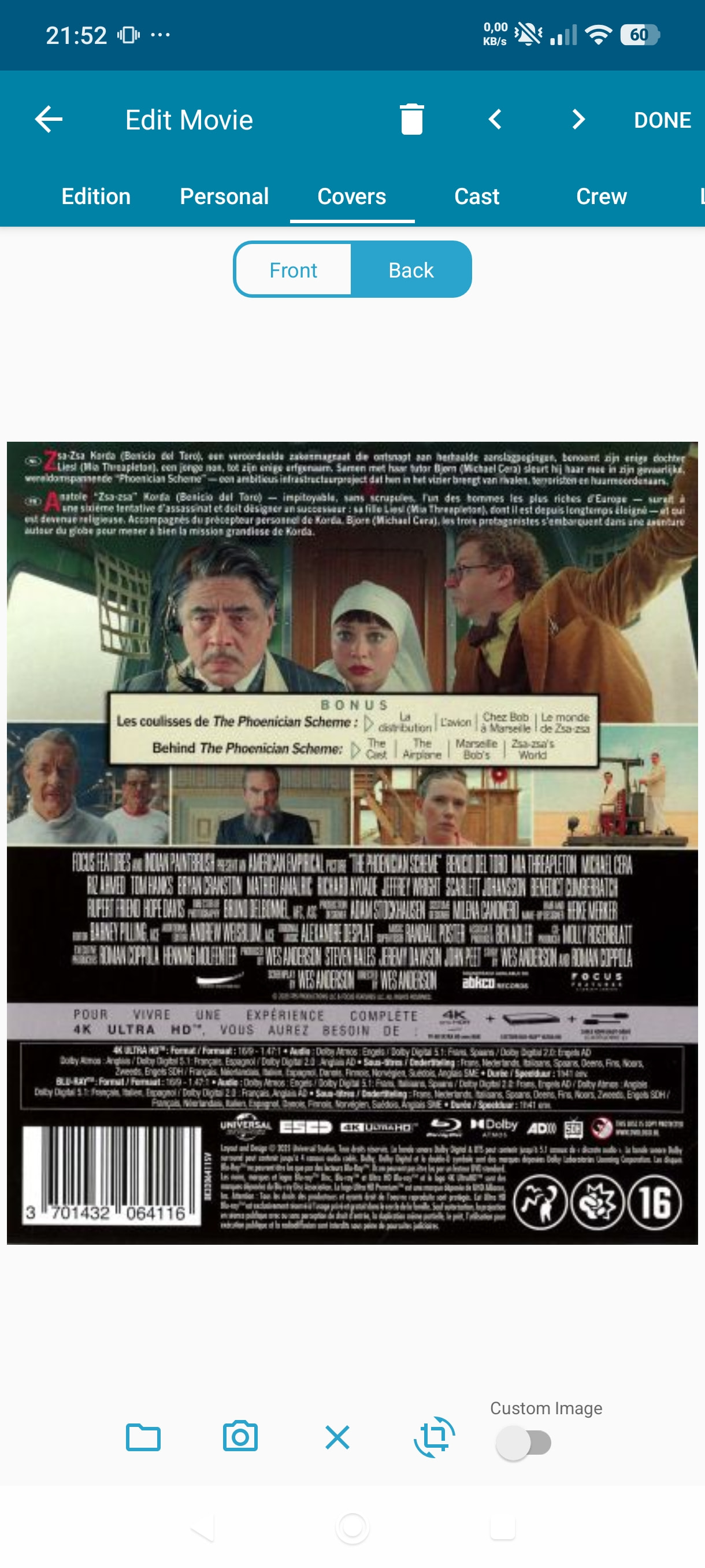
Text is almost unreadable, while the cover on web is in good quality and readable.

I think one of the reasons I don’t spend much time on covers anyway, is also because of this.

We have phones with lots of storage. I think for the average collection it is not an issue if covers are in higher resolution. Why not make it an option in the mobile app?

I also don’t think you need the highest quality on mobile, I think if the resolution is doubled it is much more usable.

And then pinch to zoom would be a nice addition.

I’ve made screenshots of the cover images as shown on my iPad and my iPhone.

And many people probably use their iPad too , like me. Need higher res images for sure

We are indeed thinking of increasing the resolution of the downloaded Core and Custom images, one day. But that is a huge decision, with serious impact, so it is not be taken lightly.

Even doubling the resolution would have huge impact on:

  • the storage space required on the mobile device (this is already a concern for many users as it is, especially users with large (100k+) databases
  • the storage space on our servers
  • bandwidth
  • download speeds when down syncing and upload speeds when up syncing
  • CPU load on our image delivery servers
  • bandwidth costs on the Content Delivery Network we use

And next to that, there are a few non-technical reasons that I won’t bother you with.

So again, increasing the image resolution on the mobile apps MAY happen some day, but we really need to consider all side-effects before we do so.

And there’s the small factor of the entire team being really really busy with other stuff :slight_smile:

I can understand it has a huge impact.

My current set with 7000 images is ±1,4GB (200KB on average per image but has a mix of very low quality and high quality). If I look at an image I would consider acceptable for reading it would be around 200KB (± 750x900 pixels).

If I look at my installed app on mobile it currently takes ± 700MB for content. I guess this is database storage + images? My own h2 database with similar data is around 100MB, so big assumption: 600 MB for the images on Mobile. Big assumption: 85 KB per image for mobile on average?

For me personally I don’t have any issue if the storage for mobile goes up from 600MB to 1,4GB with an increased storage from 85 → 200KB per image. When using webp the resolution can go up even more with same filesize.

The app itself is quite small, kudo’s for that :slight_smile:

Just an out of the box idea: Web loads a small image (20-40KB on average for the covers). When you open/enlarge it, it downloads/loads the bigger version. Maybe a similar approach for the Mobile version? I know the mobile version works without internet and is a completely standalone version that must work when internet is not available. But it can be an option: Download higher version when opening an image? By default only show the lower resolution version. This will not cost any extra space or initial bandwidth. Only when somebody requests a higher quality image it will cost extra bandwidth (like on the web version).

“Text is almost unreadable, while the cover on web is in good quality and readable.”

I can’t read any of the text on the mobile app unless I have my reading glasses on, which I usually don’t carry with me. All the text is just too small for me.

Even with proper glasses it is unreadable in most cases. It is not “just too small”, but there is just not enough detail in the image. If resolution goes up a proper zoom function would be nice so you can make it a little bigger.