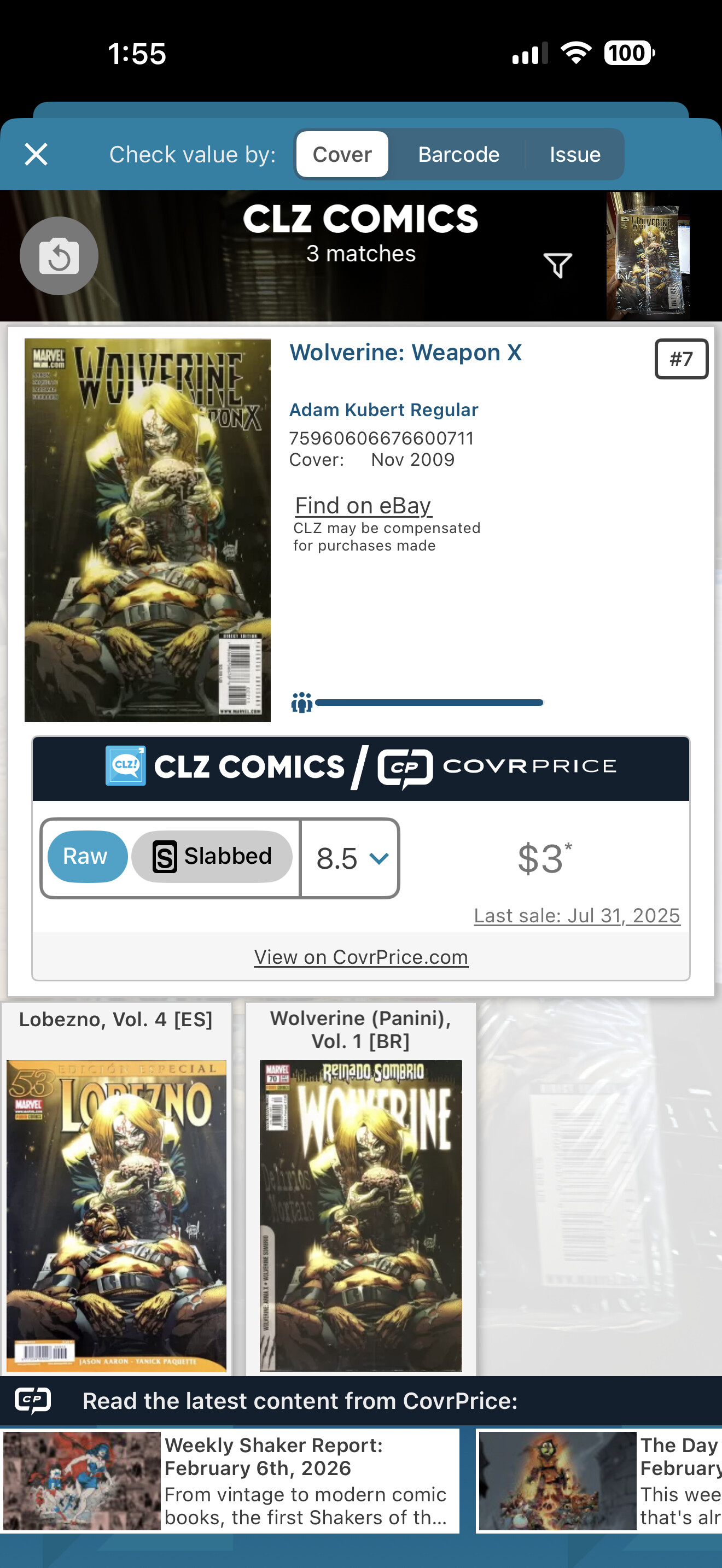
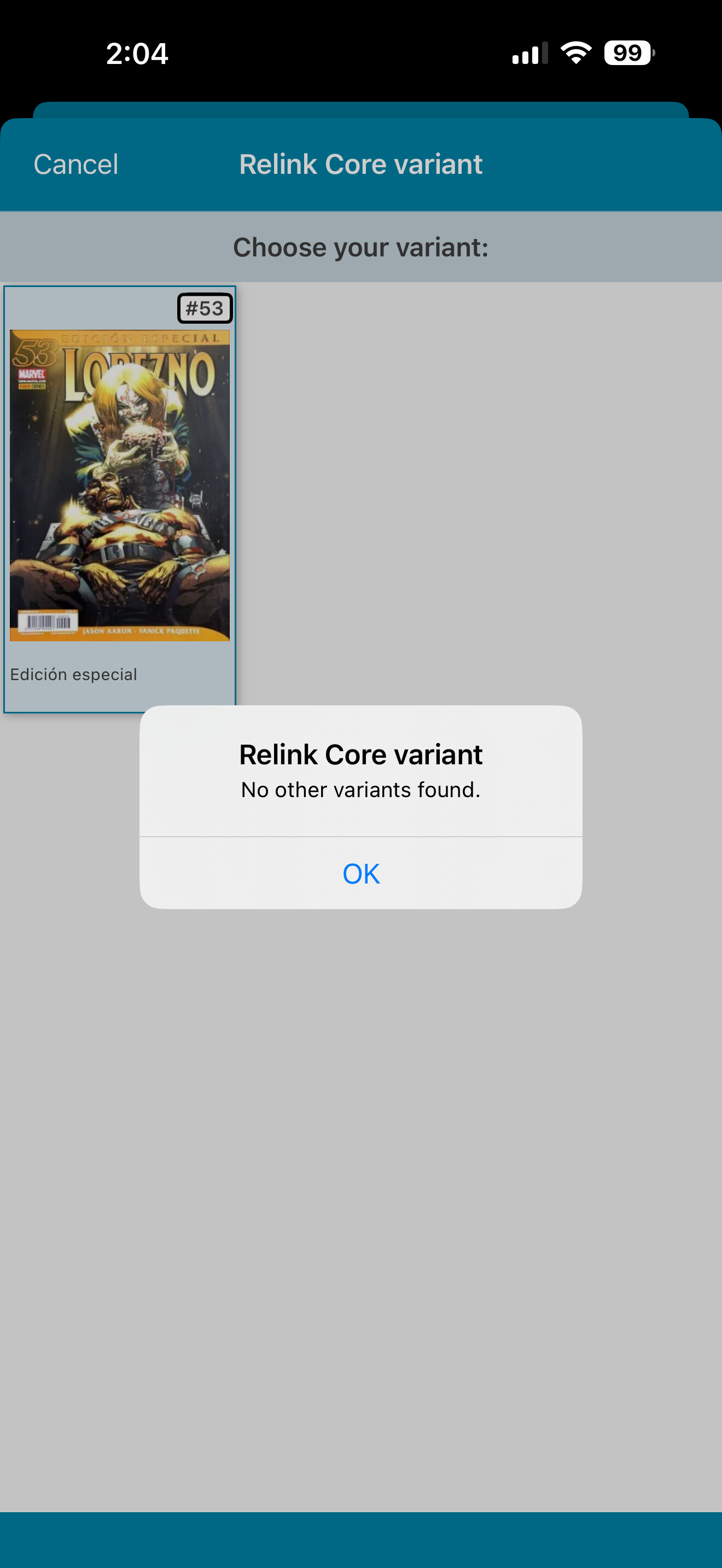
Wolverine: Weapon X #7 - Spanish ver got selected by mistake. I’m not sure how this happened. I scanned the cover and two variants came up. The regular cover and a Spanish version. I don’t understand how I could have hit the Spanish version but I can’t change the variant by relinking it to the regular copy because I receive a pop up telling me “No other variants found.”
I’ve tried a number of things to change it but no luck.
Please change this Spanish copy to the regular version.
The Spanish version you have is an entirely different series in Core. Spanish editions are never variants of the US edition and vice verse.
What you have to do for this one is just remove it from your collection, scan it and add it again (and make sure to select the US edition (I’m assuming that’s the one you own).
I know I can delete it and add it again, I was hoping you can tell me that I can relink it. Any chance you guys ever able to change things where we don’t have to delete and can just relink?
So then why did that Spanish version pop up when I scanned my comic?
If you use the “scan cover” system it will try to find matching covers. The Spanish cover might look much the same as the English cover. Maybe that happened?
Just double check, give it a glance over, when you scan a cover and look at the result before adding it into your collection to make sure you add the right version.
And why couldn’t I change or relink it?? Makes no sense!
I already told you why you can not re-link it, it is a different series. That’s just how it works, I’m not sure how to tell you this in different words.
Because the cover is very similar. That is what the Cover Scanner does, it shows matching covers from our database, trying to show the best matching cover first.
But when covers are very similar, you may have to pick the correct one yourself.
The mobile app only has the Re-Link Core Variant tool, which is a very specific tool for re-linking to a different variant of the SAME issue. That won’t work here.
You CAN completely unlink and then re-link using the CLZ Comics Web software. But even if you have CLZ Comics Web, I would still recommend to just delete and re-add because it is much quicker and easier.