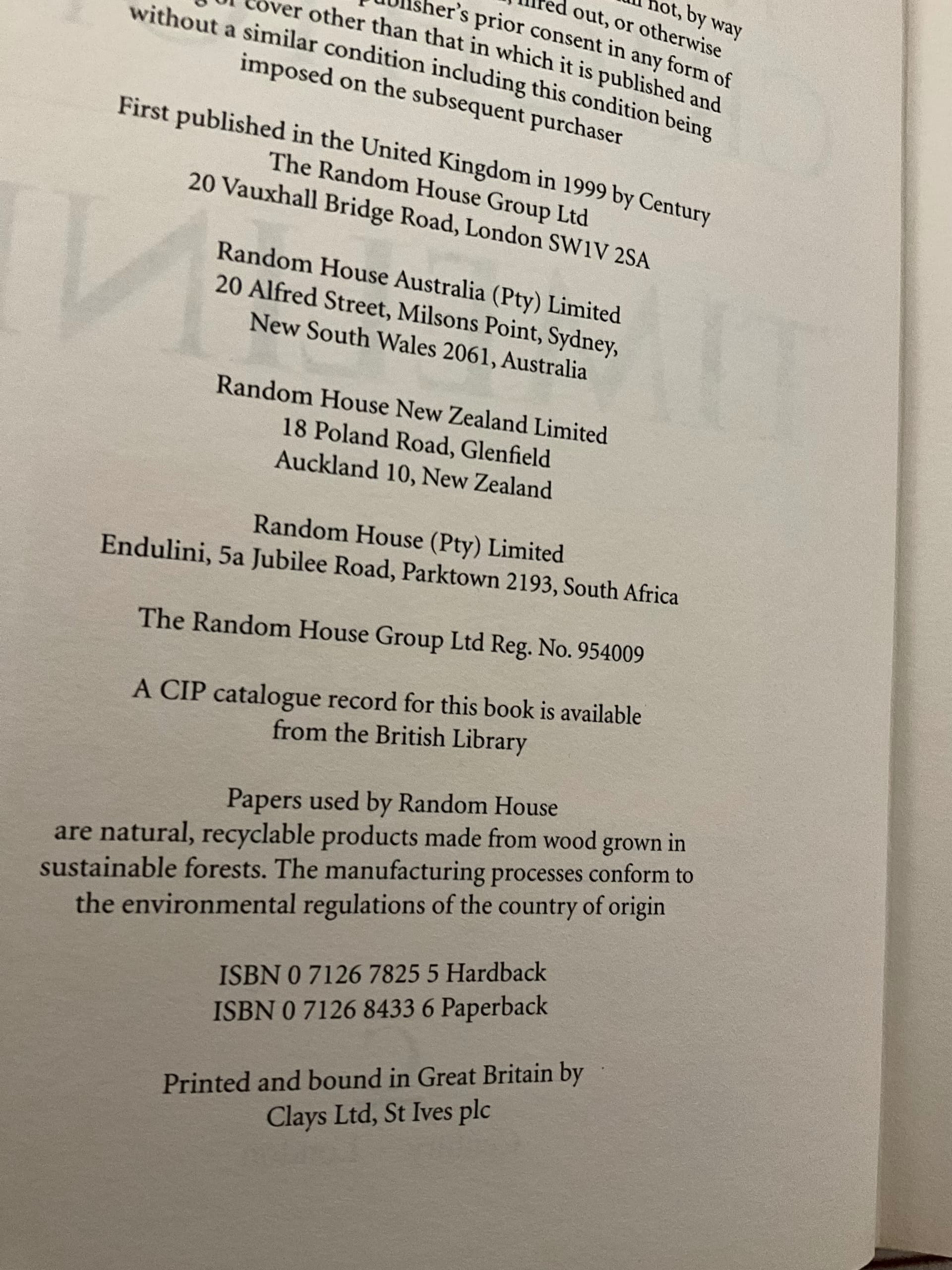
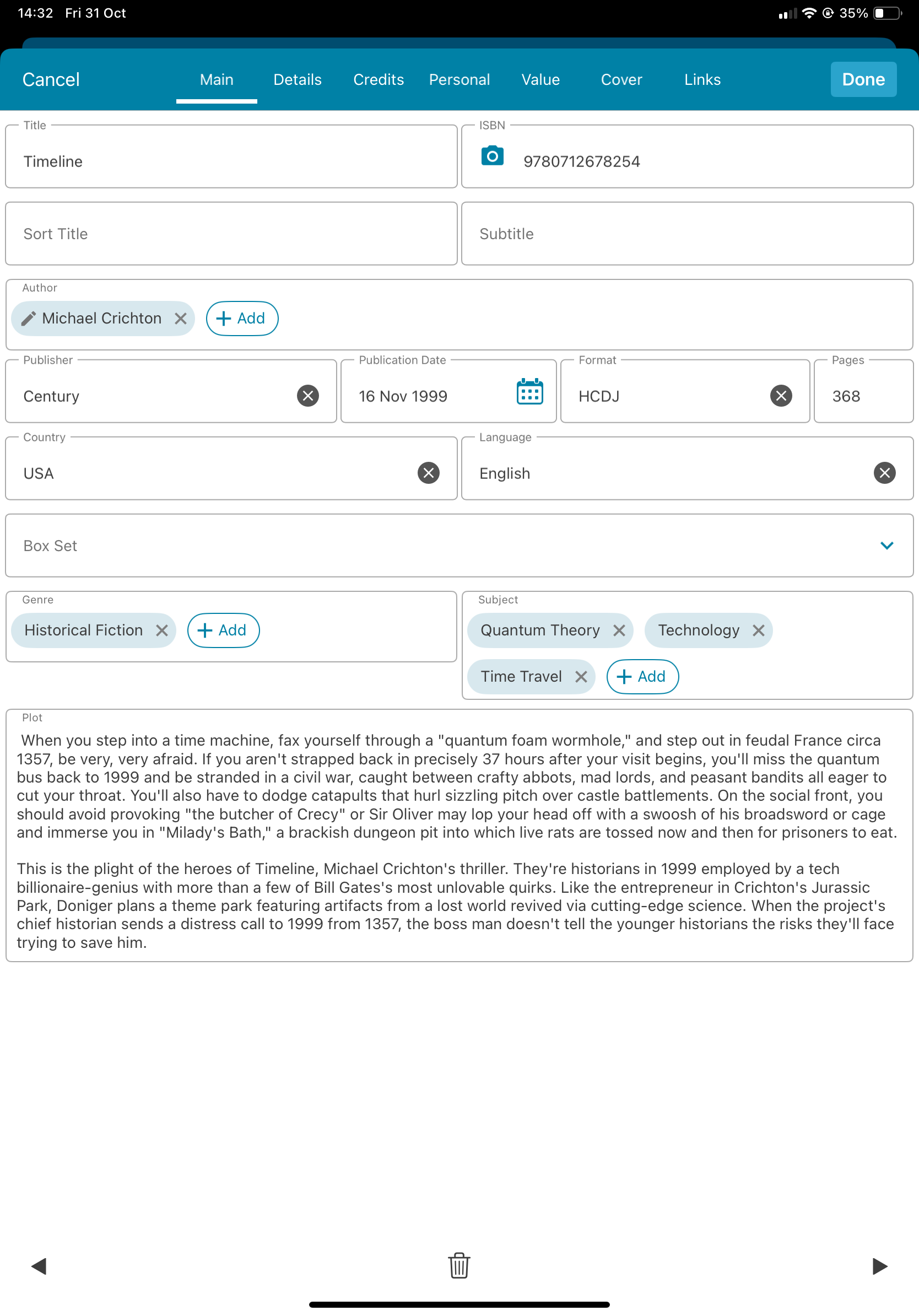
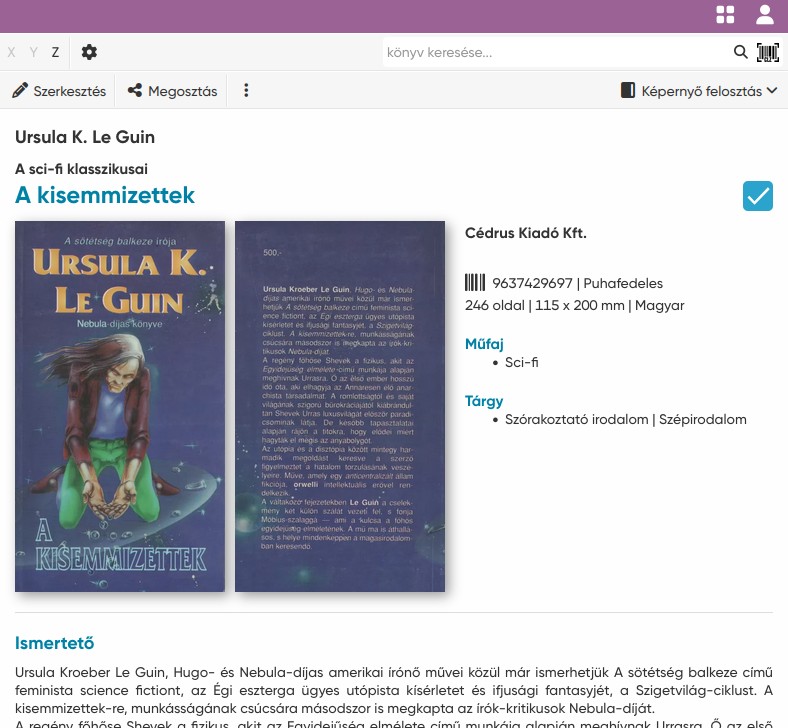
You clearly have a neat bit of code and an algorithm that converts ISBN-10s to ISBN-13s in your ‘Add books from core’ search functionality in the book app. It would be really cool if this could be extended so that the main item page in the book app could show both ISBNs. In order to properly identify late 20th century books, I prefer to record in the app the actual ISBN-10 that is printed in the book. The fact that current catalogues increasingly reference the ISBN-13 would make simultaneous access to both numbers really useful.
Yes, of course. Something near half of my book collection was published before ISBNs came into use, and something like a quarter was published during the ISBN-10 period.
One way I use your software is to ensure that I don’t make duplicate purchases - vendors will usually list books with the ISBN actually contained within the book and, unless I have recorded the ISBN-10 (or lack of any ISBN), I cannot cross-check what I have without looking at the physical book in the library - which, if I’m in a second-hand bookshop, is impossible.
The second use I make of ISBNs is cross-checking valuations against auctions or bookseller listings - again, unless I have recorded the actual ISBN, I don’t have a mechanism for categorically ensuring that I’m comparing like with like (of course, there are all the complications of different printings and states of any given ISBN, but those are easier to navigate if you have certainty about the ISBN in the first place.)
The ideal place for the field would be adjacent to the ISBN-13 - you need to be able to see both numbers alongside each other.
I meant to add: currently, when I input an ISBN-10 to identify a book in your core, and select one to add to my collection, the app automatically applies the ISBN-13 which, of course is not what is in the book itself. Because I’m now manually changing all ISBNs to show what is in the book, I then have to go and manually change what I have in the book record - and it would be so much neater if the app automatically populated both fields.
our apps automatically (as you’ve seen) converts the ISBN-10 to an ISBN-13 by putting 3 numbers in front of it. The check digit (last number) which is a sum of formula of all numbers in front of it, changes, because 3 numbers are added.
However, the ISBN-13 number is still unique and means the same as the ISBN-10 number. There is no way to change that back to ISBN-10 within the app, simply because it’s not necessary.
**Important: **
If you try searching one of your ISBN-10 numbers within your own collection, our app should come up with the ISBN-13 number because it converts it again.
What I’m looking for is a real user case scenario where you would actually need to be able to see the ISBN 10?
Then I have to work out whether or not the change in the check digit is only because of the addition of 978. If, when I had originally added the book to the database, I had been able to record the ISBN-10 I would know for sure that I don’t need to buy it again.
Yes, that would work, and it would also work for the reverse process - but it’s a much more clunky process than simply having both numbers available to view in the app. You’d be surprised how many book sellers think that an ISBN-13 is simply the ISBN-10 prefixed with 978 (no change to check digit) so you can never be certain whether what they’re listing is what you want (on my wish list, I would like to be able to identify an older book by its given ISBN-10 and have the record show both numbers so that, at a glance, I can check a vendor listing).
Hm, we’ve not heard that one before, but that is something to consider.
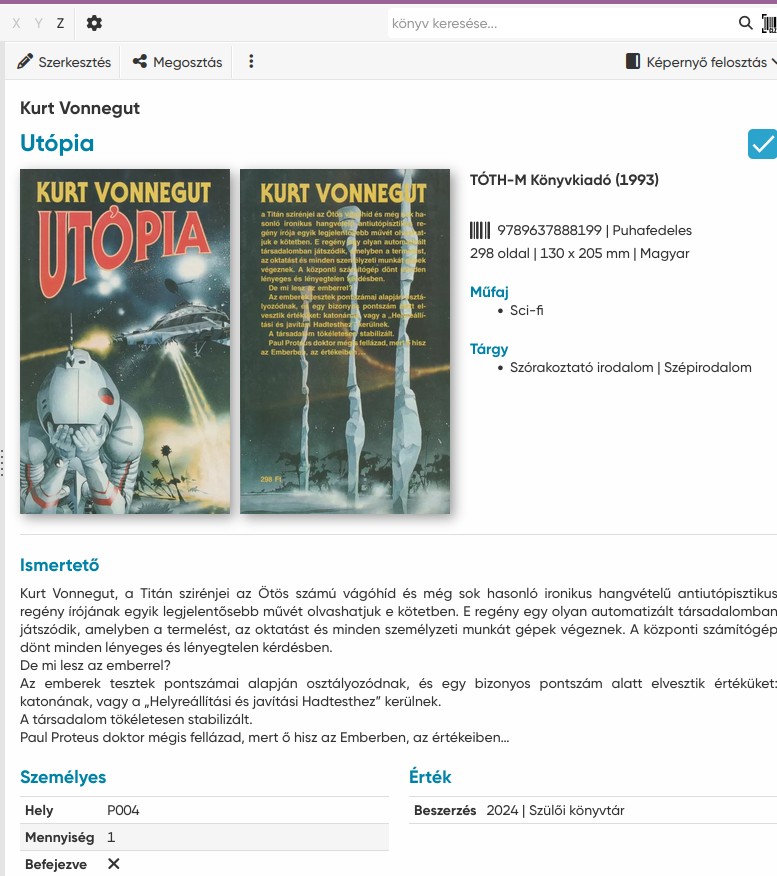
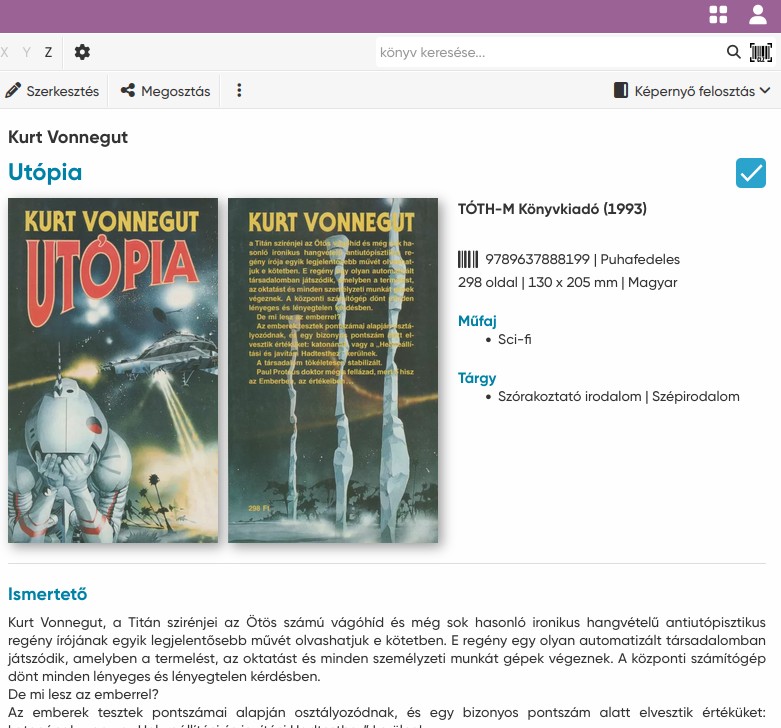
Now the main screen also always shows ISBN13. Would your suggestion work enough if somewhere in the DETAILS it would show “and this is the ISBN 10”? Because we don’t know if the book was originally with ISBN 10, we only save ISBN 13, and converted ISBN 10 > 13
I don’t think we can introduce a new field that the user can fill in for this. It’s just something we have not heard since the beginning of our software when we started converting automatically.
But the use case where a seller would put in an ISBN 13 with just 978 in front of it, and it would have the wrong checkdigit (not changed) is interesting. Having an ISBN-10 field in the app wouldn’t really solve that though, apart from glancing at your book in your wishlist showing the ISBN10 and that it looks like the (wrong) ISBN a seller puts up. That is the use case here, right?
This might be far out: Could you point me to like an online sale somewhere where this is happening? If you find one that is, I’d be very interested to see this happening online.
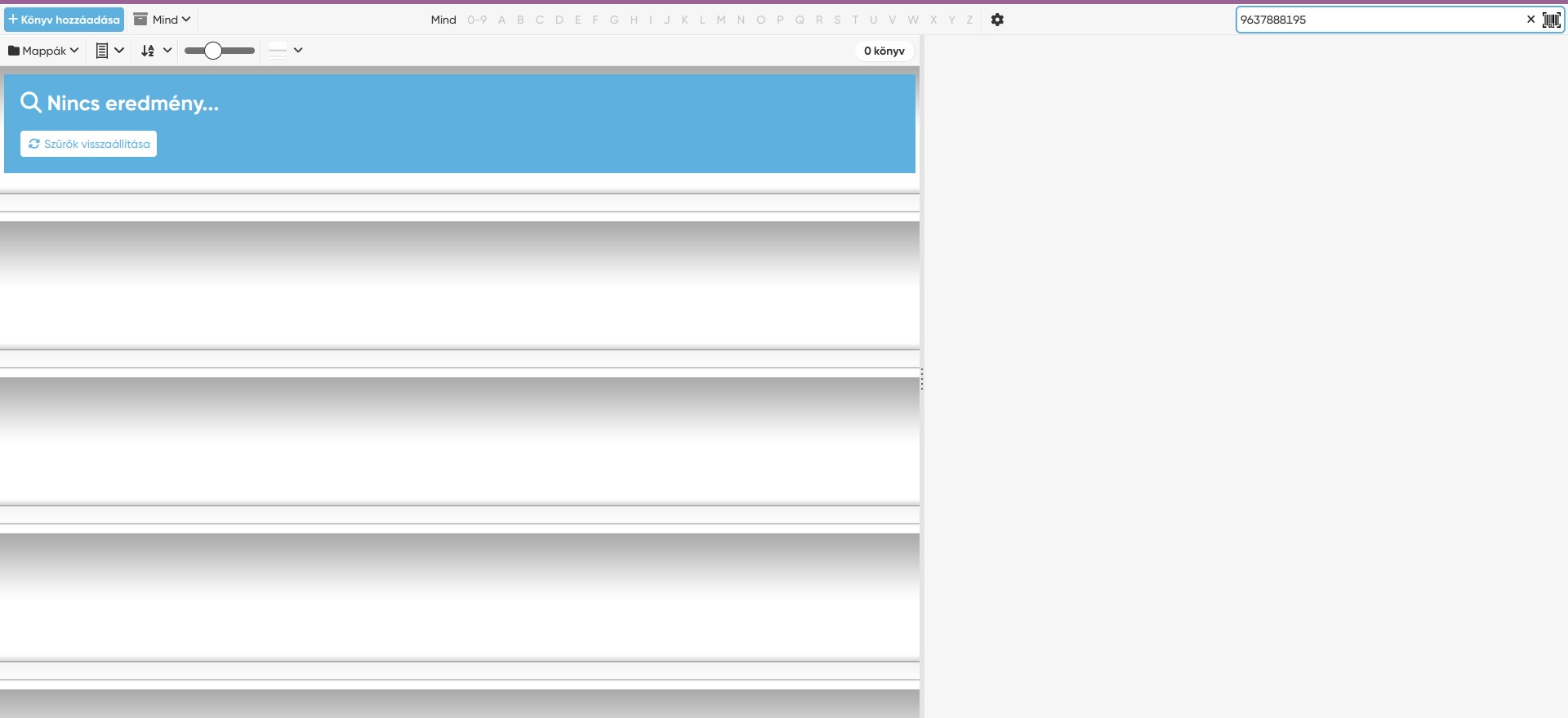
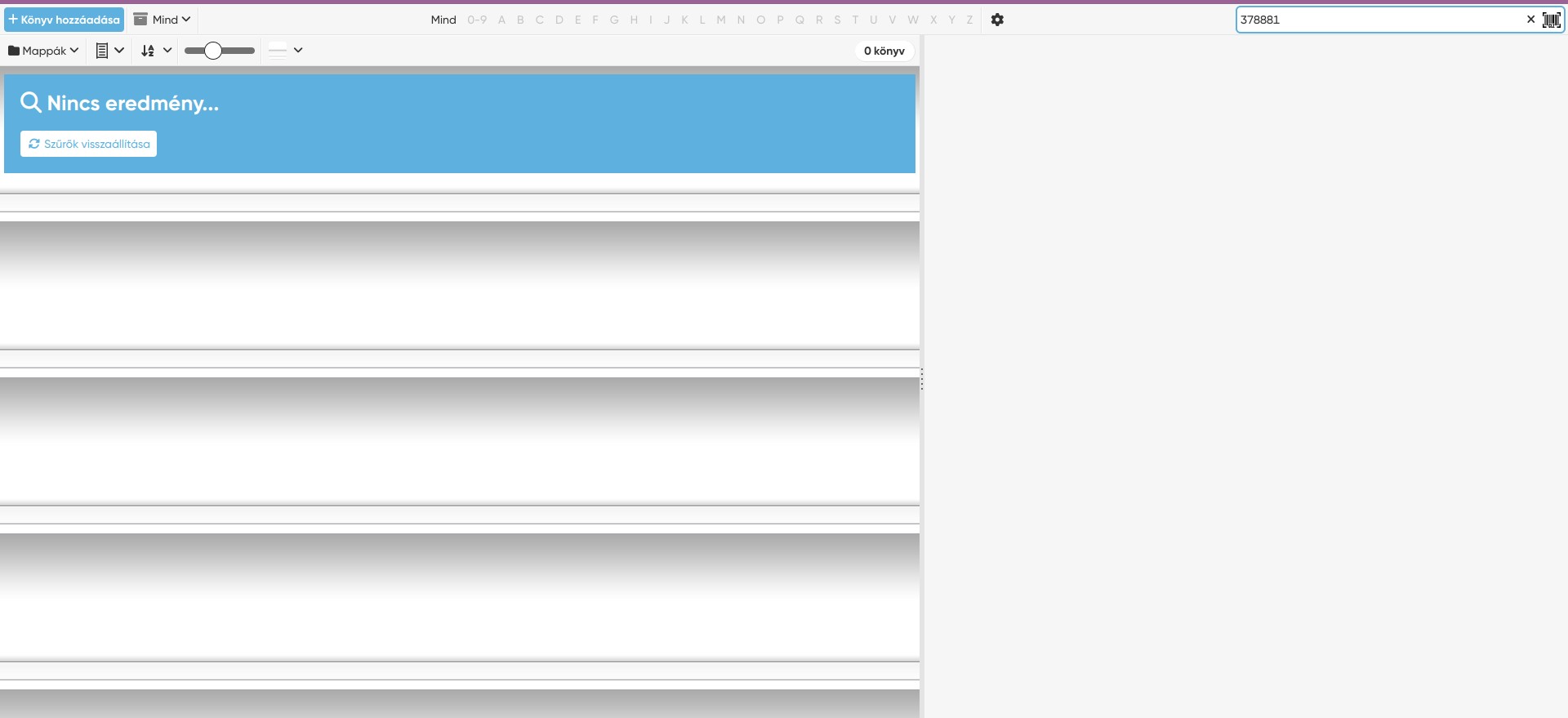
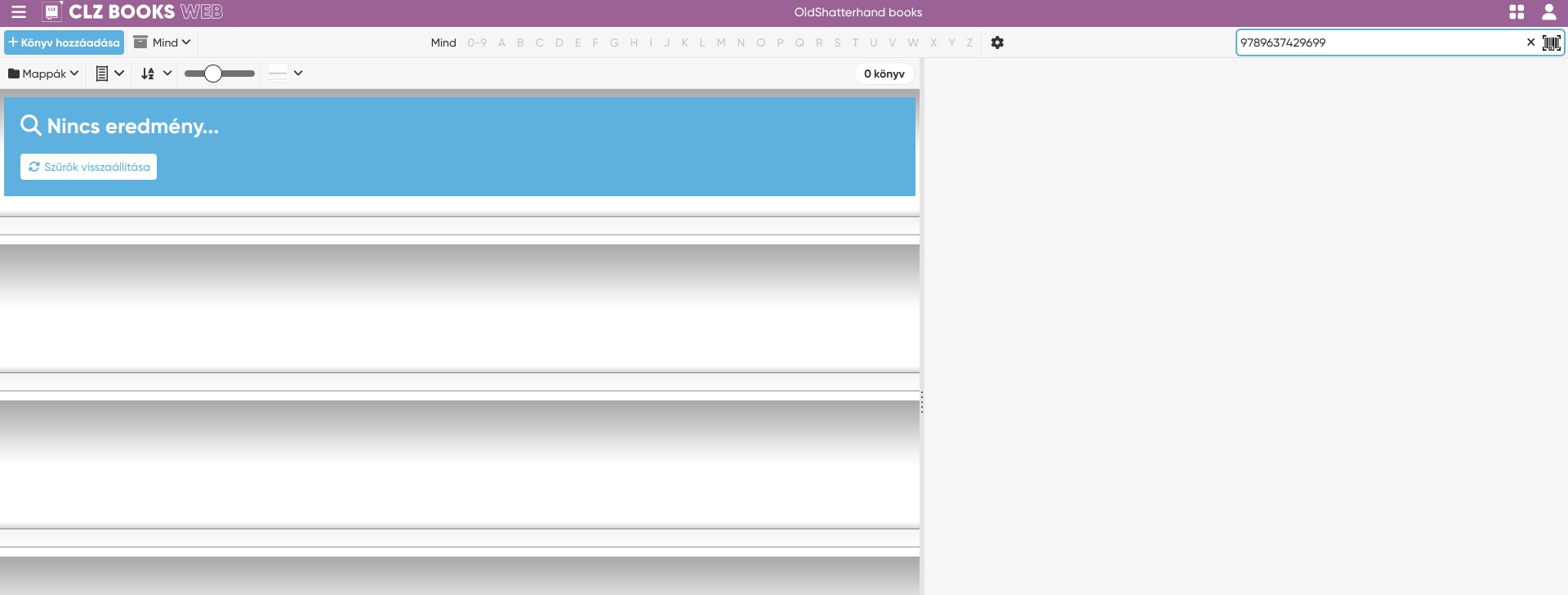
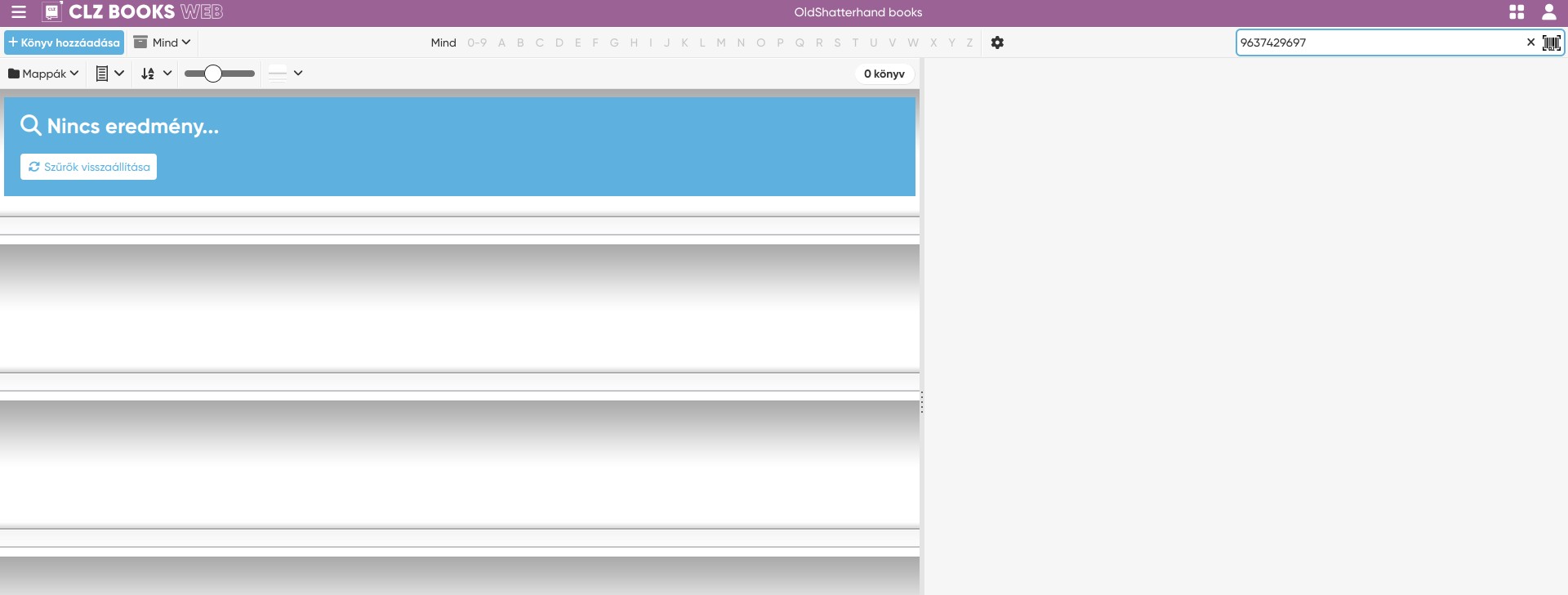
I can support that somehow ISBN 10 should be appear or at least store in the core, web version too. Lot of old books don’t have barcode but have ISBN. So you can not use the barcode scanner, and if you enter the ISBN to the search bar (search in my books) on CLZ Web you don’t get results because you convert the real ISBN 10 to ISBN 13 and your search bar miss the possibility to search part of the word. Or miss I something? As ISBN the unique identifier for books I think it is an important part that can be searchable.
This is not true though, our barcode scanner has an OCR feature, it can actually read numbers, it doesn’t need bars.
Just try pointing it to an ISBN number anywhere in the book and it should pick it up.
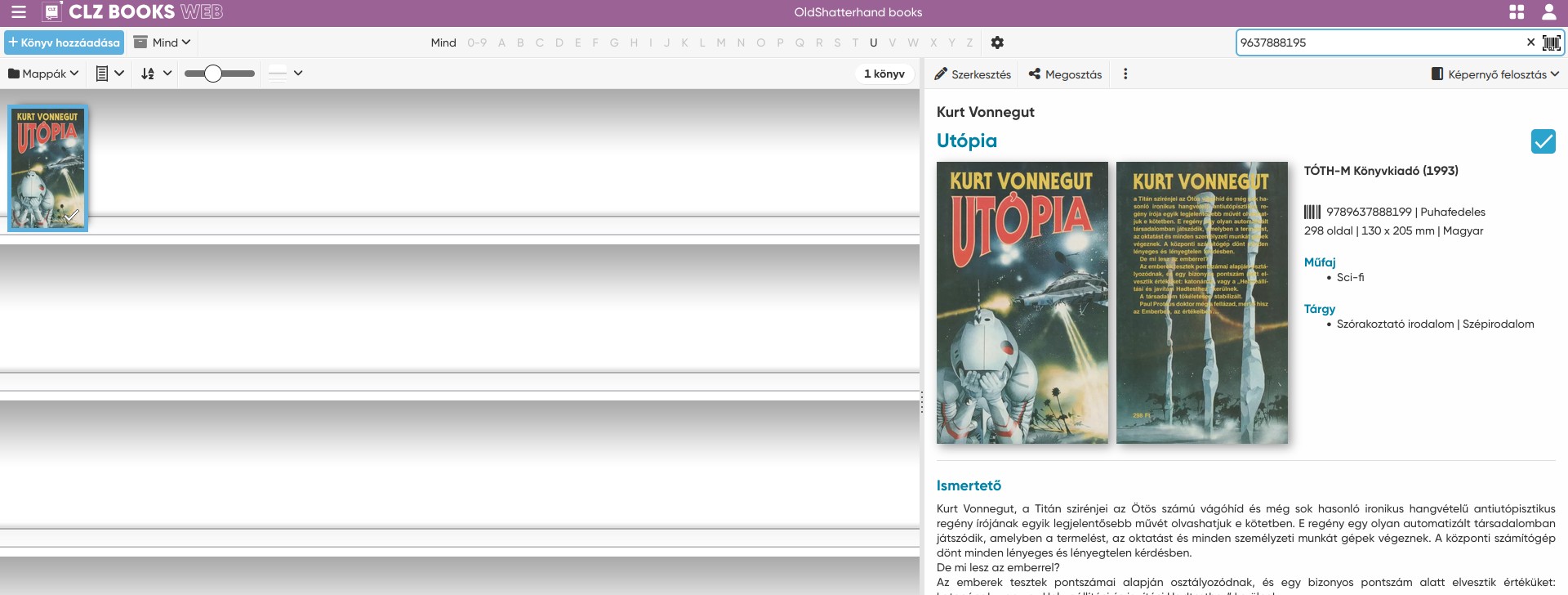
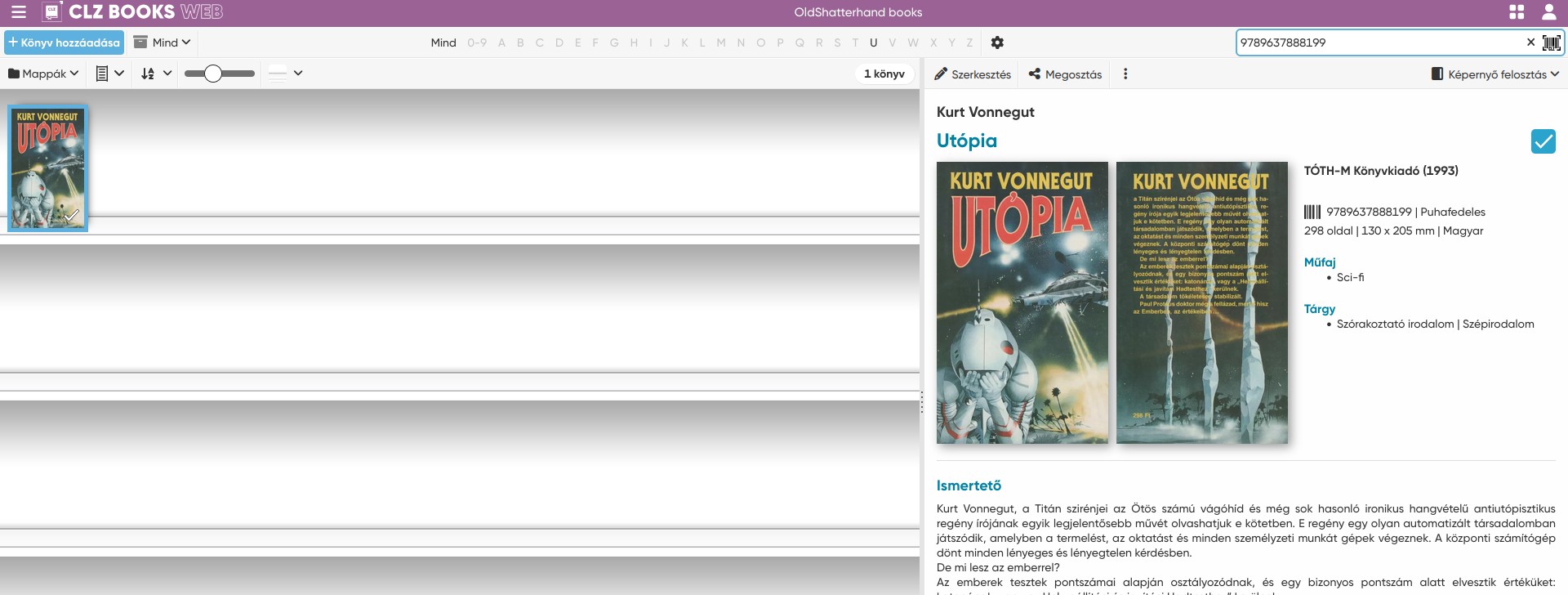
It doesn’t matter if you search ISBN 10 or 13, it will find the book as the search is also smart about converting, recognizing an ISBN 10 or 13 and finding the right book that way.
If this doesn’t work, I would like to see screenshots of the books you have/try to find and the result not being right, if you can send those to me?
This is not true though, our barcode scanner has an OCR feature
Are you thought CLZ Scanner? I didn’t know that software even exist. I remembered CLZ Barry but somehow I miss or didn’t remember CLZ Scanner. Really good, thanks! I have a Manhatten hardware handheld scanner but it has not ocr function.
@OldShatterhand it should now work. If you search an ISBN-10 locally, and you have that book with the converted ISBN-13 in your collection, it should find it now.
What work earlier that is not work and what didn’t work earlier is working now . Work: book with ISBN 13, search work with ISBN 10 and ISBN 13 too Don’t work: Book with ISBN 10 without ISBN 13, search don’t work either ISBN 10 nor ISBN 13